











Rendering with SOLIDWORKS: Why Choose Solid Solutions Visualisation Services?

Written by: Richard Earley
Published: Oct 4, 2023
| View All Blogs
Visuals are the best method of sharing the vision for your designs, whether that’s an animation of a complex mechanism or simply a stunning image of your design.
If you are working against the inevitable deadline, or simply don’t have the capabilities in-house – we can assist you in creating visuals that help bring your designs to life.
From providing assistance and over-the-shoulder support for an effective workflow, to automating animation renders and point-and-shoot virtual photobooths, our Visualisation services can be summed up in three core offerings.
SOLIDWORKS Visualize Consultancy

Prevent your projects dragging on and get the right results at the first time of asking.
Our experienced team of Visualisation consultants can work with you to generate photorealistic images and animations of your products.
By outsourcing your rendering with us, you free up valuable resources to continue developing your products and realising your marketing strategy, keeping the focus firmly on productivity and delivering an exceptional product.
With clients across a range of industries, we’re able to adapt to suit your requirements and those of your product.
What is a SOLIDWORKS Visualize Quick Start?

Our SOLIDWORKS Visualize Quick Start goes alongside our SOLIDWORKS Visualize training courses, and is aimed at new users to reduce the learning curve associated with new software.
As a bespoke offering, we’ll analyse your workflow and find solutions that work for you to ensure you get the most out of SOLIDWORKS Visualize.
SOLIDWORKS Visualize Virtual Photobooth

If you produce numerous renders for your website, catalogues, product launches, then this service is for you.
We’ll set up a range of templates for you so you can achieve the professional, studio-quality look for all of your products.
Appearances can be automated, while lighting, cameras, and scenes can all be configured so that all you need to do is drag and drop your models into SOLIDWORKS Visualize and hit render!
You don’t need a license of SOLIDWORKS or SOLIDWORKS Visualize to access these services, as we have all the tools required to help you make an impact.
With access to the full SOLIDWORKS portfolio, 3DExcite on the 3DEXPERIENCE platform, CATIA, and the Adobe Creative Cloud, our visualisation experts are in the prime position to propel your products to the top.
Take the Next Steps…

Explore the complete SOLIDWORKS portfolio and discover the advanced CAD capabilities that streamline workflows and shorten design times.
As part of the TriMech Group, we support designers, engineers, and businesses across the world as they develop innovative solutions to today’s challenges. From our CPD-accredited SOLIDWORKS training courses, to simulation, manufacturing, data management and product lifecycle solutions, our team is equipped to support you as you navigate your design journey.
With a SOLIDWORKS subscription you gain access to our expert SOLIDWORKS Technical Support team.
So if you find your workflow disrupted, or just have a question about SOLIDWORKS, then give us a call on 01926 333 777 or drop an email to support@solidsolutions.co.uk and one of our certified SOLIDWORKS Engineers will be in contact.
Categorised as: Visualisation
Get Expert SOLIDWORKS Training
Get hands-on SOLIDWORKS training in-person or online, led by certified experts with real industry experience. With venues across the UK & Ireland, it’s easy to start learning today.
Related Posts

SOLIDWORKS Visualize. Why go pro? – 6 Post Processing
In this blog we will be look at the post-processing options that can be found in SOLIDWORKS Visualize

SOLIDWORKS Visualize. Why go pro? – 7 Lighting
SOLIDWORKS Visualize uses a non-biased rendering engine, which allows for physically accurate lighting within a scene. It generates images with high amount of realism and correct set up can replicate photo studio lighting.

How to Get Your Serial Number for SOLIDWORKS Visualize Standard
Want to download Visualize to make photorealistic renders? Follow this guide for accessing your Visualize serial number that comes bundled in with SolidWorks Professional and Premium.
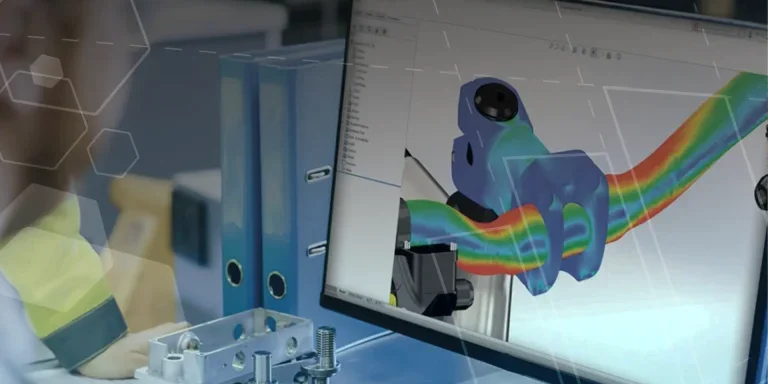
Creating Interactive Animations with SOLIDWORKS Visualize
Interactive Images are a great export option within Visualize Professional, allowing you to view the model in a series of 360 orbital spins within a web browser.
However, what happens if I want to use this interactive method to demonstrate a mechanism or animation instead?

How to Create 360VR Video using SOLIDWORKS Visualize
Virtual Reality(VR) videos provide one of the most immersive methods of viewing a design concept and can be used to bring your product showcases to the next level. Recently VR has become a valuable tool for many companies when it comes to design reviews and interactive product training. Check out this short blog to learn how to export 360VR videos using SOLIDWORKS Visualize.

Creating a Kicking Tee for the Rugby Lions Series – Modelling Walkthrough
As the Rugby Lions Series continues Solid Solutions and MECAD are continuing to compete off the pitch using SOLIDWORKS. Our second challenge was to create a Kicking Tee, a small yet key piece of equipment that is used almost every game. Various designs exist but we decided to model an adjustable kicking tee. Read on for some SOLIDWORKS tips and an overview of our modelling process.
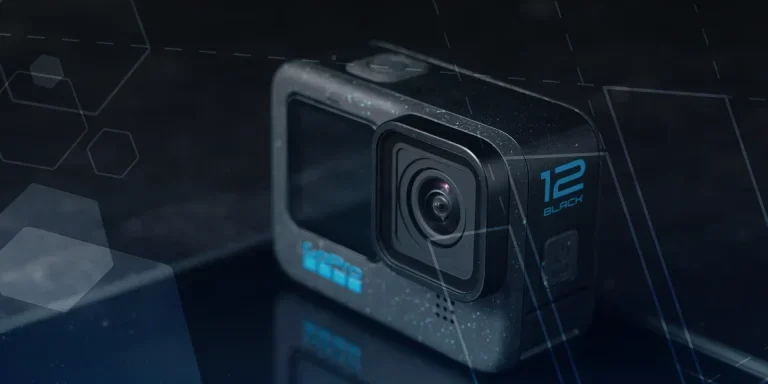
How to Create Animations in SOLIDWORKS
3D animations are a great way to display your designs, no matter what stage of the design process you are at and can provide companies of almost any industry with huge leverage in improving their operational efficiency. Animated marketing videos are a fantastic way to communicate a message that may be difficult or costly to explain other than by using conceptual animations. They are very flexible with the only limitation being your imagination.
Below is an example of a marketing video of an GoPro gimbal.

SOLIDWORKS Visualize Import Modes – Updated for 2022
If you have been using SOLIDWORKS Visualize 2022 you may have noticed some subtle changes on the import geometry tab from previous versions. These changes weren’t listed in the What’s New documentation and were introduced a little under the radar. In this blog we’ll explain what has changed and how it can save you time.

How to Create Realistic Lighting in SOLIDWORKS Visualize
SOLIDWORKS Visualize is equipped with some simple tools to help you get realistic lighting for your product renders.

SOLIDWORKS Visualize: Rendering with Gravity
SOLIDWORKS Visualize allows you to recreate the imperfections of photography by creating random, organic arrangements of components with gravity.