











SolidCAM & SOLIDWORKS Compatibility: Which Versions Work Together
Written by: Tom Buxton
Published: May 18, 2026
| View All Blogs
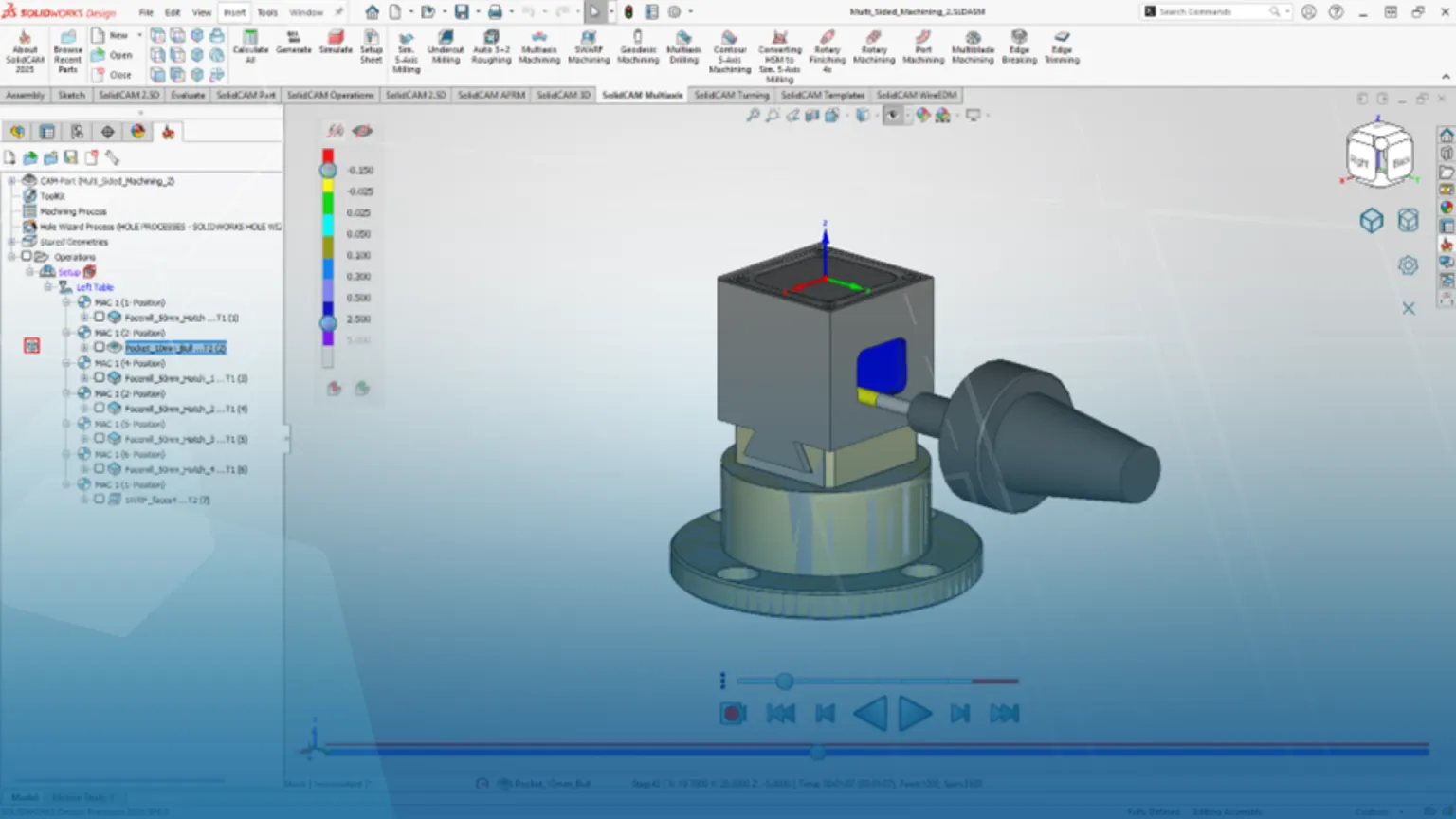
SolidCAM’s tight integration with SOLIDWORKS is one of the key reasons it’s trusted by engineers and machinists worldwide. But with both platforms releasing new versions every year, understanding which SolidCAM versions are compatible with which SOLIDWORKS releases is critical. Get it wrong, and you risk installation failures, disabled add-ins, or costly downtime. In this post, we break down how SolidCAM and SOLIDWORKS version compatibility works, what impacts it, and how to plan upgrades confidently to keep your CAD/CAM workflow running smoothly.
How does SOLIDWORKS and SolidCAM save time?
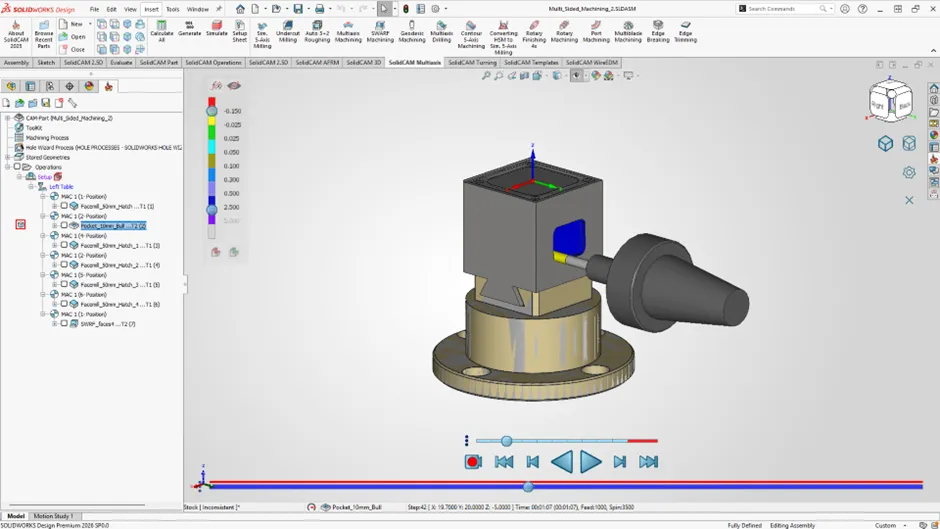
One of the biggest advantages of SolidCAM is its seamless integration inside SOLIDWORKS, allowing engineers and machinists to program CNC toolpaths directly from their CAD model. However, a common question is: which versions of SolidCAM work with which versions of SOLIDWORKS? Understanding this compatibility is essential to avoid installation issues, lost productivity, or unexpected upgrade costs.
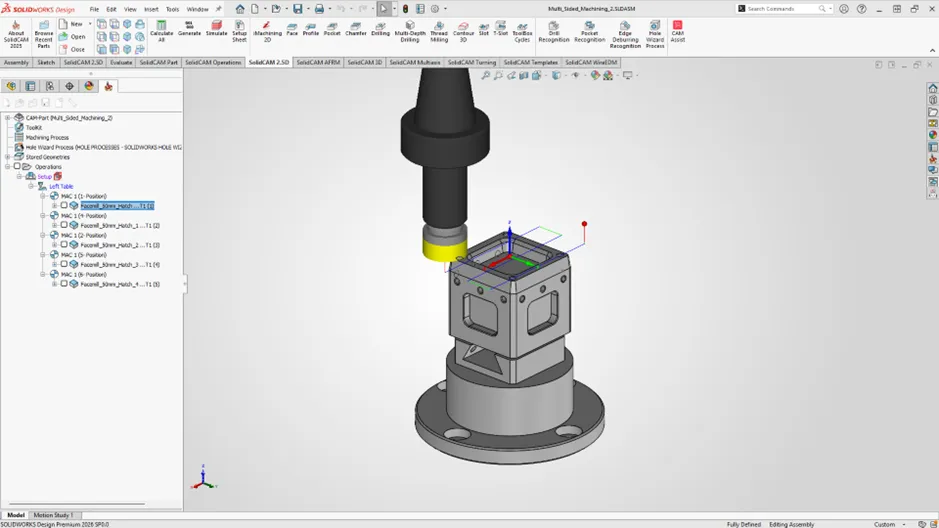
SolidCAM is developed as an add-in that runs inside SOLIDWORKS, meaning it is tightly linked to specific SOLIDWORKS versions. SolidCAM is a gold partner product with SOLIDWORKS which means that you can expect the highest level of integration between the two pieces of software. Each major SolidCAM release supports a defined range of SOLIDWORKS releases, typically covering several recent years rather than just one version. For example, a current SolidCAM release will usually support the latest SOLIDWORKS version, plus several previous releases, giving companies flexibility when planning upgrades.
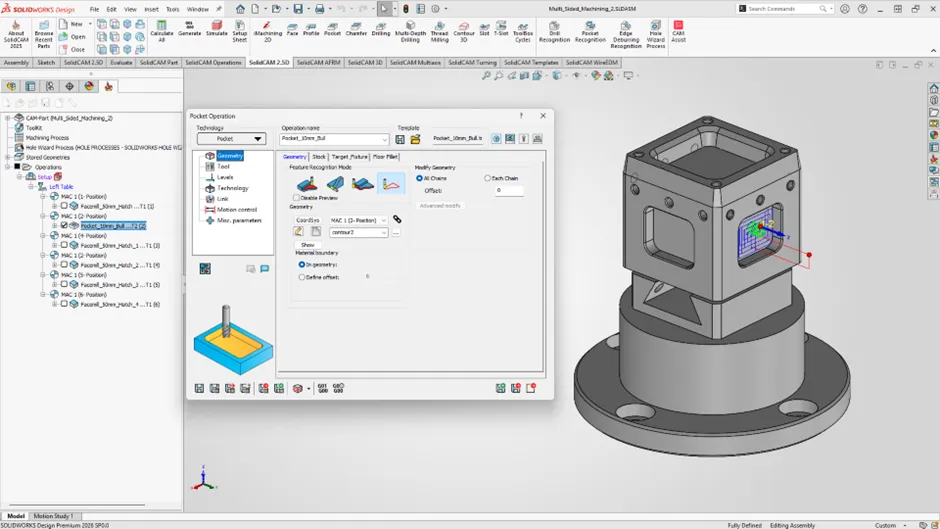
Compatibility is influenced by several factors. First is the SolidCAM major version (such as SolidCAM 2025, 2024, etc.), which dictates the maximum and minimum SOLIDWORKS versions it can run on. Second is the SolidCAM service pack, as newer service packs may introduce support for newer SOLIDWORKS releases. Finally, the operating system and hardware requirements must also align, especially when moving to newer SOLIDWORKS versions.
What to watch out for?
A common mistake is upgrading SOLIDWORKS without checking SolidCAM compatibility first. If SOLIDWORKS is upgraded beyond what the installed SolidCAM version supports, SolidCAM may not load at all. Best practice is to check the official SolidCAM compatibility matrix or consult your SolidCAM reseller before upgrading either system.
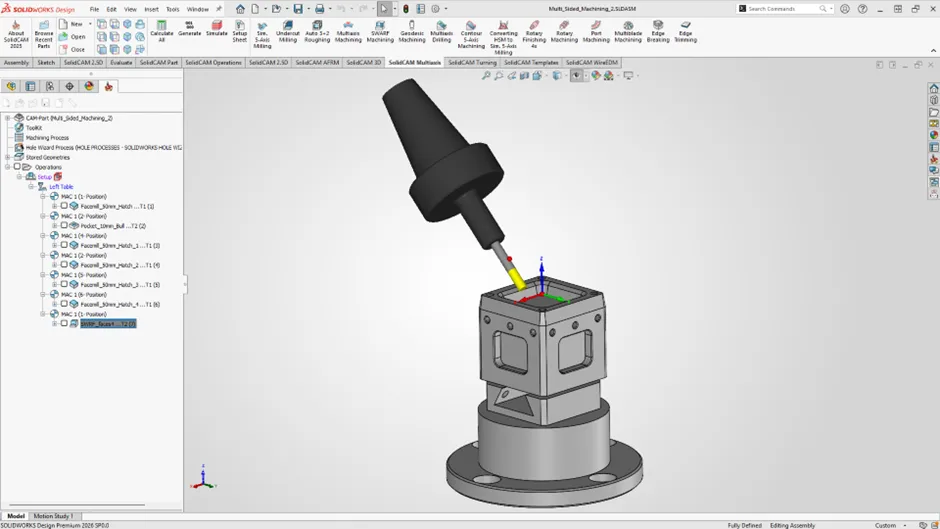
For teams managing multiple machines or users, version alignment is especially important. Keeping SOLIDWORKS and SolidCAM on supported, stable versions ensures consistent post processor behaviour, predictable toolpath calculation, and smoother collaboration across engineering and manufacturing.
In short, SolidCAM and SOLIDWORKS are designed to work together—but only when the correct versions are paired. A little planning before upgrading can save significant downtime on the shop floor and keep your CAM workflows running smoothly.
Make sure you get in touch with the support team to plan your next update today!
Categorised as: Manufacturing | SolidCAM | Tech Tips
Get a SOLIDWORKS Quote
Interested in SOLIDWORKS? Contact us for questions, trials, or demos by clicking the button below or call 01926 333777. Our experts will help you find the perfect solution.

Related Posts

How to Find Reaction Forces in SOLIDWORKS Simulation
SOLIDWORKS helps us to find resultant forces through simulation studies. These virtual tests reduce the need for physical prototypes and give us an accurate answer.

Setting number of decimal places in a table on a drawing
When creating an equation in a drawing general table, is it possible to define the…

Why is my Flat Pattern not showing in SOLIDWORKS Drawings?
This may be linked to how the drawing is saved or it can be related to how sheet metal parts are displayed in drawings, read on to find out how to fix it.

Why is SOLIDWORKS Crashing?
It’s one of the great mysteries of life – why is SOLIDWORKS crashing? Let’s explore how SOLIDWORKS crashes and how we can improve performance in SOLIDWORKS.
Tech Support Blog: Why are my SOLIDWORKS BOM Quantities Wrong?
Why are my SOLIDWORKS BOM Quantities Wrong? A support call cropped up this week which…

How to Get Your Serial Number for SOLIDWORKS Visualize Standard
Want to download Visualize to make photorealistic renders? Follow this guide for accessing your Visualize serial number that comes bundled in with SolidWorks Professional and Premium.

How to Recover SOLIDWORKS Files After a Crash
SOLIDWORKS has two different methods to help you recover from an unexpected crash or loss of data in the form of auto-recovery and back-up settings.

SOLIDWORKS Magnetic Mates
Magnetic makes are used within SolidWorks assemblies to easily configure and position assembly components. Through defining connection points and ground plane(s) – position components through drag and dropping one component within close proximity of another to snap the asset into position.

SOLIDWORKS Dimensions – Collated Quick Tips
We have collated some of our favourite tips on creating, manipulating and controlling dimensions in SolidWorks, both at a sketching and drawing level. Read on to find out more…

How to Deactivate (Transfer) a SOLIDWORKS License
A SOLIDWORKS standalone license can only be activated on one machine at a time. If you plan on moving your SOLIDWORKS license to another machine you will first need to deactivate it. Additionally if a standalone license has ended up on multiple machines or you are making a change to your computer, you will need to deactivate the license first.