











Multi-CAD Collaboration
SOLIDWORKS 3D Interconnect
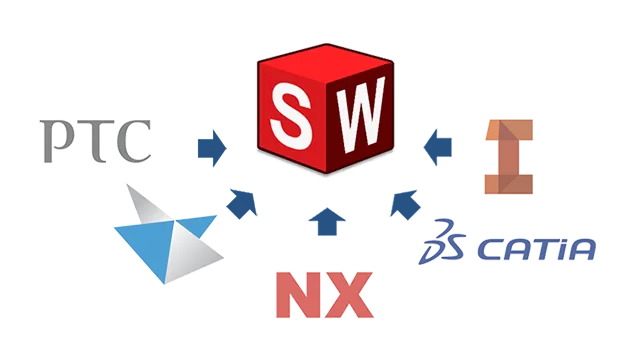
SOLIDWORKS 3D Interconnect revolutionises how engineers work with multi-CAD data. Rather than traditional file translation, which often results in "dumb" geometry and broken links - 3D Interconnect allows you to open proprietary third-party CAD files directly within SOLIDWORKS.
This technology maintains a live link to the original file, ensuring that any changes made in the native software (such as Inventor, Creo, or NX) are automatically reflected in your SOLIDWORKS assembly.
Key Capabilities
Work with third-party CAD Data without the headache
Eliminate the frustration of broken CAD links and tedious file translations by discovering more about 3D Interconnect from our expert team.
Frequently Asked Questions
A standard import converts the file into a static SOLIDWORKS part, losing all connection to the source. 3D Interconnect "references" the original file directly, meaning if the source file changes, your SOLIDWORKS assembly changes with it.
It supports all major proprietary formats, including CATIA V5, Autodesk Inventor, Siemens NX, Solid Edge, and PTC Creo. It also supports neutral formats like STEP, IGES, and ACIS in a similarly associative way.
Yes. You can add SOLIDWORKS features (like holes, fillets, or cuts) directly onto the referenced geometry. If the original file updates, your SOLIDWORKS features will attempt to re-attach themselves to the new geometry.
3D Interconnect is included in all versions of SOLIDWORKS (Standard, Professional, and Premium).
However, some advanced formats (like CATIA V5) may require specific SOLIDWORKS versions or add-ons.
Simply replace the file in your folder with the new version (keeping the filename the same).
SOLIDWORKS will detect the change and prompt you to update the model, refreshing the geometry while keeping your mates and assembly structure intact.