SOLIDWORKS Certifications
SOLIDWORKS Associate
CSWA
Aimed primarily at students leaving education as a great addition to their CV. The exam tests competencies in solid, assembly modelling and drawing fundamentals. Focusing on design intent and ability to maintain robust models.
£2,544/ 12 month term
£3,156/ 12 month term
CSWP
The most recognised of all the exams. CSWP is split into 3 segments totalling 3.5 hours testing part modelling, editing parts and assembly creation. Professional exams can also be taken on industry specific elements.

£3,876/ 12 month term
CSWE
The pinnacle of the SOLIDWORKS exams, and quite rightly tough to achieve. As well as the 85% pass mark, to even qualify to attempt the CSWE exam, users must have passed the CSWP and 4 of the CSWP industry specific modules.
Free CSWP or CSWA Examination Codes for Subscribed Customers
SOLIDWORKS Associate - CSWA
As a Certified SOLIDWORKS Associate (CSWA), you will stand out from the crowd in today’s competitive job market. The CSWA certification is proof of SOLIDWORKS competence and the first step on the journey into SOLIDWORKS certifications.
All candidates receive electronic certificates and personal listing on the CSWA directory* when they pass.
Exam may feature hands-on challenges in some of these areas:
- Sketch entities - lines, rectangles, circles, arcs, ellipses, centerlines
- Sketch tools - offset, convert, trim
- Sketch relations
- Boss and cut features - extrudes, revolves, sweeps, lofts
- Fillets and chamfers
- Linear, circular, and fill patterns
- Dimensions
- Feature conditions – start and end
- Mass properties
- Materials
- Inserting components
- Standard mates - coincident, parallel, perpendicular, tangent, concentric, distance, angle
- Reference geometry – planes, axis, mate references
- Drawing views
- Annotations
Minimum Passing grade: 70%
Re-Test Waiting Time: 14 Days Minimum
SOLIDWORKS Professional - CSWP
The CSWP is the most recognised and sought after SOLIDWORKS qualification as passing it demonstrates your ability to use SOLIDWORKS at a professional level. The CSWP consists of three segments that can be taken at separate times, you must pass all three to pass the CSWP.
All candidates receive electronic certificates, business card logos and personal listing on CSWP directory* when they pass. To show up in the directory, this option must be set in your online certification account.
The current release of the CSWP Exam has been broken down into three separate segments. This new system means you no longer have to set aside a block of time to take the entire exam in one sitting. The segmented exam allows you to take each segment at any time, and in any order, and if you choose you can take all three in a row. Once you pass a segment, you will not have to take it again. If you fail a segment, you will be able to purchase just that segment and take it again. Once all three segments have been successfully completed, you will automatically receive your CSWP Certification.
Exam may feature hands-on challenges in some of these areas:
Segment 1: (70 Minutes – 75 points to pass/105 points maximum)
- Creating a part from a drawing
- Using linked dimensions and equations to aid in modeling
- Using equations to relate dimensions
- Updating parameters and dimension sizes
- Mass property analysis
- Modifying geometry on initial part to create a more complex part
- Modifying parameters on the part at different stages while maintaining all other dimensions and design intent
Segment 2: (50 Minutes – 77 points to pass/104 points maximum)
- Creating configurations from other configurations
- Changing configurations
- Creation of configurations using a Design Table
- Mass properties
- Changing and/or rearranging features of an existing SOLIDWORKS part
Segment 3: (80 Minutes - 77 points to pass/109 points maximum)
- Creating an assembly
- Adding parts to an assembly
- Doing collision detection when moving a part in an assembly
- Interference detection
- Basic and advanced mates
- Inserting subassemblies
- Replacing a part with another part in an assembly
- Creating a coordinate system
- Using a coordinate system to perform mass properties analysis
Standard SOLIDWORKS tools that may be covered in the exam include:
- Sketch entities - lines, rectangles, circles, arcs, ellipses, centerlines
- Sketch tools - offset, convert, trim
- Sketch relations
- Boss and cut features - extrudes, revolves, sweeps, lofts
- Fillets and chamfers
- Draft
- Shell
- Hole Wizard
- Linear, circular, and fill patterns
- Linked dimensions
- Equations
- Mirror
- Dimensions
- Feature conditions – start and end
- Multi-body parts
- Rib
- Feature scope
- Mass properties
- Move/Delete face
- Materials
- Restraints
- Inserting components - new and existing
- Standard mates and advanced mates
- Reference geometry – planes, axis, mate references
- In-context features
- Interference detection
- Suppression states
- Move/Rotate component
- Assembly features
- Collision detection in an assembly
- External references
- Design tables
- Dimensions and model items
Segment 2: 50 minutes 75% to Pass
Segment 3: 80 minutes 71% to Pass
26 Years of Model Mania
SOLIDWORKS Model Mania Questions
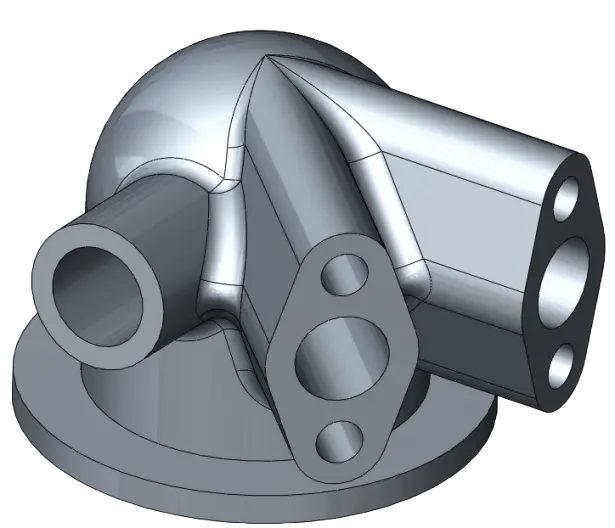
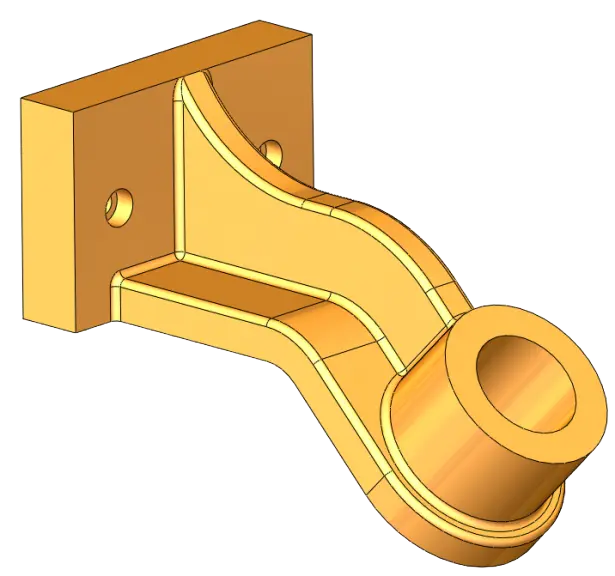
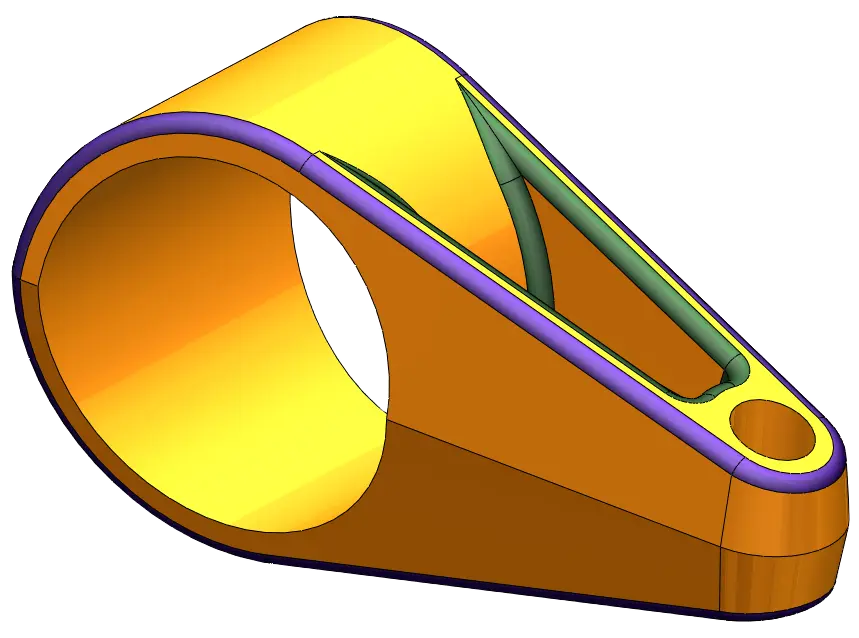
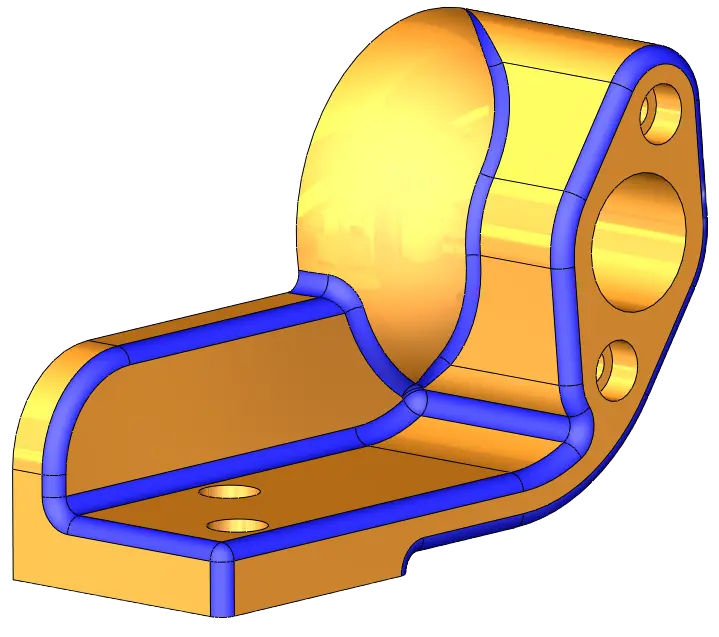
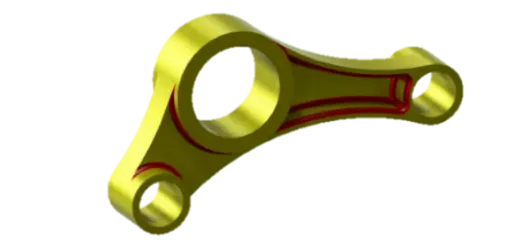
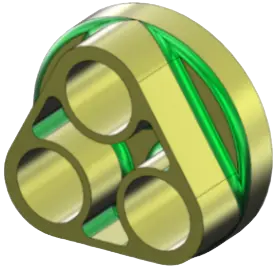
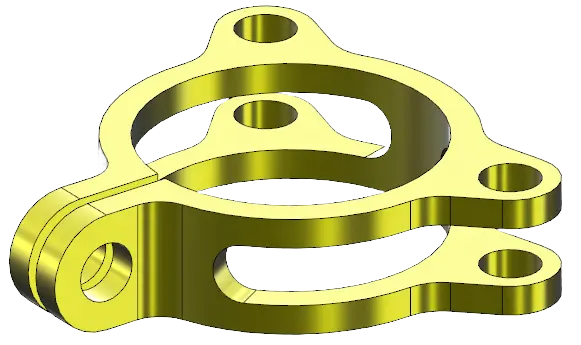
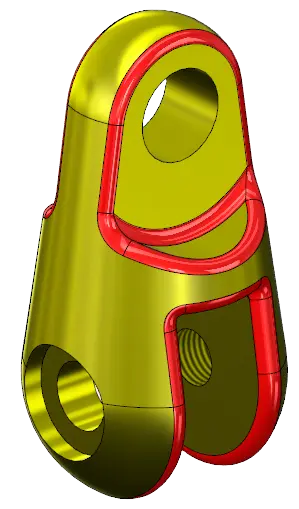
SOLIDWORKS Model Mania is a speed modelling competition that runs every year that tests how fast users can create an accurate model based on some 2D drawings. Following that there is always a second phase that requires edits to be made to the part. In this way the model mania is very similar to some of the certification exam questions. SOLIDWORKS have recently compiled the last 26 years of Model Mania questions, these should provide great practice as the modelling required is similar to the CSWA & CSWP exams.