











3D Modelling & Cloud-Based Design Tools for Personal Use
SOLIDWORKS for Makers
SOLIDWORKS for Makers brings the world’s leading 3D design software to hobbyists, DIYers, and makers at a fraction of the commercial cost.
This cloud-connected suite provides professional-grade tools for 3D modelling, digital sculpting, and manufacturing preparation, allowing you to turn your personal projects into reality using the same technology the world's top engineering firms rely on.
Explore our licences and enjoy additional savings. Discount applied at checkout.
Key Capabilities
Explore SOLIDWORKS for Makers: Woodworking, CNC, DIY, and 3D Printing
3D Printing
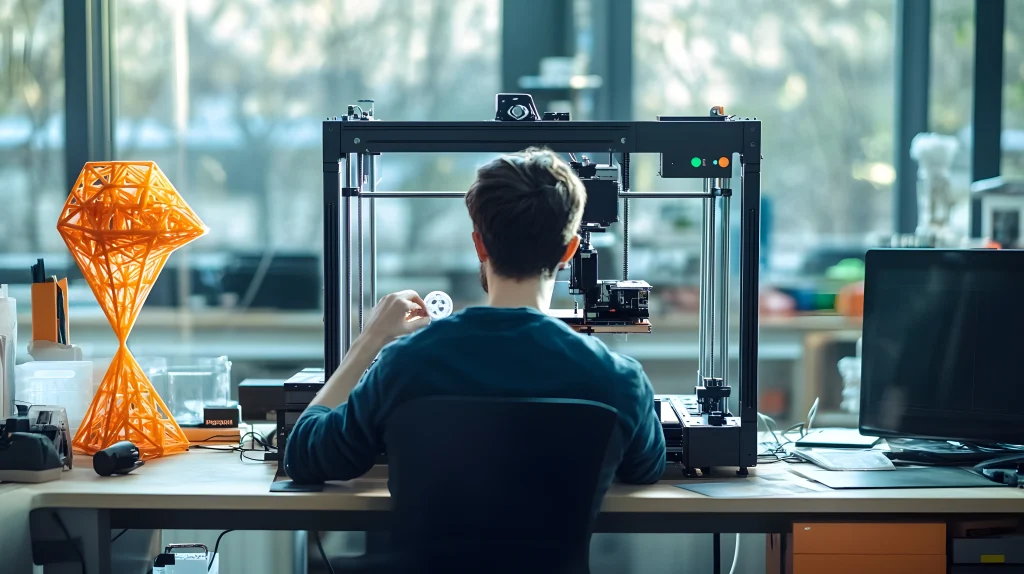
Optimise your 3D printing workflow with SOLIDWORKS for Makers - the ultimate hobbyist CAD software for personal projects. Engineered for home use, this suite allows you to build intricate 3D geometry, test functional prototypes, and export high-quality STL or OBJ files for your 3D printer.
By refining your designs in a professional virtual environment, you can eliminate printing errors and reduce material waste. From complex mechanical parts to creative models, get the precision of industry-standard tools at a hobbyist price point.


Take the Next Step with SOLIDWORKS for Makers
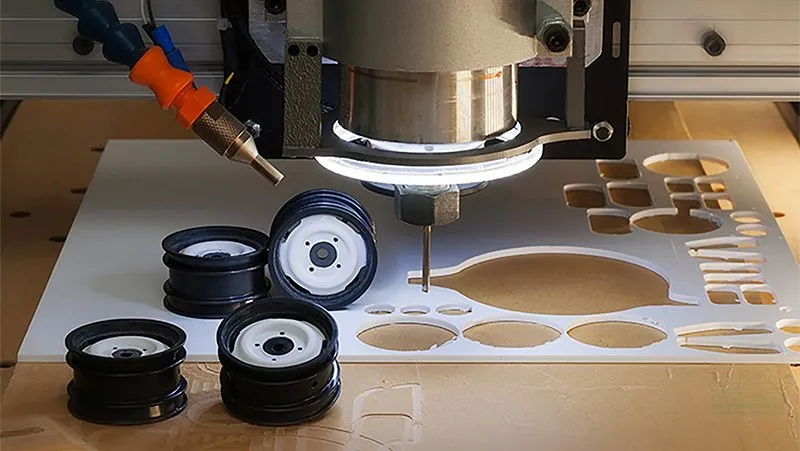
Bring your projects to life with pro-grade 3D design. From 3D printing to CNC, get all the tools you need to design and manufacture at an affordable price.
Frequently Asked Questions
The Maker version is strictly for personal use and non-commercial projects. It is designed for hobbyists and DIY enthusiasts. If you are a start-up or business, we offer dedicated SOLIDWORKS for Start-ups programmes.
You may use the Maker version to sell items you design, provided your annual revenue from these sales does not exceed approx. £1,500. If your venture grows beyond this, you will need to transition to a commercial license.
Yes and no. The browser-based tools (3D Creator and 3D Sculptor) work perfectly on Macs.
However, the core SOLIDWORKS Professional application still requires a Windows environment or a supported virtual machine.
Your data is stored on the 3DEXPERIENCE platform. If your subscription expires, you will retain "read-only" access to your files, but you will need an active subscription to edit or create new designs.
Unlike commercial licenses which include full technical support from the Solid Solutions team, the Maker version is supported primarily through the Maker Community. This peer-to-peer forum is monitored by experts and fellow creators.
Files created in the Maker version are digitally watermarked and cannot be opened in a commercial version of SOLIDWORKS. This is to ensure the low-cost license is used only for its intended personal purpose.
SOLIDWORKS for Makers is an incredibly accessible way to get hands-on with professional 3D design tools for your personal projects.
A Maker’s license is great for people just starting or hobbyists, but it does impose some limitations on revenue-generating activity.
As you approach the limits of the SOLIDWORKS for Makers license or want to add additional functionality, it’s time to look into a fully featured, commercial license of SOLIDWORKS. That’s where Solid Solutions can help.
Our team has decades of experience in helping businesses get started with SOLIDWORKS, expand their capabilities, or just solve challenges with their design workflows.
To discuss your options for unrestricted, commercial SOLIDWORKS licensing, contact us.