











SOLIDWORKS Hardware Advice
Whether you need a desktop or a laptop, choosing the right machine to run SOLIDWORKS on is a crucial for you make the most out of your time and software investment.
We're here to help provide SOLIDWORKS hardware advices so you can choose the right PC for your requirements. We have created an easy checklist of hardware recommendations below based on our verified testing with real world engineering datasets.
Recommended SOLIDWORKS Hardware Specs
CPU is measured in GHz, so look for this number as an indicator of processing power. Turbo Boost is also a winning feature when it comes to SOLIDWORKS.
CPU is generally split over a number of cores. Don’t get caught up on this though, SOLIDWORKS parts and assemblies can only make use of 1-2 cores at a time, due to the sequential rebuild nature for models.
Some assembly rebuilds, drawings with multiple views and simulations can take advantage of more cores at a time. CPU's such as Intel Xeons with more slower cores can cause a performance regression.
32GB is typically sufficient for working with CAD datasets with hundreds to low thousands of components
If you are working with more complex designs or carrying out simulations or rendering, then 64GB or more may be required for these activities particularly if multitasking.
Error Code Correcting (ECC) RAM is beneficial to reduce the chance of crashes or errors when performing long running tasks such as simulation
Avoid on-board Intel HD cards, consumer level or gaming cards such as GeForce. These are all unsupported and not designed for the output of a CAD system and would ultimately impact your experience and productivity.
SOLIDWORKS work with graphics card manufacturers to ensure reliable performance for professional cards, view a list of certified SOLIDWORKS graphics cards.
If you want to store your SOLIDWORKS data in the cloud or on a network is important to use CAD intelligent data management solution. Saving over a network without one, or uploading to cloud solutions such as Dropbox or OneDrive, risks your files becoming corrupted or losing references.
We offer a number of data management solutions and are happy to provide advice depending on your requirements. For entry level cloud data management we typically recommend SOLIDWORKS Cloud Services. For an on-premise network solution we find that SOLIDWORKS PDM is an effective and popular choice for our customers.
SOLIDWORKS can be run on Mac via virtualisation software such as Parallels, however we still recommend running on a Windows-based professional workstation if possible. Read our blog post guide to learn more about running SOLIDWORKS on mac.
If looking to buy a 4K resolution monitor, then 27 inches is the minimum size you should consider. 4K is not recommended for laptop displays currently with SOLIDWORKS.
Please do check compatibility with other applications, as many enterprise level software lack full support for 4K.
Why buy SOLIDWORKS hardware from us?
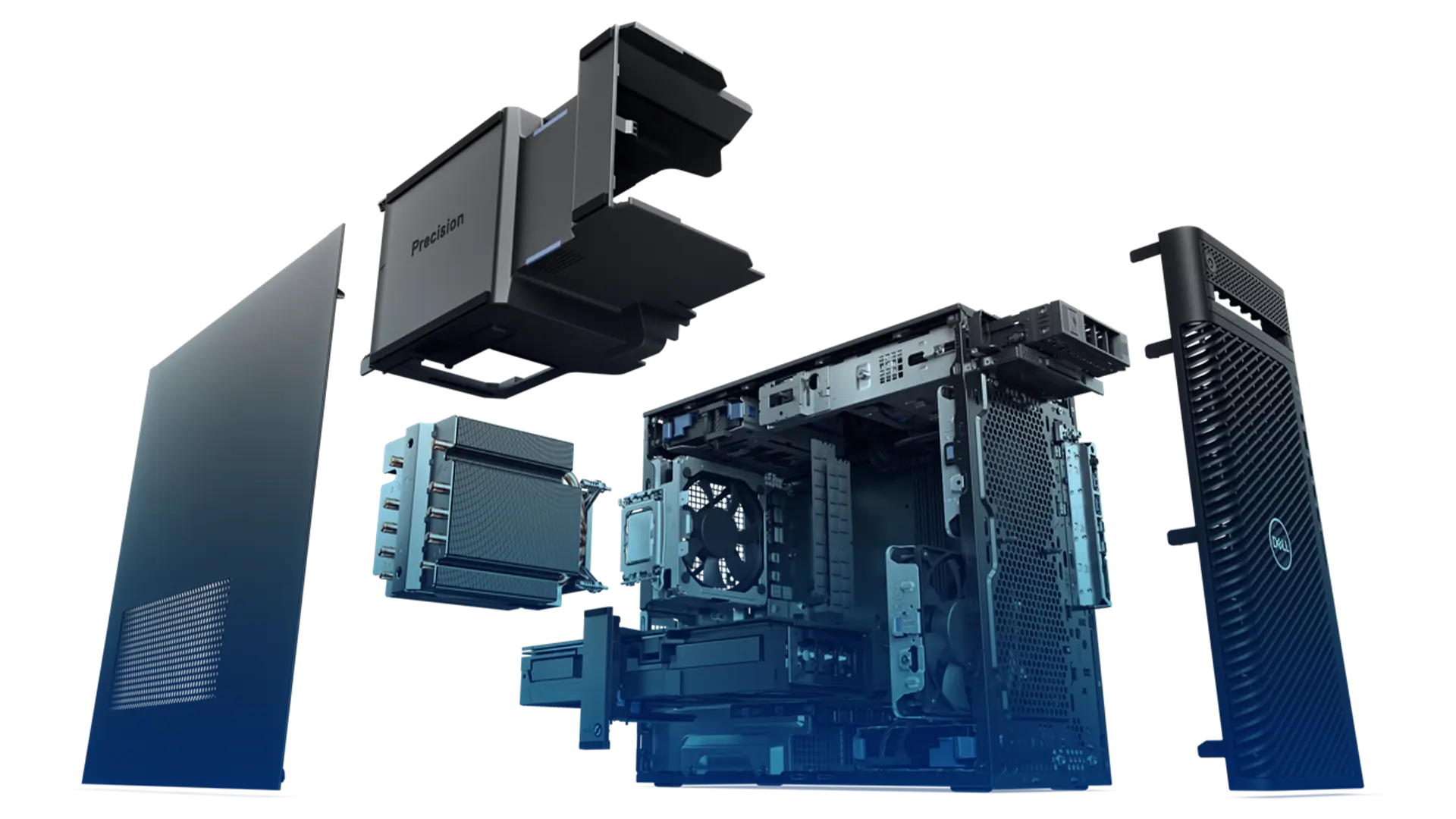
Time for a Hardware Check Up?
Choosing the best solution can be daunting and often, spending more doesn’t even guarantee better performance. Whether you’re outfitting a new engineer or upgrading equipment, our free hardware review can help make the most of your budget.

New Workstation VS. Four Year Old PC
How much of a difference does upgrading make?
We recommend upgrading your hardware every three to five years to optimise performance and maximise your engineering team's efficiency. The stats below show how much better a new laptop workstation performed when compared against a similar four year old desktop machine. For more detail on how we tested the machines and got the numbers shown below please watch the video.
71%
Faster rebuild time for complex datasets
66.7%
Faster opening a large assembly
49%
Faster to complete a structural simulation analysis
87.5%
Faster when running a CFD study
50%
More frames per second when working on a large assembly
183%
Faster when rendering with SOLIDWORKS Visualize