











SWOOD Center Service – Total Automation for Woodworking
Written by: Franklin Fairbrass
Published: Mar 17, 2026
| View All Blogs
SWOOD Center Service enables full automation of your SWOOD designs, from CAD generation right through to manufacturing outputs. Instead of modifying one design variation at a time, you can harness the power of SWOOD Centre Service to produce multiple project variations automatically, using input gathered from a wide range of sources such as manual input, ERP or online configurators (CPQ).
Whether you’re generating dozens of cabinet variations for a kitchen range or producing doors in multiple sizes and certifications for a full building fitout, SWOOD Center Service ensures every version is created quickly, accurately, and ready for manufacture.
Looking to fast track your projects all the way from initial customer enquiry to final assembly? SWOOD Center service fully automates the design, documentation, and CNC programming processes, freeing up precious capacity in all areas of your business.
What is SWOOD Center Service?
SWOOD Center service is a management tool that allows a client specification to automatically generate everything you need to fulfil a project.
Once your designs are set up, data filled out in a front-end configurator is used to automatically create a variation of your product to the exact specification defined. The CAD data, drawings, reports, and Nesting/CNC data are all created in the background ready to be sent to manufacturing.
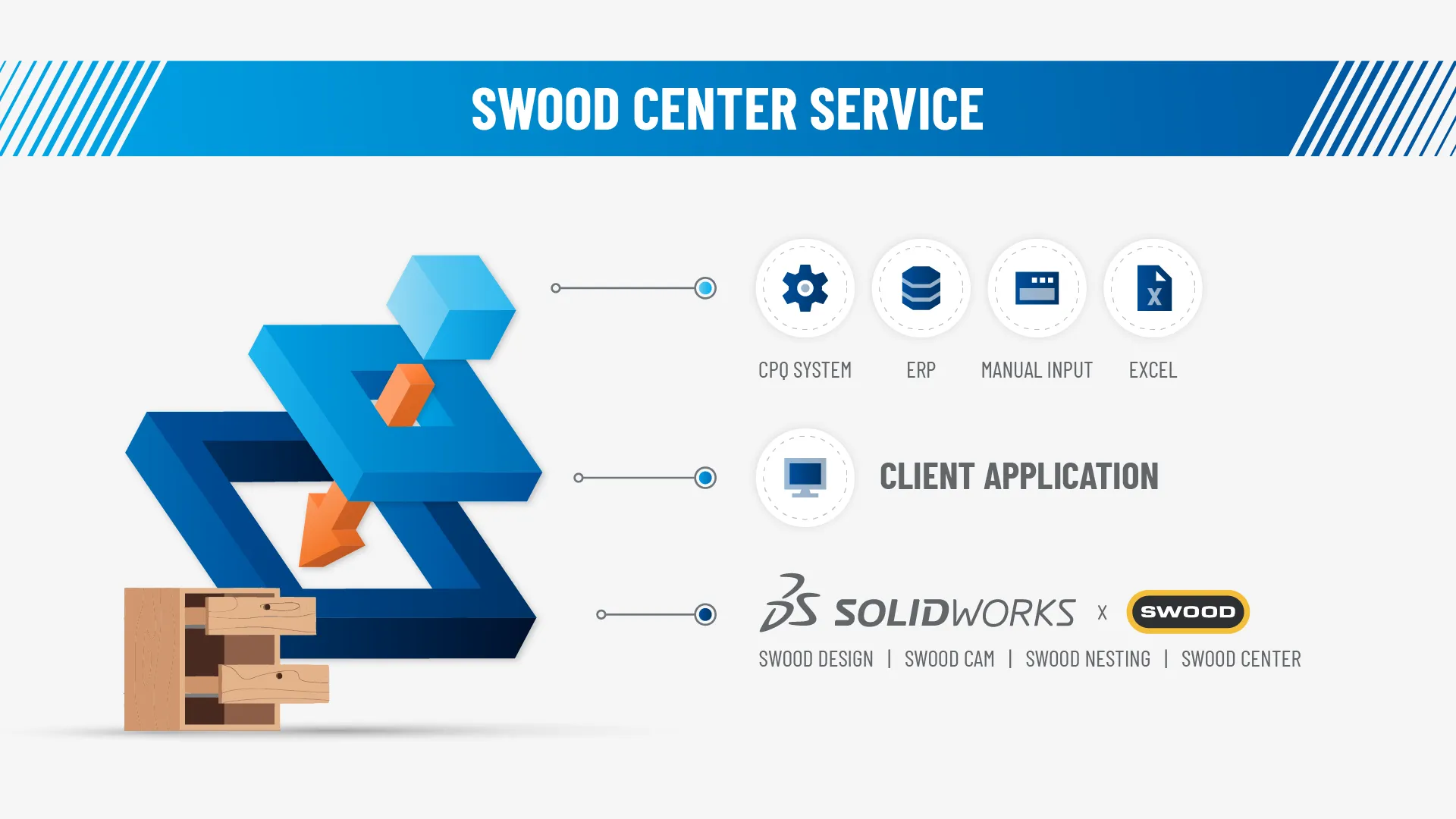
SWOOD Centre Infographic
What are the benefits?
Lightning-Fast Turnaround Times
Because SWOOD Center Service handles model generation, documentation, and program creation automatically, customers can move from quote to production in a matter of minutes rather than days. No more manual CAD editing and no waiting for engineer capacity for a job to be fulfilled.
Eliminates Errors and Inconsistencies
Manual design adjustments invite the possibility of mistakes and inconsistencies between variants of the same design. SWOOD Center’s automation ensures 100% repeatable logic is used to generate the models, giving you an output that is consistent with company standards every time.
No more repetitive tasks
SWOOD Center Service eliminates many repetitive and time-consuming tasks from the design to manufacture process. Report and CNC program generation is triggered as soon as the model is generated, and other documents such as drawings, DXFs, and CSVs are created automatically, eliminating hours of manual exporting and formatting.
WHAT SETUP IS REQUIRED?
SWOOD Center service can be implemented in different ways to match your company needs. Any model that has SWOOD Centre Configurator already set up can be used with SWOOD Centre service to automatically generate a fully configured SWOOD Frame, a nesting assembly, and all relevant documentation.
To take this even further, SWOOD Center Service can integrate directly with a front‑end web configurator. This allows customers to input their requirements online, and the configured files are automatically generated in the background. As a result, projects flow through the production pipeline without delays, freeing up capacity and improving overall efficiency.
How can we help?
Solid Solutions is committed to guiding you through the complete SWOOD Center Service implementation journey. This includes handson assistance with developing SWOOD Center ready models that reflect your product line, as well as the full setup and configuration of the server infrastructure that underpins the service.
Beyond implementation, we offer in-depth training to ensure your team can confidently use SWOOD Center Service, and we remain available with technical support whenever you need help or encounter challenges.
For more information or to arrange a demonstration, please contact us on 01926333777 or contact us.
Categorised as: Manufacturing | SWOOD
Get a SOLIDWORKS Quote
Interested in SOLIDWORKS? Contact us for questions, trials, or demos by clicking the button below or call 01926 333777. Our experts will help you find the perfect solution.

Related Posts

How to come up with ideas for your design or engineering project – some helpful tips
We know coming up with an interesting and creative design or engineering project can be…

Design considerations when 3D printing
3D printing is a colloquial term used to generalise a family of additive manufacturing processes. At the consumer level the most common 3D printing process is Fused Deposition Modelling (FDM) – a technique whereby thermoplastics are extruded through a nozzle, and a part is built up layer by layer. FDM is very popular with hobbyists due to the relatively low cost of the printer, alongside the wide range of properties and appearances thermoplastics present. The conveniency to turn a custom CAD model into a product in a short space of time is a superb way to make life easier.
Why should I be nesting parts?
Firstly we should define what is nesting? Nesting is like putting the pieces of a jigsaw together, it is the process of creating an optimal layout of your flat parts so that you get the most out of your material. Typically this process would be used in the sheet metal, fabric, plastic and wood/joinery markets. Nesting can also be used to align parts with a specific grain such as brushed metal products, patterned materials or wood grain.
Top 4 Benefits of Composite Materials for Lightweight Engineering
One method design and engineering teams have employed to combat high costs and high carbon emissions is the use of composite materials in the development of parts.
SWOOD Licensing Explained
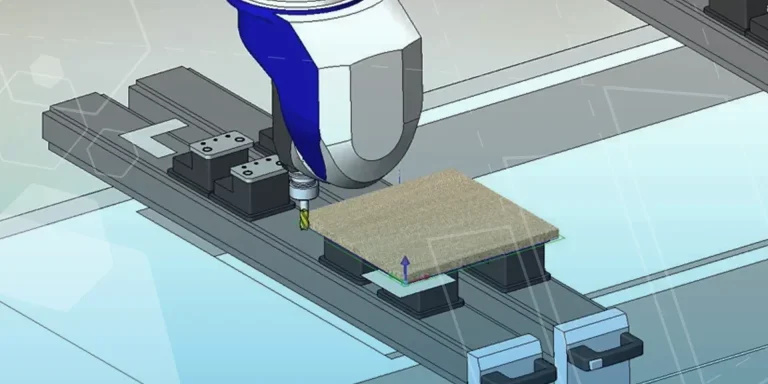
Learn the differences between SWOOD licensing. Understand how online licences connect to Eficad’s server for flexibility, while network licences allow shared access across multiple users. Discover which option suits your workflow.
How to Install and Use SWOOD Editor
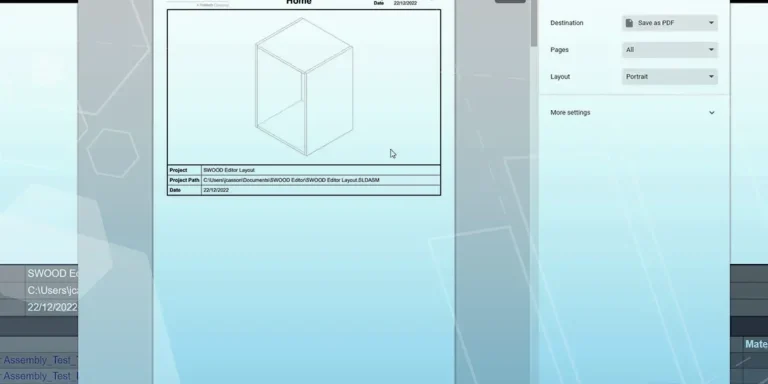
Customisable SWOOD reports provide a comprehensive set of documentation for production including cutting lists, hardware lists, labels, and material summaries.

FEA Simulation: How to Reduce Simulation Time of Automotive Wheel Models
Modelling things like wheels can be a lengthy process in simulation time due to the…

Manufacturing: How to Create Templates in SolidCAM
Using SolidCAM templates reduces repetitive tasks and boosts your productivity. Read on to find out how to create them.

Manufacturing Showcase 2023 Wrapped
From concept to creation and beyond! Here’s what you missed at the Manufacturing Showcase 2023 event in September.
What is Subdivision Modelling? Get started with 3D Sculptor
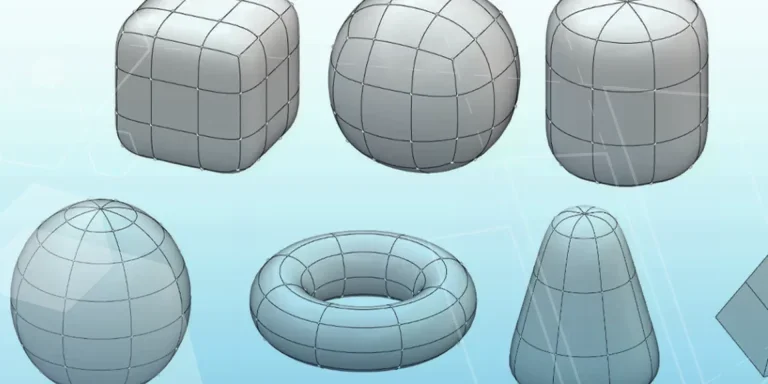
Learn how to create new components, add primitives, and manipulate basic forms with 3D Sculptor.