











Integrated FEA Simulation Tools
SOLIDWORKS Simulation
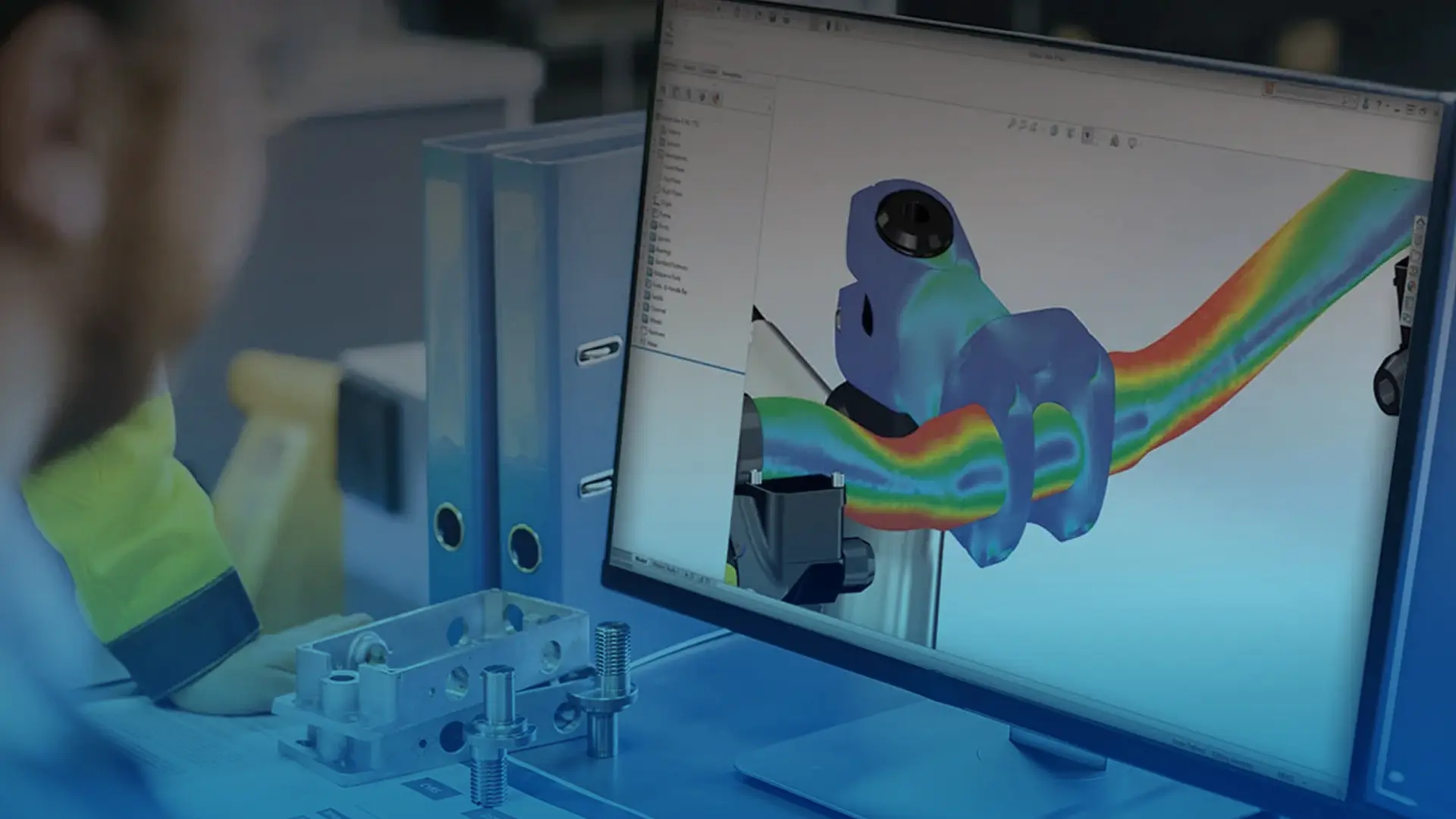
SOLIDWORKS Simulation provides engineers with integrated tools to test and analyse designs virtually before physical prototypes are built, helping to reduce cost and cut development time. By virtually testing performance early on, teams can compare different design scenarios, identify potential issues, and optimize functionality.
On this page you'll find everything you need to know about the structural SOLIDWORKS Simulation packages, for information on our other SOLIDWORKS Simulation tools see our pages for Flow Simulation and Plastics.
See Case Studies and Reviews
Customer service is at the heart of what we do, explore our testimonials and success stories.
SOLIDWORKS Simulation Capablities
SOLIDWORKS Simulation helps you to virtually test your product under a range of conditions. There are three versions that build on top of each other - Standard, Professional and Premium. Explore the key capabilities below, or view the simulation product matrix for a complete comparison.
If you would like to discuss the best package for your company's requirements please contact us.
SOLIDWORKS Simulation Standard
Linear Stress Analysis
Validate product performance under steady-state conditions by calculating stresses and deformations under forces, pressures, accelerations and temperatures.
Kinematic Motion Analysis
Visualise your product moving as it would in the real world and measure positions, velocities, acceleration forces and loads on your design. Learn more about SOLIDWORKS Motion.
Trend Tracker
Easily monitor design changes across iterations and track key metrics like stress and displacement to more efficiently analyse trends. Add comments to your design variations and restore previous versions whenever necessary.
Metal Fatigue Analysis
Foresee and evaluate the impact of cyclic loads on the structural life of a metal component to ensure your product meets performance, quality and safety requirements over its expected lifespan.
SOLIDWORKS Simulation Professional
Drop Test Analysis
Quickly setup and assess product performance under dynamic impact conditions based on drop height or velocity.
Frequency Analysis
Identify boundary conditions and ensure that natural modes of vibration are away from the environmental forcing frequencies.
Pressure Vessel Analysis
Calculate stresses in cylindrical and spherical vessels under internal and external pressure to validate designs against codes like ASME VIII and BS5500.
Buckling Analysis
Calculate critical failure loads and buckling factors for slender structures under compressive forces to predict instability and find ways to improve design strength and safety.
Event Based Motion Analysis
Simulate machine sequencing based on sensors and production line events, allowing you to evaluate the timing of equipment for specific operations.
Thermal Analysis
Calculate the temperature distribution within a solid structure caused by the thermal inputs, outputs and thermal barriers in your design. Use results to automatically calculate thermal stresses and ensure product performance.
Design Optimisation
Analyses and optimise your models to quickly improve your design's strength-to-weight, frequency, or stiffness performance. Set design constraints, goals and dimensions to vary and then quickly test many design variations to find the best results.
Topology Optimisation
Topology optimization generates the most efficient shape by defining design goals and a working volume, rather than adjusting parameters. It creates strong, lightweight, material-efficient shapes that often appear organic in design and may require adjustments or modern manufacturing methods to produce.
SOLIDWORKS Simulation Premium
Non-linear Static and Dynamic Analysis
Accurately predict stresses and deformations under complex conditions such as large displacements, dynamic loads, and nonlinear materials like rubber or metals beyond yield.
Linear Dynamic Analysis
Predict how designs respond to time-dependent or frequency-based loading conditions, to help avoid resonance, ensure structural integrity, and optimize performance under dynamic conditions.
Composite Components
Find optimal designs for composites by simulating different ply counts, thicknesses, orientations and materials for each layer. View stress results at each layer along with interlaminar stresses, and predict failure using composite-specific criteria such as Tsai-Hill and Tsai-Wu.
SOLIDWORKS Simulation Product Matrix
Compare the capabilities of the different SOLIDWORKS Simulation products below. While not shown in the packages above SOLIDWORKS Design Premium also has simulation capabilities as shown below.
Capability
Design
Premium
Sim
Standard
Sim
ProfessionalPro.Professional
Sim
Premium
Need help with Simulation?
At Solid Solutions we offer a variety of SOLIDWORKS simulation courses to help you learn how to test your products correctly. We also offer a range of simulation consultancy services if you would prefer to have our experts work with you on your projects.
Customer Testimonial - A.J. Hargreaves
Before purchasing SOLIDWORKS Simulation our design process was much different. The only way to guarantee the safety factors and reliability needed would be to over-engineer the conversions.
We would usually make things a lot bigger than they needed to be. Weight is our friend because we need to keep the machines that are working on the railways stable so they don’t derail. It wasn’t a bad thing having the weight, but it meant our designs cost more.
SOLIDWORKS Simulation is now used in almost every project at A.J. Hargreaves, with development time now cut from 3 months to just 6 weeks.
Paul Hargreaves
Technical Director at Allan J. Hargreaves Plant Engineers