











How to start with SWOOD?
Through our in-depth training courses you will quickly be able to adopt the most efficient workflows and best practises to ensure you maximise the benefits SWOOD can bring to your Business and your Design and Manufacturing processes.
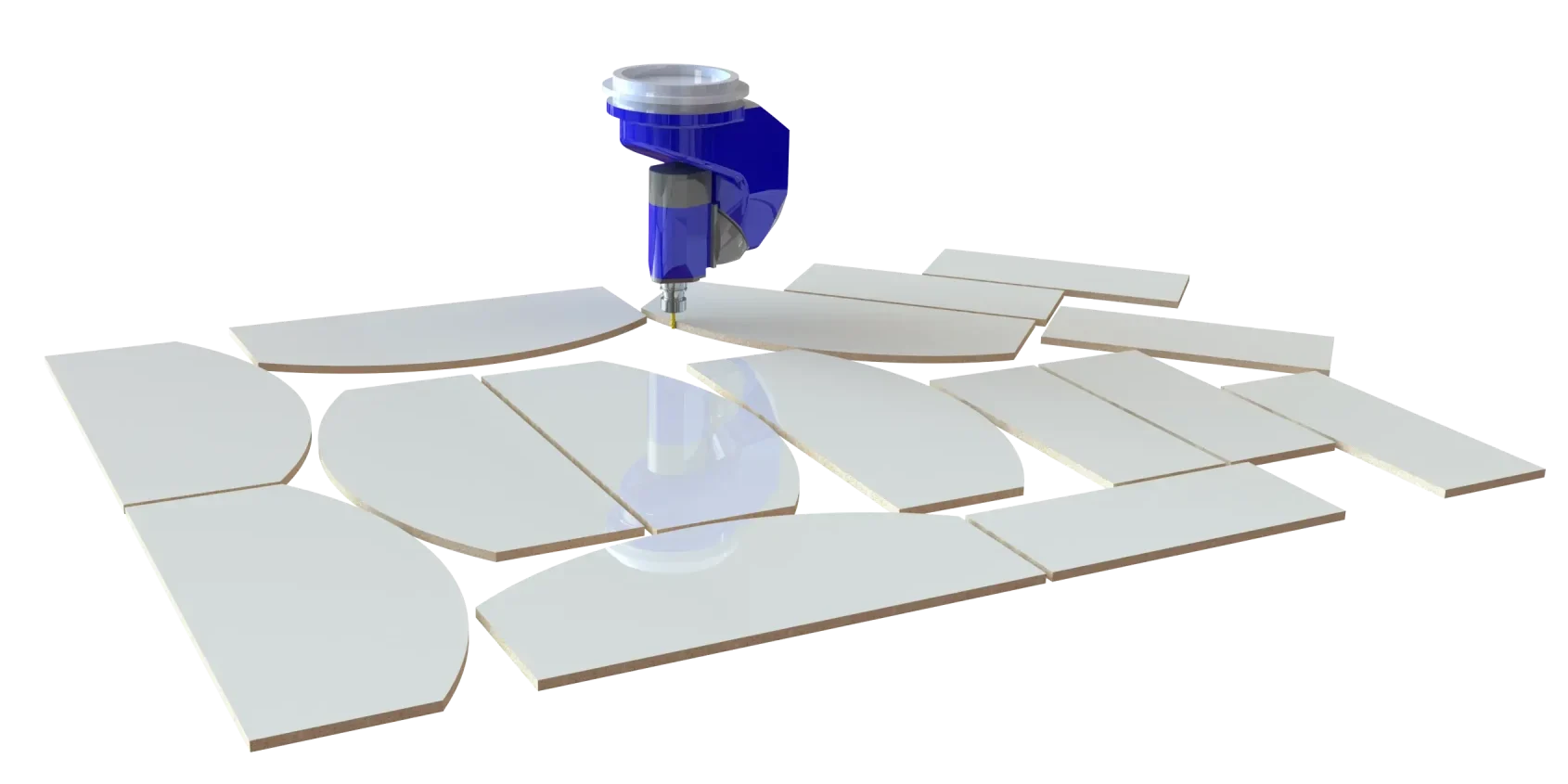
I think SWOOD are really good because it just stops you from needing to build something every single time. It's as easy as in dragging and dropping drawer boxes into the, the cabinets.
So rather than having to go through each panel and manually add dowel every time, we can create a series of dowels that will know fit a certain depth, and we can just quickly drag them across and into the cabinetry.
Arjan Kalsi
Technical CAD Designer at Vanity Hall
Frequently Asked Questions
SWOOD is compatible with SOLIDWORKS versions up to two years older versions.
For example SWOOD 2025 is compatible with SOLIDWORKS 2023 to SOLIDWORKS 2025.
SWOOD licensing options effectively match the options we have available for SOLIDWORKS.
Licenses can be purchased as perpetual licenses in both Standalone and network formats. We also offer terms licenses for short term usage in the form of 3-month and 12-month term licenses.
SWOOD CAM uses Post Processors to translate toolpaths to G Code for specific CNC machines ensuring compatibility with a wide range of machines including popular brands like Homag, SCM and Biesse.
SWOOD has design and manufacturing capabilities through the different modules of the software in SWOOD Design, SWOOD CAM and SWOOD Nesting. Additionally, SWOOD has advanced reporting capabilities which automates the processing and generation of cutting lists including information on panels, materials, edge banding, connectors and more. This is all achieved at the click of one button.
The library is a fully customisable collection of default files which can be modularly added to any of your project designs through a simply drag and drop technique. This makes for the most efficient development of your furniture and joinery projects and models by avoiding the need for repeated work. The library can also be shared amongst colleagues to avoid duplicated work within the team.
Here at Solid Solutions, we are here to help you along every step of the way in your journey with SWOOD and SOLIDWORKS. This starts with the implementation of the software and continues through the services we offer. These services cover Support and Training in the software along with Customer Care visits to ensure you are maximising your potential with the use of SWOOD. We also offer consultancy and more where you’ll work alongside our recognised SWOOD experts and specialist and our technical team to achieve your vision.
No. whilst SWOOD has primarily been developed for the use within the Woodworking industry, its benefits can also bring advantages to a wider range of industries. Its integration within SOLIDWORKS means other industries can benefit from its advanced Design tools and manufacturing tools to improve your Design to Manufacturing processes.
To understand the benefits SWOOD Design, SWOOD CAM and SWOOD Nesting to your business speak to our of our team to arrange a Demo and see how SWOOD can help maximise your business and potential.
Yes. Here at Solid Solutions, we offer comprehensive training courses across all modules of the SWOOD Software. through our in-depth training courses you will quickly be able to adopt the most efficient workflows and best practises to ensure you maximise the benefits SWOOD can bring to your Business and your Design and Manufacturing processes.
Related Content
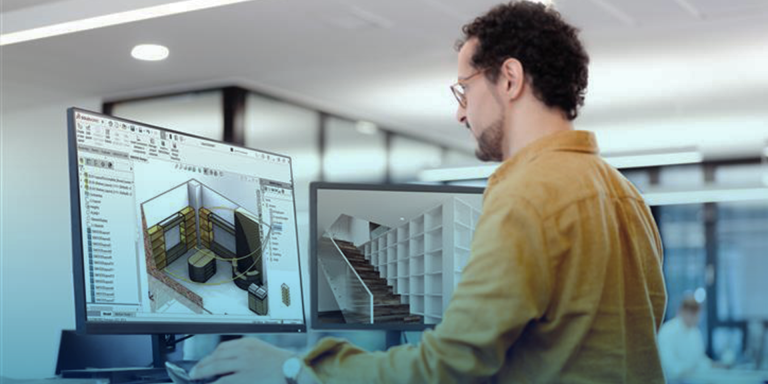
SWOOD Design
Unlock SOLIDWORKS 3D CAD Standard software powerful design capabilities and embrace the benefits of the comprehensive 3D design solutions.
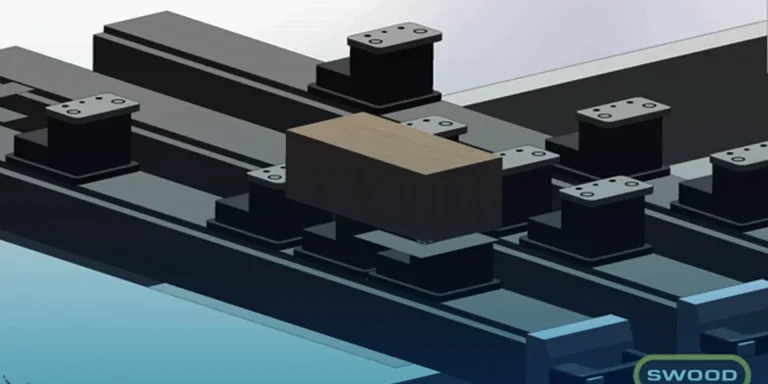
SWOOD CAM
Unlock SOLIDWORKS 3D CAD Standard software powerful design capabilities and embrace the benefits of the comprehensive 3D design solutions.
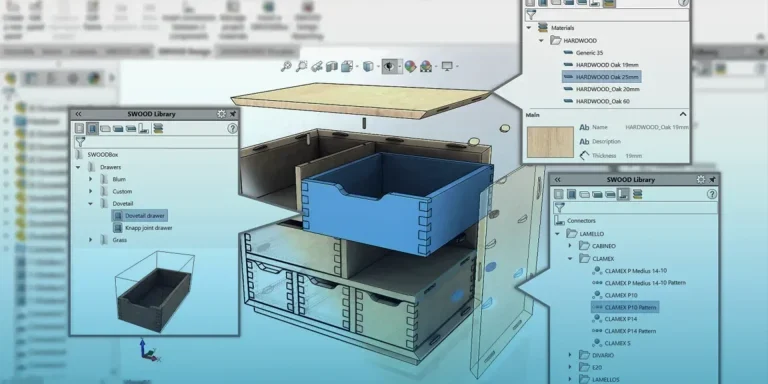
SWOOD Report
Unlock SOLIDWORKS 3D CAD Standard software powerful design capabilities and embrace the benefits of the comprehensive 3D design solutions.
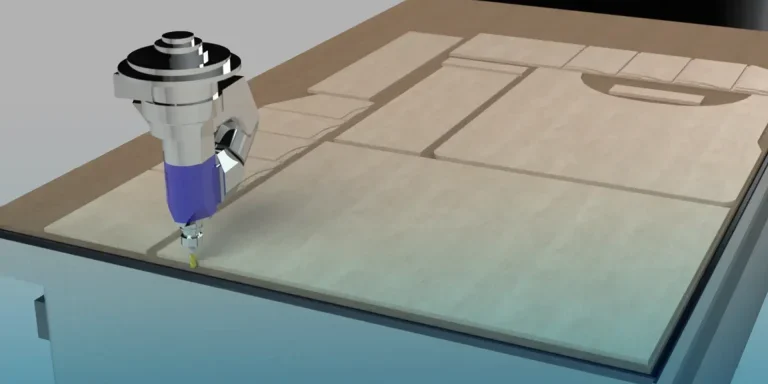
SWOOD Nesting
Unlock SOLIDWORKS 3D CAD Standard software powerful design capabilities and embrace the benefits of the comprehensive 3D design solutions.
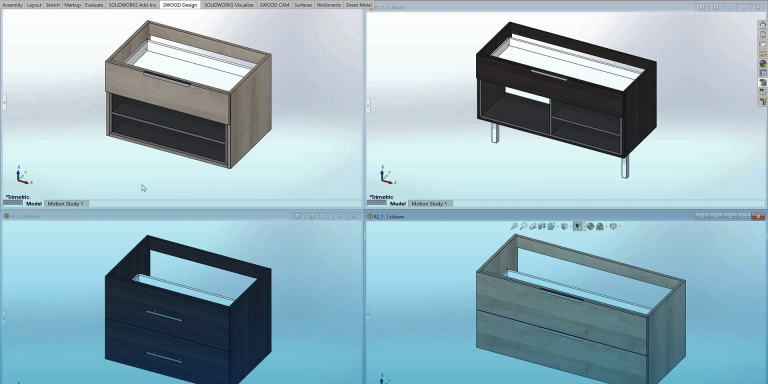
SWOOD Center
Unlock SOLIDWORKS 3D CAD Standard software powerful design capabilities and embrace the benefits of the comprehensive 3D design solutions.