











Provided by Solid Solutions and Iomart
SOLIDWORKS PDM Virtual Servers
Solid Solutions has partnered with iomart, one of the UK's leading cloud solutions companies, to provide SOLIDWORKS PDM Virtual Servers. We use VMWare which is fully supported by SOLIDWORKS as a Virtual Machine environment suitable to run PDM.
Can SOLIDWORKS PDM be hosted in the cloud?
Often it is performance and IT support that drives decisions towards cloud-hosted environments, and SOLIDWORKS PDM is no different. Our servers have full uptime support, backup and disaster recovery planning, and we can provide a full server and PDM care package for hassle-free hosting of SOLIDWORKS PDM.
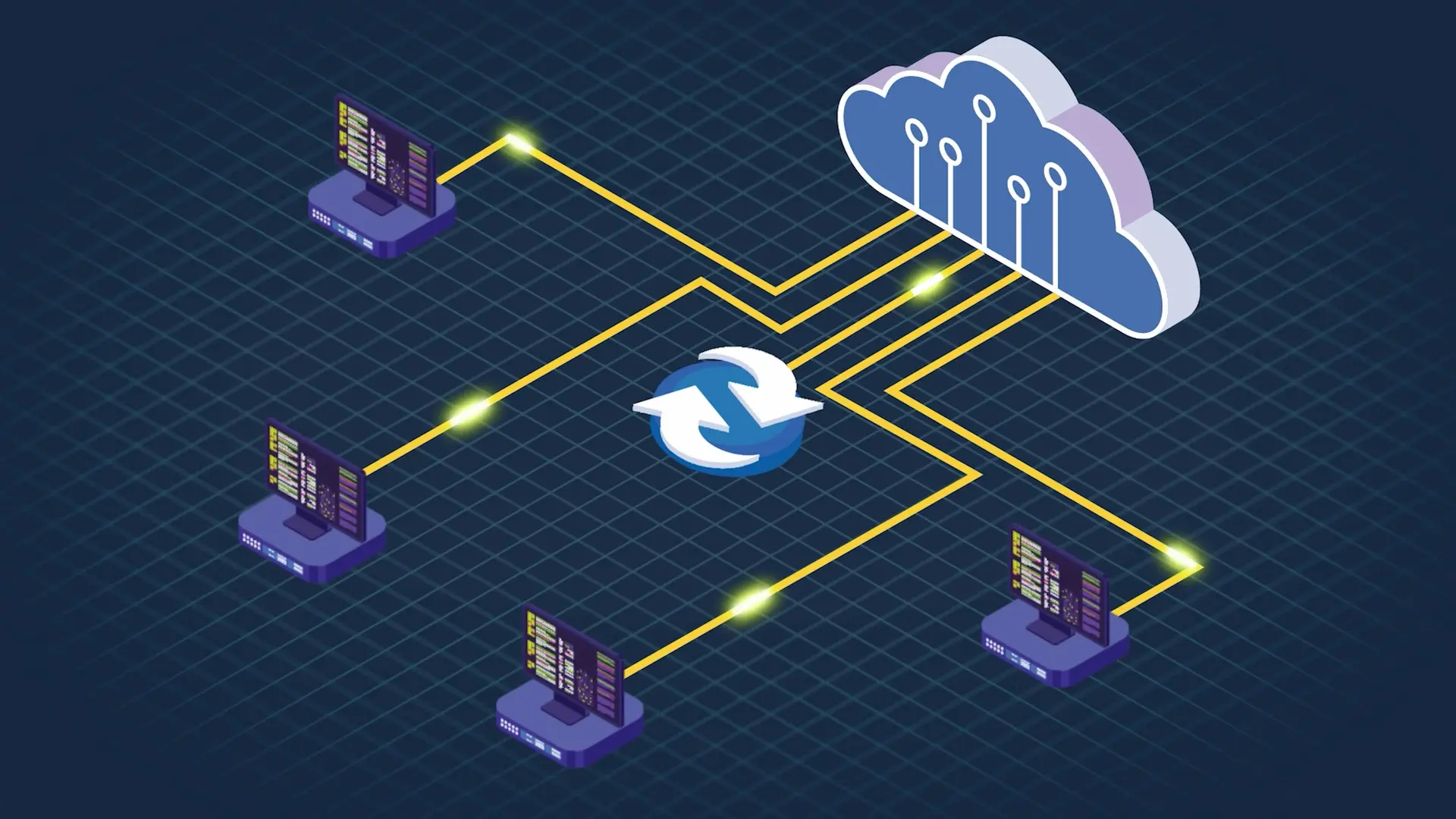
Using SOLIDWORKS PDM virtual servers offers flexibility and scalability that traditional on-premise setups cannot match. With cloud hosting, your team can access PDM from anywhere, enabling seamless collaboration across multiple locations. It also reduces the burden on your internal IT resources, as we handle updates, security patches, and performance optimisation.
Key Benefits of SOLIDWORKS PDM Virtual Servers
SOLIDWORKS PDM Virtual Servers Capabilities
SOLIDWORKS PDM Virtual Server Options
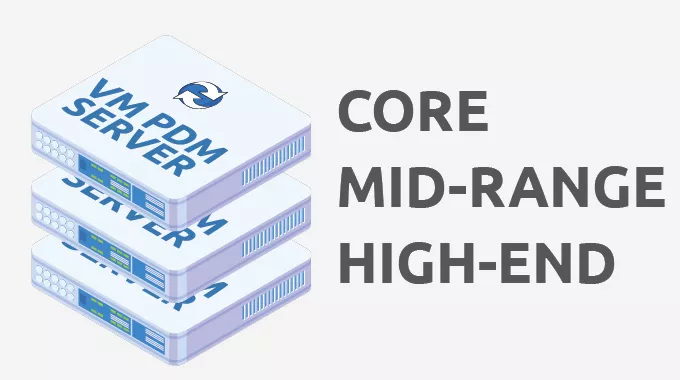
Our servers are specifically designed to run SOLIDWORKS PDM at its best.
- CORE: 2 x vCPU Processor | 8GB RAM | C:\ 150GB | D:\ 250GB | 500GB Backup Allocation | PDM STND
- MID-RANGE: 4 x vCPU Processor | 16GB RAM | C:\ 150GB | D:\ 500GB | 1TB Backup Allocation | PDM STND & PRO
- HIGH-END: 4 x vCPU Processor | 32GB RAM | C:\ 150GB | D:\ 500GB | 1TB Backup Allocation | PDM STND & PRO
Additional storage and backup provision can be added to your SOLIDWORKS PDM virtual servers at any time.

PDM and Server Care Package
There are a number of reasons why customers choose SOLIDWORKS PDM virtual servers for their applications. Often it is to reduce IT burden and cost. To support this we have created an affordable Care Package for your PDM server. Primarily, Solid Solutions can handle your annual upgrade of SOLIDWORKS PDM to the latest version or a version of your choosing.
In addition, with each implementation on the hosted platform, the Solid Solutions engineer will create a backup schema specifically for the database for SOLIDWORKS PDM. Active monitoring by iOMart will alert us to any action that may need taking on the server (i.e. disk space) and we would encourage you to review your needs with your account manager regularly to ensure you are getting the most from the hosted platform.

Offsite Backup and Restoration
Every SOLIDWORKS PDM virtual server we offer is provisioned with full offsite backup. iomart uses Avamar backup technology from Dell.
Our servers are backed up every night to an alternative iomart data centre via a dark fibre link. If needed we can restore select files or an entire server at your request.
We can also offer Disaster Recovery as an additional service which would allow for a speedy restoration of the entire VM rather than restoring at the file system level.

Connectivity - how do we access PDM?
All customer SOLIDWORKS PDM virtual servers are protected behind a firewall. There are two main methods of connectivity, site-to-site and direct client access via a VPN
Site-to-site. A customer office firewall is connected directly to the firewall protecting the SOLIDWORKS PDM virtual server so that all internal, authenticated users are able to access PDM through the secure customer network.
Client VPN. Each client PC has the Cisco AnyConnect (provided by SSM) installed and configured to connect securely through the firewall. Users have a username and password combination to connect to the server and can then access the PDM server from anywhere in the world.