











Integrated CFD Simulation Tools
SOLIDWORKS Flow Simulation
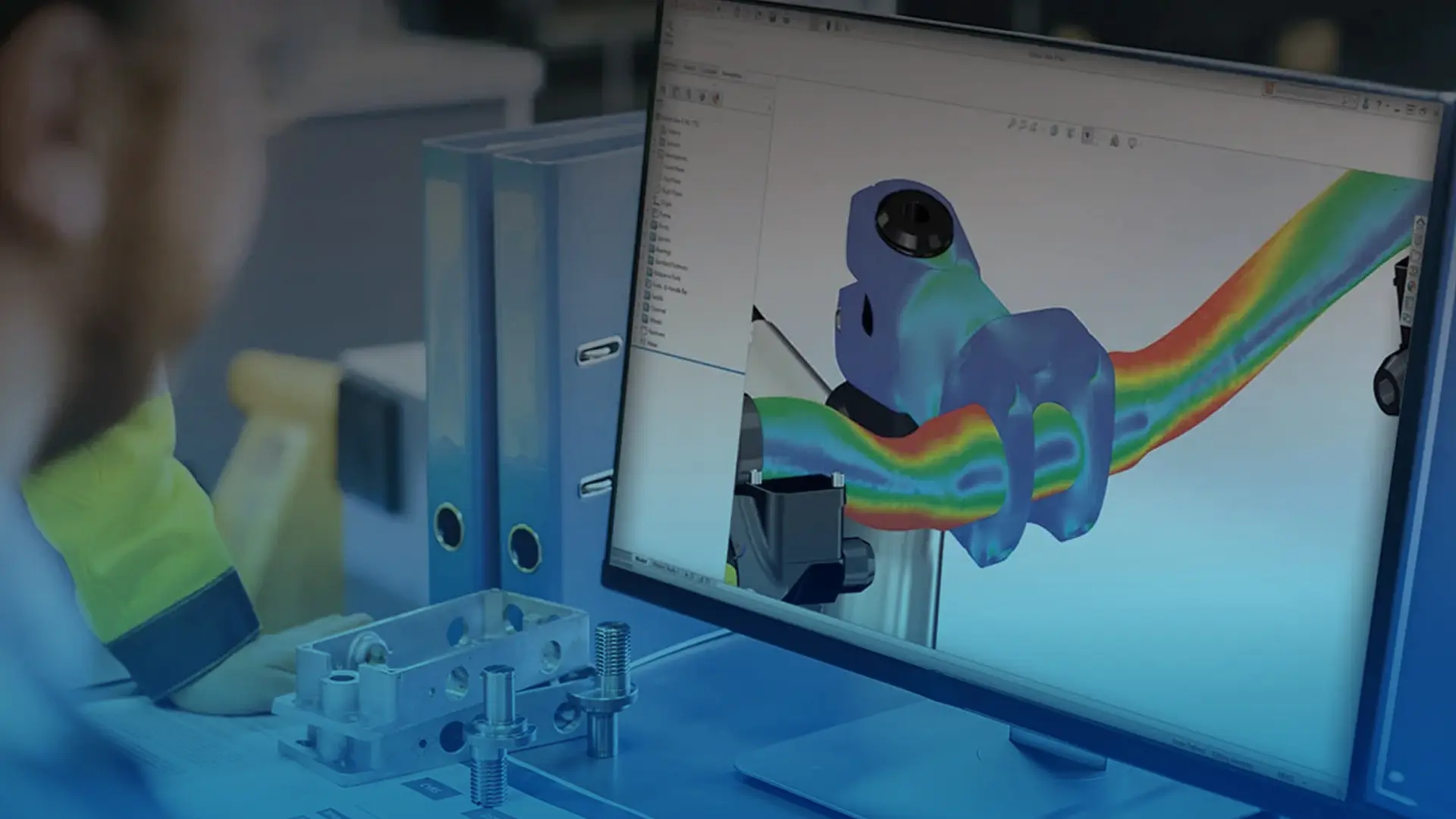
SOLIDWORKS Flow Simulation enables you to quickly and effectively simulate fluid flow, heat transfer and fluid forces. Seamlessly integrated into the SOLIDWORKS CAD software, SOLIDWORKS Flow Simulation can run numerous what if studies in real world environments, in turn studies can be compared allowing for design optimisation and superior performance.
See Case Studies and Reviews
Customer service is at the heart of what we do, explore our testimonials and success stories.
Why use Flow Simulation?
Benefits of SOLIDWORKS Flow Simulation
Need more Functionality?
Add-on Modules
SOLIDWORKS Flow Simulation has two add-on modules that provide essential functionality for specific use cases. Explore their capabilities below and if you have further questions please don't hesitate to contact us.
HVAC Module
Evaluate gas movement and temperature in working and living environments, as well as lighting applications using the HVAC simulation module. This add-in to SOLIDWORKS Flow Simulation includes added-value simulation capabilities for advanced radiation and thermal comforts analysis.
Design for Comfort and Safety
Simulate airflow, temperature, and humidity to create environments that keep people comfortable and equipment protected.
Advanced Radiation Analysis
Accurately model solar and thermal radiation effects on glass structures and other surfaces for energy-efficient designs.
Improve Air Quality and Ventilation
Evaluate contaminant removal effectiveness and run tracer studies to ensure clean, healthy air circulation.
Streamline Setup with Industry Data
Access comprehensive libraries of building materials, fan performance data, and global solar conditions for faster, more accurate simulations.
Electronic Cooling Module
The electronic cooling module delivers advanced tools for precise thermal management simulations. It serves as an ideal tool for tackling heat-related challenges by providing highly accurate thermal analysis for PCBs and electronic enclosures to ensure optimal performance and reliability.
Predict and Prevent Overheating
Simulate heat generated by multiple electrical conditions such as current, voltage, and contact resistance to predict component and board temperatures and prevent overheating.
Comprehensive Component Libraries
Access a vast library of fans, heat sinks, porous media, thermoelectric coolers, heat pipes, and PCB features to streamline setup and improve simulation accuracy.
Optimise Your Cooling Designs
Evaluate your designs without prototypes and get comprehensive results including temperature, voltage, resistivity, electrical current and density. Insights from this data makes it easy to quickly refine your layouts to improve airflow and edit components to improve thermal performance.
Instant Feedback with an Interactive Solver
See exactly what is happening while your studies are running. Refine the mesh or change parameters on the fly, great for checking concepts and ensuring your set up is correct.
SOLIDWORKS Flow Simulation Product Matrix
Capability
Flow
HVAC
Electronic
Want to learn Flow Simulation?
At Solid Solutions we offer a variety of SOLIDWORKS simulation courses to help you learn how to test your products correctly. We also offer a range of simulation consultancy services if you would prefer to have our experts work with you on your projects.
Customer Testimonial - Naim Audio
Flow Simulation has improved our time to market for several projects. Without these tools, we would have had to build more prototypes and, due to the size and complexity of some of our products, we simply could not do it in the time frame desired. We can try changes and ideas without committing to physical parts and it’s also reassuring to see that the Flow Simulation results validated when our first prototypes are eventually built!
Jonathan Marsden
Mechanical Design Manager at Naim Audio