











Free 3D CAD File Viewer
eDrawings
Fast, reliable, and easy to use, eDrawings lets you view 3D models and 2D drawings from many popular CAD systems. eDrawings Standard includes tools for measuring, markup, section views, and viewing animations or simulation results. For advanced design reviews, eDrawings Professional adds full virtual reality support and more.
eDrawings Packages
FREE Trial
eDrawings Professional
£3,156/ 12 month term
Try out or purchase eDrawings Professional software. Access additional functionality such as the option to view models in augmented and virtual reality.
Windows | iOS | Android
FREE Download
eDrawings Viewer
£2,544/ 12 month term
Download free eDrawings Viewer software to view, print, and review all types of eDrawings files, SOLIDWORKS files and supported AutoCAD DWG and DXF files.
Windows | Mac | iOS | Android
Create eDrawings files
eDrawings Publisher
£3,876/ 12 month term
eDrawings Publisher lets you create files directly from your SOLIDWORKS software, helping teams collaborate faster and more effectively.
Windows | Mac
Collaborate on the go
eDrawings Mobile
£2,544/ 12 month term
eDrawings Mobile for iOS lets your team view models and drawings anywhere, including in the field. Use AR or Google Cardboard for immersive design reviews in Viewer or Professional versions.
iOS | Android


Need a 3D CAD Solution?
SOLIDWORKS Design is an intuitive 3D CAD solution used by designers and engineers across the world over a huge range of industries. We offer free trials and affordable licencing options.
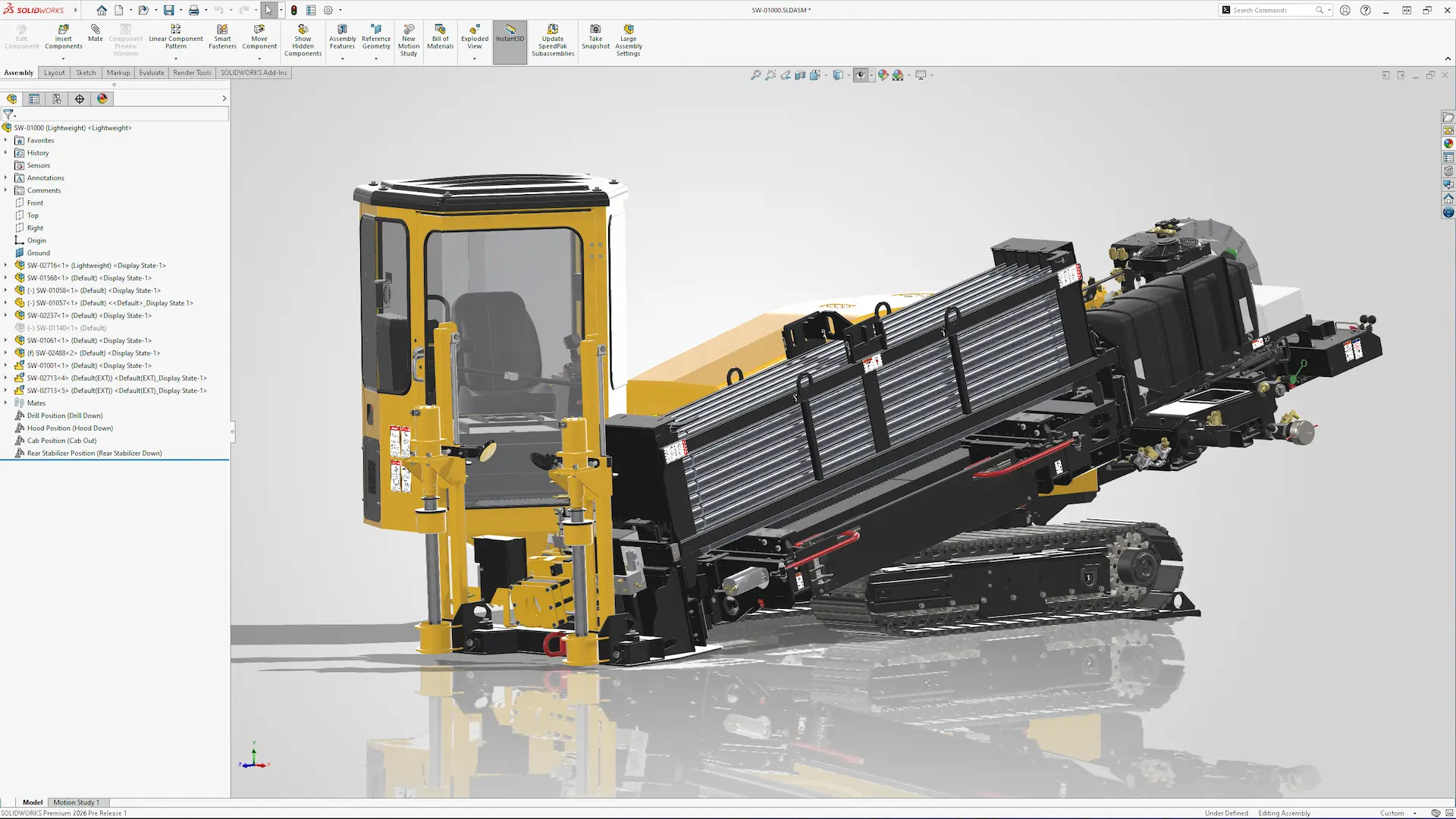
Get Started with eDrawings
eDrawings is easy to learn, with intuitive tools that let you start exploring 3D models within minutes. Watch our video guide to learn how to create, inspect, and share eDrawings effectively with colleagues and customers.
Key Benefits