











U.K. Stock | Next Day Delivery
SOLIDWORKS Laptops
We provide Dell Pro Precision & Pro Max laptop workstations optimally configured for CAD performance, backed by software certification and Dell Pro Support.
Our range is suitable for a range of CAD and related CAE applications with a focus on Dassault Systèmes solutions including SOLIDWORKS, CATIA, 3DEXPERIENCE & DraftSight.
We benchmark these laptops by using real engineering data to ensure the best performance for your workflows and budget, improving your engineering teams productivity.
View our laptops for SOLIDWORKS products below or get in touch for a review of your current hardware and requirements on 01926 333 777 or hardware@solidsolutions.co.uk
Dell Pro Max CAD Laptops for SOLIDWORKS
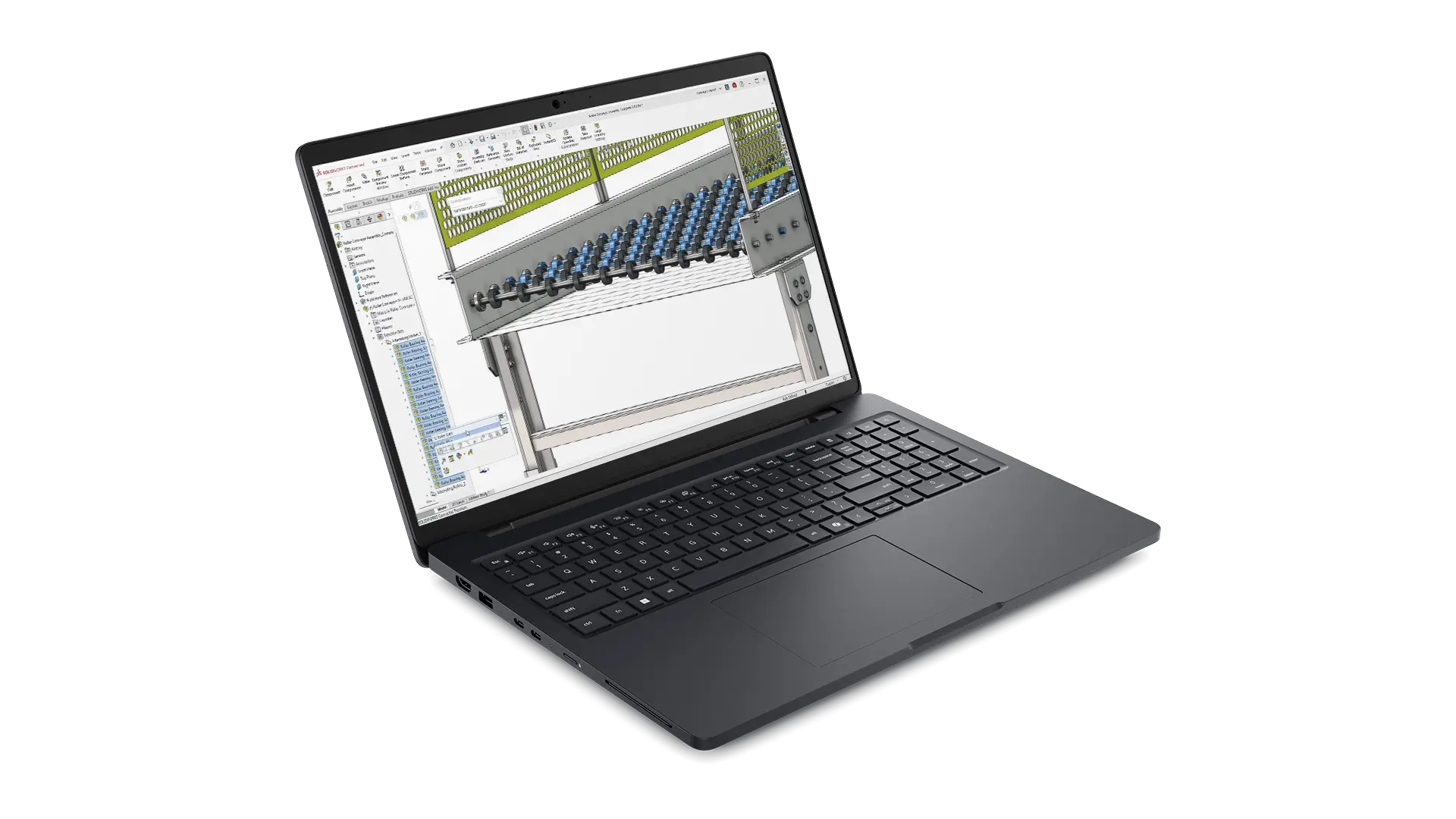
*New* Dell Pro Precision 5 16 Inch Laptop-Core 2026
Dell Price £3,355 ex. VAT | Our Price - £3,250 Ex. VAT
The New Dell Pro Precision Series 5 16 Inch laptop (PW516261) is a great blend of performance and portability, this new 2026 model features new 3rd gen Intel Core Ultra CPU, fast LPCAMM2 memory along with the latest certified NVIDIA RTX PRO Blackwell graphics.
This specification is best suited to users who are mainly carrying out core CAD modelling with hundreds rather than many thousands of components.
- Intel® Core™ Ultra 7 366H vPro®, 16 cores, turbo up to 4.8 GHz
- 16" QHD+ 2560x1600, 400 nit, 120Hz, 100% sRGB screen
- Windows 11 Professional 64bit
- 32 GB LPCAMM2, 8533 MT/s, dual-channel
- NVIDIA RTX PRO 1000 Blackwell 8GB GDDR7 Graphics
- 1TB M.2 PCIe NVMe Solid State Drive
- 6 cell, 96Whr battery
- 3Yr Dell ProSupport and Next Business Day On-Site Service
**Out of Stock, re-stock ETA TBC**
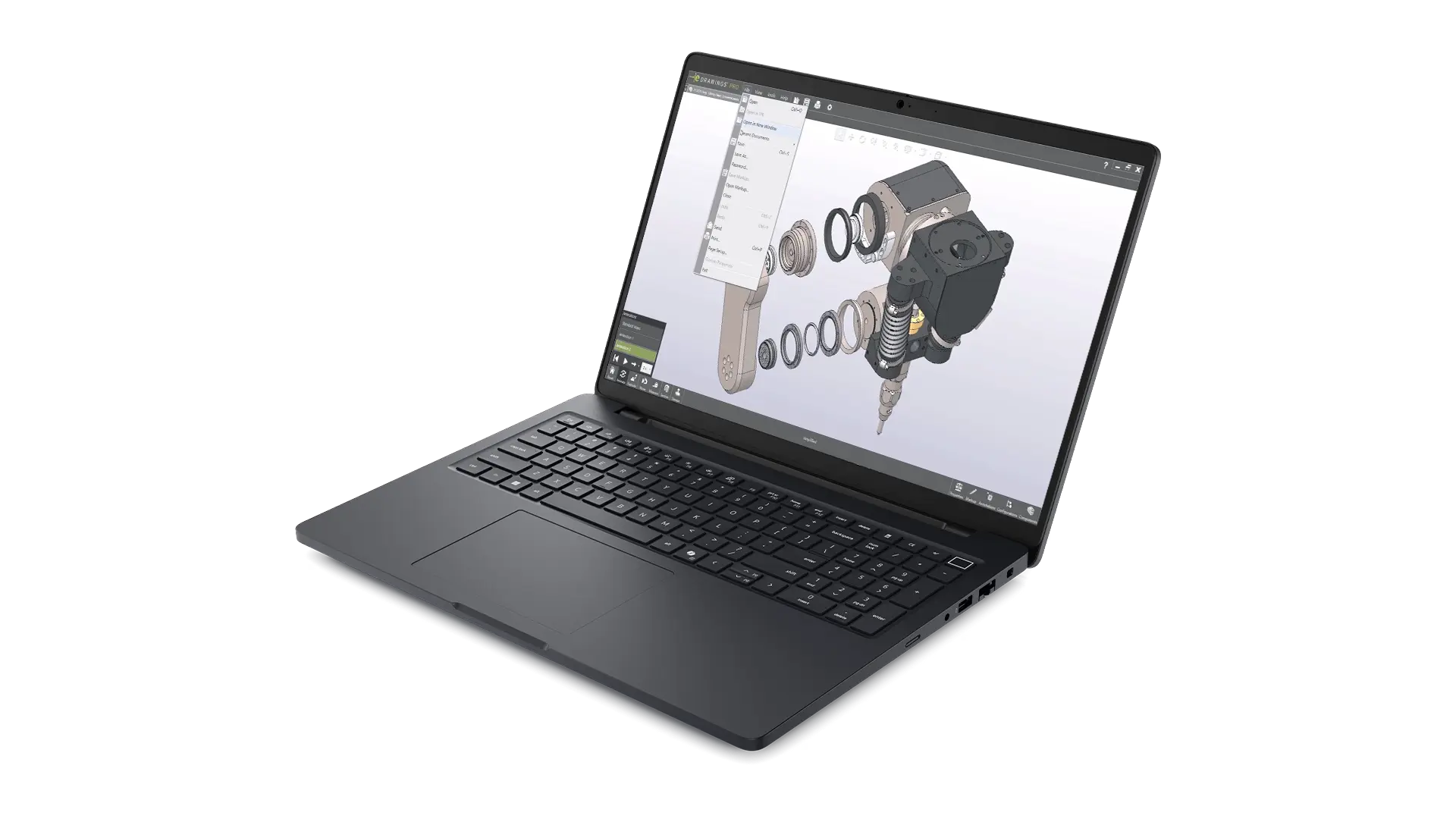
*New* Dell Pro Precision 5 16 Inch Laptop-Mid Range 2026
Dell Price £4,275 ex. VAT | Our Price - £4,175 Ex. VAT
The New Dell Pro Precision Series 5 16 Inch laptop (PW516261) is a great blend of performance and portability, this 2026 specification features new 3rd gen Intel Core Ultra CPU, fast LPCAMM2 RAM along with the latest certified NVIDIA RTX PRO 2000 Blackwell graphics.
With 64GB of RAM and 1TB SSD this laptop ideal for those dealing with datasets up to the low to mid thousands of components along with occasional light simulation or visualisation tasks.
- Intel® Core™ Ultra 7 366H vPro®, 16 cores, turbo up to 4.8 GHz
- 16" QHD+ 2560x1600, 400 nit, 120Hz, 100% sRGB screen
- Windows 11 Professional 64bit
- 64 GB LPCAMM2, 8533 MT/s, dual-channel
- NVIDIA RTX PRO 2000 Blackwell 8GB GDDR7 Graphics
- 1TB M.2 PCIe NVMe Solid State Drive
- 6 cell, 96Whr battery
- 3Yr Dell ProSupport and Next Business Day On-Site Service
**Out of Stock, re-stock ETA TBC**
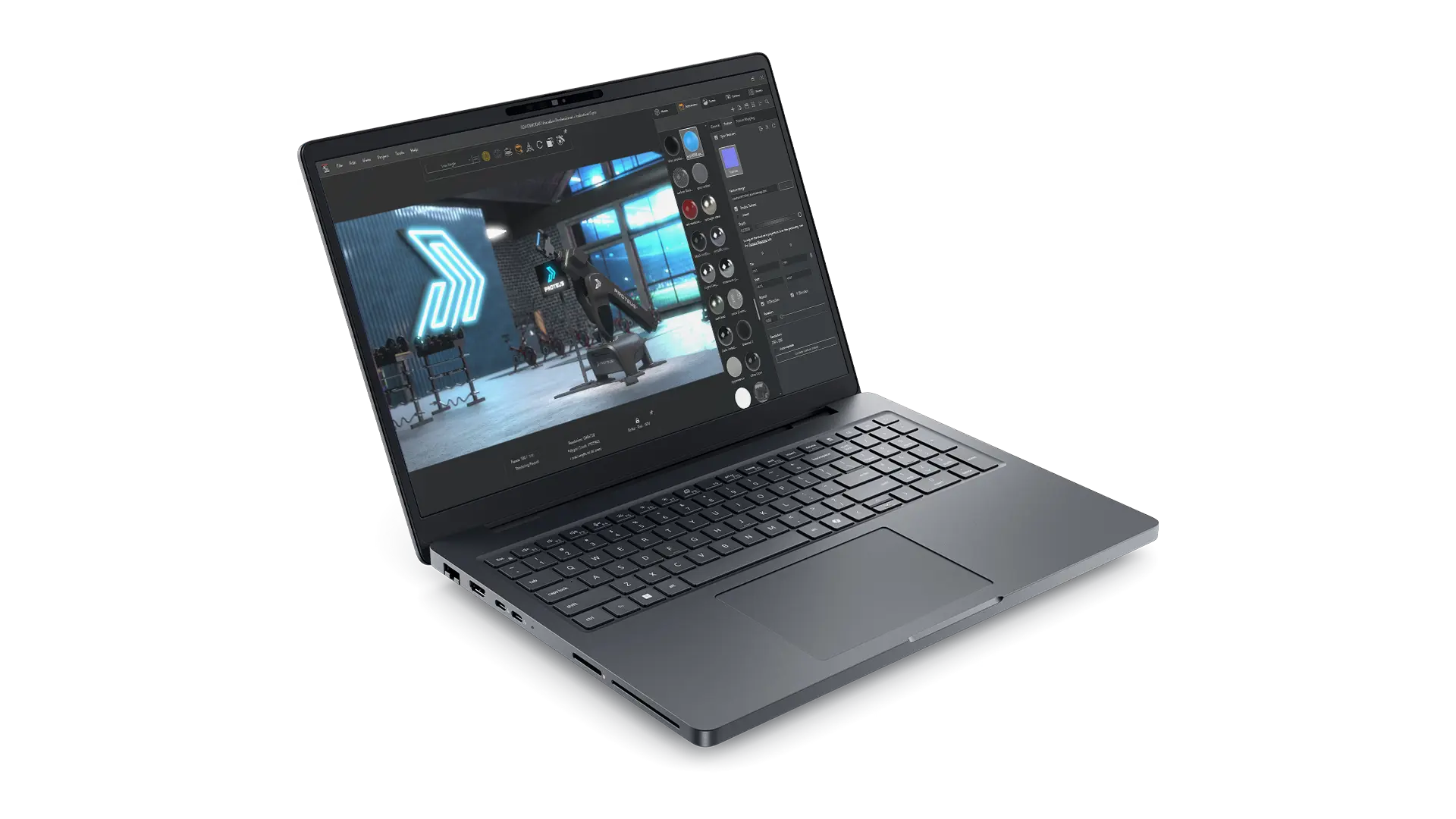
Dell Pro Max 16 Plus - Advanced 2025-26
Dell Price £5,491 ex. VAT | Our Price - £5,175 Ex. VAT
The Dell Pro Max 16 Plus sits at the top of Dells 2025 workstation laptop range replacing the previous Dell Precision 7680.
With upgraded Tri-Fan supporting higher power limits than ever before this is a true desktop replacement laptop.
This spec features an Intel’s most powerful Ultra 9 285HX & high end NVIDIA RTX PRO 4000 graphics card from the latest Blackwell generation is a workstation grade GPU optimised for stability and performance in engineering applications.
This laptop is ideal for those dealing with datasets with thousands of components, simulation and visualisation workflows.
- Intel® Core™ Ultra 9 285HX, 24 core, Turbo Boost up to 5.5GHz
- 16" FHD+ 1920x1200, 500nits, 120Hz, 100% DCI-P3 screen
- Windows 11 Professional 64bit
- 64GB (2x32GB) DDR5, 6400 MT/s, CSoDIMM
- NVIDIA RTX PRO 3000 Blackwell 12GB GDDR7 Graphics
- 1TB M.2 PCIe NVMe Solid State Drive
- 6 cell, 96Whr battery
- 3Yr Dell ProSupport and Next Business Day On-Site Service
U.K. Stock - Next Business Day Delivery*
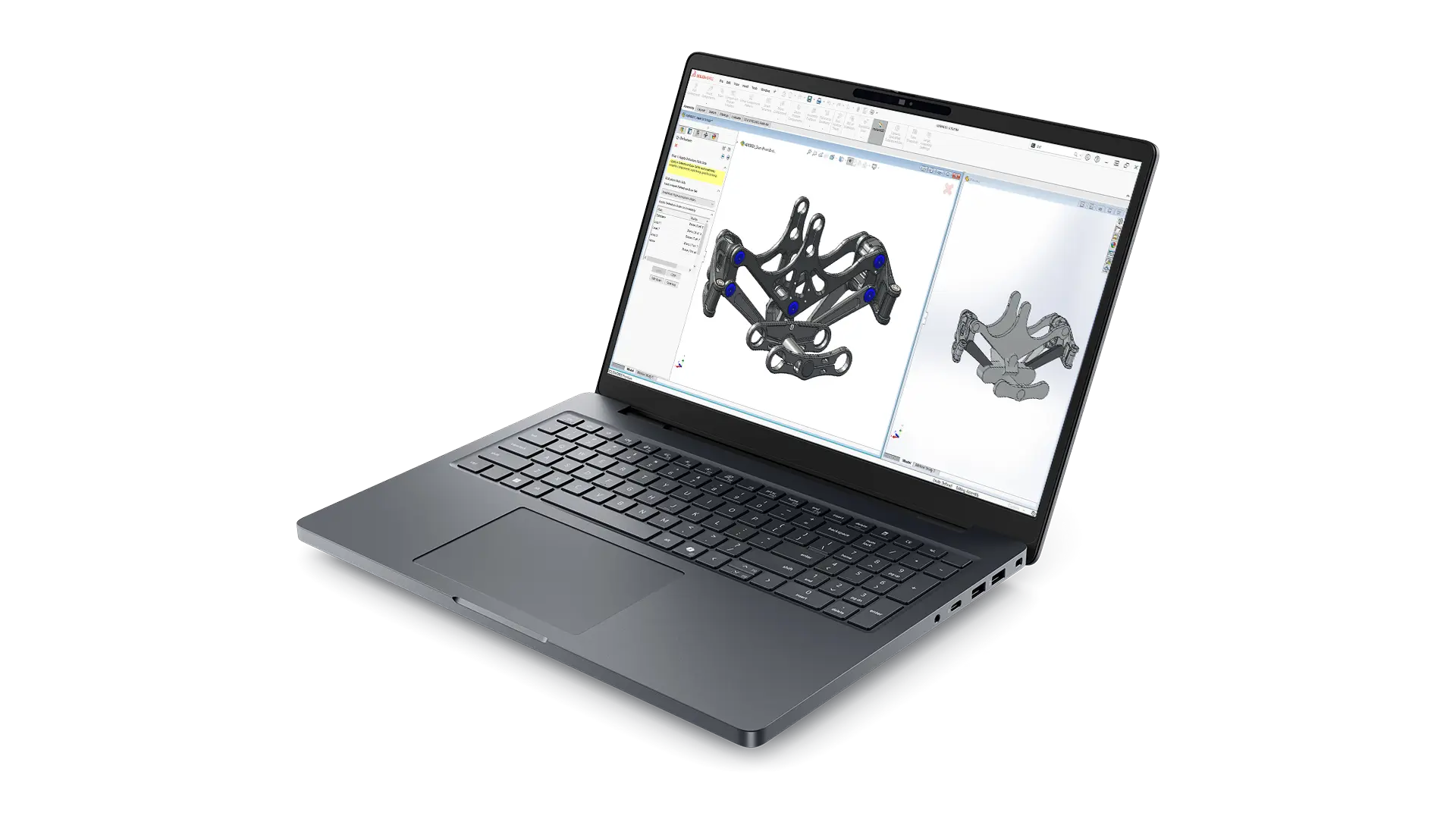
Dell Pro Max 18 Plus - High End 2025-26
Dell Price £7,447 ex. VAT | Our Price - £6250 Ex. VAT
The Dell Pro Max 18 Plus sits at the top of Dells 2025 workstation laptop range replacing the previous Dell Precision 7780.
With upgraded Tri-Fan in a new 18 inch form factor supporting higher power limits than ever before this is a true desktop replacement laptop.
This spec features an Intel’s most powerful Ultra 9 285HX & high end NVIDIA RTX PRO 4000 graphics card from the latest Blackwell generation is a workstation grade GPU optimised for stability and performance in engineering applications.
This laptop spec is ideal for those dealing with datasets with many thousands of components, simulation and visualisation workflows.
- Intel® Core™ Ultra 9 285HX, 24 core, Turbo Boost up to 5.5GHz
- 18" QHD+ 2560x1600, 500nits, 120Hz, 100% DCI-P3 screen
- Windows 11 Professional 64bit
- 64GB: 2x32GB, DDR5, 6400 MT/s, CSoDIMM RAM
- NVIDIA RTX PRO 4000 Blackwell 16GB GDDR7 Graphics
- 2TB Performance SSD Gen5, SED Ready
- 6 cell, 96Whr battery
- 3Yr Dell ProSupport and Next Business Day On-Site Service
U.K. Stock - Next Business Day Delivery*
Prices checked against Dell.co.uk 06/08/2026
Need a custom build?
While our stocked configurations are optimal for most engineering use cases we can also provide custom configured workstations, see our examples below. For help configuring the optimum system for you please contact us.
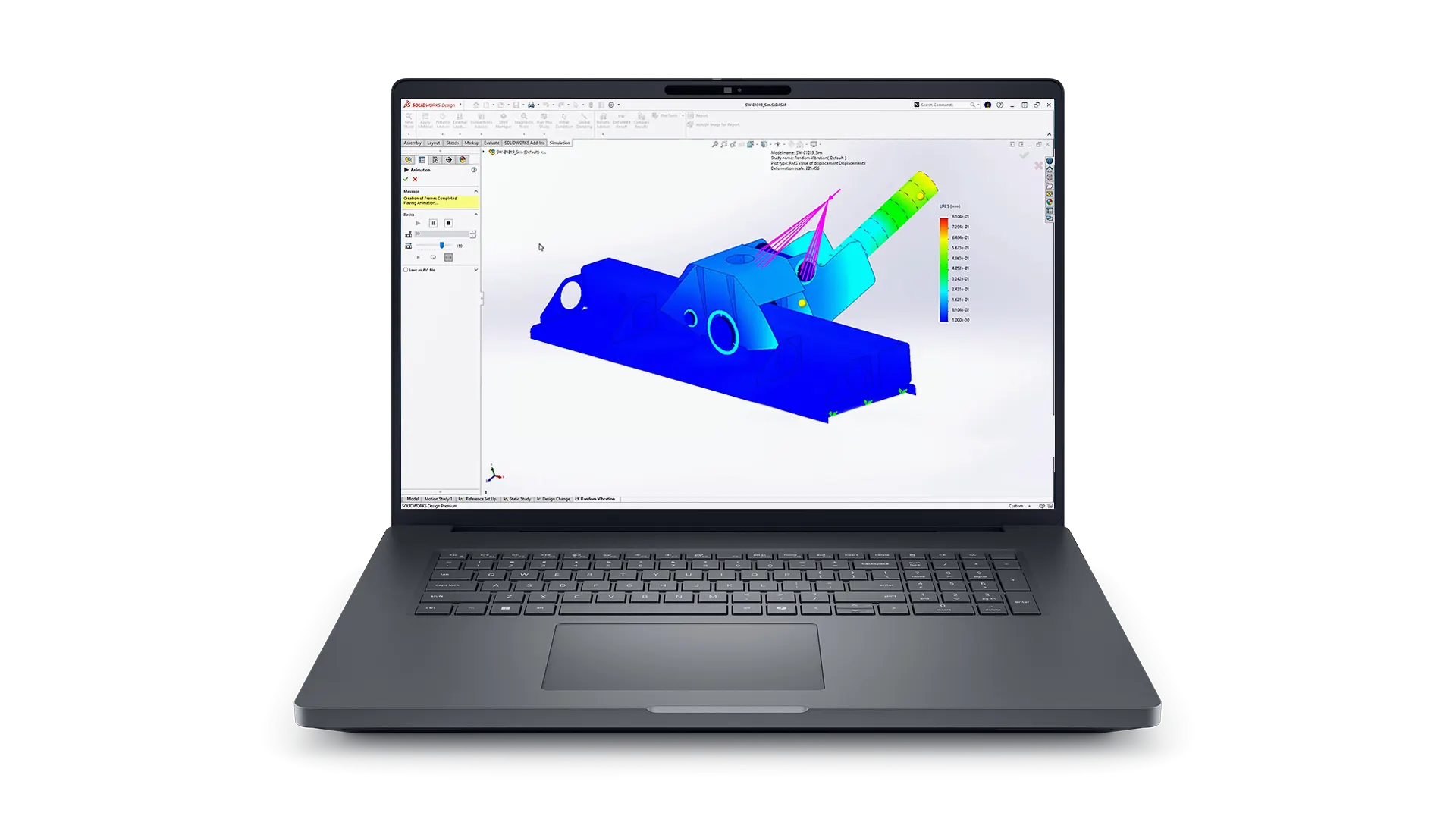
Dell Pro Max Plus - Custom
Our Price - £POA
Out of all of our SOLIDWORKS laptops, the Dell Pro Max Plus is the most scaleable, while our stocked specifications are the best balance for the majority of workflows other specifications are available as custom builds with up to RTX PRO 5000 Blackwell Graphics, 128GB RAM and multiple SSD drives.
These are custom built to order with a longer lead time
- Up to Intel® Core™ Ultra 9 285HX, 24 core, Turbo Boost up to 5.5GHz (55W)
- Up to 18" QHD+ 2560x1600, 500nits, 120Hz, 100% DCI-P3 screen
- Windows 11 Professional 64bit
- Up to 128GB: 1x128GB 6400MTs CAMM2 Dual Channel
- Up to NVIDIA RTX PRO 5000 Blackwell 24GB GDDR7 Graphics
- Up to Multiple 2TB Performance SSD Gen5, SED Ready
- 6 cell, 96Whr battery
- Up to 5Yr Dell ProSupport and Next Business Day On-Site Service
Custom Order, Contact us for pricing & ETA
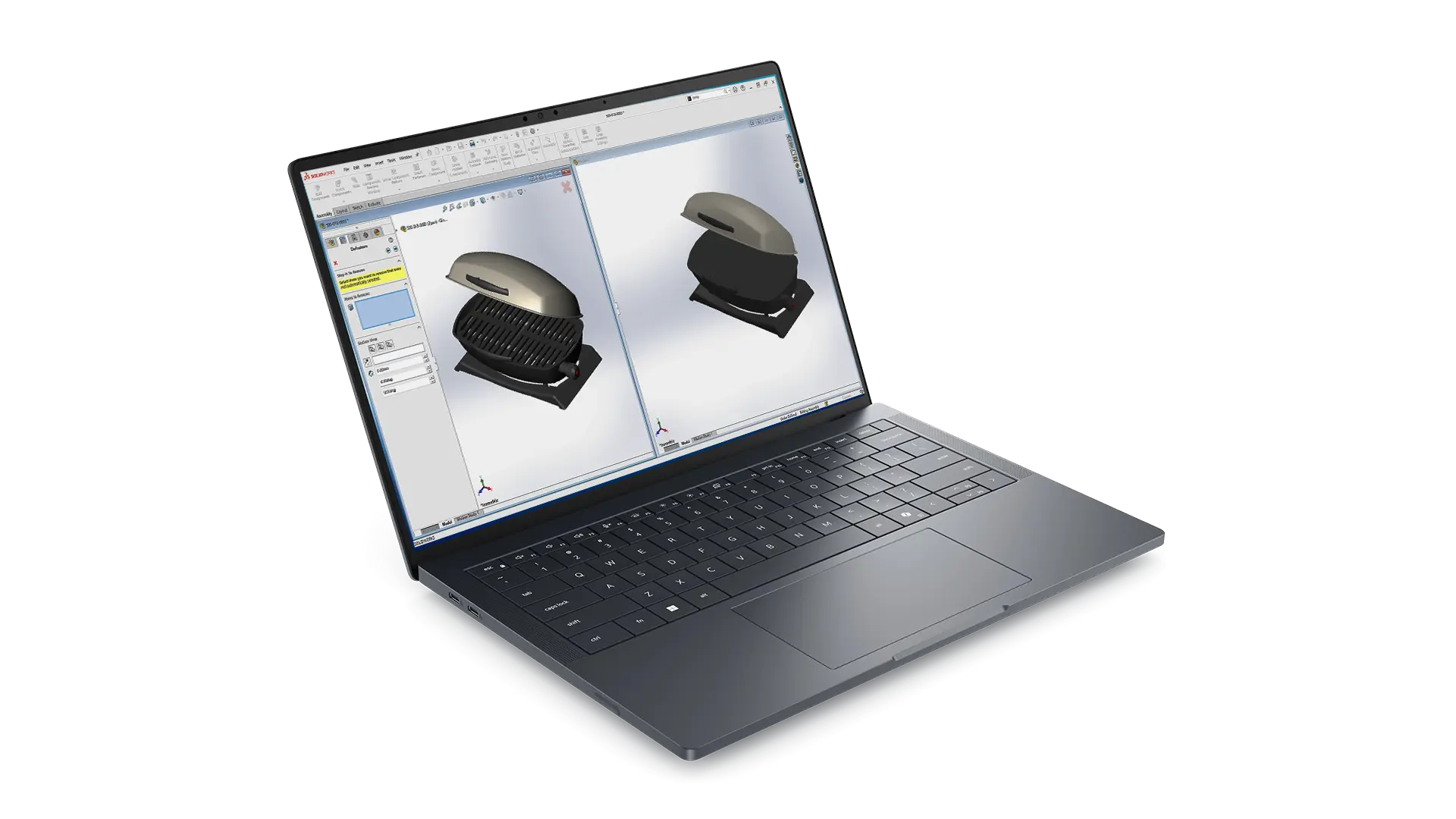
Dell Pro Precision 7 14/16 Custom
Our Price - £POA
Available in 14 or 16 inch form factors the Dell Pro Precision 7 Series 14 & 16 are ultra portable laptops that combine portability, premium materials and high powered components. They can be configured with up to Intel® Core™ Ultra 9 (45W) processors, NVIDIA RTX™ Pro 3000 Blackwell graphics certified for popular engineering applications including SOLIDWORKS & CATIA.
Contact us for a custom specification quote best suited to your workflows.
- Up to Intel® Core™ Ultra 9 386H vPro®, 16 cores
- 14 or 16 Inch Screen options
- Windows 11 Professional 64bit
- Up to 64GB LPDDR5X
- Up to NVIDIA RTX PRO 3000 Blackwell 12GB Graphics*
- Up to 4TB SSD storage
- Up to 5Yr Dell ProSupport and Next Business Day On-Site Service
*14 inch max of RTX PRO 2000 Blackwell 8GB
Custom Order, Contact us for pricing & ETA
Dell Pro Thunderbolt Docks for SOLIDWORKS
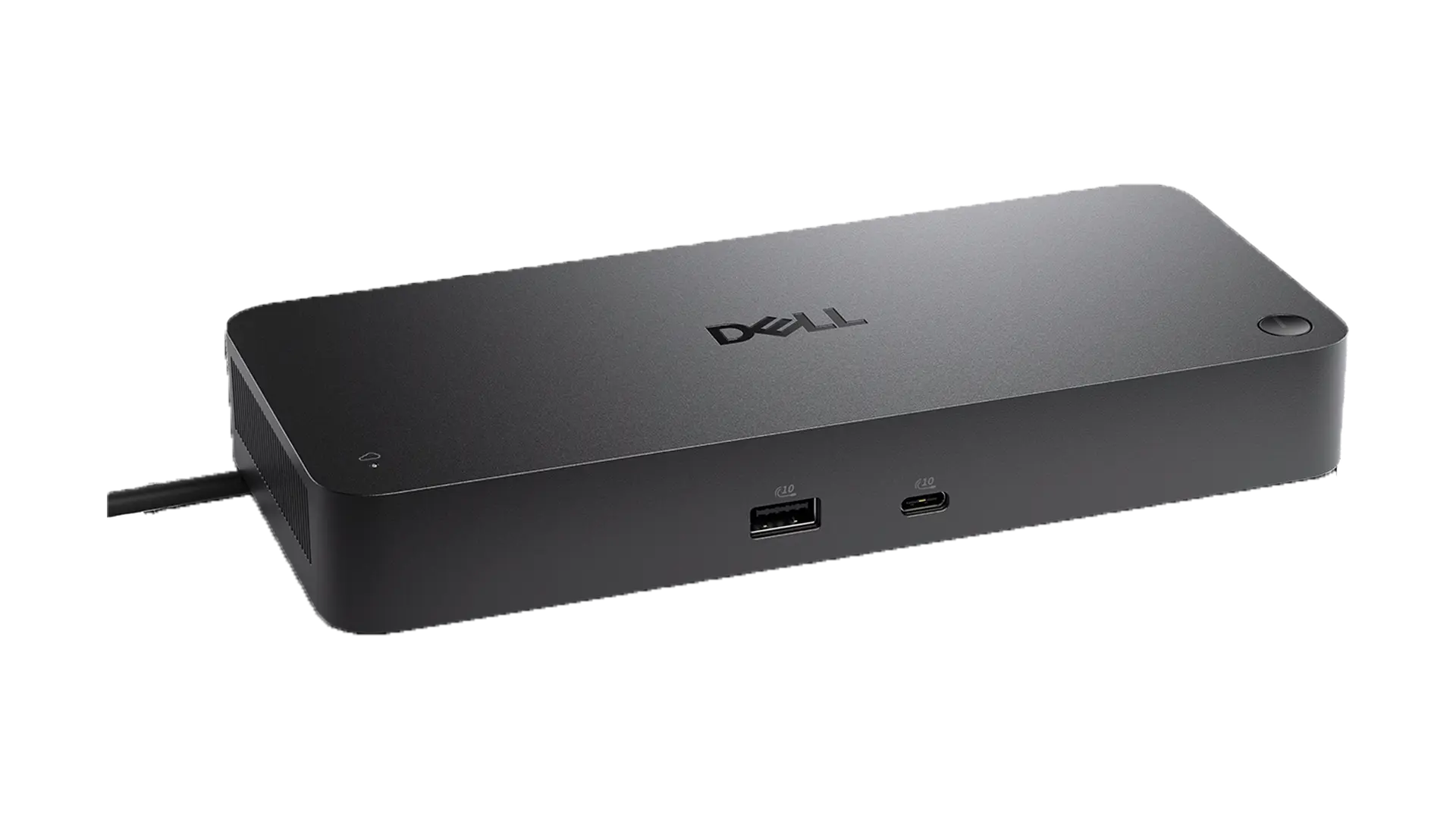
Dell Pro Thunderbolt 4 Smart Dock - SD25TB4
The Dell Pro Thunderbolt 4 Smart Dock-SD25TB4 is a powerful USB-C Dock providing connectivity via a single USB-C cable plus new smart remote management capabilities
For use with supported Dell laptops requiring up to 130W of power including the Dell Pro Max 14 & 16
Resolution Support
- 4 x 4K @ 60Hz
- 3 x 4K @ 60Hz
- 2 x 6K @ 60Hz
- 1 x 8K @ 60Hz
Compatibility
Supported OS
- Windows 10
- Windows 11
- macOS
- ChromeOS
- Ubuntu
- Red Hat
PowerShare
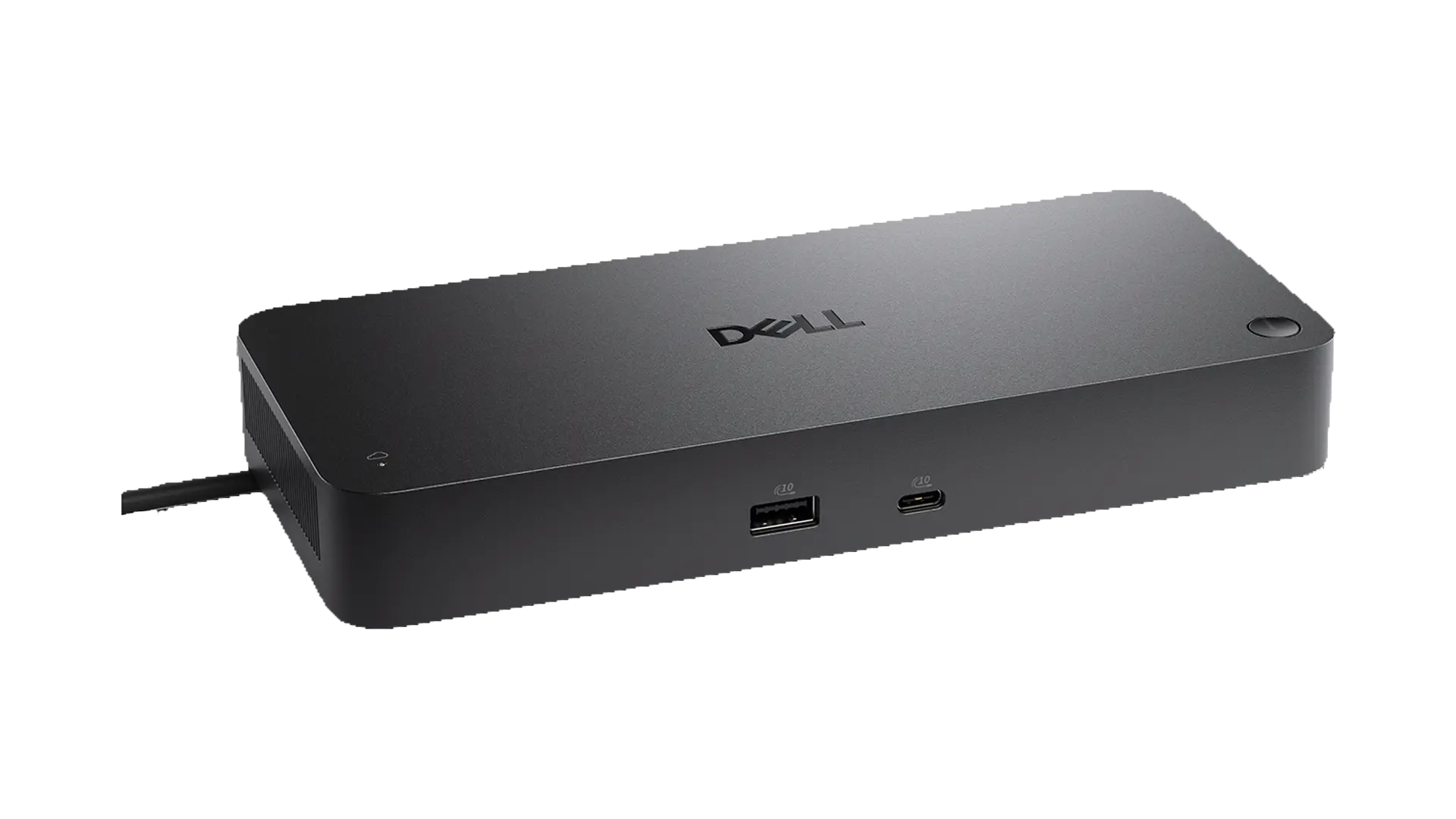
Dell Pro Thunderbolt 5 Smart Dock - SD25TB5
The Dell Pro Thunderbolt 5 Smart Dock SD25TB5 is Dell's first Thunderbolt 5 USB-C Dock, providing enhanced connectivity via a single USB-C cable, plus new smart remote management capabilities.
For use with supported Dell laptops requiring up to 300W of power including the Dell Pro Max 16 & 18 Plus models, also supplies up to 240W to non Dell laptops which support USB-C Extended Power Range (EPR)
Resolution Support
- 3840 x 2160 @ 120Hz
- 6144 x 3456 @ 60 Hz
- 1x 8K @ 60Hz
Compatibility
- Windows 11
- Windows 10
- macOS
- ChromeOS 141
- Red Hat 9.7
- Ubuntu 24.04
- USB-C 3.2 Gen 2
- 4x USB-A 3.2 Gen 2 with
PowerShare - HDMI 2.1
- 2x DisplayPort 2.1
- 1x USB-C 3.2 Gen 2 Multifunction DisplayPort 1.4
- 2x Thunderbolt 5
- 2.5 Gigabit Ethernet (RJ45)
- Power Port
Dell UltraSharp Monitors for SOLIDWORKS
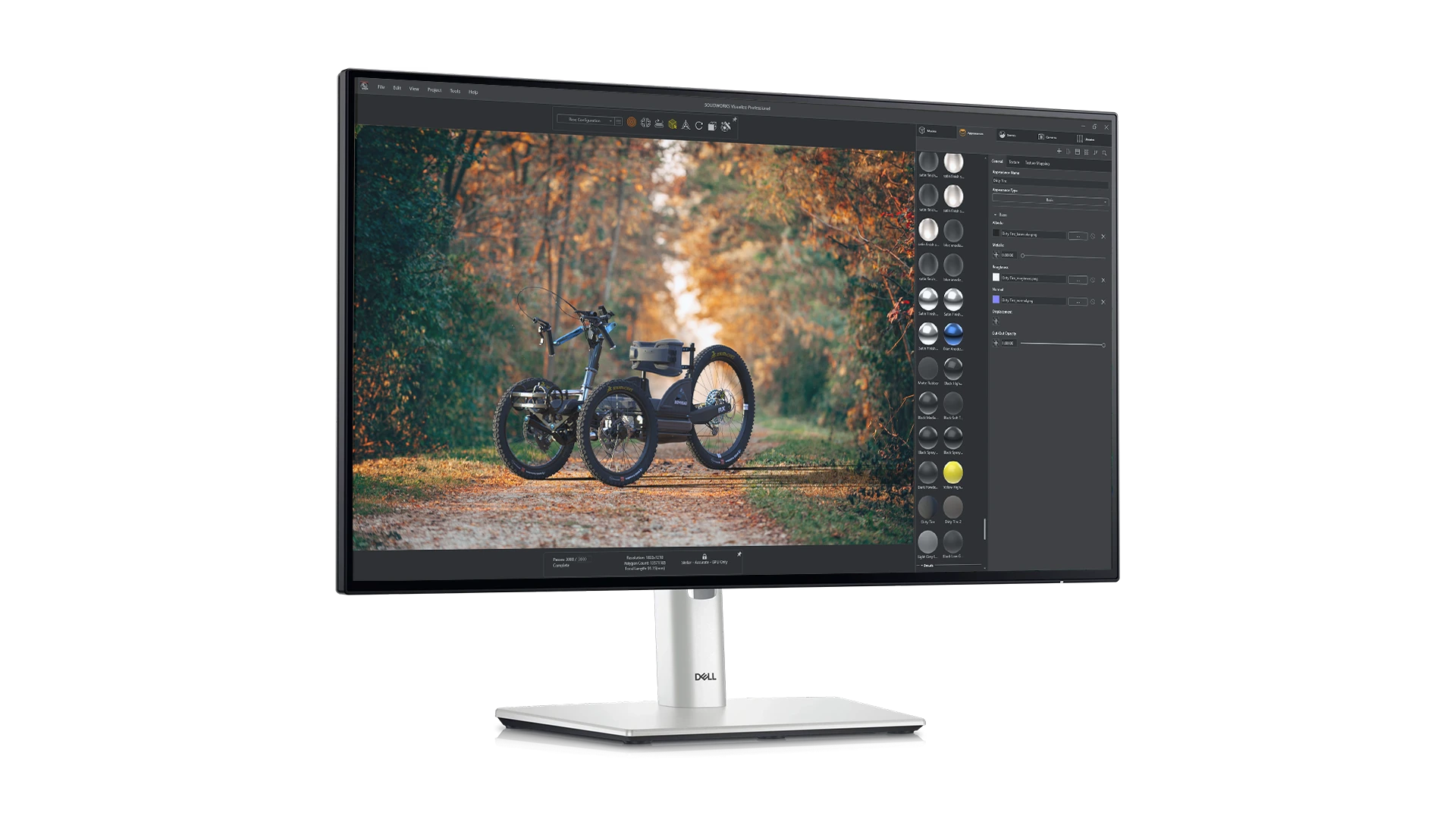
Dell UltraSharp 24" Monitor - U2424H
The Dell UltraSharp 24 Monitor – U2424H is engineered for professionals who demand accuracy, clarity, and dependable performance in their daily workflows to enhance productivity for SOLIDWORKS and other engineering workflows. This 24‑inch Full HD display delivers the visual precision needed for modelling, technical drawings, and design validation.
Featuring a 1920×1080 IPS panel with a smooth 120Hz refresh rate, wide 178° viewing angles, and excellent colour accuracy (100% sRGB, 100% BT.709), it delivers the clarity and consistency engineers and designers rely on.
- Screen Size: 23.8" (60.47 cm)
- Panel Type: IPS
- Resolution: 1920 × 1080 (Full HD) at 120Hz
- Refresh Rate: 48–120 Hz variable (depending on mode)
- Brightness: 250 cd/m² (typical)
- Contrast Ratio: 1000:1 (typical)
- Colour Support: 16.7 million colours (8‑bit + FRC)
- Colour Gamut:
- 100% sRGB
- 100% BT.709
- 85% DCI‑P3 with Delta E < 2 (average)
- Security lock slot
- Power connector
- HDMI port (HDCP 1.4) (supports up to FHD 1920 x 1080 120 Hz TMDS as per specified in HDMI 1.4)
- DisplayPort 1.4
- Stand lock
- DisplayPort 1.4 (out)
- USB Type-C upstream port (data only, SuperSpeed USB 10Gbps, USB 3.2 Gen 2)
- USB Type-A downstream port (SuperSpeed USB 10Gbps, USB 3.2 Gen 2)
- Audio line out
- USB Type-A downstream port (SuperSpeed USB 10Gbps, USB 3.2 Gen 2)
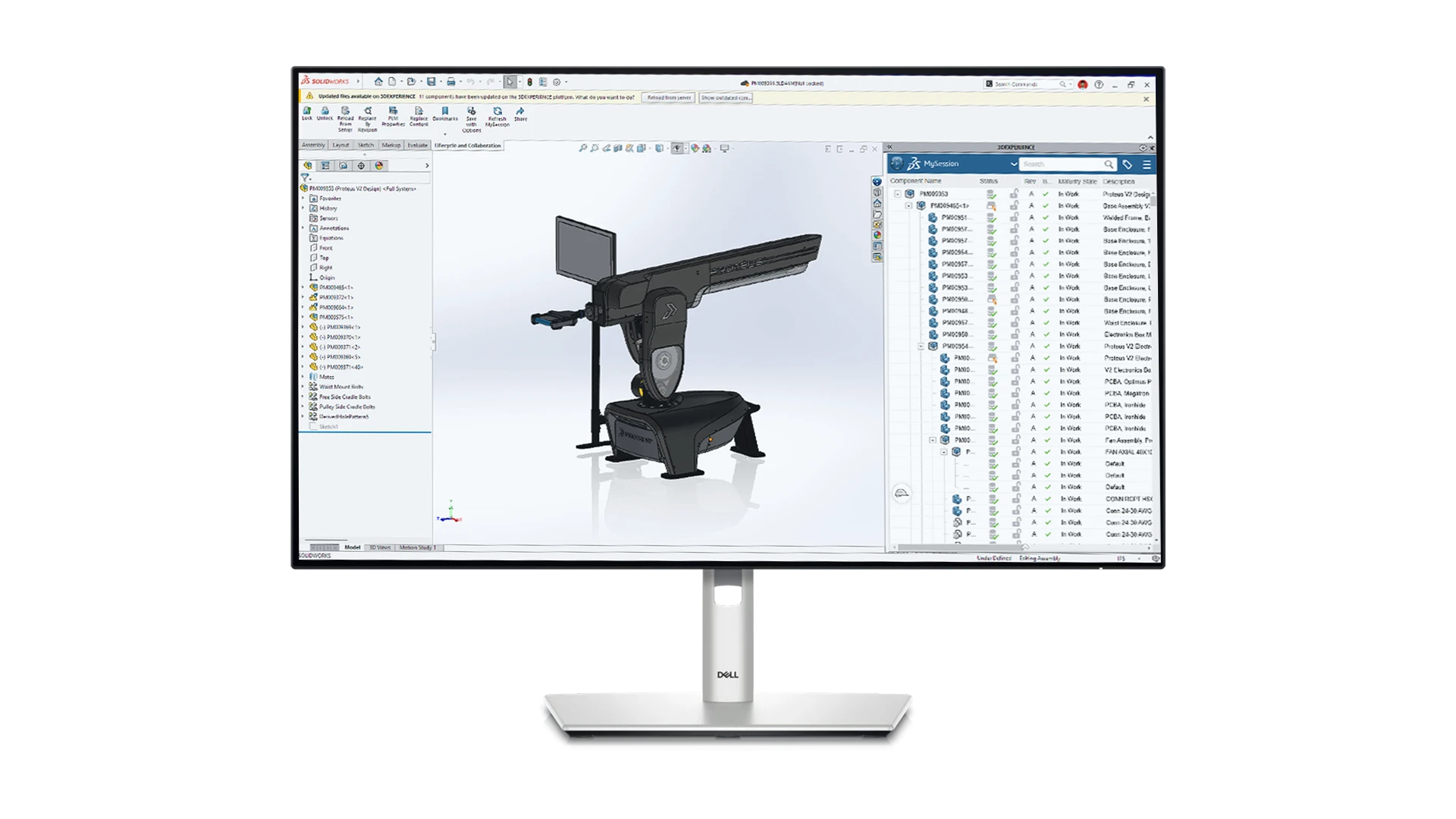
Dell UltraSharp 27" QHD Monitor - U2724D
The Dell UltraSharp 27″ QHD Monitor – U2724D is engineered for professionals who demand accuracy, clarity, and dependable performance in their daily workflows to enhance productivity for engineering workflows.
Featuring higher resolution 2560×1600 IPS panel, for more usable workspace, high colour accuracy (100% sRGB, 100% BT.709) combined with a smooth 120Hz refresh rate and 178° wide viewing angles. Certified by TÜV for 5-star eye comfort it delivers the clarity and consistency engineers and designers rely on for daily use.
- Screen Size: 27 inches
- Panel Type: IPS Black Technology
- Resolution: 2560 × 1440 (QHD) at 120Hz
- Brightness: 350 cd/m² (typical)
- Contrast Ratio: 2000:1 (typical)
- Colour Support: 1.07 billion colours (10‑bit, 8‑bit + FRC)
- Colour Gamut:
- 100% sRGB
- 100% BT.709
- Delta E < 2 (average)
- Security lock slot
- Power connector
- HDMI port (HDCP 1.4) (supports up to FHD 1920 x 1080 120 Hz TMDS as per specified in HDMI 1.4)
- DisplayPort 1.4
- Stand lock
- DisplayPort 1.4 (out)
- USB Type-C upstream port (data only, SuperSpeed USB 10Gbps, USB 3.2 Gen 2)
- USB Type-A downstream port (SuperSpeed USB 10Gbps, USB 3.2 Gen 2)
- Audio line out
- USB Type-A downstream port (SuperSpeed USB 10Gbps, USB 3.2 Gen 2)
- USB Type-A downstream port (SuperSpeed USB 10 Gbps, USB 3.2 Gen 2) with BC1.2 power charging
- USB Type-C downstream port (SuperSpeed USB 10Gbps, USB 3.2 Gen 2) with power charging
(15W)
SOLIDWORKS Performance Review
Optimising Performance for SOLIDWORKS requires in depth knowledge of both the hardware and software we can advise based on our knowledge of both. Choosing SOLIDWORKS laptops for your team can be daunting and often, spending more doesn’t even guarantee better performance. Whether you’re outfitting a new engineer or upgrading equipment, our free SOLIDWORKS performance review can help make the most of your budget. No commitment just honest advice.

New Workstation VS. Four Year Old PC
How much of a difference does upgrading make?
We recommend upgrading your hardware every three to five years to optimise performance and maximise your engineering team's efficiency. The stats below show how much better a new laptop workstation performed when compared against a similar four year old desktop machine. For more detail on how we tested the machines and got the numbers shown below please watch the video.
71%
Faster rebuild time for complex datasets
66.7%
Faster opening a large assembly
49%
Faster to complete a structural simulation analysis
87.5%
Faster when running a CFD study
50%
More frames per second when working on a large assembly
183%
Faster when rendering with SOLIDWORKS Visualize
Frequently Asked Questions
*For items in stock items delivery in UK and Northern Ireland is typically next day for orders paid/processed before 12 Noon Monday-Friday. For Republic of Ireland we have a smaller range of stock items available for delivery in 1-2 working days for orders processed before Noon Monday-Friday.
Please ensure all goods are checked upon receipt, and any issues/ damages reported as soon as possible after delivery
Dell revamped their Desktop and Laptop ranges in 2025, with Latitude Replaced by "Dell Pro Laptops" and longstanding Dell Precision brand replaced by the "Dell Pro Max" branded laptops.
Following feedback from customers for 2026 Dell are gradually re-introducing the Precision name.
New laptops launching in 2026 will be under the "Dell Pro Precision" brand however this will not be across the entire range
"Dell Pro Max" laptops will remain as the highest performance tier until these are expected to be re-branded in 2027
For the Dell Pro Max 14 and Dell Pro Max 16 laptops the recommended docking station is the Dell Pro Thunderbolt 4 Smart Dock-SD25TB4 which can supply up to 130W of power required by these laptops
For the Dell Pro Max 16 Plus and Dell Pro Max 18 Plus models the recommended docking station is the Dell Pro Thunderbolt 5 Smart Dock-SD25TB5 which can supply the 280W of power required by these more powerful laptops. These laptops also support the increased bandwidth thunderbolt 5 provides.
The Dell Pro Thunderbolt 5 Smart Dock-SD25TB5 also supports the less powerful laptops so can be a good choice for future proofing and hot desk situations where you have a mix of laptops. See the Dell Pro Docking Station compatibility guide for more information
We recommend monitors from the Dell Pro and Dell Ultrasharp ranges for use by designers and engineers.
Our current recommendations monitors we can supply are:
24 Inch
Dell UltraSharp 24 Monitor - U2424H
27 Inch
Dell UltraSharp 27 QHD Monitor - U2724D
32 Inch
Dell Pro 32 Plus QHD USB-C Hub Monitor - P3225DE
All new laptops have to be supplied with Windows 11, Windows 10 support from Microsoft and SOLIDWORKS ends in 2025. Users can use downgrade rights to install and run Windows 10 Professional until Microsoft support ends.
We also recommend customers are on a supported release of SOLIDWORKS to ensure they have the latest software enhancements and security patches. SOLIDWORKS software receives a year of service pack enhancements followed by 1 year of hotfix support for critical issue.
For users running older releases there is a graphics from the SOLIDWORKS Hardware Certification website to use NVIDIA Ampere (A Prefix) or NVIDIA Ada generation graphics cards. for SOLIDWORKS Visualize version 2021 SP3 or newer is required, no patch is available for older Visualize versions.
See Dassault Systemes website for compatibility with other Dassault products or third party websites for other partner/non Dassault solutions
There are many reasons to choose a workstation rather than a consumer level or custom built workstation. Below are our top 3.
Testing & Certification
Dell Pro Max Desktops and laptops are based on a tightly controlled set of components which undergo extensive internal tests to ensure they can run intensive workloads for sustained periods. Dell then send workstations to software vendors such as SOLIDWORKS & Dassault Systemes for certification testing with their various software products giving peace of mind that they have been tested and certified by the software developers. Your time is better spent on design rather than diagnosing issues with component, driver compatibility of PC's built from off the shelf components.
Professional Graphics
For CAD use desktops and laptops should also feature professional graphics cards which are the only supported options for applications such as SOLIDWORKS & CATIA. Running an unsupported card often results in performance & stability issues for which we cannot get assistance from the developers to resolve. We recommend NVIDIA Professional graphics for best performance and compatibility, previously known as Quadro the latest cards are now branded NVIDIA RTX Ada Generation graphics cards e.g. RTX 2000 Ada Generation, RTX 4000 Ada Generation etc. GeForce RTX graphics cards are intended for gaming/consumer use and are not supported.
Warranty & Support
Dell Pro Max workstations we provide are backed up by Dell Pro Support with next business day onsite service. This is a expert team of remote support engineers to diagnose any hardware issue you may encounter, if they cannot resolve it remotely an engineer will be onsite the next business day to replace any required components free of charge; subject to part availability/ time of call. This keeps you or your team productive rather than losing engineering time returning the system to the supplier and waiting for a resolution.
Key to specifying a CAD workstation is an in depth understanding the requirements of the software in use. We carry out extensive benchmarking for various different software and workflows so that we can recommend the best options for you. In this case the simple answer is we found the latest "Sapphire Rapids" Intel Xeon CPU's significantly slower for CAD work, which favours CPU speed over number of cores, these Xeon CPU's have a lower maximum "turbo boost" speed and therefore complete tasks slower.
Added to this in 2022 Intel simplified their range and supported workstation features such as Error Correction Code (EEC) RAM on their i5, i7 and i9 CPU's for increased stability when used in combination with a workstation chipset while also offering up to 24 cores for more multi-threaded tasks.
Intel now only produce Xeon CPU's in more expensive workstations where users may require more than 128GB of RAM or multiple graphics cards, for the vast majority of CAD users this is not required.