











Injection Moulding Simulation Tools
SOLIDWORKS Plastics
SOLIDWORKS Plastics simulation software combines injection moulding simulation with advanced CAE analysis to give plastics designers the capability of predicting just how melted plastic flows during the injection moulding process.
Evaluate your products with SOLIDWORKS Plastics to predict and prevent manufacturing defects at the earliest stages of the design cycle, and gain insights to help improve the quality of your plastic parts and moulds.
See Case Studies and Reviews
Customer service is at the heart of what we do, explore our testimonials and success stories.
Why use SOLIDWORKS Plastics?
SOLIDWORKS Plastics Packages
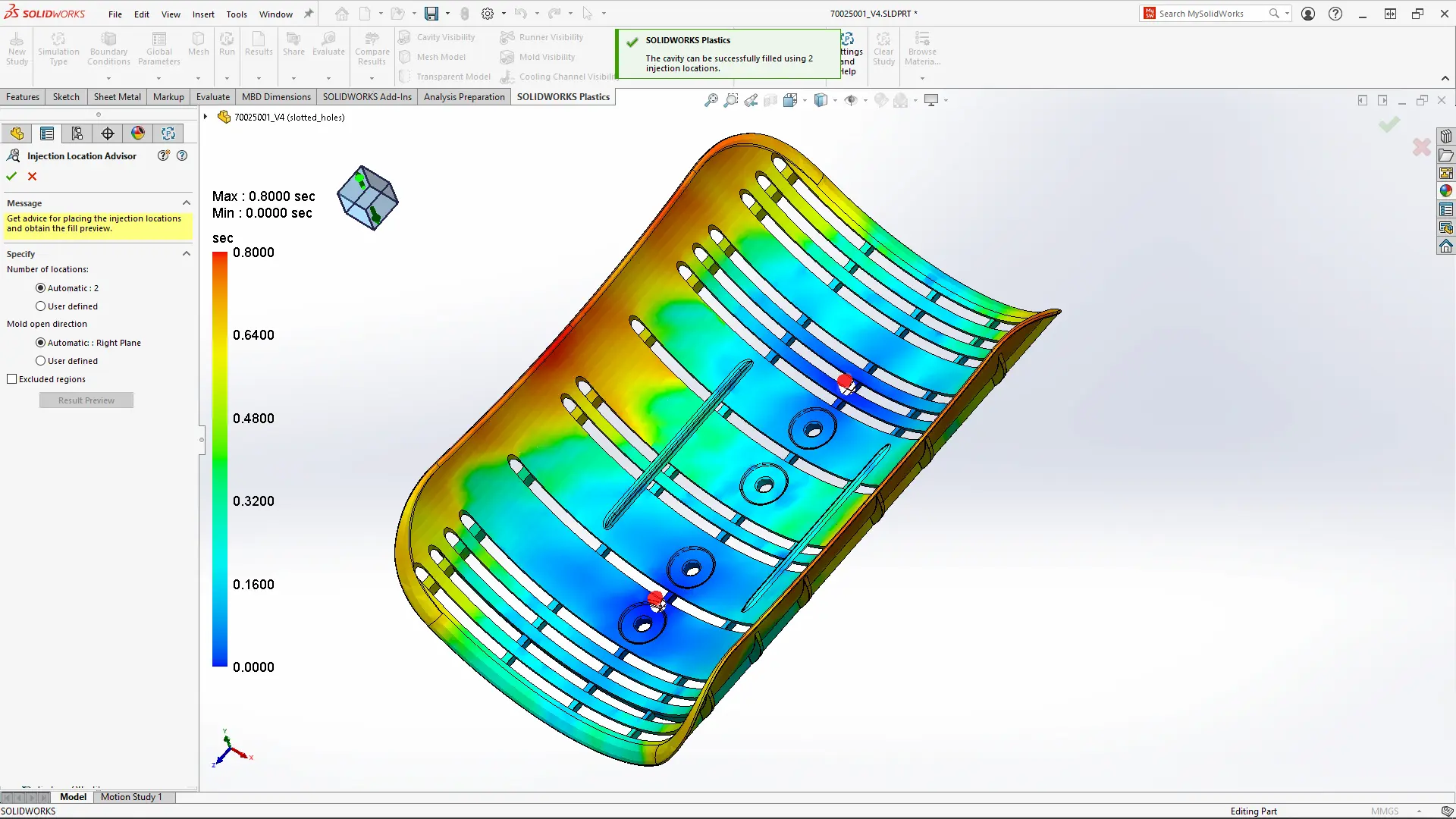
SOLIDWORKS Plastics Standard
SOLIDWORKS Plastics Standard offers part optimisation from the beginning of the design process. With an intuitive user interface Plastics can be quickly picked up and is fully integrated into SOLIDWORKS allowing for designs to be modified and analysed at once.
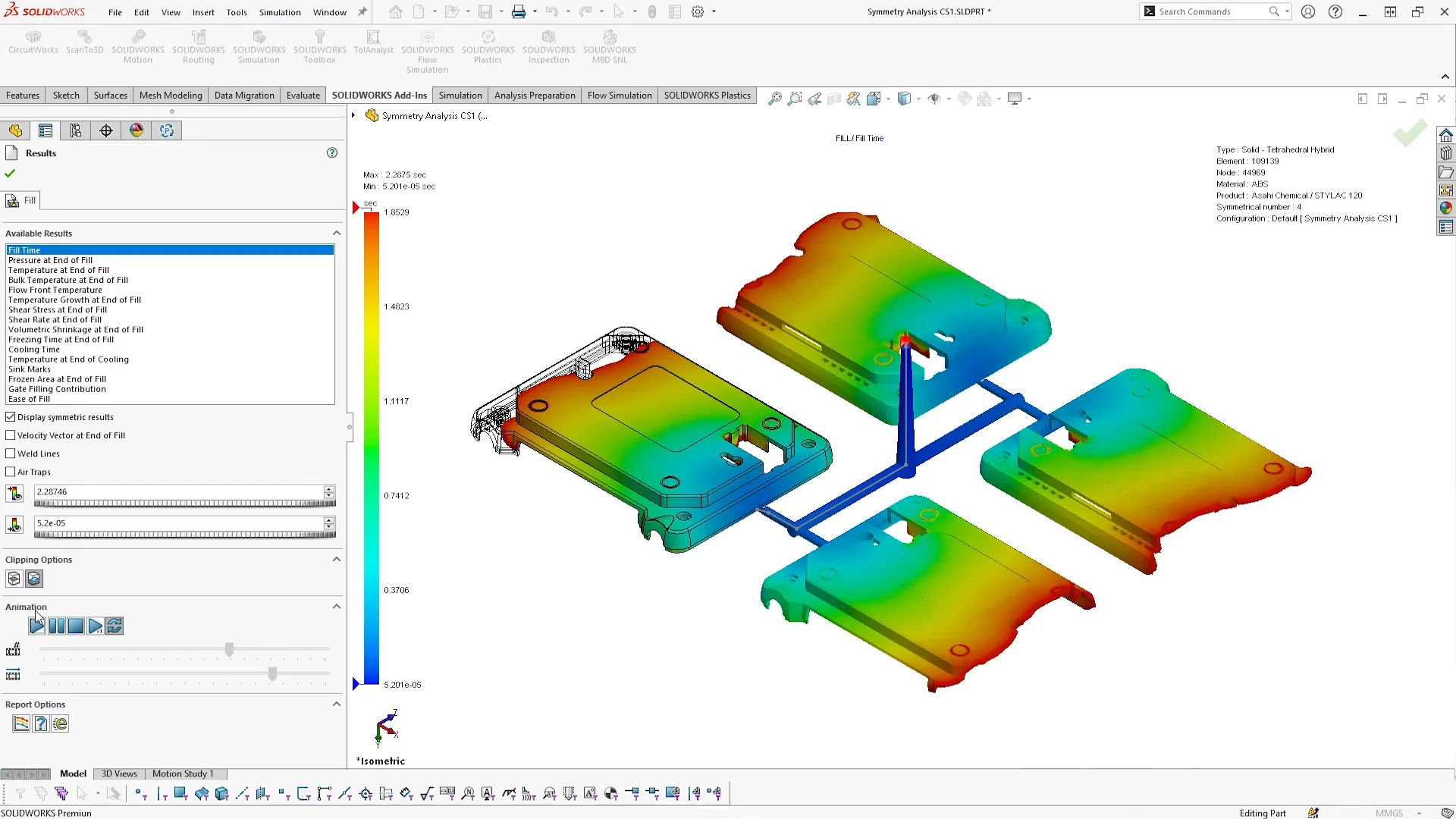
SOLIDWORKS Plastics Professional
SOLIDWORKS Plastics Professional provides injection mould designers and manufacturers with the tools to fully optimise them. Single-cavity, multi-cavity, and family mould layouts, including sprues, runners, and gates can all be created and analysed within Plastics Professional.

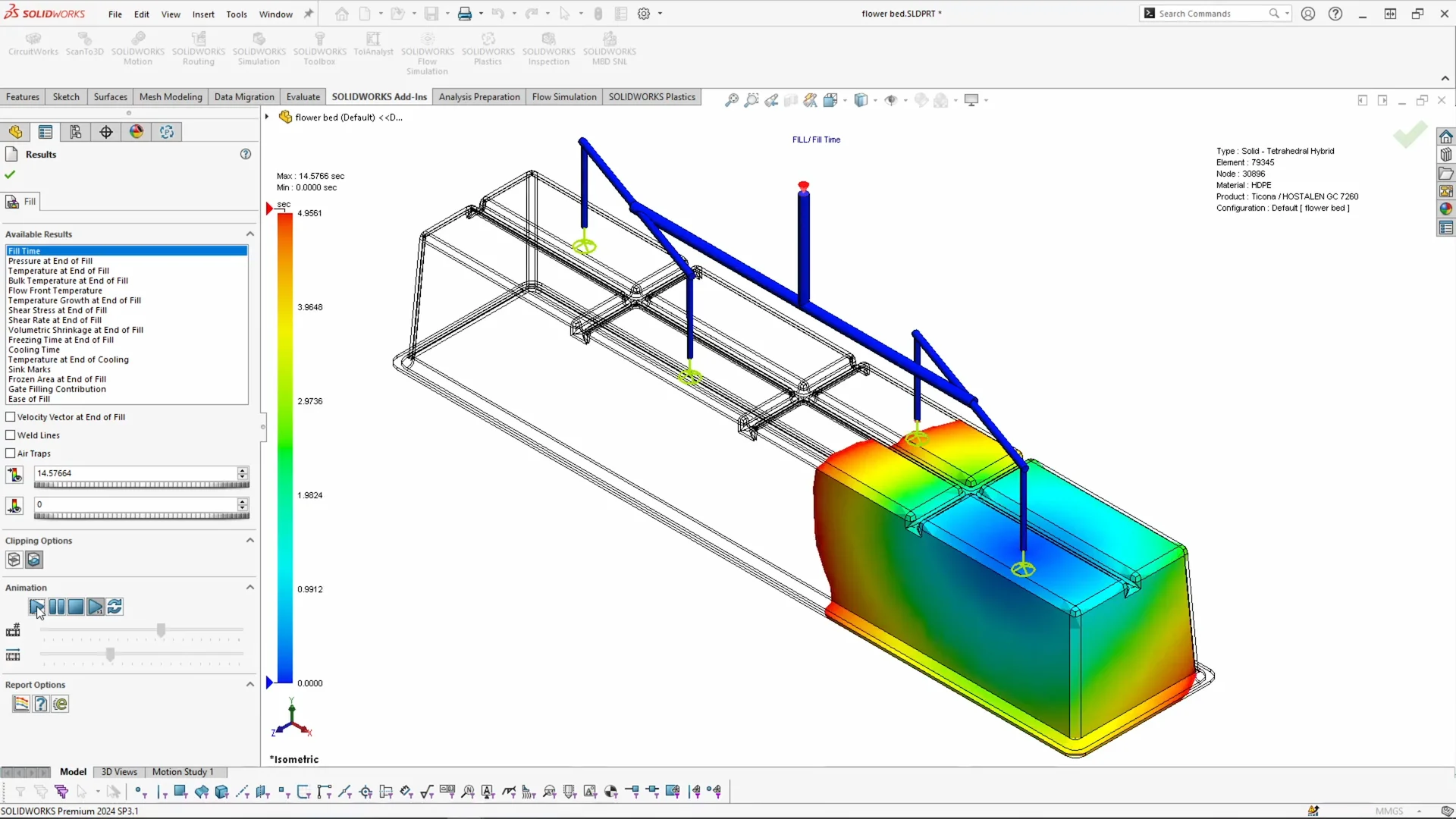
SOLIDWORKS Plastics Premium
Extending the features in Professional, SOLIDWORKS Plastics Premium allows designers and CAE analysts to fully analyse mould cooling line layouts and predict warpage. Design and analyse parts and assemblies of varying complexity, optimise cooling systems and minimise cycle times.
SOLIDWORKS Plastics Product Matrix
Capability
Standard
Pro.
Premium
Want to learn SOLIDWORKS Plastics?
Learn how to use SOLIDWORKS Plastics from our of our friendly, certified trainers at one of our classroom or online training courses.
Customer Testimonial - Ambix Consulting Ltd.

Our success rate is so high because we’ve validated close correlation between the results we get from SOLIDWORKS Plastics Professional and actual production, using photoelastic and microscopic analysis tools to confirm the software’s simulation results.
Jeffrey D. Nicoll
President at Ambix Consulting Ltd.