











How to Learn SOLIDWORKS

The best way to learn SOLIDWORKS is through instructor-led training. But to get you started, we’ve put together a collection of helpful resources right here.

Beginner's SOLIDWORKS Tutorials

User Interface

Even though SOLIDWORKS is simple to learn, it’s best not to jump in blind. This three minute video will introduce you to the main areas of the interface along with the basic controls, and is a must watch for anyone that’s new to SOLIDWORKS.

Basics - Sketching
Basics - Features
Basics - Assemblies
Basics - Drawings

SOLIDWORKS Training

Our CPD-accredited SOLIDWORKS courses are led by certified experts to provide structured, high-quality learning. Choose in-person or online training and gain the skills you need to succeed, plus earn an official certification to showcase your expertise.
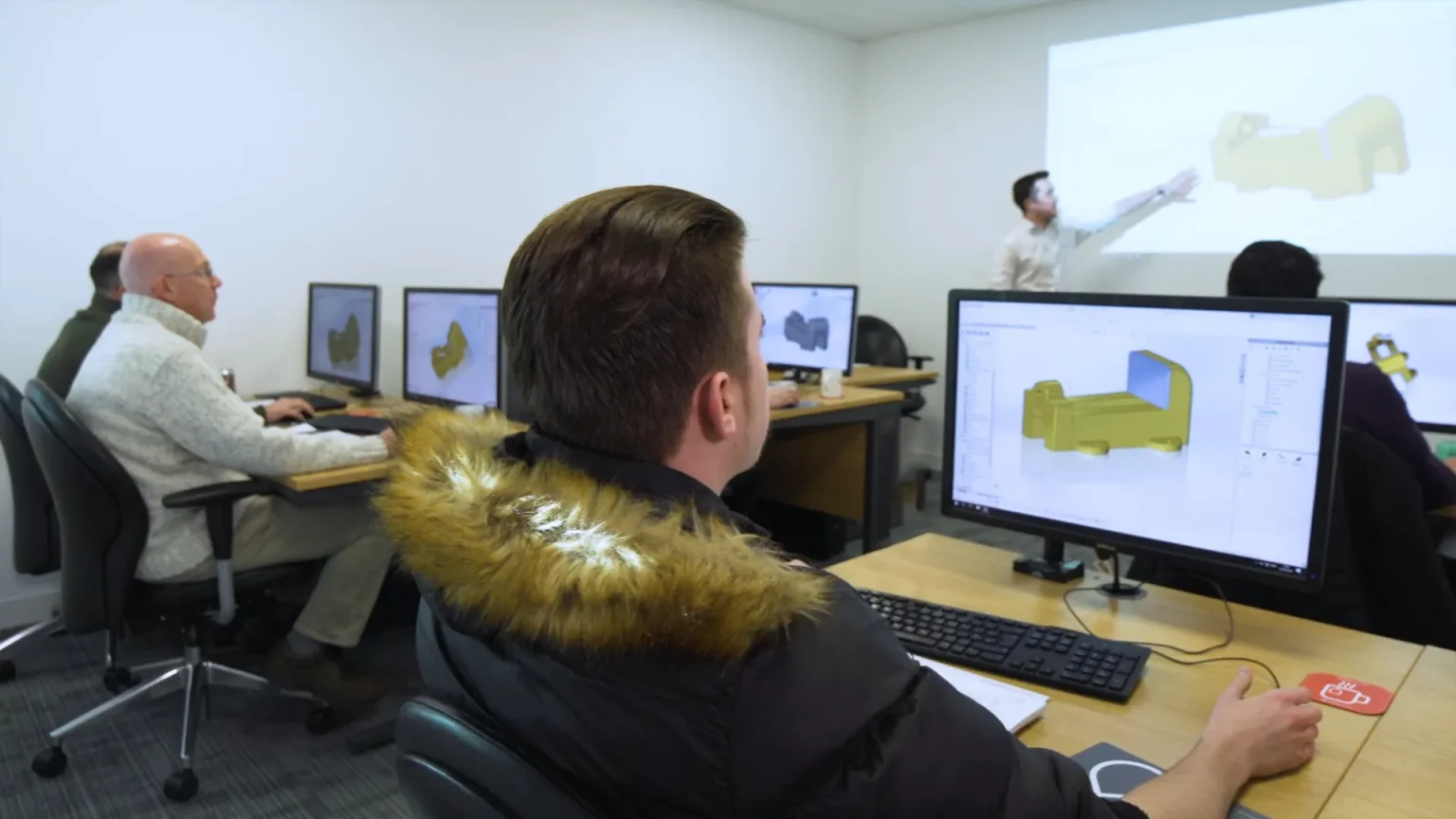
learn solidworks at a solid solutions classroom

Frequently Asked Questions

What is the best way to learn SOLIDWORKS as a beginner?

The most effective way to learn SOLIDWORKS is through our instructor-led training, as it provides structured lessons and expert guidance.

However a good way to get started before that is to begin learning via the built in SOLIDWORKS tutorials inside the software. You can find them by going to Help > Tutorials - the help menu is found in the top right corner shown as a question mark icon.

The video content on this page, the articles on our blog and the extended playlists found within the DXP can help you to continue your learning.

Do you need experience with other CAD tools to learn SOLIDWORKS?

SOLIDWORKS is designed to be intuitive and the user interface should be familiar to navigate for anyone with experience using Windows. This makes it easy to get started, however there are still many benefits to formal learning - check out our video comparing a trained and self taught SOLIDWORKS user below.

What are the best online resources for learning SOLIDWORKS

There are many resources online for learning SOLIDWORKS that you can discover by searching. We recommend primarily exploring content from ourselves and from our partners in the TriMech Group such as Javelin Technologies.

Unlike guides you may find on YouTube or other sites you can be confident that our content has been created and vetted by certified SOLIDWORKS Professionals.

Explore video content across our YouTube channel and your exclusive learning portal the DXP. 

The official SOLIDWORKS help documentation can also be very helpful for detail on specific tools.


Are there certifications available for SOLIDWORKS?

The SOLIDWORKS Certification Program is an excellent way to validate your skills and efficiency in the software. It’s the only industry-recognized SOLIDWORKS accreditation and a valuable addition to your CV.
As a subscription customer, you can take the CSWA (Certified SOLIDWORKS Associate) or CSWP (Certified SOLIDWORKS Professional) exams free of charge, along with one CSWP industry-specific module.

Can I learn SOLIDWORKS through online training?

Yes, we offer the majority of our courses in an online in a Virtual Classroom format. This provides a hands-on, live, interactive group training session from a professional, qualified instructor. The instructor will be available to discuss the course’s content and answer questions at any point during the course.

We also offer a Self Paced Training option for our most popular course, SOLIDWORKS Essentials. With this package you can learn all the same topics from our classroom course in your own time by following along with our own pre-recorded, high quality tutorial videos from our professional SOLIDWORKS instructors. You can contact us at any point if you require support or further explanations on a topic.

Can't find the answer you were looking for?
Contact us on 01926 333777 or via the button below.

Ask us a question