












SOLIDWORKS PDM Service
SOLIDWORKS Data Migration Services
Manage your CAD data with highly-configurable SOLIDWORKS data migration services designed for SOLIDWORKS users. Build complete audit trails for your products.
Discover reliable and defined migration services that value your hard work, safeguard legacy data, and scale to suit your business' needs.The Value of Legacy Data
Our SOLIDWORKS Data Migration Services
Alongside providing historical insights and support for regulatory compliance, legacy data is a valuable resource for future strategic decision-making.
Our Data Migration Services may be provided to both new and existing SOLIDWORKS PDM users, offering refined service levels and tools developed by our own in-house experts to ensure an efficient and secure data migration.
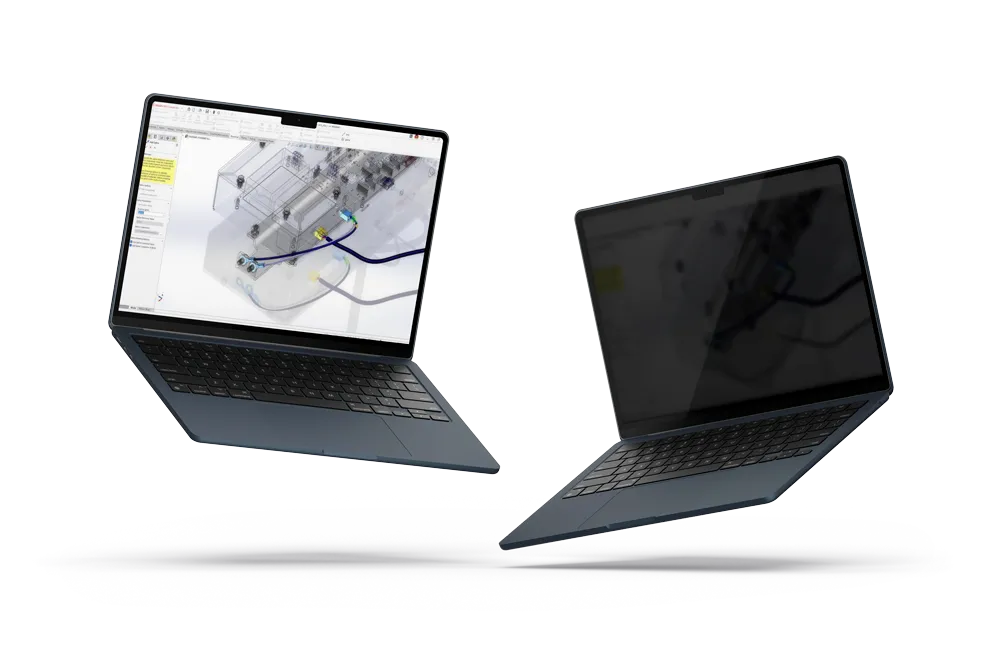
Data Transition Service
Key Benefits
Packages
Compare Data Migration Systems
Discover the features of each migration service and choose the service package for your specific needs.
standard-level system
Data Transition Service (DTS)
The standard-level system is designed to meet the basic needs of customers migrating data from Windows Explorer or SOLIDWORKS Workgroup who desire limited clean-up of their data.
£2,544/ 12 month term
fully customisable system
Data Migration Service (DMS)
This fully customisable system is designed to meet the more advanced needs of customers migrating data from Windows Explorer, SOLIDWORKS Workgroup, or other data management systems who desire advanced data clean-up to ensure a solid starting point in the SOLIDWORKS PDM system.
£3,156/ 12 month term
Ready to Start Your Data Migration?
If you think you're in need of a data clean-up your data, our experienced consultants are ready to support you and your team with an efficient and secure data migration.

Compare Features
Data Migration Service Matrix
This matrix highlights the differences between Data Transition Services, which focus on planning and readiness, and Data Migration Services, which handle the technical execution of moving data.
Requirements
Frequently Asked Questions
Our scalable and highly customisable approach to Data Migration means that most types of data and data sources can be considered for Migration to PDM.
Commonly migrated data includes SOLIDWORKS and legacy CAD (part and assembly files, drawings) along with BOMs, custom properties, revision data.
Legacy documents from various sources can also be migrated, but intelligence will be limited by the nature of those documents.
Timelines vary depending on the volume and complexity of the data, but our migrations follow a phased approach, starting with discovery and planning. These are followed by test migrations, validation, and full deployment.
Including Validation of pilot migrations, a small-to-mid-sized organization can often complete a migration within a month from first pilot.
Yes. Preserving file relationships (like parts to assemblies and drawings) is a core part of any professional migration process.
We have developed bespoke tools and scripts to maintain these links and prevent broken references.
In many cases, yes. A staged migration plan allows teams to continue working while data is prepared and pilot migrations carried out in a separate test environment.
Final cutovers are typically scheduled to minimise disruption, with our bespoke Migration tools ensuring that the runtimes are minimal.
Dependant on the source (e.g File System or 'other'), PDM History can typically be maintained or created within the Migration process.
Metadata like revisions, approval status, and other custom properties can be preserved and even combined/rationalised or updated from external data sources if needed.
Familiarise yourself with the key considerations before undertaking a migration. Our migration services provide a full audit of your existing data, so you can understanding where it’s stored, how it’s structured, and what should be migrated.
Clear goals, user involvement, and expert guidance are key to a successful outcome.