Accelerate drafting Software
Draftsight

DraftSight is a versatile 2D CAD package the enables you to efficiently create, edit, view and markup any kind of DWG file. Get the functionality you need with full 3D capabilities for modeling, prototyping, manufacturing, laser cutting and more.
What is DraftSight?
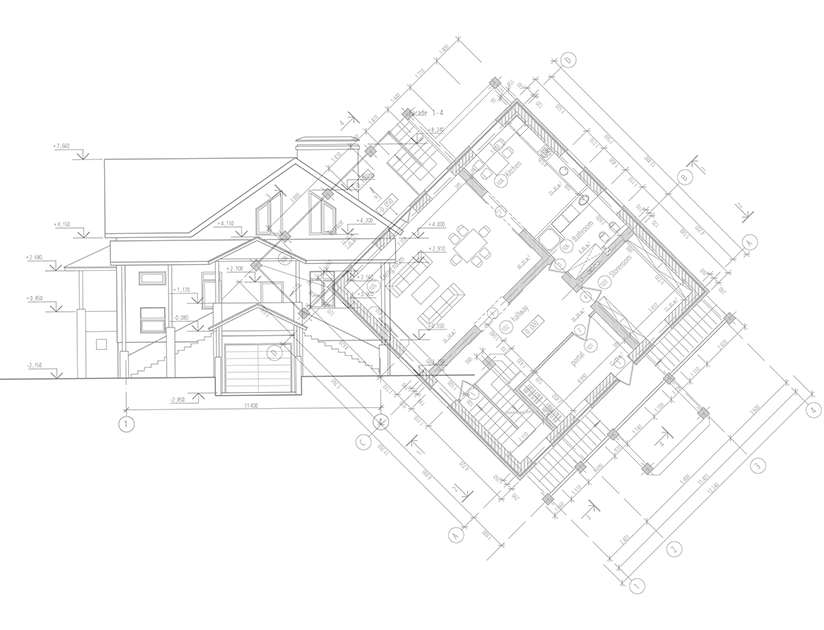
DraftSight allows you to do more with a 2D drafting and 3D design experience that lets you create, edit, view and markup any kind of 2D and 3D DWG file design. Its familiar user interface facilitates a quick transition from other CAD applications like AutoCAD.
- 2D Drafting and Drawings
- All licenses include API access and productivity tools
- Dynamic Blocks, PowerTrim, DrawCompare, and automatic layer assignment
- Network License (ideal for multiple users)
- Local support (award winning support from Solid Solutions)
- Deployment Wizard
- Accredited online, onsite and classroom training
Want a Free 30 DAy Trial?
Interested in trying DraftSight for yourself? Get your free trial of DraftSight Premium now and discover the powerful and accessible 2D drawing tools today.
Compare DraftSight Packages
Essential Tools
PRO.
PREM.
E-STD.
E-PLUS
Productivity Tools
PRO.
PREM.
E-STD.
E-PLUS
Customisation Tools
PRO.
PREM.
E-STD.
E-PLUS
Premium Tools
PRO.
PREM.
E-STD.
E-PLUS
Interoperability Tools
PRO.
PREM.
E-STD.
E-PLUS
Enterprise Tools
PRO.
PREM.
E-STD.
E-PLUS
Frequently Asked Questions
DraftSight is compatible with a broad selection of file formats, including DWG, DXF, DGN, and CATIA drawings.
MAC operating systems are supported for some versions of DraftSight, please refer to the current DraftSight system requirements for the full breakdown.
DraftSight Professional stands out with its strong balance of affordability, features, and ease of use. Unlike many CAD solutions with high subscription costs, it offers competitively priced options suitable for businesses of any size. Users appreciate the quick onboarding, familiar interface, and standard commands, especially when transitioning from other platforms.
For projects that demand regular updates and broad compatibility, DraftSight Professional delivers seamless file exchange, allowing designs to move smoothly between team members using different CAD tools.
While essential drawing, editing, layering, and dimensioning tools are a must, what often distinguishes top-tier enterprise CAD software is the level of support and licensing flexibility. DraftSight Enterprise provides comprehensive technical support by phone and email, along with adaptable network licensing options that can deliver significant cost savings.
Although DraftSight and SOLIDWORKS are separate products purchased individually, both are developed by Dassault Systèmes and are designed to complement each other. SOLIDWORKS delivers industry-leading 3D design and engineering capabilities and integrates seamlessly with DraftSight.
DraftSight Enterprise and Enterprise Plus are activated by purchasing through Solid Solutions, by choosing an SNL (SOLIDWORKS Network License) or DSLS (Dassault Systèmes License Server) network license.
DraftSight Professional and Premium are activated by purchasing a serial number online and entering it during installation. Internet connection is required to activate your serial number.