











Benefits of Integrating PDM
SOLIDWORKS PDM Integrations with Implementation Services
Streamline data management by connecting to SOLIDWORKS PDM Professional. These Products may be purchased alongside an additional implementation service to ensure minimal disruption to workflows.
SOLIDWORKS Electrical
Manage electrical design projects and data in a secure SOLIDWORKS PDM vault. Integrated tools provide access to powerful data management capabilities and workflows.
This implementation service includes the installation and configuration of the SOLIDWORKS Electrical connector and PDM add-in.
Our expert Consultants will make the required modifications to the SOLIDWORKS PDM set-up including workflows, templates, data cards, and variables.
SOLIDWORKS Composer
Store & manage assembly manuals & technical documentation with this integration. Connect Composer with PDM to easily manage masters, template files, and exported outputs.
This implementation will focus on the integration of SOLIDWORKS Composer into an existing SOLIDWORKS PDM environment that will be extended to store and manage SOLIDWORKS Composer data such as templates, masters and outputs.
Key Elements of the Integration Service include:
- Automated generation of .smg files.
- Dedicated Composer approval process.
- Revision control of published outputs.
- Complete history of Working Versions and published Revisions.
- Automatic notifications of design changes.
SWOOD
Integrated tools help to enrich and manage your manufacturing and design data. Gain access to effective SWOOD data management tools that handle complex configuration files.
This implementation focuses on standardising your SWOOD processes with controlled access to configuration files all without sacrificing accessibility for end users and administrators.
Key Elements of the Integration Service include:
- Automated numbering of SWOOD design files.
- Access controls to SWOOD library and configuration files.
- Check out SWOOD library files from within SOLIDWORKS.
- Use of templates to quickly and consistently create SWOOD folders and files.
- Synchronise model dimensions with DataCard variables.
DriveWorks Pro
Manage DriveWorks files with with precision and gain additional tools for effective data management. Unlock automatic part numbering tools, manage templates, and control generated design data.
This implementation project will focus on the configuration of the SOLIDWORKS PDM connector for DriveWorks.
Our expert consultants will implement the connector and modify your PDM set up including categories, workflows, templates, data cards, and variables to minimise workflow disruption.
More SOLIDWORKS PDM Integrations
SOLIDWORKS PDM Professional can also integrate with the following products. Contact us for best practice guides on how to implement and navigate managing data across the SOLIDWORKS portfolio.

SOLIDWORKS Visualize
Access data management controls inside SOLIDWORKS Visualize to manage renders and marketing assets without switching applications.
SOLIDWORKS PDM Professional features available via the PDM Toolbar inside the SOLIDWORKS Visualize Interface allow you to:
- Directly Check Out/In Files
- Change State of files
- 'Get' previous Revisions/Versions
- Open the Files DataCard to view or edit metadata inside Visualize
- Access PDM Search Tool
- Browse to the active file within the Vault.
- View current Status ( Local Version and Revision information, as well as current State and Owner)

SolidCAM
Manage CAM processes and organise your manufacturing data, CAD models, and documentation.
Manage CAM processes and organise your manufacturing data, CAD models, and documentation.
SOLIDWORKS MBD
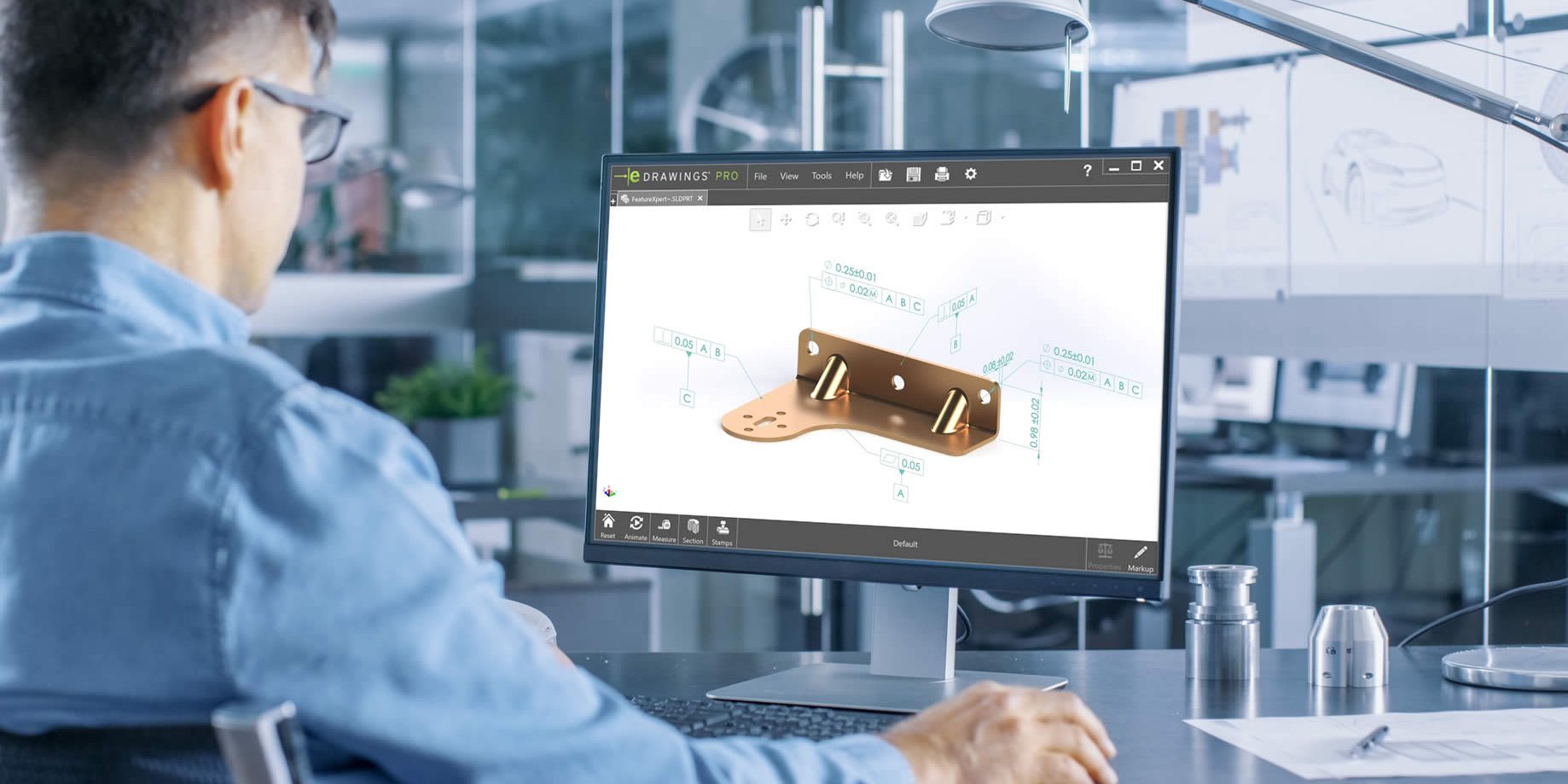
Streamline the creation, management, and sharing of 3D model-based documentation by connecting SOLIDWORKS MBD and PDM Professional.
DraftSight
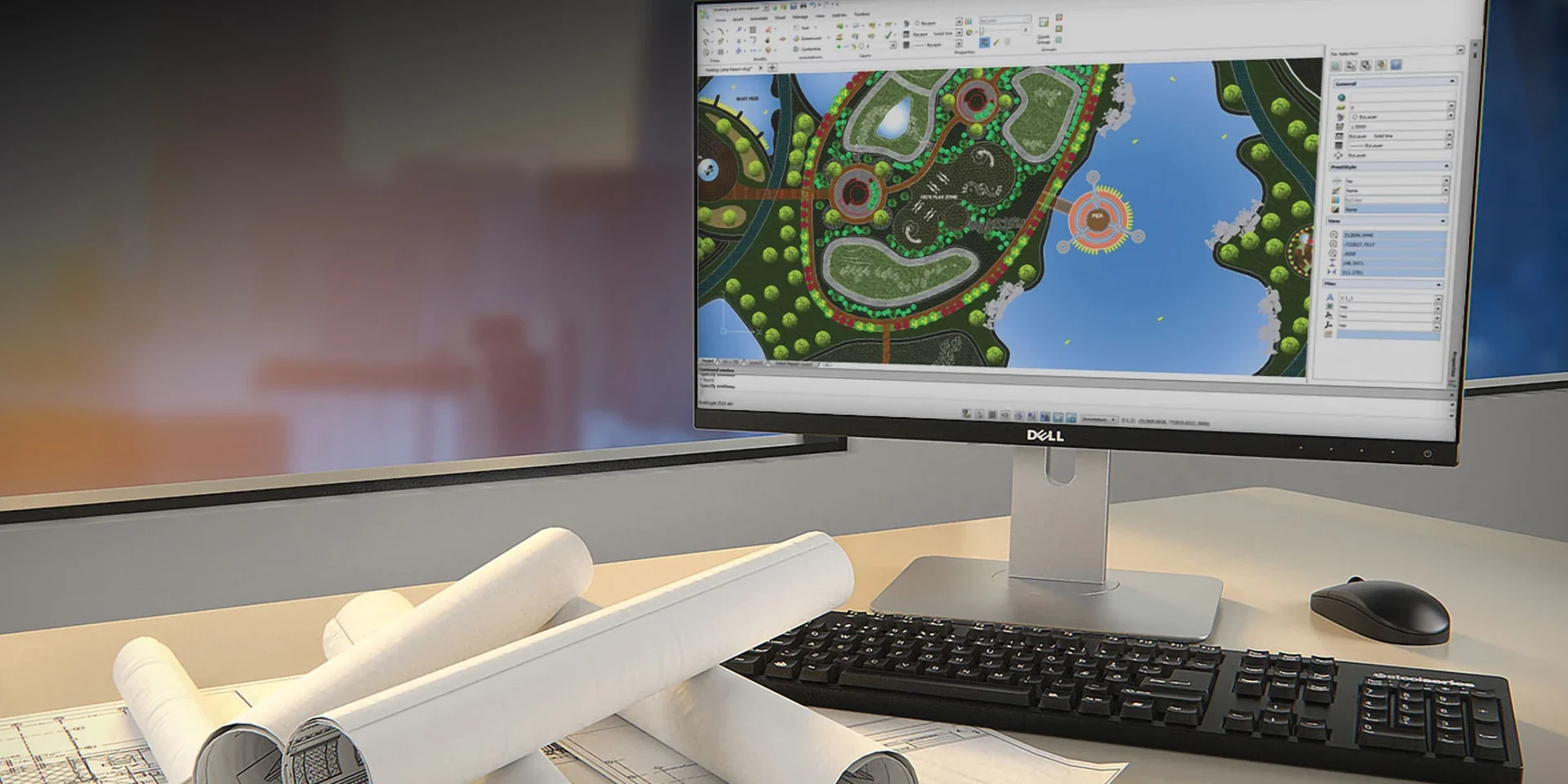
A dedicated add-in that enables seamless file management and collaboration directly within the DraftSight environment.
SOLIDWORKS Inspection
Enhance the creation, management, and traceability of first-article inspection (FAI) documentation with dedicated PDM tools.

SOLIDQ
Connect SOLIDQ Premium to your SOLIDWORKS PDM Professional vault to offload tedious and repetitive tasks with extra efficiency.
Frequently Asked Questions
Technically speaking, SOLIDWORKS PDM is able to manage any file as it is a Windows Native application.
This means the PDM vault and therefore any right-click menus are accessible via the standard File Open/Save dialog boxes common to most Windows Applications.
However certain applications and file types support a full integration into SOLIDWORKS PDM to provide greater control and functionality for your data.
SOLIDWORKS PDM offers both built-in file format support and application add-ins to enhance functionality.
File format support allows users to work with various file types, including multiple CAD file formats and Microsoft Office documents. It includes capabilities for previewing, exporting, and managing files and metadata.
Integrations (or 'Connectors') are application add-ins that extend the functionality of SOLIDWORKS PDM to provide data management tools that are accessible within these other applications (such as Microsoft Office 365) and offer features like in-application toolbars, reference management, and metadata support.
SOLIDWORKS PDM integrations are available to manage data across the SOLIDWORKS portfolio, including:
- SOLIDWORKS 3D CAD
- SOLIDWORKS Visualize
- SOLIDWORKS MBD
- SOLIDWORKS Inspection
- SOLIDWORKS Composer
- SOLIDWORKS Electrical (Schematics)
- CircuitWorks
These integrations extend the base product functionality and equip users with additional tools to seamlessly manage their design data, access it securely, and collaborate effectively.
SOLIDWORKS PDM can be integrated with supported SOLIDWORKS partner products and third-party CAD software applications.
This supports teams and organisations throughout their product development cycles, keeping data in one place and assisting with migrations from legacy CAD systems to SOLIDWORKS.
Supported third-party integrations include the following:
- SOLIDQ Premium
- SolidCAM
- SWOOD
- DriveWorks
- DraftSight
- Microsoft Office
Solid Solutions can also offer add-in and file format support for the following legacy CAD systems*:
- AutoCAD
- Autodesk Inventor
- Siemens Solid Edge
*Multi-CAD support is based on certain compatibility restrictions.