












Customise Your Workflow with Certified add-ins
SOLIDWORKS Partner Products
SOLIDWORKS is a world-class core platform, but specialised industries require specialised tools.
We have curated a portfolio of Gold-Certified partner products that integrate seamlessly into your CAD interface to help you automate, simulate, and manufacture faster.

Design Automation
DriveWorks
DriveWorks offers a modular, scalable suite of products to automate your SOLIDWORKS models, generate accurate documentation, and provide powerful product configuration for your sales teams and customers.

Digital Pattern Making & Nesting
ExactFlat
Automate the flattening of 3D SOLIDWORKS models into precise 2D production patterns for fabrics, composites, and upholstery. Increase accuracy and save time.
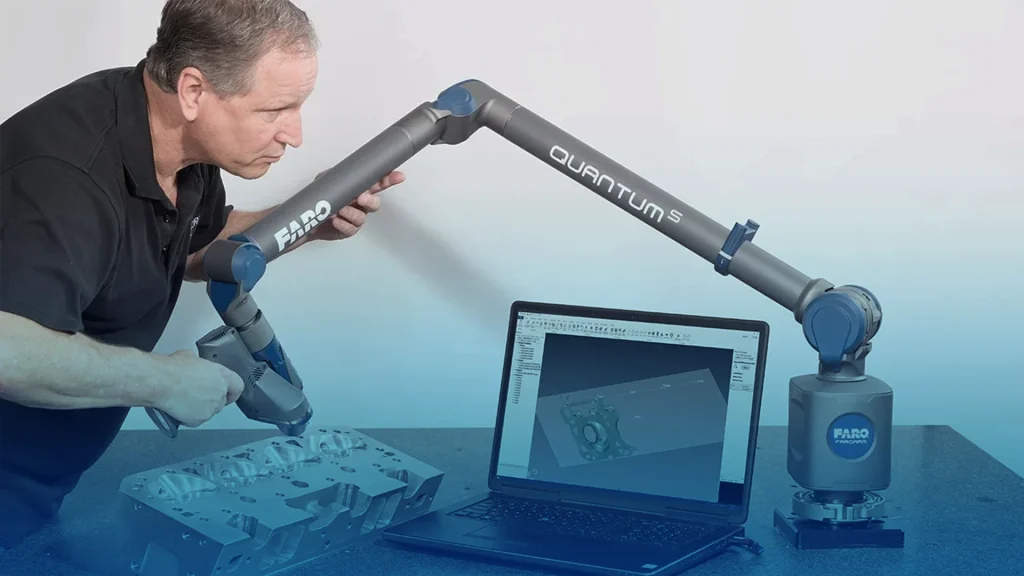
3D measurement, imaging and realization
Faro
Integrate physical reality into your digital design. FARO offers portable 3D scanning solutions for precise reverse engineering, quality inspection, and aftermarket design.
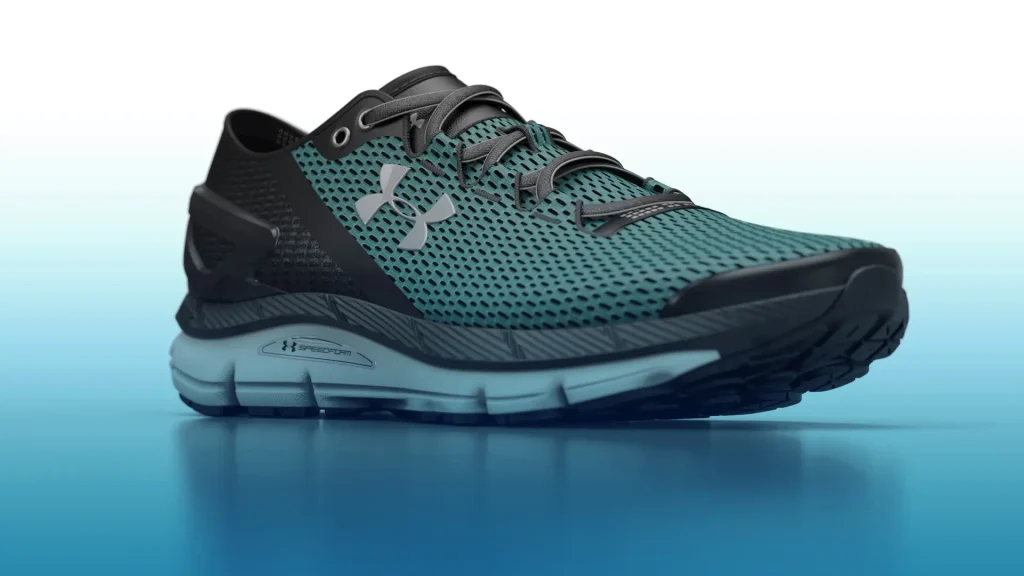
Photorealistic 3D Rendering
KeyShot
Create stunning, photorealistic visuals and animations from your SOLIDWORKS models faster than ever with KeyShot. Get a free demo today.
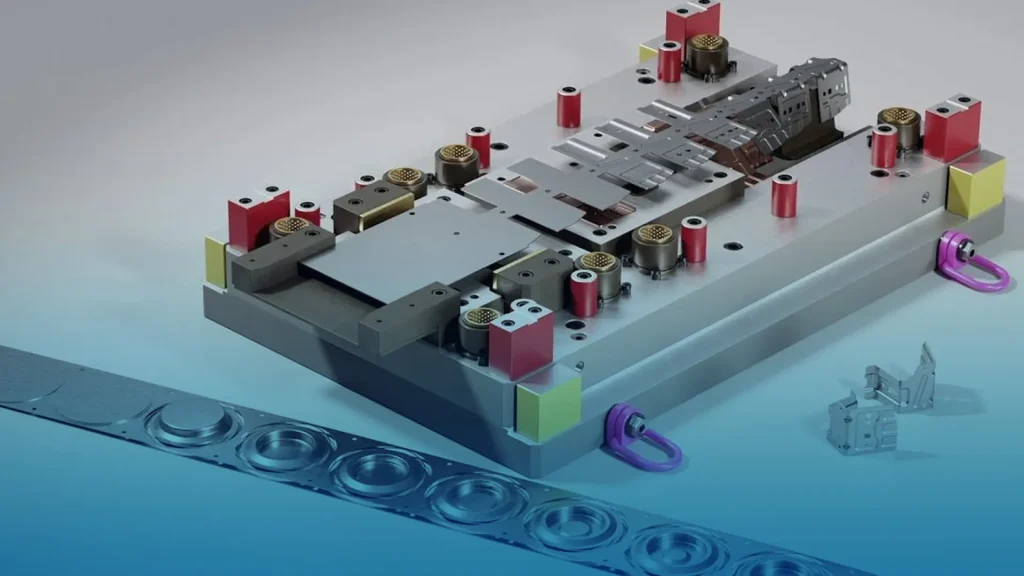
Comprehensive 3D Die Design
Logopress
Master 3D Die Design with Logopress, the SOLIDWORKS Gold Certified solution. Features accurate blank prediction, ProgSim simulation, and seamless integration.

Organic, Sub-division Modelling
Power Surfacing
Effortlessly create complex, freeform Class A surfaces and organic shapes within SOLIDWORKS using Power Surfacing. Simplify design and reverse engineering.
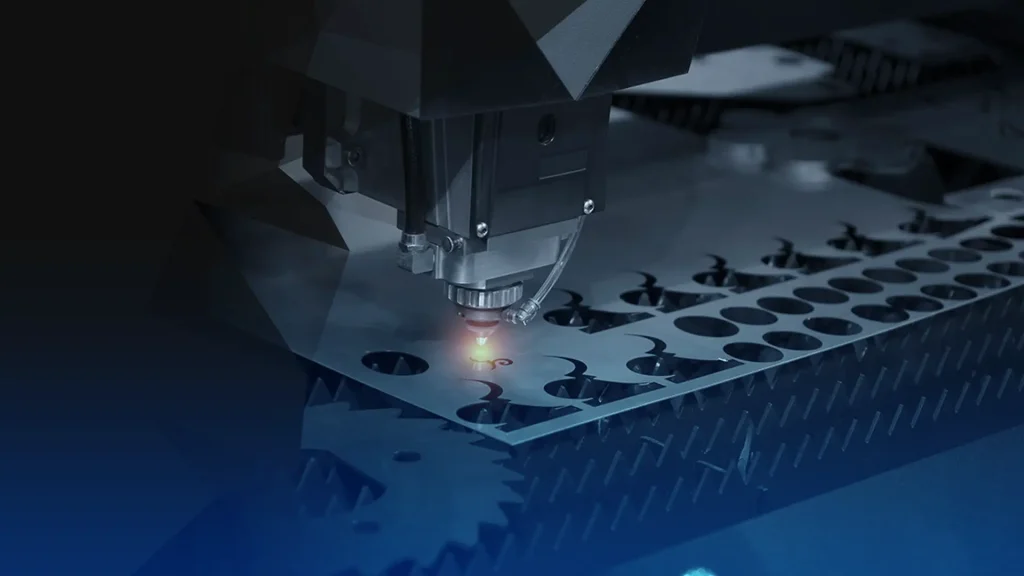
SigmaNest
Unlock SOLIDWORKS 3D CAD Standard software powerful design capabilities and embrace the benefits of the comprehensive 3D design solutions.
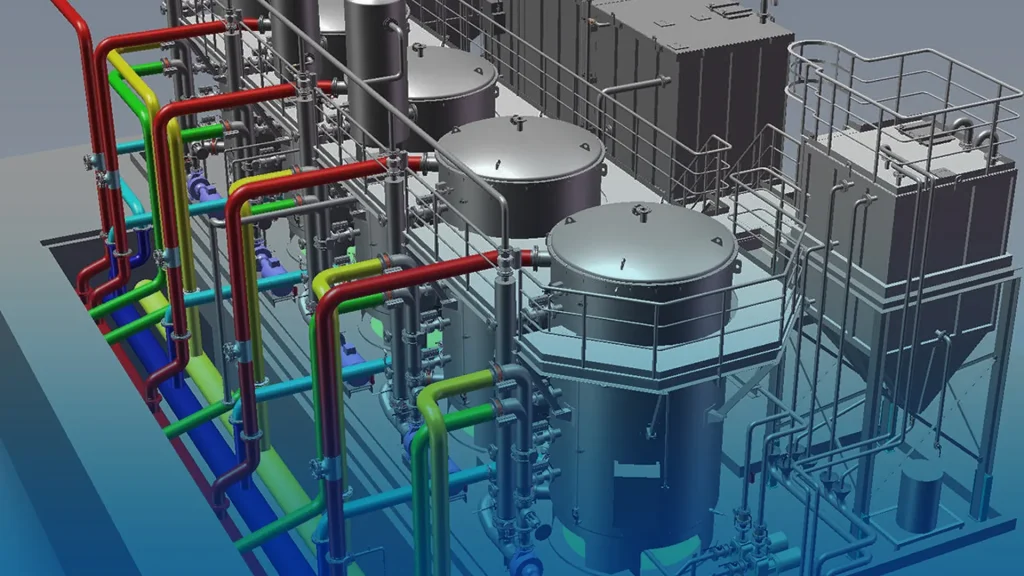
Plant Design, P&ID
Smap3D
Streamline your plant design workflow inside SOLIDWORKS with Smap3D. Integrate P&ID, automated 3D piping, steelwork, and ISO drawing generation to eliminate design errors.
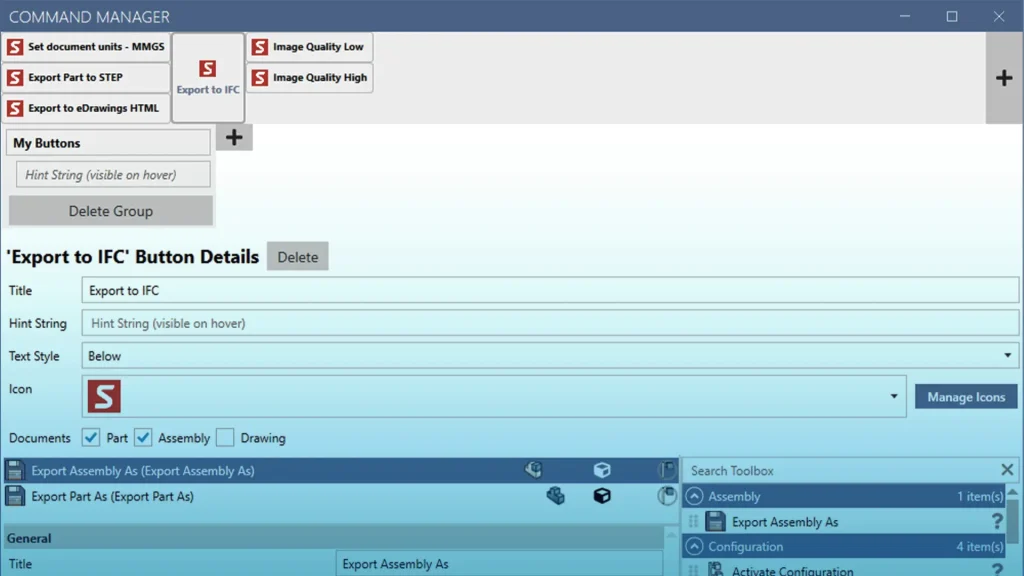
SOLIDWORKS Task Automation
SOLIDQ
Unlock SOLIDWORKS 3D CAD Standard software powerful design capabilities and embrace the benefits of the comprehensive 3D design solutions.
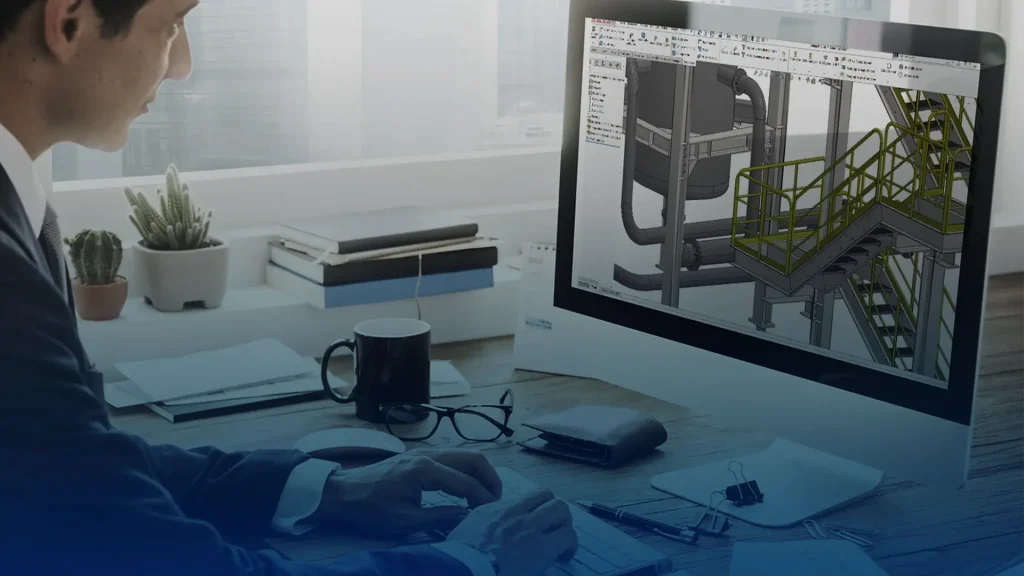
Structural Steel Design
SolidSteel Parametric
SolidSteel Parametric enables the design of large steel structures within SOLIDWORKS. It provides automation tools, a library of structural members and connections, enhances performance for large steel frames, and enables the design of fully-detailed, custom connections.
Why Choose Partner Products?
Building a bespoke toolset around your core CAD platform ensures you have the right tool for the right job, every time.