Getting Started
Our 3-Step Success Roadmap
Don’t just click around - create. Follow our structured roadmap to go from a blank screen to a 3D reality during your 7-day trial.
The Quick Start (Hour 1)
Get the software running and your first sketch on the screen.
The "Aha!" Moment (Days 1–3)
Build something real and see the power of Parametric Design.
The Deep Dive (Days 4–7)
Test the features that matter to your business.
Trial Video Series: From Sketch to Success
Go from a blank sketch to a professional design. These quick guides show you how to build 3D parts, generate drawings and BOMs, and master specialised tools for weldments, sheet metal, and simulation - right through to adding your logo and creating final renders.
Build Your First Part – Go from a 2D sketch to a 3D model.
Generate 2D Drawings – Turn models into professional blueprints.
Exploded Views & BOMs – Show how it fits together with Parts Lists.
Add Your Branding – How to apply your logo to your design.
Rapid Weldment Design – Speed up structural steel workflows.
Master Sheet Metal – Design, bend, and flatten with ease.
Validate with Simulation – Test your parts under real-world stress.
Create Stunning Renders – Turn designs into photo-quality images.
Need a Hand? We’re Here.
The trial is just the beginning. At Solid Solutions, we don't just sell software; we provide the UK’s most awarded technical support.
Beginner's SOLIDWORKS Tutorials
New to 3D design? Start here. These essential tutorials are designed to take the guesswork out of your first few clicks. We’ll guide you through the SOLIDWORKS interface and core tools, helping you build your very first model with confidence in just a few minutes.
Even though SOLIDWORKS is simple to learn, it’s best not to jump in blind. This three minute video will introduce you to the main areas of the interface along with the basic controls, and is a must watch for anyone that’s new to SOLIDWORKS.
Interactive Virtual Walkthroughs
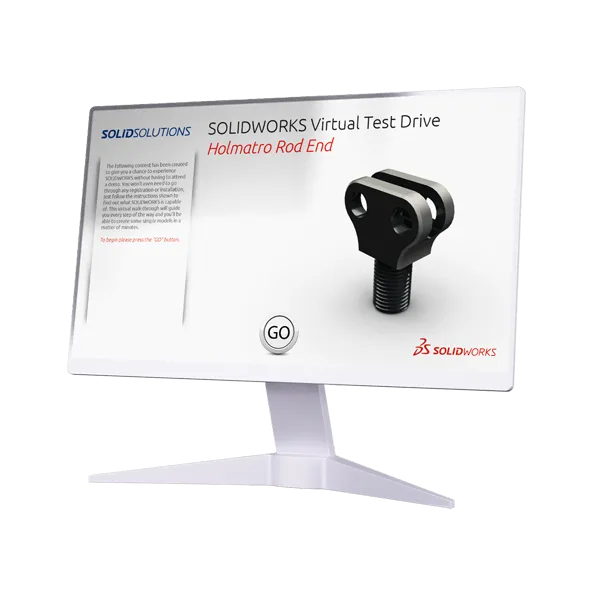
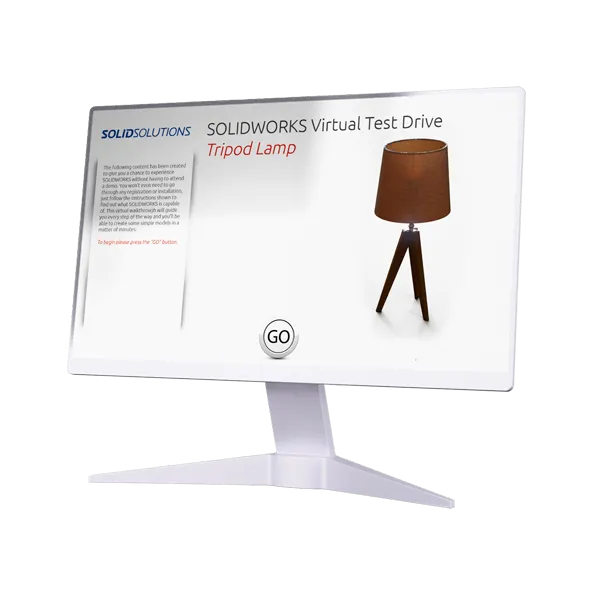
These interactive virtual walkthrough run in your browser and will guide you through every step required. You can follow along with each click or step through the tutorial using the left and right arrow keys.