











Freeform Organic Design Inside SOLIDWORKS
Power Surfacing
Stop fighting trimmed surfaces. Power Surfacing uses intuitive Sub-D technology to make complex freeform design as easy as modelling with clay - all within your native SOLIDWORKS environment.
Power Surfacing fundamentally changes how designers approach complex industrial and aesthetic forms in SOLIDWORKS.
Why Choose Power Surfacing?
Tool for Organic Modelling in SOLIDWORKS
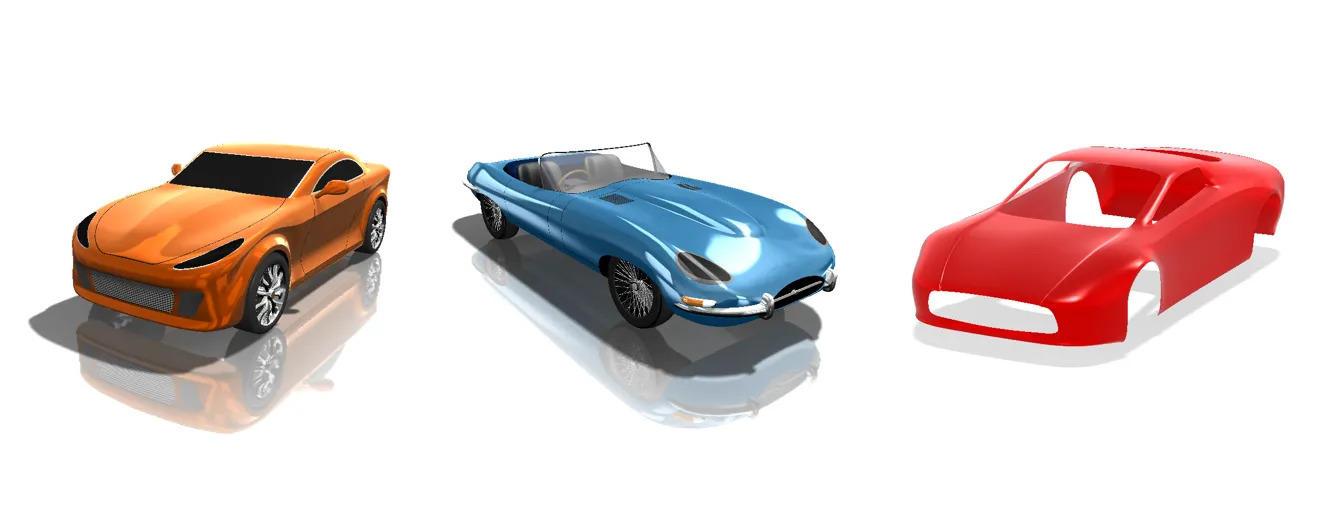
Sub-D Modelling Power
Power Surfacing leverages advanced Subdivision Surface (Sub-D) technology for maximum flexibility:
- Primitive Shapes: Start quickly with built-in primitive shapes like Boxes, Cylinders, and Torus shapes.
- Dynamic Editing Tools: Includes a full suite of modelling tools like Extrude, Inset, Bridge, Mirror, and Subdivide to build your geometry rapidly.
- Import and Export: Import Sub-D meshes from other programs (OBJ or FBX formats) like Modo or 3ds Max, and export the final geometry as clean SOLIDWORKS solids.

Advanced Functionality
- Power Surfacing RE: Simplify the process of converting complex scan data or polygonal models into usable, edit-friendly SOLIDWORKS CAD geometry.
- SOLIDWORKS Compatibility: Works seamlessly with sketches and construction geometry within SOLIDWORKS to ensure the freeform surfaces connect perfectly to your prismatic engineering features.