












solid-solutions-support-1
Quick Start Services

The Fastest Route to SOLIDWORKS Productivity

Don't waste weeks on self-implementation. Our Quick Start services provide a structured, expert-led setup for your new software, typically reducing configuration time by 80% and ensuring your system is built on industry best practices.

Why Choose a Quick Start?

Avoid the common pitfalls of a "guesswork" implementation and start seeing a return on your software investment immediately.

Dramatically Reduced Setup Time

Our experts handle the heavy lifting of installation and configuration, moving you from purchase to production in a fraction of the time.

Best-Practice Foundations

We ensure your templates, file structures, and settings are configured correctly from the start, preventing "technical debt" and future rework.

Hands-on Knowledge Transfer

Rather than just watching a video, your team works alongside a SOLIDWORKS Expert, learning the why behind the configuration.

Minimised Design Errors

Correct system setup ensures that your properties, Bill of Materials, and drawing standards are consistent across the whole team.

Optimised Performance

We tune your software and hardware settings to ensure the fastest possible assembly load times and stable performance.

Scalable Configuration

Our Quick Starts are designed to grow with you, creating a robust framework that can easily adapt as your team and project complexity increase.

Popular Quick Start Packages

We offer structured Quick Start paths for virtually every area of the SOLIDWORKS and 3DEXPERIENCE ecosystem.

SOLIDWORKS 3D CAD

Core Design Setup

Custom templates, material libraries, and sheet formats tailored to your standards.

Cloud Services

3DEXPERIENCE Integration

Secure cloud connection, data space setup, and collaborative markup training.

Data Management

PDM Standard/Pro

Folder structures, basic workflows, and automated revision control setup.

Simulation

FEA / CFD Readiness

Material property validation, mesh settings, and results interpretation guidance.

Electrical / PCB

Schematic & Routing

Symbol library configuration, wire styles, and 2D-3D integration.

Go Live in Days, Not Weeks.

Ready to bypass the learning curve and get your team productive immediately?
Request a Quick Start Quote
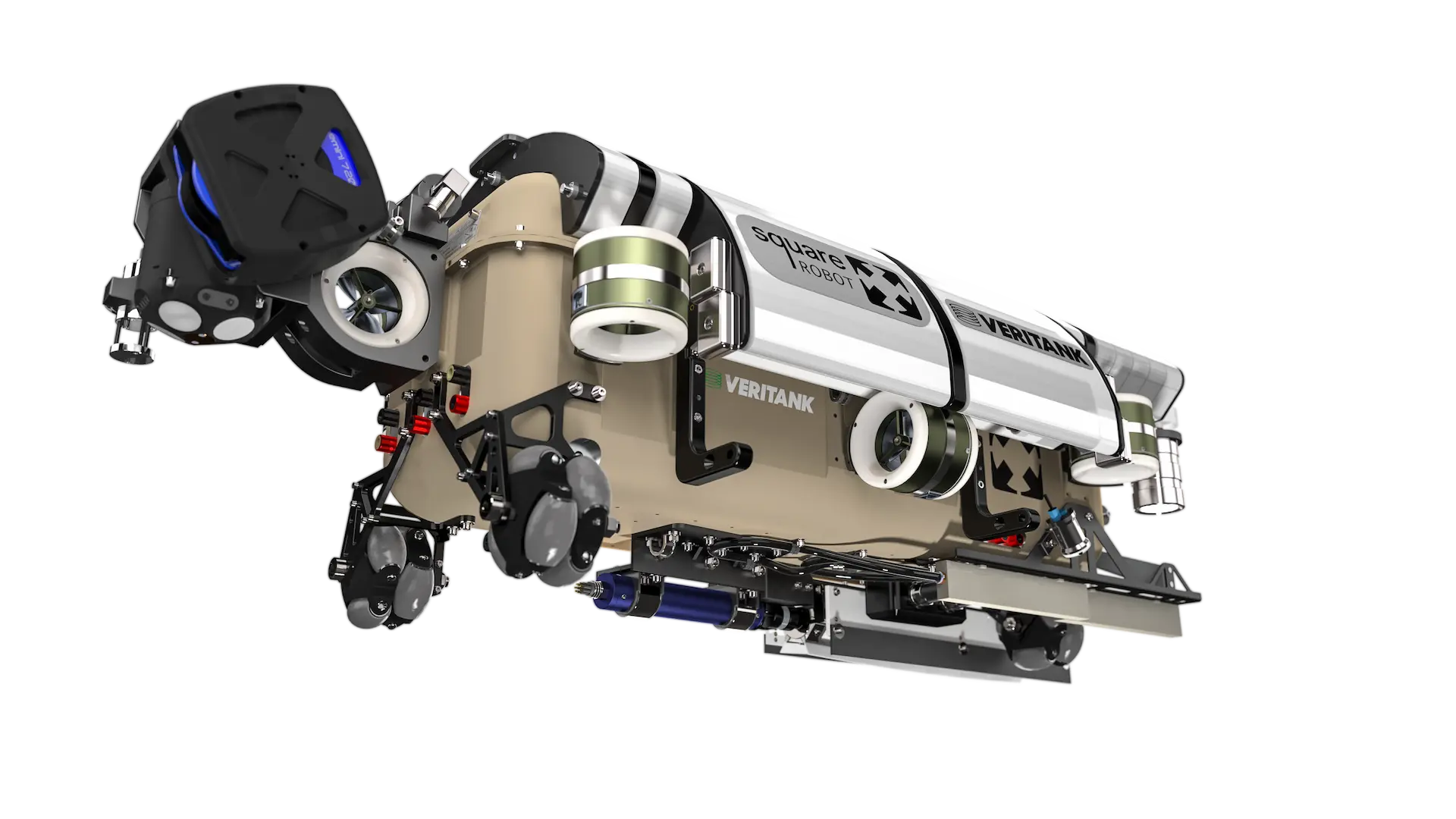
square-robot-solidworks-visualize-render

Frequently Asked Questions

What exactly is a "Quick Start"?
How much time will it really save us?
Is a Quick Start the same as a training course?
Do we need to have a Quick Start for every new seat of software?
Can Quick Starts be delivered remotely?
What do we need to prepare before the Quick Start begins?
Can we use CAD Management Program credits for a Quick Start?
What happens after the Quick Start is finished?