











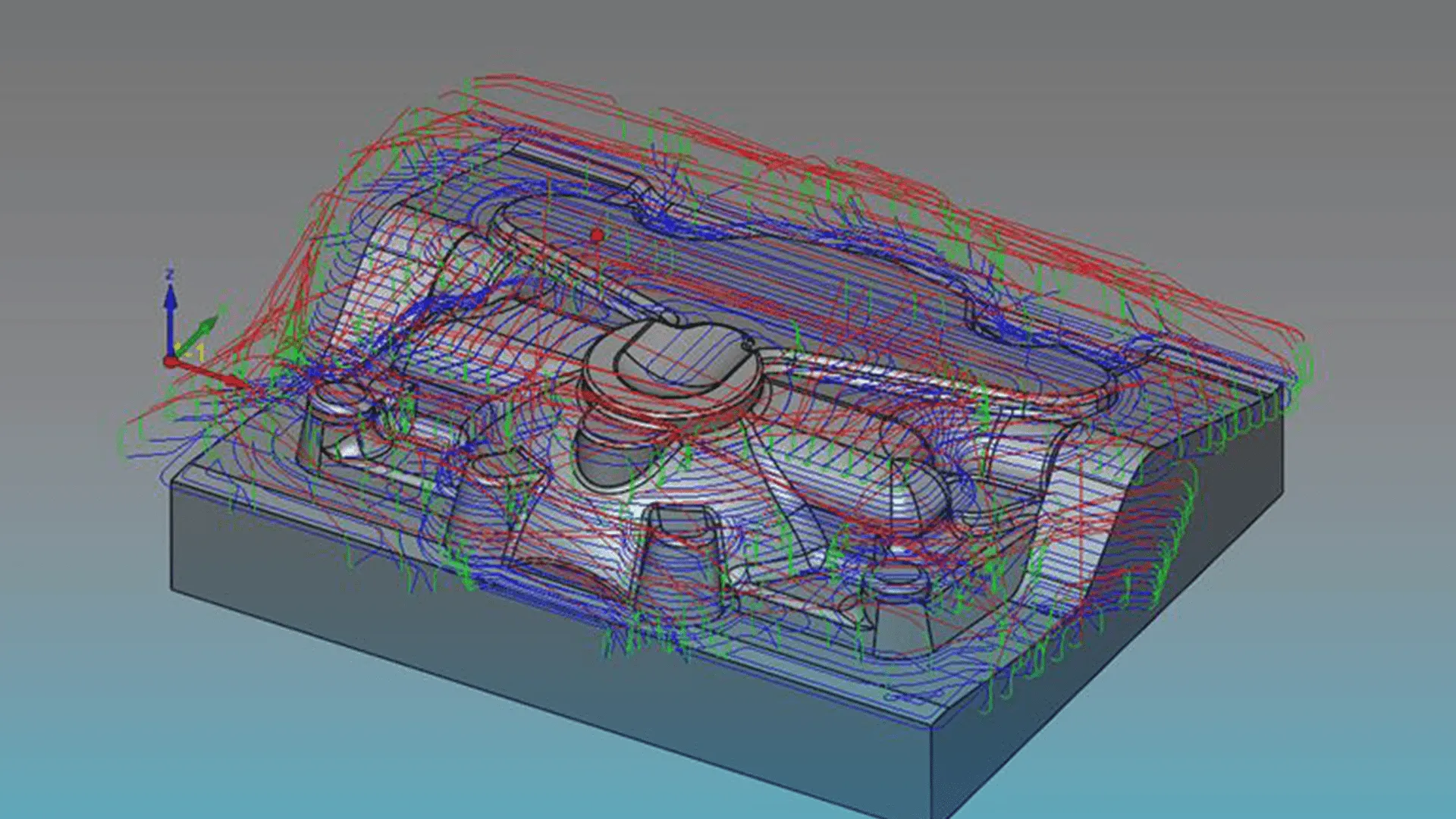
SolidCAM CAM Assist
SolidCAM CAM Assist powered by CloudNC is your shortcut to dramatically faster programming times. By generating up to 80% SolidCAM operations in minutes, CAM Assist removes manual grunt work from 3 Axis and 3+2 machining jobs, your team can focus on productivity, quality, and getting more parts out the door.

CAM Assist Features
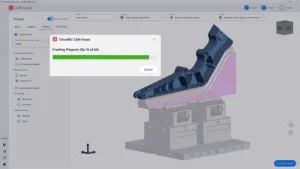
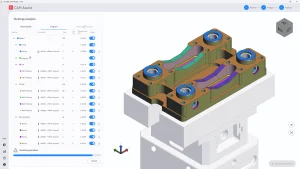
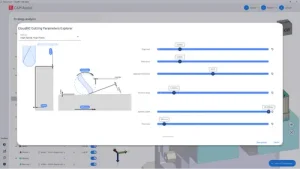
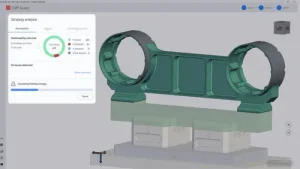
AI‑Powered CAM Automation
How CAM Assist Works?
The versatility in the finished parts from the impressive Siemens 828D control to the Y axis and driven tooling, all without which we could not have produced this part. Going from simple turning to complex multi axis milling to create an amazing bat out of some tough material.
Will Kearse
Manufacturing Application Engineer
Frequently Asked Questions
No. CAM Assist licenses are issued per user and linked directly to an individual CAM seat license. Under our fair usage policy, every active user must have their own dedicated seat.
CAM Assist comes built into SolidCAM 2025 Service Pack 4 and will continue to be supported in all upcoming SolidCAM releases.
Yes. CAM Assist is available in a wide range of languages, including:
- English
- Chinese (Simplified)
- Czech
- Finnish
- French
- German
- Italian
- Japanese
- Korean
- Portuguese
- Spanish
- Turkish
- Vietnamese
You can switch the interface language at any time through the software’s settings.
We recommend using a system that meets the hardware requirements suggested by your CAM software provider. This will give you the best performance since CAM Assist runs directly on your machine inside the CAM environment.
Operating System
- Windows 10 64‑bit Professional, or
- Windows 11 64‑bit Professional
CPU
- Intel® or AMD 64‑bit processor, 2.4 GHz or faster
- Preferably a newer Intel i7/i9 at 3.2 GHz or higher
Memory
- Windows 10: 8–12 GB
- Windows 11: 32–64 GB
Graphics
- Must support OpenGL 3.2 and OpenCL 1.2, with at least 1 GB VRAM
- Dedicated GPU required (no onboard graphics)
- Recommended: NVIDIA RTX or AMD FirePro™/Radeon Pro with 4 GB+ dedicated memory
Display
- 1920 × 1080 resolution
Storage
- Minimum 20 GB free space
- SSD recommended (20 GB free)
A reliable internet connection is also needed for CAM Assist to function properly.
No. CAM Assist integrates directly with your current CAM system, so there’s no need to install or purchase a new post processor.
CAM Assist combines a deep understanding of machining principles and physics with the ability to evaluate trillions of potential manufacturing strategies. It does this while accounting for your specific setup, your part, fixture, tooling, and machine.
It quickly simulates these possibilities and narrows them down to a practical set of operations capable of producing the part to tolerance. These operations are then written directly into your CAM system, just as you would create them manually, leaving you with a CAM program ready for simulation and refinement.
While CAM Assist won’t always deliver a perfect strategy on the first pass, it typically completes around 80% of the work, giving you more time to focus on fine‑tuning.
Yes. Here at Solid Solutions, we offer comprehensive training courses across all modules of the SolidCAM Software. Through our in-depth training courses you will quickly be able to adopt the most efficient workflows and best practises to ensure you maximise the benefits SolidCAM can bring to your Business and your Design and Manufacturing processes.
Solid Solutions are here to help you along every step of the way in your journey with SolidCAM and SOLIDWORKS. This starts with the implementation of the software and continues through the services we offer.
These services cover Support and Training in the software along with Customer Care visits to ensure you are maximising your potential with the use of SolidCAM.
We also offer consultancy and more where you’ll work alongside our recognised SolidCAM experts and specialist and our technical team to achieve your vision.