











SolidCAM HSS Machining Strategies
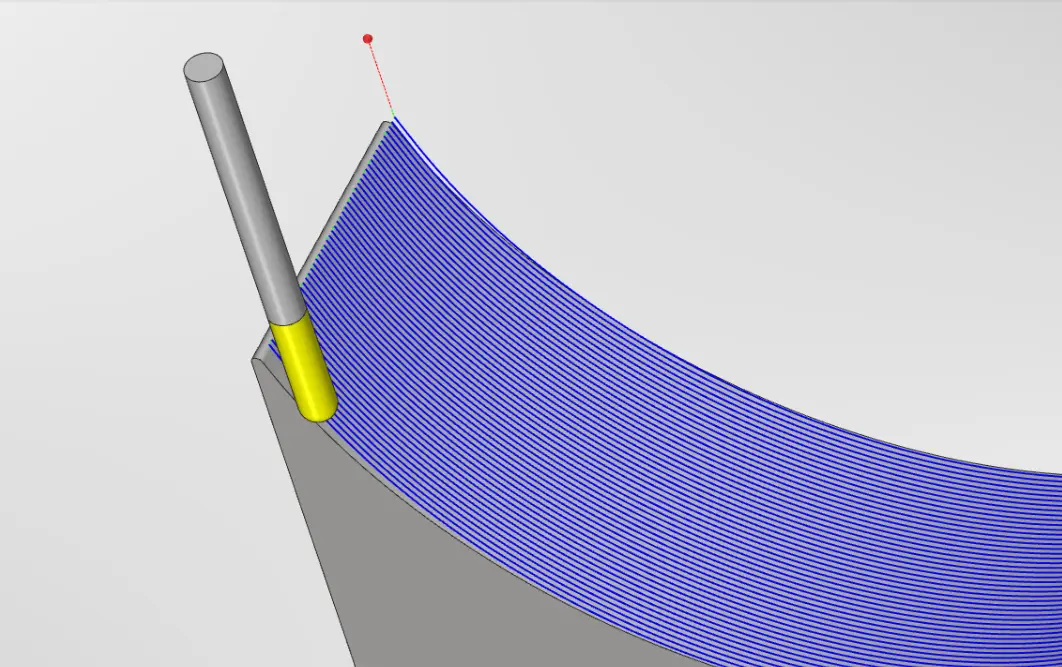
Use a selected surface to influence the direction of the machining passes.

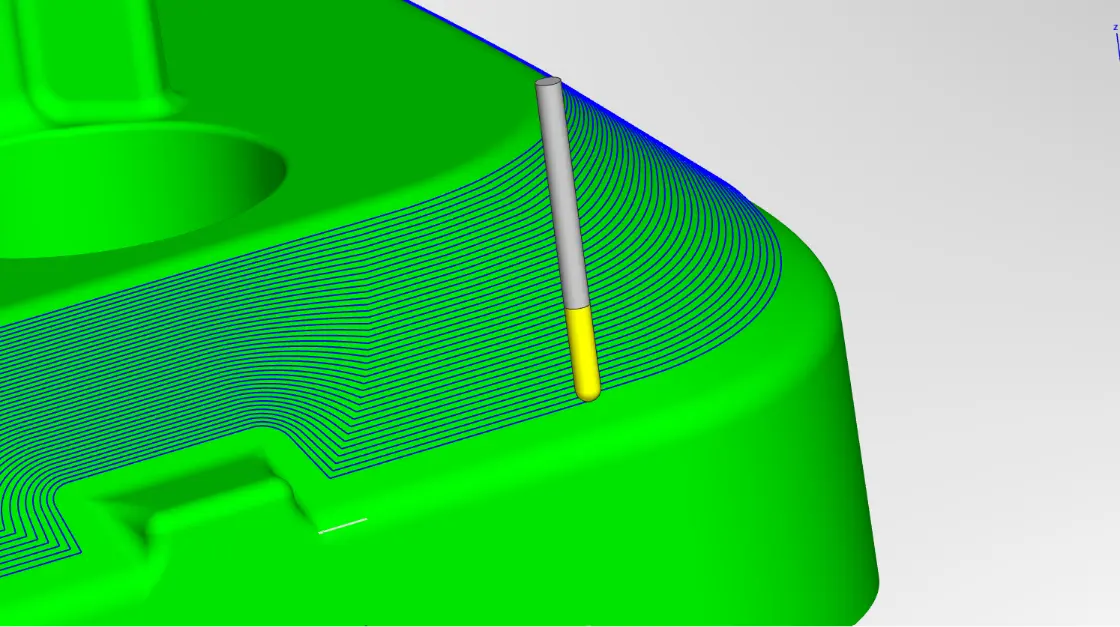


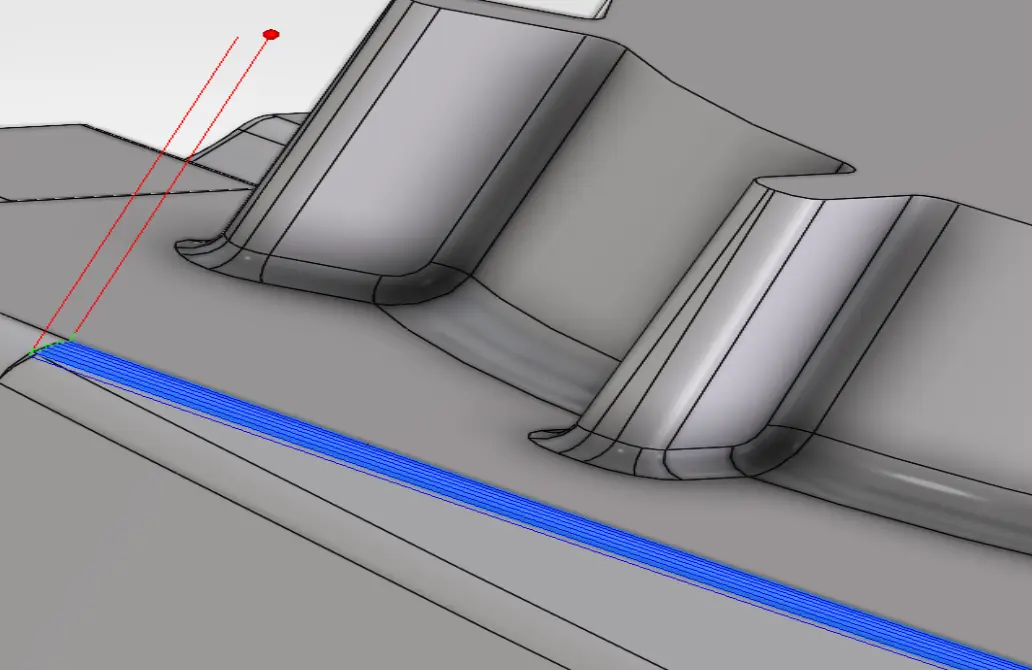

SolidCam HSS High-speed surface
Machining for Localised Geometry
SolidCAM HSS extends machining beyond profiles, pockets and faces by driving the cutter directly along selected surfaces. It is designed for local features where a whole-part 3D finishing strategy would be unnecessarily broad or where the surface shape should determine the toolpath flow.
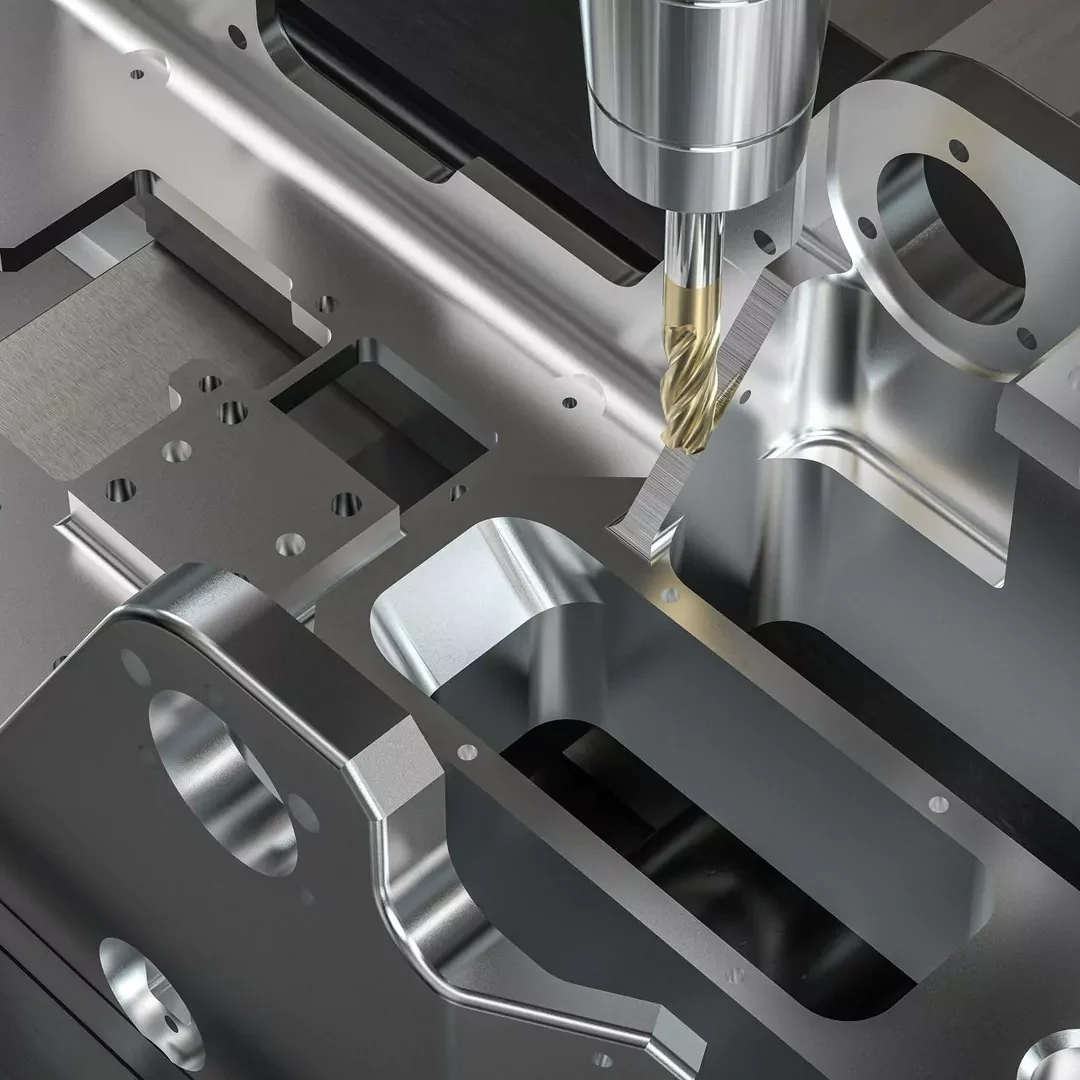
Where SolidCAM HSS fits in the machining process?
HSS is best positioned as a focused surface-finishing module. Roughing and broader 3D machining can prepare the component, while HSS applies a dedicated strategy to the local surfaces whose form, accessibility or finish requirement needs more targeted control.
- Internal and external fillets
- Blended and transitional surfaces
- Inclined faces and local chamfers
- Local surfaces on moulds, dies and tooling
- Selected surfaces on prismatic and 3D parts
- Difficult-to-reach or undercut regions
SolidCam HSS High-speed surface
Control Every Movement Around the Surface
The versatility in the finished parts from the impressive Siemens 828D control to the Y axis and driven tooling, all without which we could not have produced this part. Going from simple turning to complex multi axis milling to create an amazing bat out of some tough material.
Will Kearse
Manufacturing Application Engineer
Frequently Asked Questions
HSS is SolidCAM’s High-Speed Surface Machining module for smooth machining of selected, localised surface areas, including undercuts.
SolidCAM HSS focuses on one or more selected surfaces. It is intended for local, surface-led machining rather than applying a strategy across an entire model.
SolidCAM HSS supports direct surface selection, so the selected surface or surface group can define the area without separate constraint boundaries.
Yes. Adjoining surfaces can be selected as check surfaces, and gouge control is available for the holder, arbor and tool.
HSS supports localised areas including undercuts. SolidCAM identifies tapered, lollipop and T-slot tools for suitable undercut or difficult geometry.
Yes. HSS provides control over lead-ins, lead-outs, extensions, trimming, gap and hole handling, direct links and retract strategies.
SolidCAM HSS supports standard, shaped and barrel tools. Tool selection should suit the surface radius, access and undercut condition.
SolidCAM HSS supports standard, shaped and barrel tools. Tool selection should suit the surface radius, access and undercut condition.
SolidCAM HSS is focused on selected local surfaces, HSR and HSM address broader 3D roughing and finishing workflows.
Solid Solutions lists a dedicated SolidCAM High-Speed Surfacing machining course, the training develops on the SolidCAM module HSR/HSM basics to add further control of your programming.