SOLIDWORKS 3D CAD Design

SOLIDWORKS Professional

SOLIDWORKS Professional builds on the capabilities of SOLIDWORKS Standard by offering advanced tools that enhance productivity, collaboration, and design accuracy.

SOLIDWORKS Professional offers photorealistic rendering capabilities which can in turn be shared with other users regardless of their CAD skills with eDrawings® Professional collaboration capabilities.

Compare SOLIDWORKS Design Packages

Explore the differences between Standard, Professional and Premium with our product matrix.

Get a Free SOLIDWORKS Trial

Get hands on with a free trial, choose between a 7-day online trial or an extended desktop trial.

Standard vs Professional

Why Upgrade to SOLIDWORKS Professional?

Wondering if you should upgrade from SOLIDWORKS Standard to Professional? While Standard offers a solid CAD foundation, Professional adds powerful tools and features that deliver extra value. Here are some key advantages of choosing Professional over Standard.

#1 Save Time When Adding Fasteners

SOLIDWORKS Toolbox offers thousands of predefined components such as nuts, bolts, washers, bearings and retaining rings.

#2 Create Photorealistic Imagery

SOLIDWORKS Visualize Standard enables designers, engineers, and content creators across all industries to create compelling visual content of their designs with unparalleled ease and flexibility.

#3 Secure Data Management

SOLIDWORKS PDM Standard enables all information to be securely stored and indexed for fast retrieval by authorised users.

What's Included in SOLIDWORKS Professional?

SOLIDWORKS Standard

You'll get all the features of SOLIDWORKS Standard in addition to the premium features. Elevating your design capabilities.

PDM File Management

SOLIDWORKS PDM Standard is a CAD data management solution in a single location. Included in SOLIDWORKS Professional and Premium packages.

Photorealistic Rendering

SOLIDWORKS Visualize Standard enables designers, engineers, and content creators across all industries to create compelling visual content.

SOLIDWORKS Toolbox

SOLIDWORKS Toolbox is a huge component library containing more than a million standard hardware items, ready to be used and customised to company specific requirements.

Tolerance Stack-Up Analysis

Automatically check the effects of tolerances on parts and assemblies to ensure consistent fit of components and verify tolerancing schemes before manufacturing your designs using TolAnalyst™.

Cloud Services *new*

Included with every new seat of SOLIDWORKS, the SOLIDWORKS Cloud Services provide tools to share designs, manage files and store data in the cloud.

Static Simulation

Premium Feature

SOLIDWORKS Simulation linear stress analysis allows designers and engineers to validate product quality performance and safety throughout the design creation.

Kinematic Motion Analysis

Premium Feature

Easily evaluate how your product will perform and move throughout its operational cycle with motion analysis using SOLIDWORKS Simulation.

Electrical Routing

Premium Feature

Easily add wire/cable/harness/conduit systems for your design, including path planning and complete BOMs.

To explore more features of SOLIDWORKS take a look at our SOLIDWORKS Premium Package.

Brands that Trust Solid Solutions

What do our Customers Say?

We use a wide range of SOLIDWORKS features. Everything from sheet metal to simulation for stress analysis to animations for customer instructions. SOLIDWORKS isn't just a CAD tool for us. It's an integral part of our innovation process.

Padraig Brosnan

Design Engineering Manager, Dromone

How you Benefit from Solid Solutions

More Than Just Software

When you partner with Solid Solutions, you get more than software, you're gaining access to a comprehensive suite of tools, training, and support designed to help you innovate with confidence.

#1 SOLIDWORKS Reseller

Solid Solutions is the leading provider of SOLIDWORKS throughout the UK and Ireland. With over 20 years of experience in delivering best-in-class services and software solutions to help businesses grow and enhance their design productivity.

About Us

Continuous Support

Every license you purchase includes our complimentary Success Package. This service goes above and beyond standard SOLIDWORKS support by assigning a dedicated success partner to assist with the optimisation and long-term performance of your software solution.

Get Tech Support

SOLIDWORKS Training

There’s no better way to master SOLIDWORKS than by getting hands-on in a dynamic, instructor-led classroom environment. Our 4-day SOLIDWORKS Essentials course is the perfect starting point.

View Training Courses

Professional Hardware

Our certified DELL machines are built to meet SOLIDWORKS system requirements. Not sure which setup is right for you? Our hardware experts are ready to recommend the perfect fit for your needs.

View All Hardware

Exclusive Resources

Get up to speed with structured resources, and webinars for new users. Access a library of drawings, parts, assemblies, and features, along with free online resources and video tutorials to keep your skills sharp

View Resources

Ready to Start Creating with SOLIDWORKS Professional?

Start designing great products with SOLIDWORKS. Buy online today or contact our team to discuss options, bundles or ask us any questions.
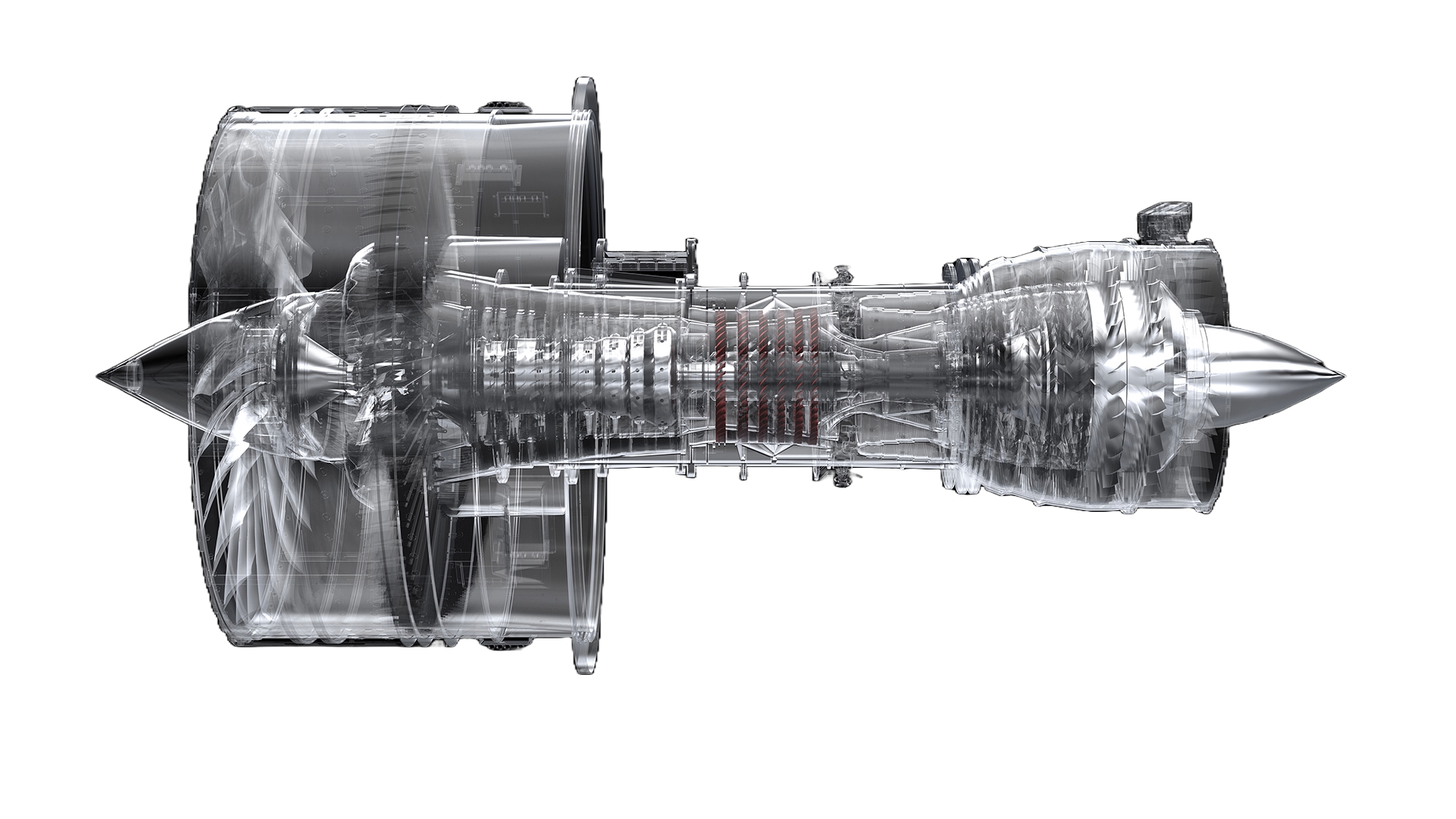
solidworks rendering - aerospace enginering
get the right package for you

More SOLIDWORKS Packages

Discover our other packages of SOLIDWORKS that offer a range of services and features based on your unique needs

Most Affordable
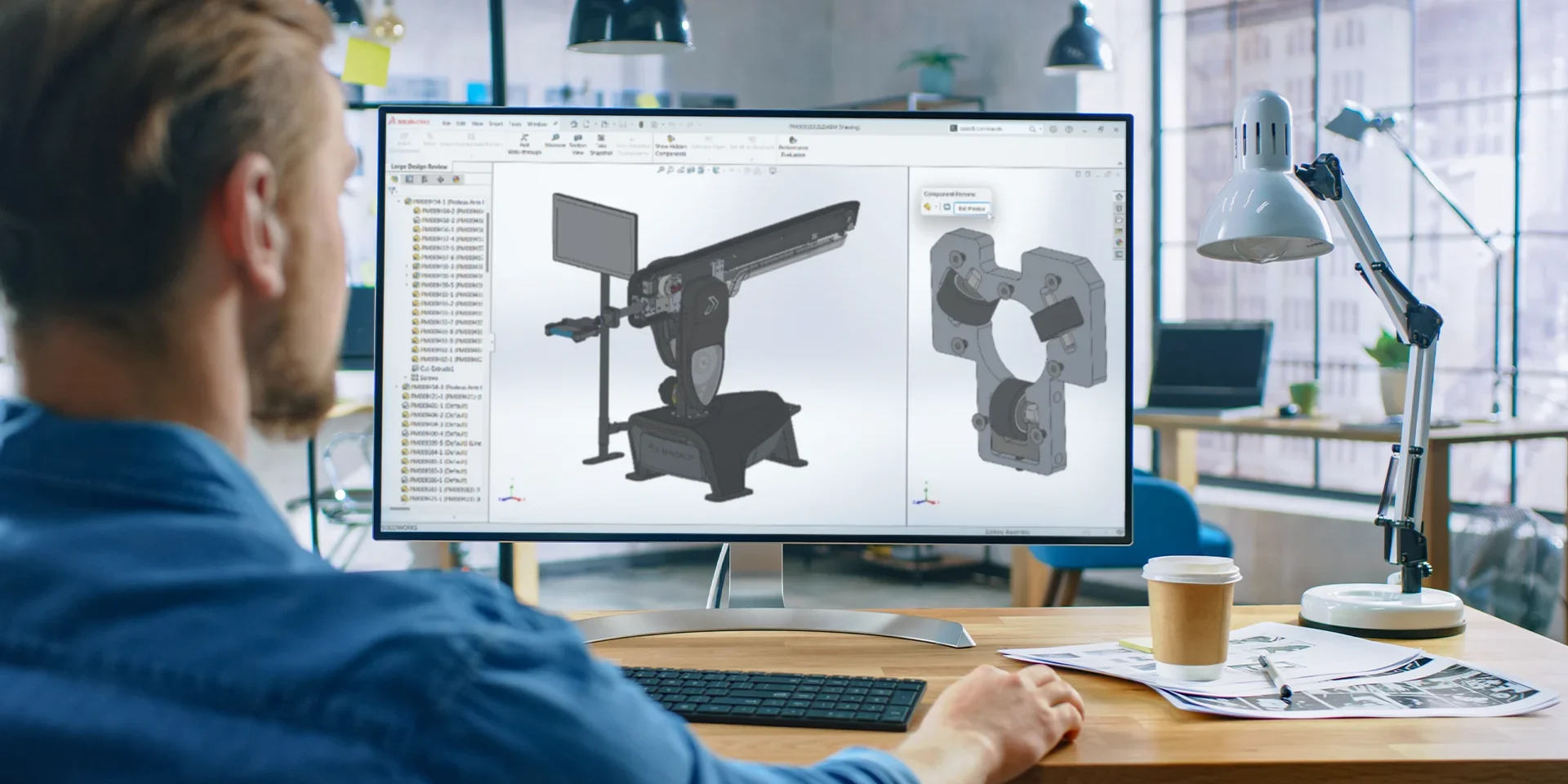
solidworks-standard-user-refresher

£2,544/ 12 month term

Most Comprehensive
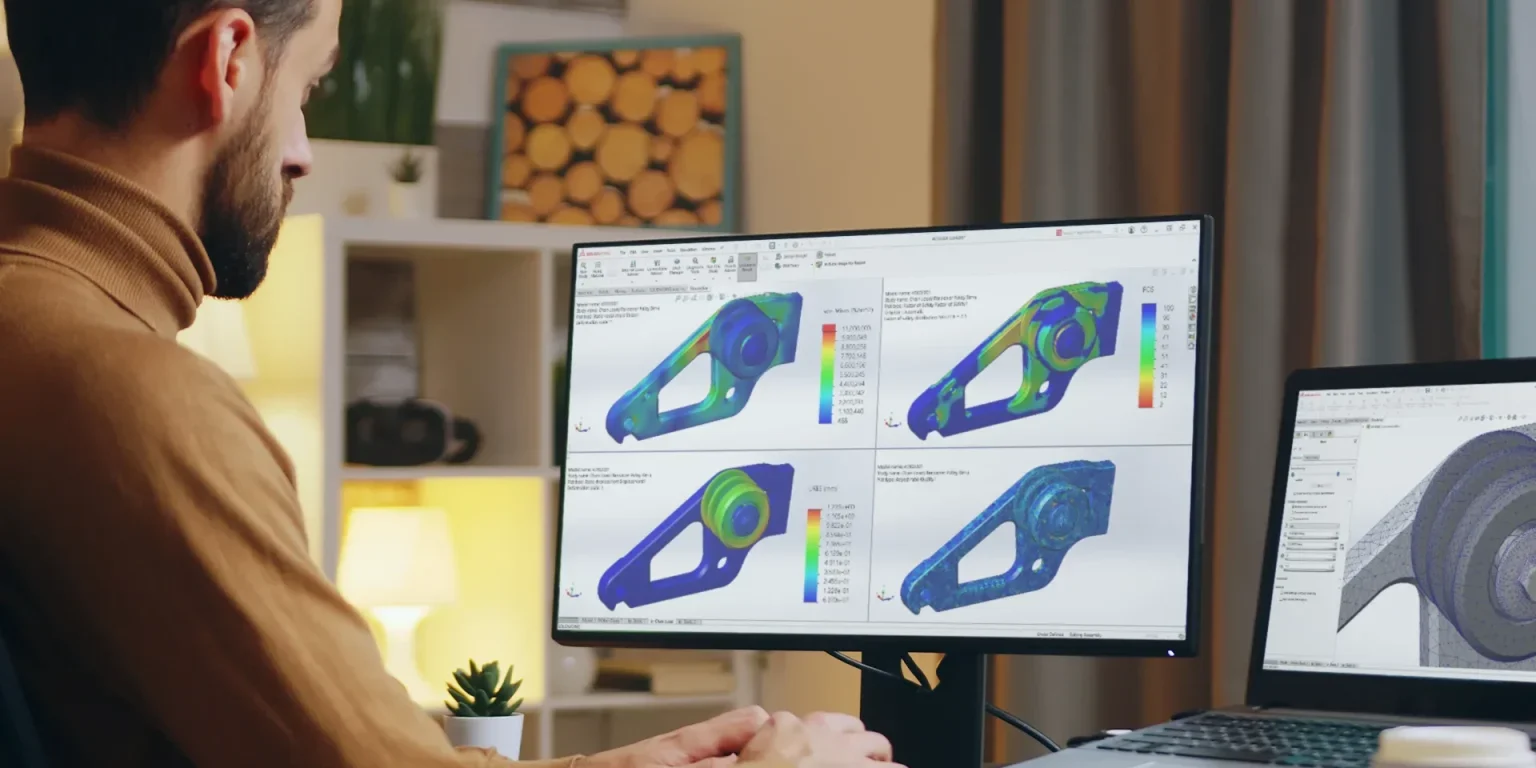
solidworks simulation premium

£3,156/ 12 month term

A new fourth version also exists, SOLIDWORKS Design Ultimate, primarily it adds extra functionality through a series of cloud based apps.

Frequently Asked Questions

When will my SOLIDWORKS licence term start?

Your new license will start within 1 working day of completing your purchase online. Your order confirmation will notify our team of your order. We will then carry out some basic checks to ensure legitimacy of the transaction, before generating your new license key. This can take up to 1 working day.

How will I receive my SOLIDWORKS software?

You will receive an email with a secure link to your new serial key. This will arrive by the end of the following working day.

In preparation of receiving your serial key, you will be able to download the SOLIDWORKS install files using a link in your order confirmation email. These are about 20GB in size, so it may take a while, depending on your internet speed.

Once the download is complete, start the install wizard, if you need help with the install contact our support team. You will be asked for your serial key in order to activate the license, and you will require an internet connection for activation.

When you reach the end of the install wizard, that’s it! Fire up SOLIDWORKS and it’s time to get designing!

Can I upgrade my SOLIDWORKS licence?

Yes, you can upgrade your SOLIDWORKS license during your rental term. For example, if you had a 3 month Professional license, you can upgrade to Premium for the rest of the rental term.

Unfortunately, we can’t process upgrades through our online shop, but if you would like help upgrading, please contact our team who will give you the cost and arrange payment with you.

Can I pause my SOLIDWORKS licence term?

Rental licensing is active for the term specified and cannot be paused part way through the term.

I have a SOLIDWORKS rental licence, how do I renew?

Great news! You are reaching the end of your license and wish to extend your access.

To continue access please either purchase a new licence of SOLIDWORKS from our online store or get in touch about renewing your existing license.

Note our license processing only takes place on working days, so if your license expires at the weekend, you will have to order online in advance. If you require any assistance or have further questions beforehand, please contact our team.

Can I buy outside of the UK and Ireland?

Solid Solutions can only provide SOLIDWORKS licenses for use in the UK and Ireland.

Our partners in the TriMech Group can provide licenses in North America, so please get in touch if this is your requirement.

What is the SOLIDWORKS returns policy?

Every license key is uniquely generated and the rental period then commences. This means that it is not possible for us to accept returns on rental licenses.

If you have any concerns and require assistance, please get in touch with our team.

Is this SOLIDWORKS software cloud based?

SOLIDWORKS licenses bought through our online store are desktop applications and run locally on your machine.

SOLIDWORKS has been a desktop application since creation in 1995. New products are being developed by Dassault Systèmes to provide cloud based modelling tools. These have been developed from scratch for optimum cloud performance, rather than translating the technology.

If you would like to discuss a cloud-based solution please contact us.

Can I get a SOLIDWORKS trial before I buy?

Yes, you may access an online trial for 7 days, or a desktop trial for 30 days. To request your free trial please fill in the form on our free trials webpage.

Can I add a licence to a network?

In order to add an a SOLIDWORKS network licence, you must have a SOLIDWORKS Network set up with the correct Licence Manager software.

Once you have a network in place, the SOLIDWORKS licenses must be network versions but can be either perpetual or term/rental.

Presently we only sell standalone rental licensing in our online store which cannot be added to a network. If you’d like pricing or purchase a network version, please contact us.