











SOLIDWORKS Visualize Professional Training
Discover dynamic animations, advanced lighting techniques, and learn how to add more realism to renders in the SOLIDWORKS Visualize Professional training.
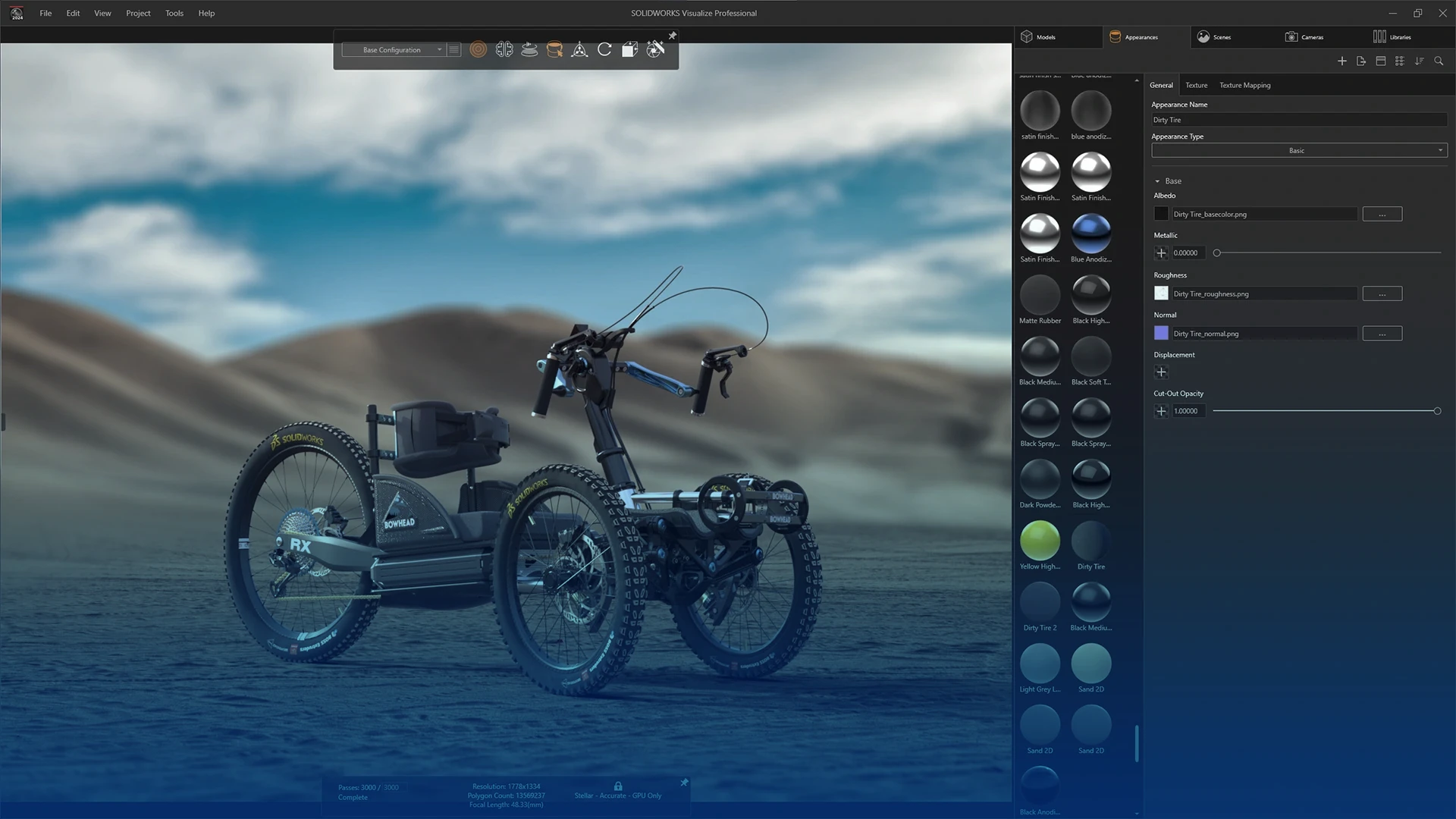
Course Overview
This course will teach key functionality within SOLIDWORKS Visualize Professional and follows on from the introductory content presented in the Visualize Standard training course. This course focuses solely on the advanced content within Visualize Professional covering topics such as configurations, animations, render queuing, VR (interactive 360deg rotations of models), and sun studies.
NOTE: This course is available as part of the Gold & Platinum Training Passports.
What You'll Learn
Course Agenda
Lesson 1: Configurations & Model Sets
Configurations can be created and manipulated within the Visualize environment to create different versions of a model where visual aspects, such as appearances, are changing. Users will also learn how to import SOLIDWORKS configurations into Visualize and use Model Sets to create versions of the model. In additional to these, the Pattern tool will be used to save time manually moving and settings parts in position and the Shadow Catcher will be used with a backplate to manipulate the shadow.
Lesson 2: Key Frame Animation
Attendees will learn how to navigate through and edit the sequence of events that determine the movements in the final animation. At the end of this lesson users will understand how to hide or show parts, manage transitions between events in the animation, animate cameras and finally how to appropriately select output settings for animations.
Lesson 3: Animations, Decals and Lighting
In this lesson we cover physics animations or 'Dropping' parts, learn how to use video decals to add screens and things like steam and fire through MP4s, understand the advantages of and utilise walkthrough cameras and finally review Photometric lights to enhance the lighting coming from the HDRI.
Lesson 4: Rotation Animations and Advanced Cameras
This lesson covers how to make things continuously rotate without having to create to many keyframes. It also reviews turntables both Live and in presentations modes and finishes off reviewing camera settings such as filters, bloom and toon.
Lesson 5: Additional Output Options
In this, the final lesson of the course, render queueing and advanced render types are taught. These types include VR (360degree rotation of models) and Sun Studies. The course finishes considering the benefits offered by Visualize Boost (network rendering).
What do our customers say?
We use Feefo (the global feedback engine) to gather anonymous but certified genuine reviews from our customers. We continually use customer feedback to improve the service that we offer to our customers and to motivate our team.
Click the Feefo button below to read the latest reviews for this course.
Training Booking Process
How to book a course?
Training Methods

Self-Paced
Student, job-seeker, or working professional? Our SOLIDWORKS self-paced training essentials course gives you the flexibility to learn when and where you want.
In-Classroom / Virtual
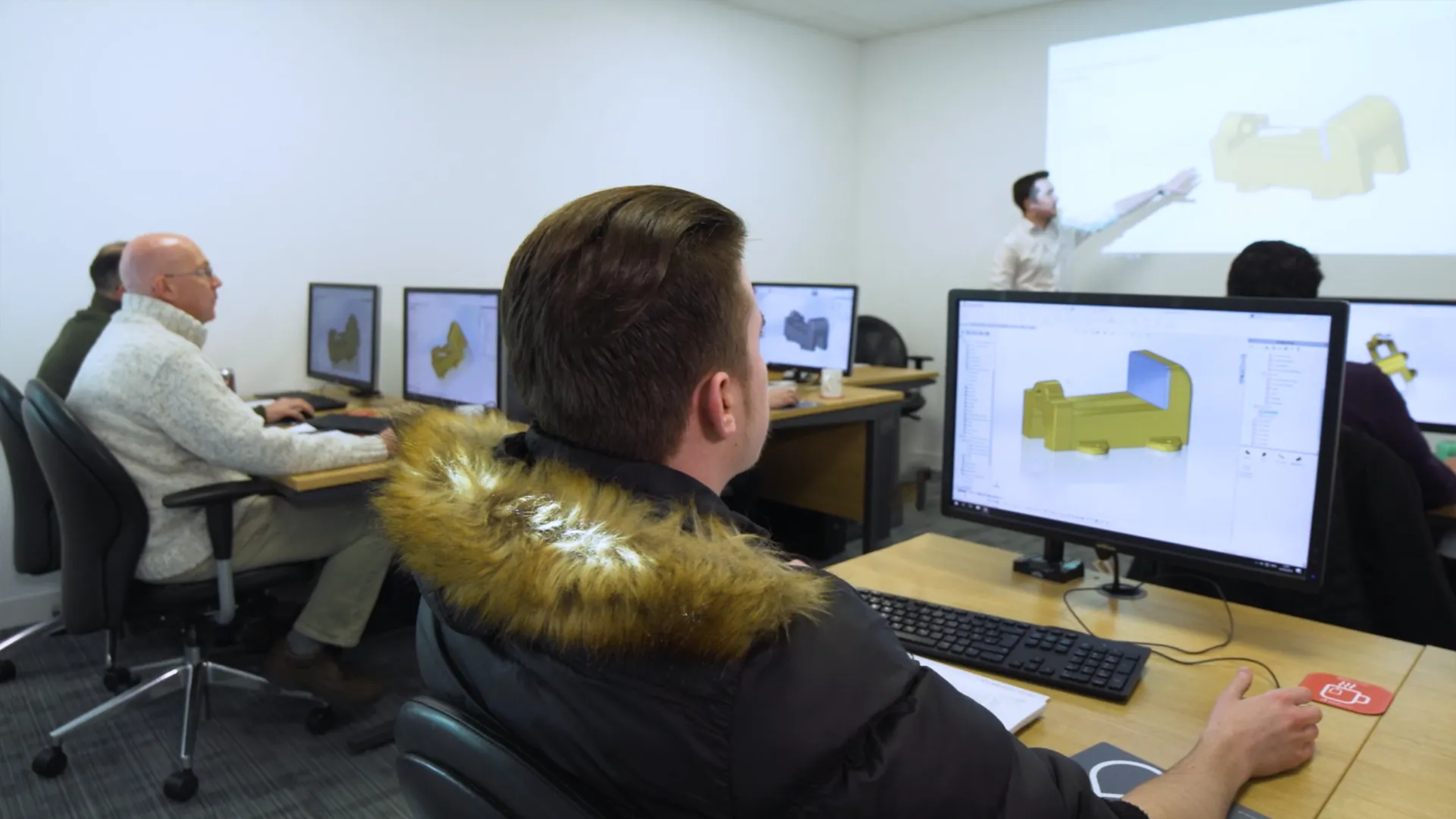
For those who prefer a traditional classroom environment courses can be taken in one of our training locations in the UK and Ireland.
Our virtual courses provide hands-on, live, interactive group training session from a professional, qualified instructor.
Onsite / Bespoke
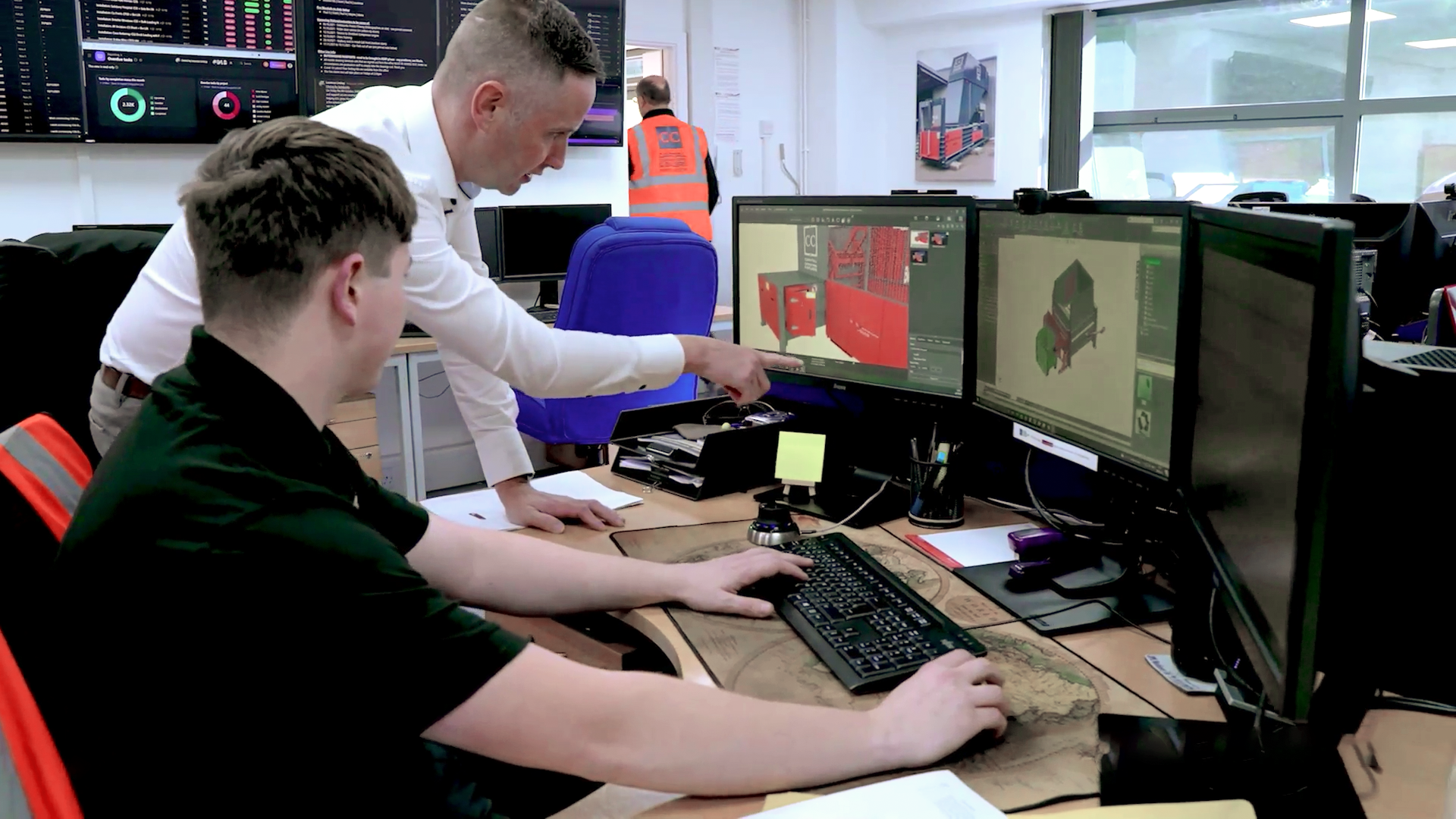
We can arrange onsite training for any of our courses, contact us to discuss further.
Book your course
Click to view upcoming SOLIDWORKS Visualize Professional Training courses, book your place on the course today to save your space. No upfront payment necessary.
Frequently Asked Questions
Accredited
- SOLIDWORKS certified training instructors
- All courses are CPD-accredited for professional development
- Attendees receive certificates for every course
Variety & Frequency
- Courses run every week of the year (1200+ per year)
- 70+ courses, we cover a broad range of topics and software
- Training passport bundles provide amazing value
Convenience
- 22 training venues located across the UK & Ireland
- State-of-the-art Virtual training is available
- We can arrange onsite and bespoke training courses
Quality
- 4.9 Star rating on Feefo for training courses
- Limited class sizes ensure personal attention
- Hands-on format with high-end PCs for every attendee
You can reserve your place on our SOLIDWORKS training courses for free via our course schedule.
Simply find the course you'd like to attend and click 'Book Now' and complete your registration.
If you have already purchased a course or passport then there is nothing else you need to do. If you haven't bought the course yet then your SOLIDWORKS account manager will be in touch to discuss your requirements and arrange payment.
Alternatively you can give us a call on 01926 333777 and book your course today!
Yes! All of our classroom and virtual courses are CPD-accredited, meaning you are guaranteed to progress in your professional development.
A SOLIDWORKS Passport offers you a comprehensive training and development plan in one single purchase.
These Passports allow you to make massive savings on training, compared to purchasing multiple courses one at a time.
Separate Passports are available for SOLIDWORKS CAD & SolidCAM, depending on your design & manufacturing needs.
Each SOLIDWORKS CAD Passport can be purchased in different lengths that are valid for 1, 2, 3 or 5 years. The passport is active from the date of the first course you attend.
We recommend new SOLIDWORKS users start off with SOLIDWORKS Essentials. From there the courses that you benefit you most will depend on your products and workflow.
For most professional SOLIDWORKS users the best courses to take next are: Advanced Part Modelling, Drawings, Advanced Assembly modeling.
We are always happy to discuss your requirements and provide advice on the best training and resources for you. Speak to your account manager, contact us online or get in touch via training@solidsolutions.co.uk.
Every license of SOLIDWORKS on subscription comes with complimentary exam vouchers so you can get certified. Learn more about the series of exams on our dedicated SOLIDWORKS Certifications page.
Book your next course to continue your journey to becoming a certified SOLIDWORKS expert.
We have a variety of classrooms across the UK and Ireland where you can learn SOLIDWORKS. Check out our SOLIDWORKS Training locations here and find a venue near you.
Our virtual classrooms can be accessed by anyone, anywhere. So in the unlikely event that there isn't a classroom nearby, or you'd prefer to attend remotely, You can still attend your chosen training course.
Get in touch with our team as soon as you are able to. Give us a call on 01926 333777 or email training@solidsolutions.co.uk and we can assist you.
Take a look at our Training Course Schedule, as you may be able to rearrange to attend an alternative date for your chosen course.
Our courses offer free cancellation providing the cancellation occurs outside of the fourteen days before the course start date.
Please refer to the Terms & Conditions for full information surrounding cancellations & fees.
Other Training Courses

SOLIDWORKS Composer Training
The SOLIDWORKS Composer training teaches you how to create high quality vector images, animated assembly sequences, and fully interactive documents.

SOLIDWORKS Design Essentials Training
The SOLIDWORKS Essentials training course is recommended to anyone new to SOLIDWORKS. Starting from the very basics of the program, Essentials is a comprehensive introductory course that develops skills for day-to-day modelling in SOLIDWORKS.

DriveWorks Pro Essentials Training
DriveWorks Pro Essentials training is designed to teach you how to create, run, and manage DriveWorks Pro projects with rules, forms, drawings, and documents.
SOLIDWORKS Weldments Training
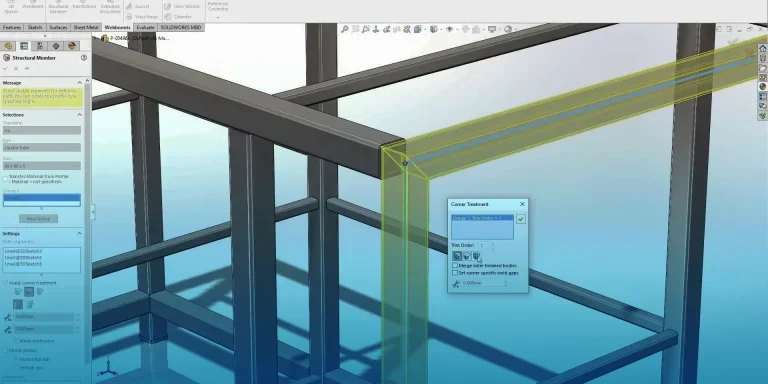
The SOLIDWORKS Weldments training course is designed to teach you all about creating fabricated structures within a single part environment. Using a vast library of standard profiles, weldments allow you to create complex structures from simple base sketches.

API Advanced Training
Recommend API Advanced Training Course to covers advanced topics using VB.Net to customise the SOLIDWORKS User Interface and adding notifications.
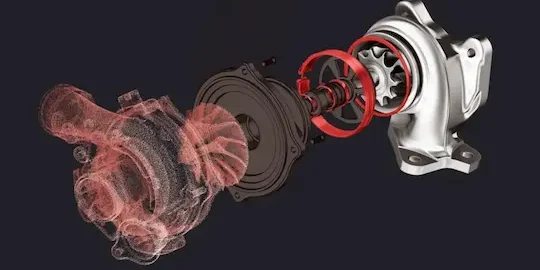
Geomagic for SOLIDWORKS Training
The Geomagic for SOLIDWORKS training course explores how to work with scan data and discover the basic workflows and commands of the G4SW add-in

SOLIDWORKS Electrical Routing Training
This SOLIDWORKS Electrical Routing training course explores the process of building component libraries and create parts lists and wiring diagrams for assembly and manufacture.
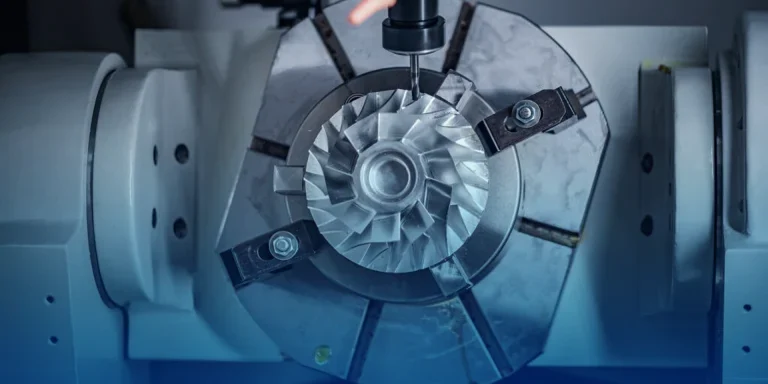
SolidCAM 5-Axis Machining Training
Develop your skills for complete control over all aspects of tool path and collision checking.
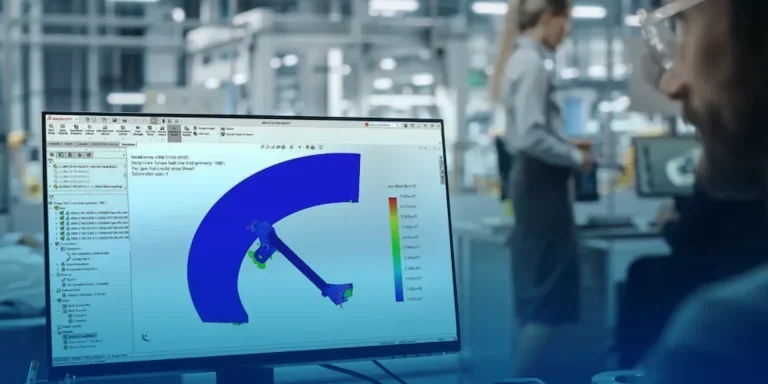
SOLIDWORKS FEA Simulation Training
Learn to predict product performance with SOLIDWORKS FEA Simulation training for structural analysis.

EMS / HFWorks for SOLIDWORKS Training
The EMS / HFWorks for SOLIDWORKS training course is recommended to learn how to use the Magnetic & Electric Field Modelling and Simulation tools and interpret results.