











SWOOD Design User Training
Our SWOOD Design User Training will teach you how to develop parametric furniture and joinery designs both quickly and at scale.

Course Overview
During the course you will learn how to use a combination of SWOOD library items to build a bespoke and intelligent library of frames within SWOOD, allowing you to quickly create new furniture designs with all required manufacturing detail using simple drag and drop functionality.
*SWOOD Design is a SOLIDWORKS add-in and works in conjunction with the core SOLIDWORKS toolset.
What You'll Learn
Course Agenda
Lesson 1: Panel Design
Take a look into the design and construction details of an individual SWOOD panel. Specify core and laminate materials, including stock offsets, grain direction and edge banding properties, as well as applying standard and bespoke mouldings. Learn how to add our own materials, edgebands, and profiles to the SWOOD Design library.
Lesson 2: Frames
Bringing together the panel design fundamentals from the previous lesson, we now assemble a series of panels and add parameters to create a fully configurable frame in our library. We will also learn how to add, change, and remove materials and edgebands in bulk.
Lesson 3: Connectors
In this lesson we will learn how to drag and drop intelligent fasteners from the connector library onto the new frame, as well as how to change the connector’s parameters and link them together with parent/child relationships.
Lesson 4: SWOODBoxes
A SWOODBox is an intelligent and adaptable subassembly used as a means of applying doors, drawers, shelves, hinges, and other items into your frame design. This lesson covers how to apply SWOODBoxes to your frames and change their size, orientation, and parameters.
Lesson 5: Layouts
Creating a SWOOD Layout project brings together the work undertaken in the previous lessons, here we can use a SOLDIWORKS assembly to plan the layout of a room and populate it with frames from your library using a master floorplan sketch. We will also cover how to use the panels manager to reorientate and apply materials to parts that have not been created in SWOOD Directly.
Lesson 6: Using SWOOD Center
SWOOD Center is included in all seats of SWOOD Design, and it allows the capture of parameters and dimensions at the top level of a project including SOLIDWORKS dimensions, SOLIDWORKS custom properties, SWOODBox parameters and Panel material information. This lesson covers the use of SWOOD Centre to modify frames.
What do our customers say?
We use Feefo (the global feedback engine) to gather anonymous but certified genuine reviews from our customers. We continually use customer feedback to improve the service that we offer to our customers and to motivate our team.
Click the Feefo button below to read the latest reviews for this course.
Training Booking Process
How to book a course?
Training Methods

Self-Paced
Student, job-seeker, or working professional? Our SOLIDWORKS self-paced training essentials course gives you the flexibility to learn when and where you want.
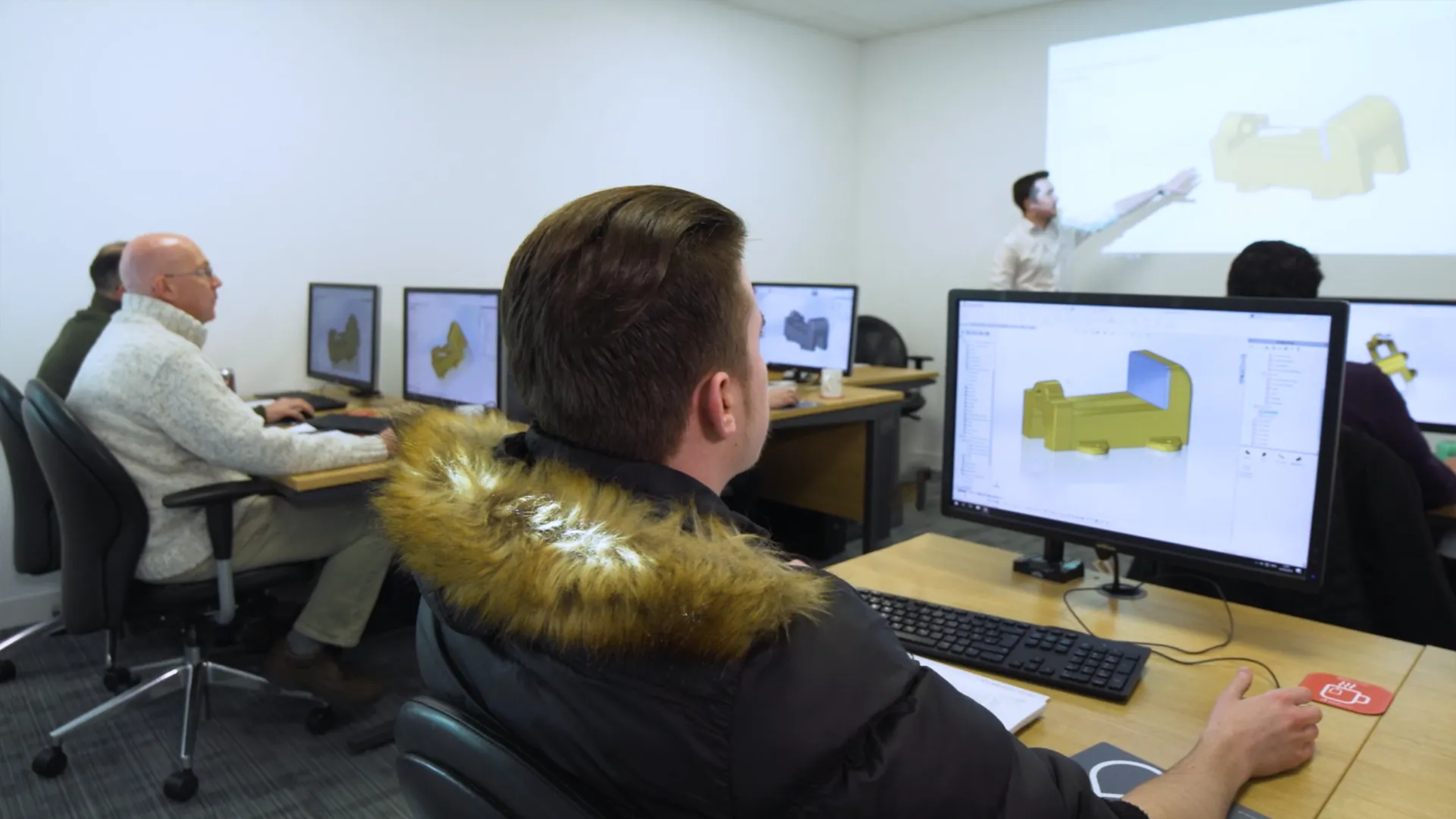
In-Classroom / Virtual
For those who prefer a traditional classroom environment courses can be taken in one of our training locations in the UK and Ireland.
Our virtual courses provide hands-on, live, interactive group training session from a professional, qualified instructor.
Onsite / Bespoke
We can arrange onsite training for any of our courses, contact us to discuss further.
Book your course
Click to view upcoming SWOOD Design User Training courses, book your place on the course today to save your space. No upfront payment necessary.
Frequently Asked Questions
Accredited
- SOLIDWORKS certified training instructors
- All courses are CPD-accredited for professional development
- Attendees receive certificates for every course
Variety & Frequency
- Courses run every week of the year (1200+ per year)
- 70+ courses, we cover a broad range of topics and software
- Training passport bundles provide amazing value
Convenience
- 22 training venues located across the UK & Ireland
- State-of-the-art Virtual training is available
- We can arrange onsite and bespoke training courses
Quality
- 4.9 Star rating on Feefo for training courses
- Limited class sizes ensure personal attention
- Hands-on format with high-end PCs for every attendee
You can reserve your place on our SOLIDWORKS training courses for free via our course schedule.
Simply find the course you'd like to attend and click 'Book Now' and complete your registration.
If you have already purchased a course or passport then there is nothing else you need to do. If you haven't bought the course yet then your SOLIDWORKS account manager will be in touch to discuss your requirements and arrange payment.
Alternatively you can give us a call on 01926 333777 and book your course today!
Yes! All of our classroom and virtual courses are CPD-accredited, meaning you are guaranteed to progress in your professional development.
A SOLIDWORKS Passport offers you a comprehensive training and development plan in one single purchase.
These Passports allow you to make massive savings on training, compared to purchasing multiple courses one at a time.
Separate Passports are available for SOLIDWORKS CAD & SolidCAM, depending on your design & manufacturing needs.
Each SOLIDWORKS CAD Passport can be purchased in different lengths that are valid for 1, 2, 3 or 5 years. The passport is active from the date of the first course you attend.
We recommend new SOLIDWORKS users start off with SOLIDWORKS Essentials. From there the courses that you benefit you most will depend on your products and workflow.
For most professional SOLIDWORKS users the best courses to take next are: Advanced Part Modelling, Drawings, Advanced Assembly modeling.
We are always happy to discuss your requirements and provide advice on the best training and resources for you. Speak to your account manager, contact us online or get in touch via training@solidsolutions.co.uk.
Every license of SOLIDWORKS on subscription comes with complimentary exam vouchers so you can get certified. Learn more about the series of exams on our dedicated SOLIDWORKS Certifications page.
Book your next course to continue your journey to becoming a certified SOLIDWORKS expert.
We have a variety of classrooms across the UK and Ireland where you can learn SOLIDWORKS. Check out our SOLIDWORKS Training locations here and find a venue near you.
Our virtual classrooms can be accessed by anyone, anywhere. So in the unlikely event that there isn't a classroom nearby, or you'd prefer to attend remotely, You can still attend your chosen training course.
Get in touch with our team as soon as you are able to. Give us a call on 01926 333777 or email training@solidsolutions.co.uk and we can assist you.
Take a look at our Training Course Schedule, as you may be able to rearrange to attend an alternative date for your chosen course.
Our courses offer free cancellation providing the cancellation occurs outside of the fourteen days before the course start date.
Please refer to the Terms & Conditions for full information surrounding cancellations & fees.
Other Training Courses
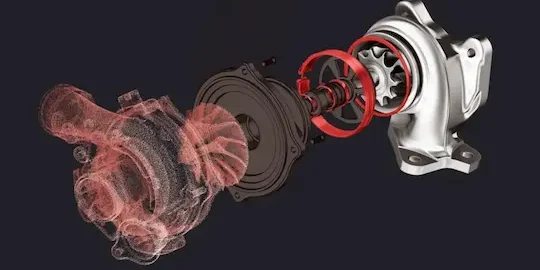
Geomagic for SOLIDWORKS Training
The Geomagic for SOLIDWORKS training course explores how to work with scan data and discover the basic workflows and commands of the G4SW add-in
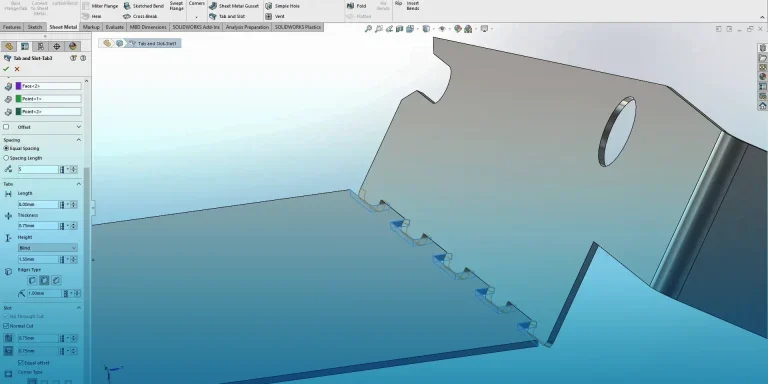
SOLIDWORKS Sheet Metal Training
This SOLIDWORKS Sheet Metal training course teaches you how to use specific sheet metal commands such as edge and mitre flanges, hems and jogs.

3DExperience Platform Basics Training
The 3DExperience Platform Basics training allows users to discover how to navigate the platform, manage documents & content, search and collaborate effectively.

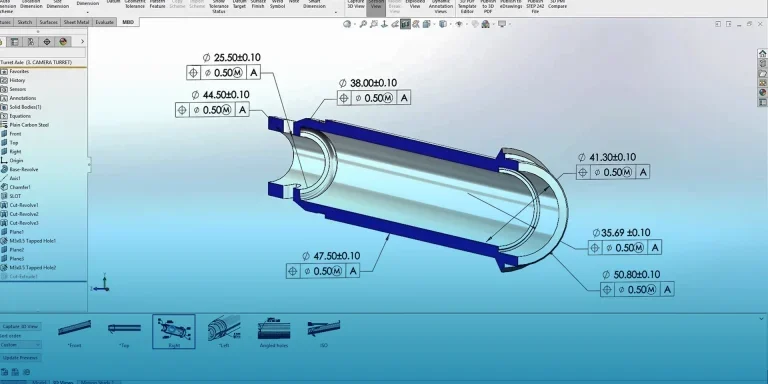
SOLIDWORKS MBD Training
SOLIDWORKS MBD develops your drawingless manufacture skills to produce 3D PDFs and eDrawings files with optimal GD&T presentation.
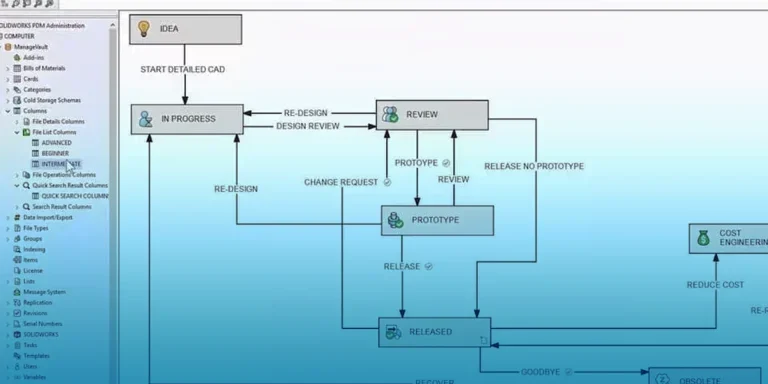
PDM Professional Training
Learn about workflows, variable mapping, and template creation to configure SOLIDWORKS PDM Pro with our PDM Professional training,
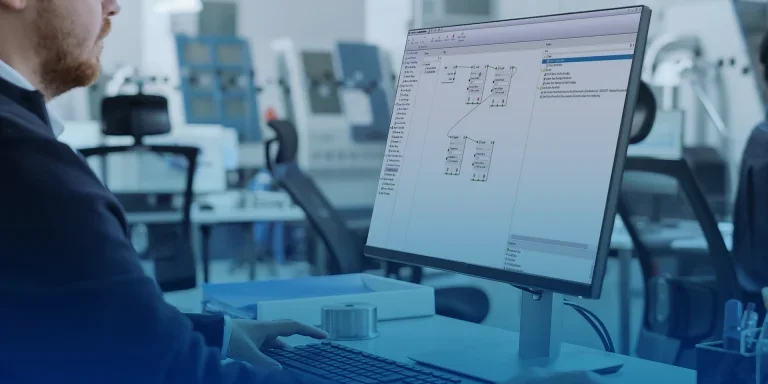
DriveWorks Pro Advanced Training
DriveWorks Pro Advanced training helps you learn advanced features and techniques to automate and improve your DriveWorks Pro design projects.
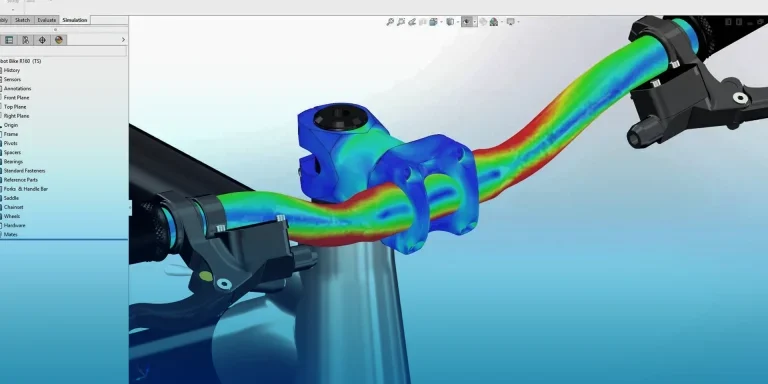
SOLIDWORKS Simulation Premium Dynamics Training
SOLIDWORKS Simulation Premium Dynamics training course assess the impact of vibration, dynamic loading, damping, and excitation on components.

SOLIDWORKS Design Essentials Training
The SOLIDWORKS Essentials training course is recommended to anyone new to SOLIDWORKS. Starting from the very basics of the program, Essentials is a comprehensive introductory course that develops skills for day-to-day modelling in SOLIDWORKS.
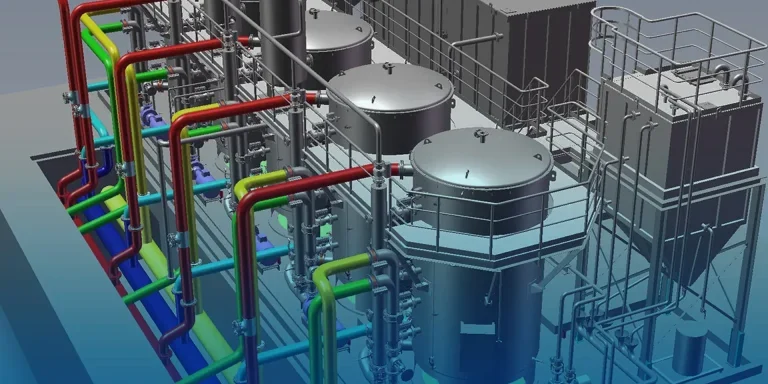
Smap3D Piping Training
In the Smap3D Piping Training course you will learn to create pipework from P&ID files, add equipment, and build routes with minimal effort.