











Why Geodesic Machining Changes the Way We Approach Complex 3D Surfaces
Written by: Tom Buxton
Published: Aug 20, 2026
| View All Blogs
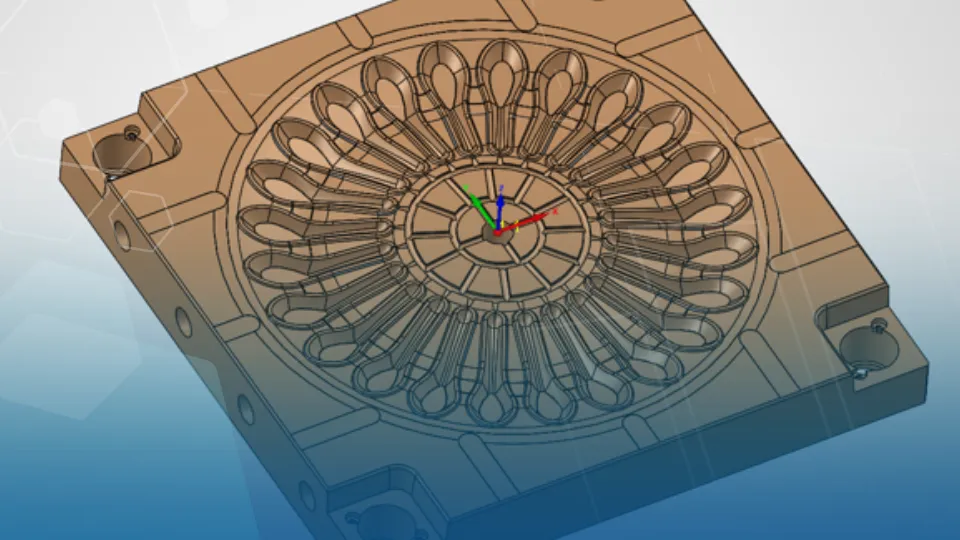
Manufacturing complex freeform geometry has always presented a challenge, which is Why Geodesic Machining Changes the Way We Approach Complex 3D Surfaces. Whether machining turbine components, moulds, medical implants, impellers, or consumer products with organic forms, maintaining consistent cutter engagement across varying surface conditions can be difficult.
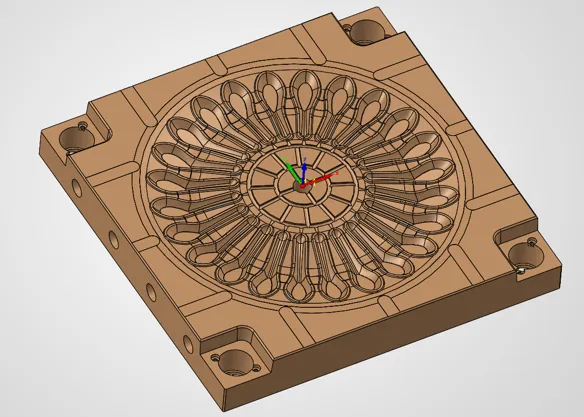
Steep walls, shallow transitions, blended fillets, and undercut regions often force programmers to compromise between surface quality, machining time, and programming complexity. This is where Geodesic Machining in SolidCAM offers a fundamentally different approach. Rather than relying on traditional toolpath strategies that follow a fixed direction, Geodesic Machining creates a toolpath based on a global distance field, allowing it to maintain a consistent stepover across the entire model regardless of surface orientation.
The Problem with Traditional Surface Finishing Strategies
Many conventional finishing strategies calculate stepover relative to a specific direction or vector. While effective on simpler geometry, performance can vary significantly when machining parts with rapidly changing curvature.
As surfaces transition from shallow to steep angles, the effective stepover often changes. The result can be uneven surface finish, inconsistent cusp heights, excessive air cutting, longer machining cycles and additional manual reworking.
Programmers frequently find themselves adjusting parameters, splitting surfaces, or creating multiple operations to achieve acceptable results across an entire part.
Constant Stepover Means Consistent Results
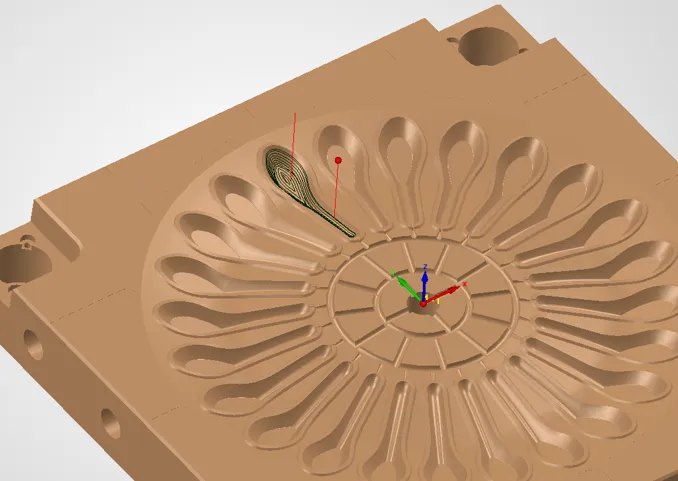
The standout benefit of Geodesic Machining is its ability to maintain a measurable, constant stepover across an entire model or selected surface group. Unlike traditional approaches, the toolpath continuously adapts to the shape without being constrained by a fixed machining direction.
For manufacturers, this translates directly into improved surface quality, better process control and reduced manual polishing.
Tackling Undercuts with Confidence
Undercut areas are notoriously difficult to machine efficiently. Many toolpath strategies struggle to maintain consistency when transitioning through these regions, often creating uneven spacing between passes.
One of the key advantages highlighted in the SolidCAM Geodesic Machining methodology is its ability to maintain the same stepover consistency even through undercut features. The operation continues to generate evenly spaced toolpath slices across the complete surface, including fillets and recessed geometry.
This gives teams a more reliable route to programming advanced 5-axis components, especially where geometry wraps around the part or contains internal features that are difficult to finish cleanly with directional strategies.
A Smarter Approach to Complex Geometry
As products become more sophisticated, part geometry continues to evolve beyond simple prismatic features. Aerospace, energy, medical, and high-value manufacturing sectors increasingly rely on freeform surfaces that demand advanced machining strategies.
Geodesic Machining is particularly valuable because it operates across an entire model or surface group rather than treating individual surfaces separately. The toolpath effectively wraps around the geometry while maintaining consistent spacing between passes.
The result is a machining strategy designed around the shape itself, rather than forcing the shape to conform to the limitations of the toolpath.
Faster Programming, Better Outcomes
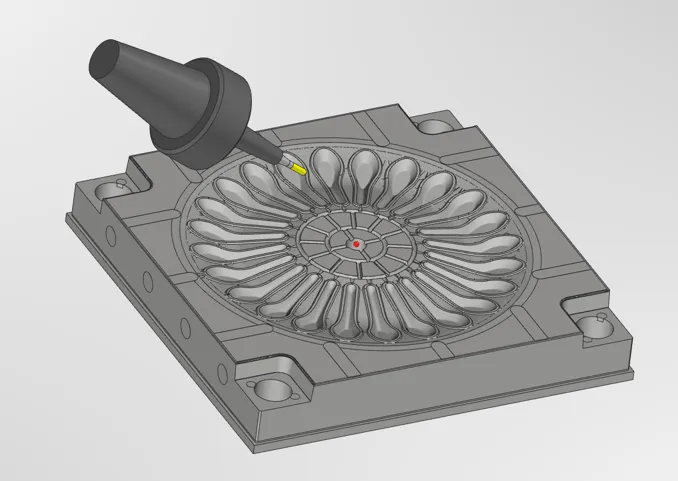
Beyond the machining benefits, Geodesic Machining can simplify CAM programming workflows. Because the strategy inherently adapts to complex geometry, programmers spend less time creating multiple finishing operations and less time fine-tuning settings for different surface regions.
For businesses looking to increase efficiency without sacrificing quality, these gains can support reduced programming effort, fewer operations to manage, more consistent machining results and improved process standardisation.
Looking Ahead
As manufacturers continue to push the boundaries of product design, CAM systems must evolve to keep pace. Geodesic Machining represents a modern approach to finishing complex surfaces, combining consistent stepover control with the flexibility needed for intricate freeform and undercut geometry.
The ability to maintain uniform cutter spacing across challenging shapes results in improved surface quality, reduced secondary finishing, and more predictable machining performance. For organisations machining complex 3D components, it is a capability that can deliver value far beyond simply generating another toolpath.
Categorised as: Manufacturing | SolidCAM | Tech Tips
Get a SOLIDWORKS Quote
Interested in SOLIDWORKS? Contact us for questions, trials, or demos by clicking the button below or call 01926 333777. Our experts will help you find the perfect solution.

Related Posts
How to Find Reaction Forces in SOLIDWORKS Simulation
SOLIDWORKS helps us to find resultant forces through simulation studies. These virtual tests reduce the need for physical prototypes and give us an accurate answer.

Setting number of decimal places in a table on a drawing
When creating an equation in a drawing general table, is it possible to define the…
Why is my Flat Pattern not showing in SOLIDWORKS Drawings?
This may be linked to how the drawing is saved or it can be related to how sheet metal parts are displayed in drawings, read on to find out how to fix it.

Why is SOLIDWORKS Crashing?
It’s one of the great mysteries of life – why is SOLIDWORKS crashing? Let’s explore how SOLIDWORKS crashes and how we can improve performance in SOLIDWORKS.
Tech Support Blog: Why are my SOLIDWORKS BOM Quantities Wrong?
Why are my SOLIDWORKS BOM Quantities Wrong? A support call cropped up this week which…
How to Get Your Serial Number for SOLIDWORKS Visualize Standard
Want to download Visualize to make photorealistic renders? Follow this guide for accessing your Visualize serial number that comes bundled in with SolidWorks Professional and Premium.
How to Recover SOLIDWORKS Files After a Crash
SOLIDWORKS has two different methods to help you recover from an unexpected crash or loss of data in the form of auto-recovery and back-up settings.
SOLIDWORKS Magnetic Mates
Magnetic makes are used within SolidWorks assemblies to easily configure and position assembly components. Through defining connection points and ground plane(s) – position components through drag and dropping one component within close proximity of another to snap the asset into position.
SOLIDWORKS Dimensions – Collated Quick Tips
We have collated some of our favourite tips on creating, manipulating and controlling dimensions in SolidWorks, both at a sketching and drawing level. Read on to find out more…
How to Deactivate (Transfer) a SOLIDWORKS License
A SOLIDWORKS standalone license can only be activated on one machine at a time. If you plan on moving your SOLIDWORKS license to another machine you will first need to deactivate it. Additionally if a standalone license has ended up on multiple machines or you are making a change to your computer, you will need to deactivate the license first.