











Technology Showcase 2026: Engineering the Future, Today
Written by: Talulah Pani
Published: Oct 14, 2026
| Last Updated: October 14, 2026
| View All Blogs
As product development becomes faster, more connected and more complex, one question matters more than ever: how can organisations embrace new technology without losing sight of sound engineering judgement?
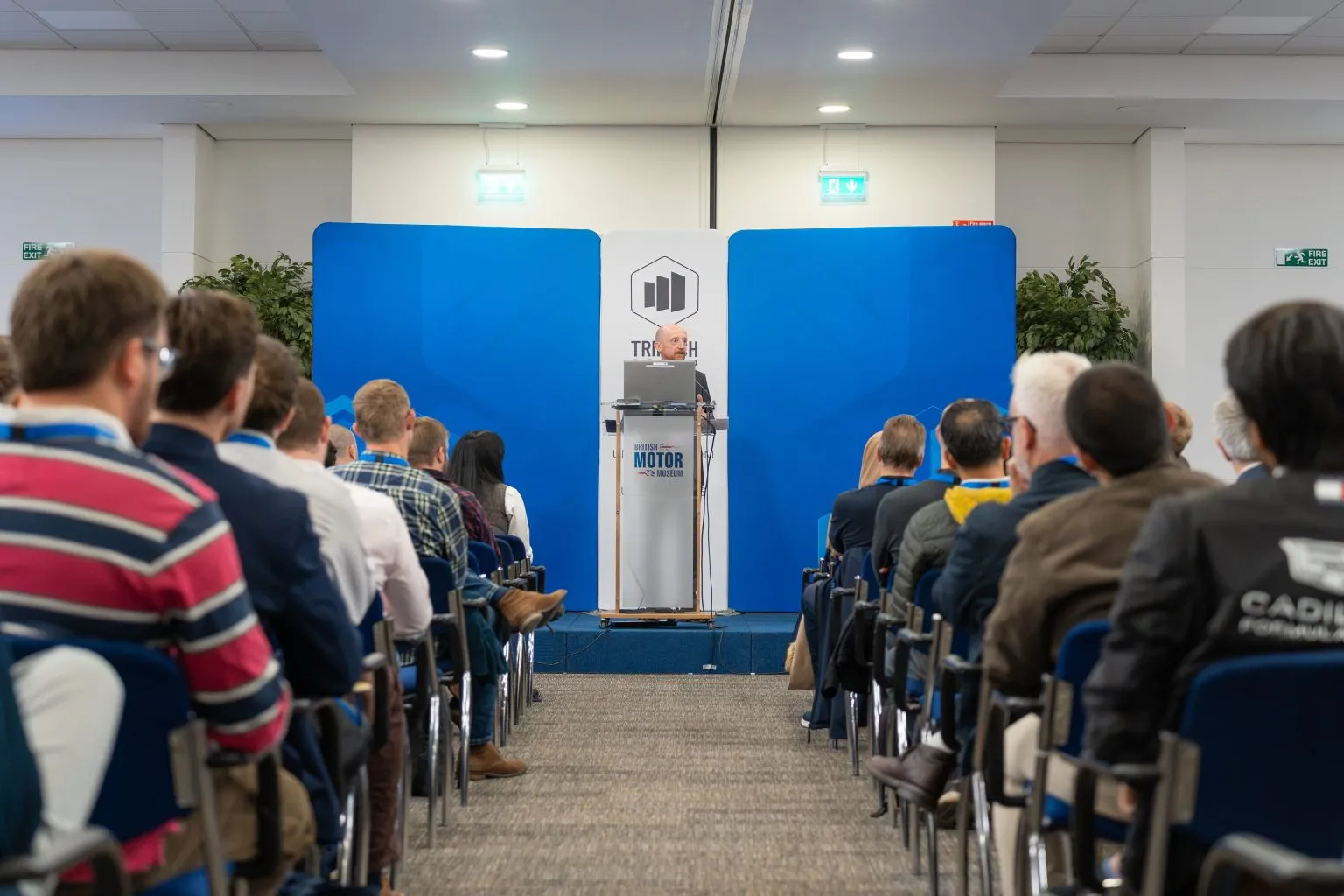
Technology Showcase 2026 brought engineers, manufacturers, technology partners and industry leaders together to explore that challenge through live demonstrations, expert insight and practical discussion.
Across the presentation theatre and exhibition floor, attendees saw AI-powered workflows, advanced simulation, automation, scanning, virtual reality and forthcoming SOLIDWORKS capabilities applied to practical challenges, with opportunities to discuss their own priorities directly with specialists and peers.
Engineering Excellence Meets Emerging Technology
A recurring theme throughout the day was that while technology continues to evolve at an incredible pace, successful engineering still depends on expertise, judgement, and a deep understanding of real performances.
This was exemplified in Head of Engineering Matt Smith’s customer presentation from Gordon Murray Group, where he shared insights into the development philosophy behind some of the world’s most advanced automotive programmes.
As he explained:
“Anybody in the world can design something extremely complex. The beauty is designing that same part, but reducing the complexity, adding the simplicity to it, which then will give it the elegance.”
That philosophy resonated across multiple sessions. Whether discussing simulation, AI, automation, or design productivity, speakers consistently highlighted the importance of using technology to simplify workflows and enhance engineering outcomes rather than adding unnecessary complexity.
Discussing the rise of AI in engineering, Smith reinforced that technology works best when it enhances engineering expertise rather than replacing it.
“It’s augmented intelligence for engineers, not artificial intelligence.”
And perhaps most importantly, he reminded attendees that innovation should push engineering forward, not simply make existing processes easier:
“The technology is not there to lower our ambitions, it’s there to raise them.”
Exploring the Connected Engineering Ecosystem
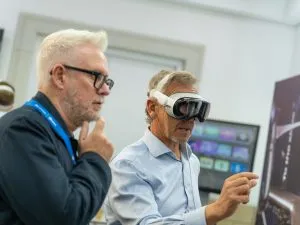
Beyond the presentation theatre, attendees had the opportunity to experience a wide range of engineering technologies through interactive technology zones and demonstrations.
Visitors explored solutions covering:
- Advanced simulation and analysis
- Product data and lifecycle management
- Manufacturing and production planning
- Reverse engineering and 3D scanning
- Robotics and automation
- Product visualisation and immersive technologies
- Artificial intelligence and virtual companions
- The latest SOLIDWORKS innovations
The exhibition areas made those themes tangible. Through live demonstrations and conversations, visitors could see how simulation, data management, scanning, robotics, immersive technology and AI connect within a wider engineering environment, helping organisations move beyond isolated tools towards integrated digital workflows.
Just as valuable were the conversations around the exhibits and during networking sessions. Attendees compared challenges, asked questions of technology specialists and exchanged ideas with engineering leaders from across industries, giving the day a collaborative and practical energy.
Advancing AI in Engineering
Artificial intelligence was naturally one of the most discussed topics throughout the event, but the conversation focused on something far more significant than generic AI tools.
Justin Burton from Dassault Systèmes explored how AI is evolving from language based assistants into engineering aware systems capable of understanding products, design intent and manufacturing requirements.
Drawing parallels with the growth of the internet, he explained:
“With AI, it feels like we’re experiencing that same inflection point as the internet, but this time it’s at lightspeed.”
The message was not that AI will replace engineers, but that it can extend their capabilities and free them to focus on higher value decisions.
“AI can be your superpower for engineering and design.”
As engineering organisations continue to manage growing volumes of data and knowledge, Burton highlighted a challenge many attendees could identify with:
“The knowledge is there. We just need to unlock it.”
Much of that knowledge sits with experienced individuals or is scattered across systems. Unlocking it could help organisations preserve expertise, reduce administrative burden and direct engineers towards higher value work.
“Engineers will spend less time navigating tools and more time defining intent.”
That opportunity must be balanced with trust and validation. In engineering environments, intelligent outputs still must withstand physical reality:
“Physics doesn’t negotiate.”
– Justin Burton, Dassault Systèmes
That distinction separates engineering AI from many consumer applications: a plausible answer is not enough when a design must perform safely and reliably in the field. As Burton pointed out:
“It may be okay to hallucinate a paragraph of text, but if your AI hallucinates a design that fails in the field, that’s a much bigger problem.”
Validating Virtual Models Against Real Life Performance
Trust and validation were central themes throughout the event, particularly during sessions focused on simulation and digital engineering.
James Burt demonstrated how advanced composite simulation is helping engineers accurately predict the behaviour of complex safety structures long before physical testing begins.
Addressing one of the most common questions simulation specialists receive, Burt noted:
“Someone always asks me, can composites replicate real-life behaviour?”
Using examples from high-performance automotive applications, attendees saw how advanced simulation technologies are becoming increasingly capable of replicating real-world performance with impressive accuracy.
Reflecting on one validation exercise, Burt shared:
“The test result matched the simulation pretty much bang on.”
The ability to validate designs earlier in the development process offers significant benefits, including reduced physical prototyping, faster development cycles, and improved confidence in engineering decisions.
Extending Automation Beyond Design
The Showcase also demonstrated that digital transformation does not stop at the CAD environment; it can connect design intent with inspection and production.
In his session on scanning automation and robotics, Daniel Scott showed how automated inspection and capture technologies can collect accurate data consistently across manufacturing processes.
By combining robotics, automated scanning and intelligent inspection workflows, teams can capture information faster, improve repeatability and reduce manual effort.
The practical value is a more consistent flow of reliable data from the production environment back into engineering decisions.
For teams under pressure to increase productivity without compromising quality, that connection makes automated scanning an increasingly important part of the digital manufacturing landscape.
Previewing What’s Next for SOLIDWORKS
One of the most anticipated elements of the event was the preview of upcoming SOLIDWORKS innovations.
Attendees were given an early look at enhancements planned for future releases, including AI-assisted functionality designed to reduce repetitive tasks and accelerate common engineering workflows.
From intelligent assembly creation and automated exploded views to improvements across modelling, drawings, sheet metal and data management, the preview focused on removing friction from routine work so users can concentrate on engineering decisions and product development.
Bringing Innovation into Focus
The Technology Showcase 2026 presented a clear direction for product development: more connected, intelligent and data driven, with engineering expertise still central to every useful outcome.
Across AI, simulation, digital continuity, automation, immersive technology and SOLIDWORKS, the strongest opportunities came from the same combination: capable tools amplified by human creativity, judgement and problem solving.
If a technology or workflow from the Showcase could help your organisation improve confidence, increase productivity or accelerate development, speak to the Solid Solutions and the TriMech team to explore the right next step.
Categorised as: AI | Automation | Customer Stories | Software
Discover our SOLIDWORKS Subscription
Get the most from your tools and the best from your designers with a SOLIDWORKS subscription package that is designed to help you succeed.

Related Posts
How to Find Reaction Forces in SOLIDWORKS Simulation
SOLIDWORKS helps us to find resultant forces through simulation studies. These virtual tests reduce the need for physical prototypes and give us an accurate answer.

Setting number of decimal places in a table on a drawing
When creating an equation in a drawing general table, is it possible to define the…
SOLIDWORKS Smart Fasteners
SOLIDWORKS Smart Fasteners is a really useful time saving tool, allowing you to automatically insert toolbox fasteners such as bolts and screws into an assembly providing there is a standard hole.
Why is my Flat Pattern not showing in SOLIDWORKS Drawings?
This may be linked to how the drawing is saved or it can be related to how sheet metal parts are displayed in drawings, read on to find out how to fix it.

Why is SOLIDWORKS Crashing?
It’s one of the great mysteries of life – why is SOLIDWORKS crashing? Let’s explore how SOLIDWORKS crashes and how we can improve performance in SOLIDWORKS.
SOLIDWORKS Tips: Are you Making this Common Mistake in Fatigue Analysis?
Simulation is a vital and complex engineering need. Fortunately, SOLIDWORKS makes it easy to test, correct mistakes and obtain accurate results.
Tech Support Blog: Why are my SOLIDWORKS BOM Quantities Wrong?
Why are my SOLIDWORKS BOM Quantities Wrong? A support call cropped up this week which…
Series 1 Land Rover Pedal Car – Made Easy with Solidworks!
The Series1 began production in 1948 designed to help get Britain farming after the war effort. It grew extremely popular and today enthusiasts are prepared to throw their life savings at restoring originals from that period.

SOLIDWORKS Visualize. Why go pro? – 6 Post Processing
In this blog we will be look at the post-processing options that can be found in SOLIDWORKS Visualize

SOLIDWORKS Visualize. Why go pro? – 7 Lighting
SOLIDWORKS Visualize uses a non-biased rendering engine, which allows for physically accurate lighting within a scene. It generates images with high amount of realism and correct set up can replicate photo studio lighting.