












Hidden Tools within SOLIDWORKS Training Courses
Discover What You Don’t Know You’re Missing
Whether you’re brand new to CAD or a seasoned engineer, it's easy to rely on familiar routines. While many designers become fast with basic tools, they often miss hidden SOLIDWORKS tools and advanced SOLIDWORKS workflows that dramatically improve speed, accuracy, and model stability.
Our structured SOLIDWORKS training courses uncover these built-in capabilities, helping you eliminate tedious workarounds, prevent rebuild errors, and design significantly faster.
What’s the Difference Between Trained and Self-Taught SOLIDWORKS Users?
A vast majority of CAD professionals are self-taught. While learning on the job builds confidence quickly, reliance on trial-and-error can leave hidden gaps in your knowledge.
Self Taught SOLIDWORKS Users
Common challenges for self-taught users:
- Repetitive manual workflows
- Missed built-in automation tools
- Increased rebuild errors and model instability
Structured SOLDWORKS Training
Users who complete structured SOLIDWORKS training typically:
- Build models faster using best-practice workflows
- Reduce design errors and rework
- Use advanced features instead of workarounds
- Manage complex assemblies more efficiently
Do You Actually Need SOLIDWORKS Training?
SOLIDWORKS training replaces trial-and-error workflows with proven techniques, helping you work smarter, not harder. Even experienced users often have hidden gaps. You may benefit from training if you:
Find Your Skill Gaps in 5 Minutes
Not sure which course level fits your experience? Take our quick SOLIDWORKS skills assessment to evaluate your strengths, uncover hidden knowledge gaps and get personalised recommendations on the best SOLIDWORKS training course for your goals.

Explore SOLIDWORKS Training Course Highlights
Think training is only for beginners? Our specialised SOLIDWORKS training courses cover everything from core fundamentals to advanced SOLIDWORKS techniques that even multi-year power users rarely utilise.
Build a stronger, more efficient modelling foundation
SOLIDWORKS Essentials Training Course
- Automatically update feature patterns as designs change
- Repair broken sketches and features without starting from scratch
- Use equations and design intent to control models more effectively
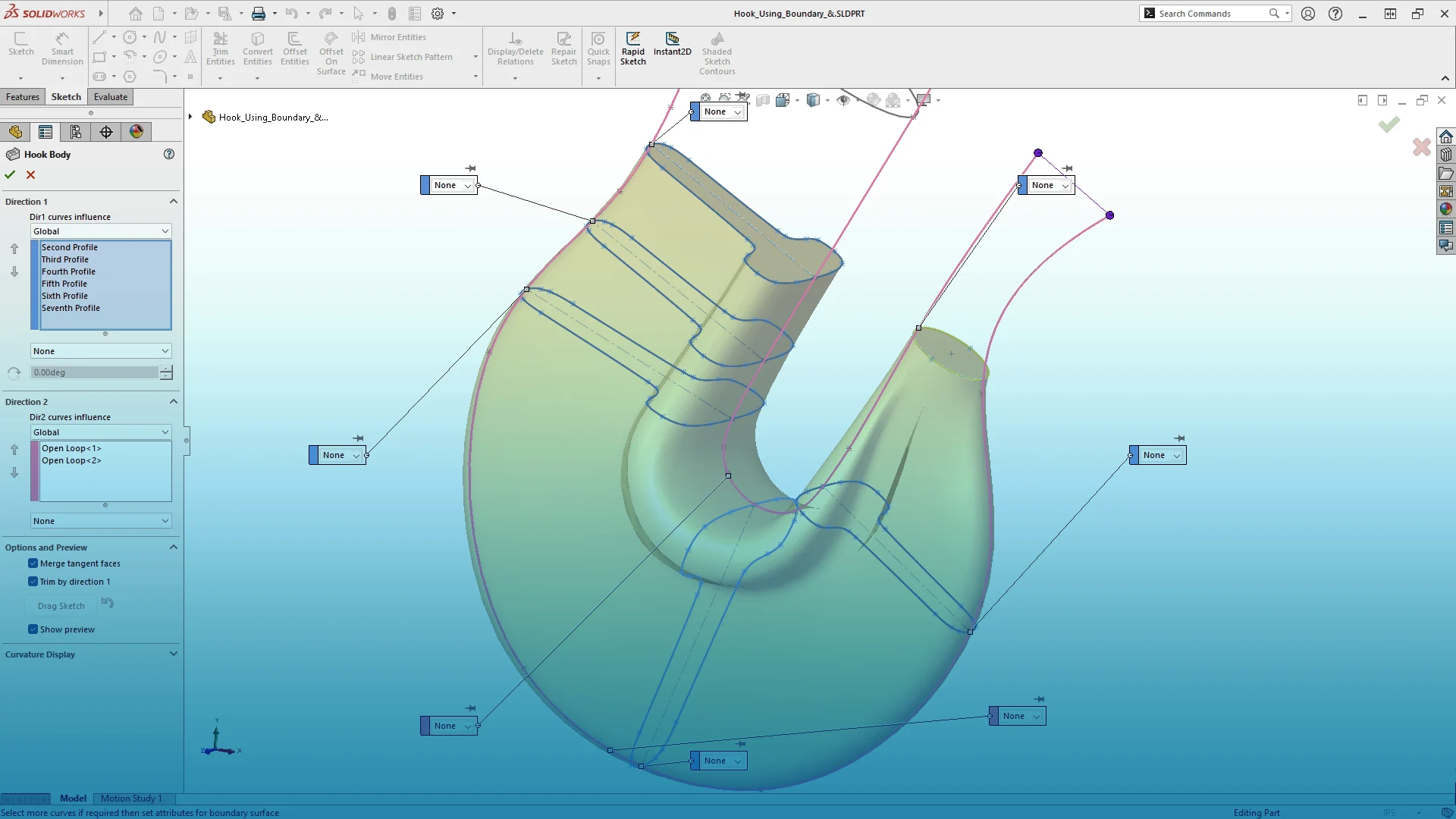
Create complex geometry with precision and control
SOLIDWORKS Advanced Part Modelling Training Course
- Calculate internal volumes using solid body modelling
- Use advanced fillet tools to simplify complex geometry
- Build sophisticated shapes with lofts, sweeps, and boundary features

Work faster and smarter with large assemblies
SOLIDWORKS Assembly Modelling Training Course
- Automatically mate repeated components using Mate References
- Build efficient top-down assembly structures
- Share models while protecting intellectual property

Create consistent, accurate manufacturing documentation
SOLIDWORKS Drawings Training Course
- Standardise title block data across teams using custom properties
- Automatically populate annotations from model data
- Create detailed drawings faster without manual repetition
Related Content
Think You Know the Basics? 2 Hidden Tools in SOLIDWORKS Essentials Training
Even seasoned CAD users often skip foundational training, assuming “Essentials” is strictly for complete novices.…
Advanced Part Modelling Training: 2 Game-Changing Features for Complex Geometry
If you have a few weeks or months of regular SOLIDWORKS usage under your belt,…
Frequently Asked Questions
Yes. Many experienced users develop efficient habits but miss advanced tools and best practices that can significantly improve productivity and reduce errors.
No. While it introduces core concepts, it also covers advanced techniques such as design intent, feature patterns, and error repair, making it valuable for experienced users.
The fastest way is structured training combined with real-world practice. A skills assessment can help identify which areas to focus on first.
Taking a skills assessment is the best starting point. It highlights your strengths and gaps, helping you choose the most relevant training course.
Whether you're looking to refine your workflow or learn advanced techniques, our training courses deliver immediate, practical results.
> View upcoming SOLIDWORKS training courses
> Speak to our training team today