











Fuelling Efficiency: How Extronics Empowers Design Automation with DriveWorks
Written by: Paul Churm
Published: Aug 10, 2023
| View All Blogs
In the ever-evolving landscape of technological advancements, companies often find themselves at crossroads where innovation and efficiency intersect.
One such story is that of Extronics, an innovative company who specialise in creating products suitable for use in hazardous areas.
Nick Saunders, Operations Director at Extronics, shares their journey towards harnessing the power of design automation to maximise design efficiency and boost sales.
The Genesis of Innovation
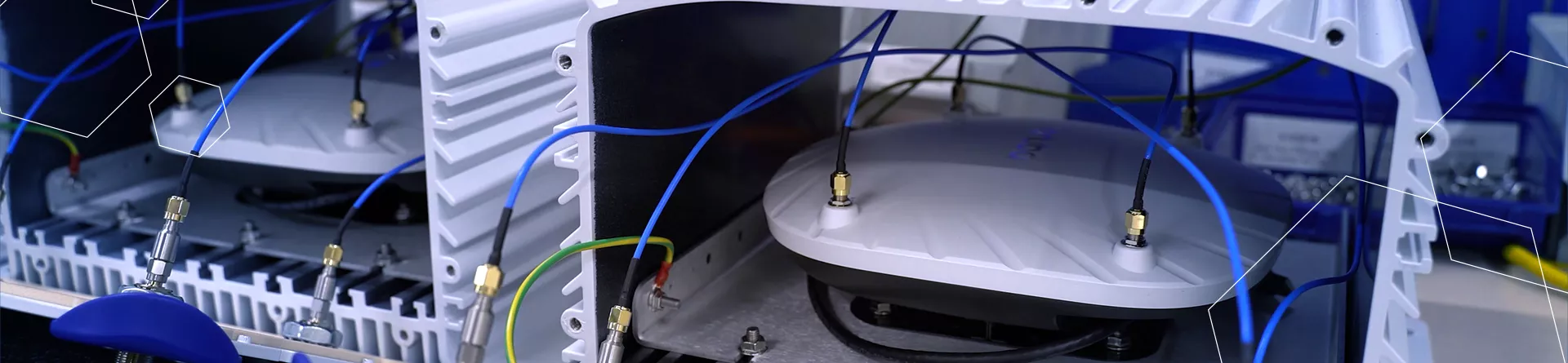
Extronics’ commitment to delivering cutting-edge solutions in hazardous environments led them on a transformative path.
As the company embraced wireless technology, the realisation dawned that embracing a digital transformation was essential.
Bringing wireless technology into hazardous areas isn’t easy, Extronics made a conscious decision to invest in technology to streamline this process.
– Nick Saunders, Operations Director at Extronics
Streamlining Processes with DriveWorks

While working with hazardous areas where explosive gas and dust are present, Extronics delved deeper into their digitalisation strategy.
They recognized the need for a tool that could streamline processes and ensure consistent, safe outputs for their customers.
The turning point came with the adoption of DriveWorks design automation software.
DriveWorks is a tool that allows us to accelerate our digitalisation strategy.
– Stuart Milne, Extronics’ Marketing Manager
SOLIDWORKS Integration: A Decisive Factor

Extronics have long been working with SOLIDWORKS 3D CAD software to design and model their products.
This familiarity played a crucial role in their decision to opt for DriveWorks.
All of our CAD models are SOLIDWORKS. It makes sense for us to go with something that integrates particularly well with SOLIDWORKS.
– Nick Saunders
This seamless integration between DriveWorks and SOLIDWORKS is a key factor for many designers and engineers when scouting for design automation software.
Did you know? DriveWorks Xpress is included with every version of SOLIDWORKS so you can get started with design automation today!
Automating Complex Processes

One of the most remarkable outcomes of implementing DriveWorks was the automation of complex assessment processes.
What previously took days to complete could now be achieved in a matter of minutes.
DriveWorks allowed us to take a relatively complicated assessment process for the product and reduce that down to a matter of minutes
– Nick Saunders
Enhancing Customer Experience

When we visited Extronics, their passion and dedication to enhancing their customers’ experience was clear. They cemented this position when they introduced a 3D configurator on their website, powered by DriveWorks.
This feature enables customers to configure their desired products even before engaging with the company.
A customer, before even speaking to us, can configure their product and really understand what it is that we’re doing for them
– Nick Saunders
Alignment of Sales and Manufacturing
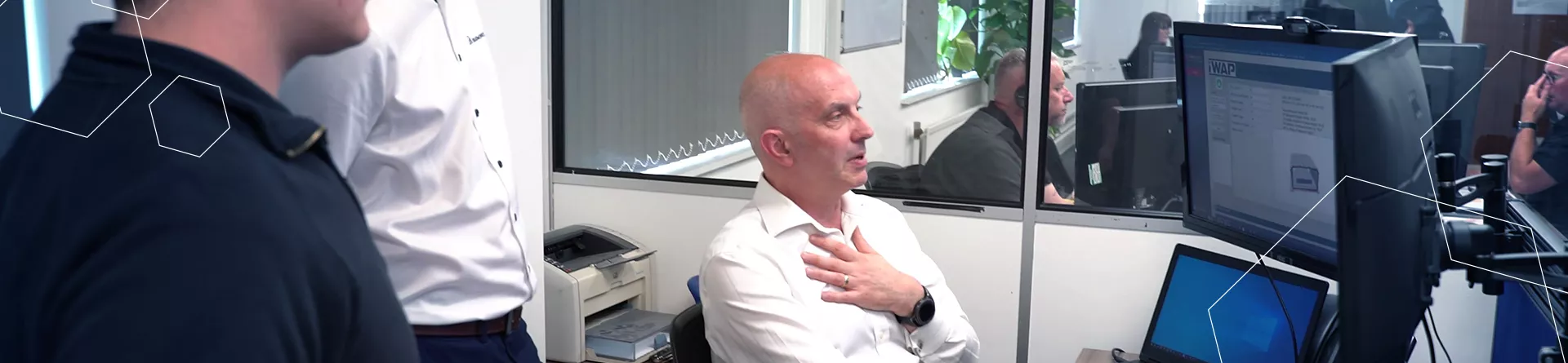
With DriveWorks, Extronics found a tool that aligned their sales and manufacturing efforts seamlessly.
By automating engineering tasks, the company ensured consistent outputs for customers.
With outputs that are automated and rule-based, Extronics can ensure that the customer gets exactly what they request.
DriveWorks helps to align discrete processes and create a single stream of reliable and accurate information to help manufacturers and designers accelerate production and grow their business.
Community Support and Resources

Extronics found immense value in the DriveWorks community, leveraging forums, tech tips, and events like DriveWorks World.
Nick highlighted the benefit of getting answers from fellow users and DriveWorks experts. “The DriveWorks community has been a great resource for helping us with our implementation,” they shared.
Between the community and the specialist support offered by Solid Solutions, Extronics have been able to make the most of their expertise and build relationships to rely on when technical and operational challenges arise.
A Fulfilling Transformation

Extronics’ adoption of DriveWorks has led to significant enhancements across their operations. By automating intricate processes, improving customer-facing aspects, and aligning internal efforts, the company has truly embraced innovation.
DriveWorks has allowed us to do things that we couldn’t do previously and has provided us with consistent outputs for our customers
– Nick Saunders
The journey navigated by Extronics exemplifies the power of design automation in propelling businesses towards a future driven by efficiency, innovation, and customer-centricity.
As technology continues to advance, it is companies like Extronics, with the flexibility to recognise challenges and adapt their processes to overcome them, who will capitalise on this advancement to continue to drive innovation.
Learn more about Extronics and how they utilise SOLIDWORKS and design automation by visiting their website.
Take the Next Steps…
Explore the complete SOLIDWORKS portfolio and discover the advanced CAD capabilities that streamline workflows and shorten design times.
Categorised as: DriveWorks | Software
Get a DriveWorks Quote
Interested in DriveWorks? Contact us for questions, trials, or demos by clicking the button below or call 01926 333777. Our experts will help you find the perfect solution.

Related Posts

How to Find Reaction Forces in SOLIDWORKS Simulation
SOLIDWORKS helps us to find resultant forces through simulation studies. These virtual tests reduce the need for physical prototypes and give us an accurate answer.

Setting number of decimal places in a table on a drawing
When creating an equation in a drawing general table, is it possible to define the…

SOLIDWORKS Smart Fasteners
SOLIDWORKS Smart Fasteners is a really useful time saving tool, allowing you to automatically insert toolbox fasteners such as bolts and screws into an assembly providing there is a standard hole.

Why is my Flat Pattern not showing in SOLIDWORKS Drawings?
This may be linked to how the drawing is saved or it can be related to how sheet metal parts are displayed in drawings, read on to find out how to fix it.

SOLIDWORKS Tips: Are you Making this Common Mistake in Fatigue Analysis?
Simulation is a vital and complex engineering need. Fortunately, SOLIDWORKS makes it easy to test, correct mistakes and obtain accurate results.

SOLIDWORKS Visualize. Why go pro? – 6 Post Processing
In this blog we will be look at the post-processing options that can be found in SOLIDWORKS Visualize

SOLIDWORKS Visualize. Why go pro? – 7 Lighting
SOLIDWORKS Visualize uses a non-biased rendering engine, which allows for physically accurate lighting within a scene. It generates images with high amount of realism and correct set up can replicate photo studio lighting.

How to Get Your Serial Number for SOLIDWORKS Visualize Standard
Want to download Visualize to make photorealistic renders? Follow this guide for accessing your Visualize serial number that comes bundled in with SolidWorks Professional and Premium.

How to Recover SOLIDWORKS Files After a Crash
SOLIDWORKS has two different methods to help you recover from an unexpected crash or loss of data in the form of auto-recovery and back-up settings.

Redesigning Santa’s Sleigh in SOLIDWORKS
Every year Father Christmas has to fly in his sleigh to deliver presents to boys and girls all over the world in just one night. To put this into perspective, it takes a little under 24 hours to fly from London (UK) to Sydney (Australia) in a streamlined Boeing 747, whereas Father Christmas’ mode of transport is believed to be a rather non-aerodynamic sleigh.