











SolidCAM in SOLIDWORKS: What ‘Full CAD Integration’ Really Delivers
Written by: Tom Buxton
Published: May 20, 2026
| View All Blogs
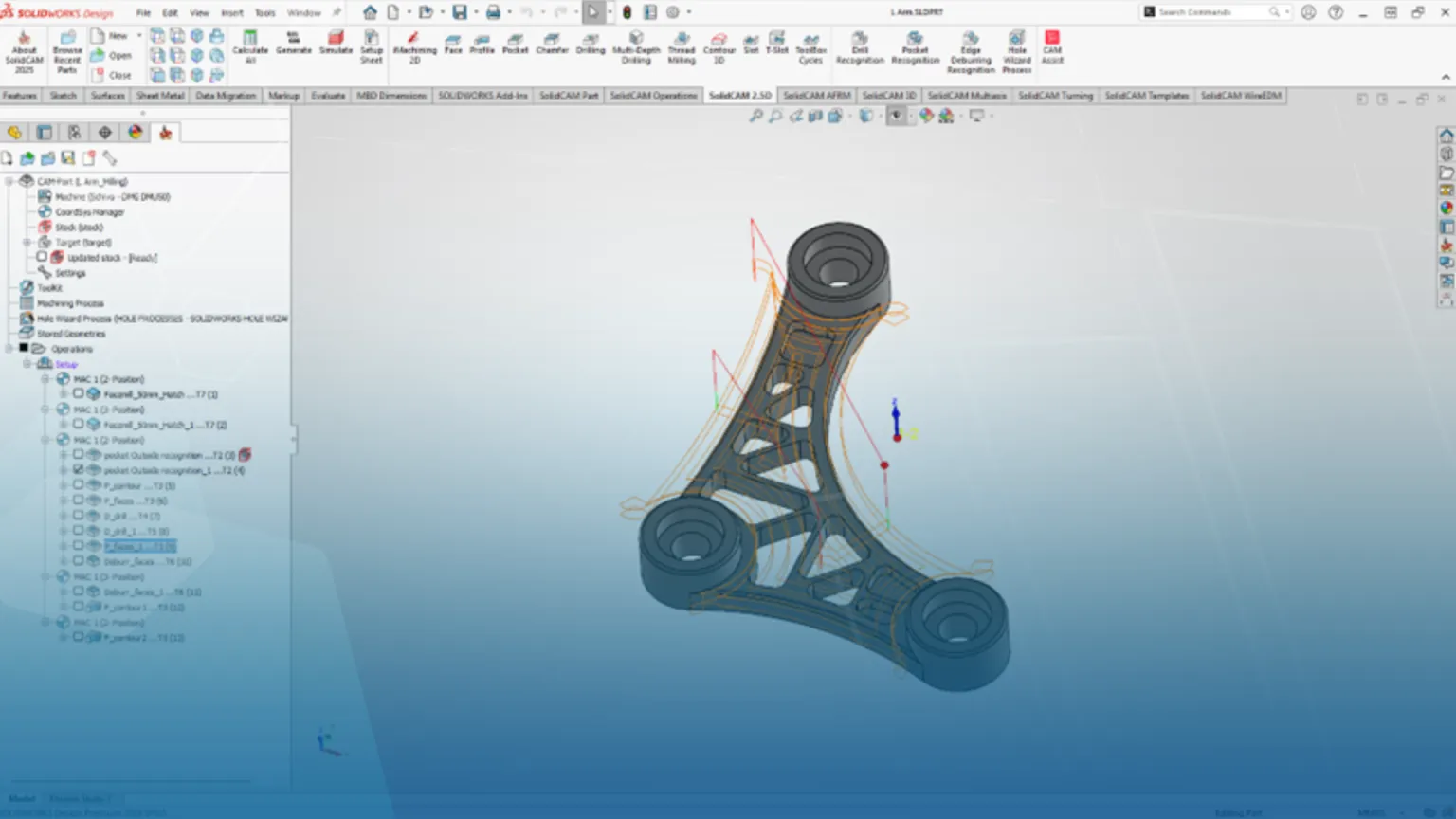
In today’s fast-paced manufacturing environment, efficiency and accuracy are paramount. Many professionals face daily frustrations with data silos, version confusion, and the time lost bridging the gap between design and machining. SolidCAM’s full CAD integration within SOLIDWORKS offers a solution—merging the design and CAM processes into a unified workflow that keeps your team in sync, your data up to date, and your projects moving forward. This blog explores how seamless integration streamlines CNC operations, eliminates costly delays, and empowers you to achieve more with less hassle.
Don’t let a break between CAD AND CAM steal your time!
If you’ve ever lost half a day to ‘which model is the latest?’ then you already understand why full CAD integration matters. In practical terms, it means your CAM environment isn’t a separate application with imported geometry—it lives inside the CAD system, shares the same data structures, and updates with the design.
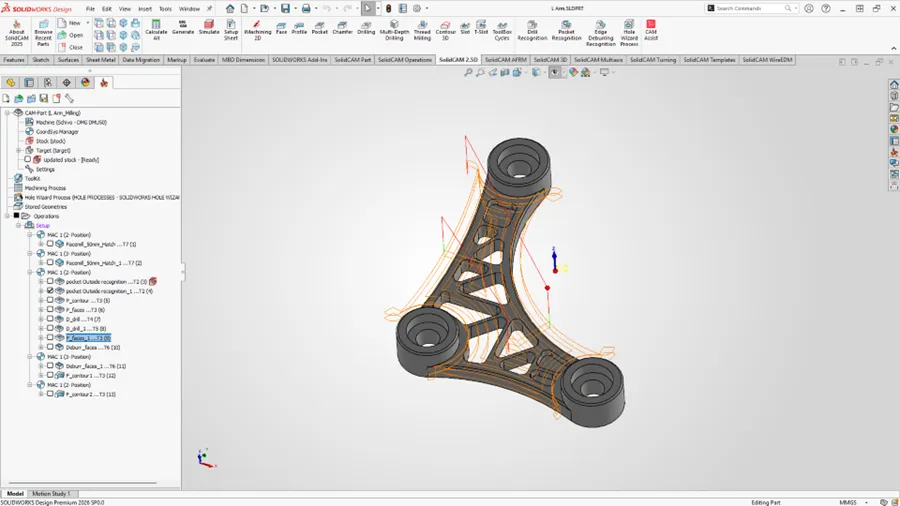
What changes day-to-day? The biggest win is associativity. When a designer changes a fillet radius, moves a pocket, or edits a pattern, your toolpaths don’t start from scratch. Instead, the CAM operations maintain links to the underlying faces/features. The result is faster rework and fewer ‘silent’ programming errors caused by machining an outdated STEP.
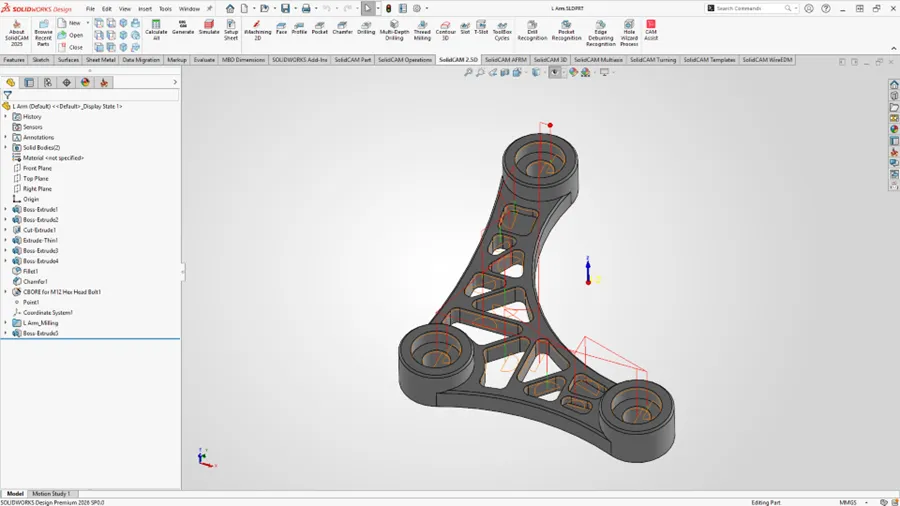
Core Benefits to Integrated CAD/CAM
Why engineers care (beyond convenience), integration isn’t just about selecting fewer buttons; it’s about controlling risk:
- One version of truth: You’re machining the same model everyone else is looking at. That reduces mismatches between drawing, model, and NC program. Add SOLIDWORKS PDM for simple and effective document control.
- Manufacturing intent captured early: Decisions like datum strategy, stock definition, and setup planning can be built while the part is still evolving—without duplicating geometry.
- Shorter feedback loop: Because CAM is in the same environment, it’s easier to flag manufacturability issues (thin walls, tool access, corner radii) while edits are still cheap.
- A Single contact for support: With Solid Solutions providing both SOLIDWORKS and SolidCAM, any queries that your team has, whether design or manufacturing, are dealt with by one team and one level of accountability.
- Simple additional geometry creation: If additional geometry is needed to get the best surface finish possible, there is no moving in and out of environments. You have access to industry-standard CAD tools whilst programming to make sure you make world-class parts.
Returning your investment
Where it pays off most, full CAD integration tends to show the strongest ROI in high-change work: prototypes, ongoing ECO churn, families of parts, and jobs where you iterate fixtures or clamp strategies. It also helps when you standardise: templates, proven operations, and consistent naming/structure become easier to reuse because your CAM data is tied directly to the CAD model context.
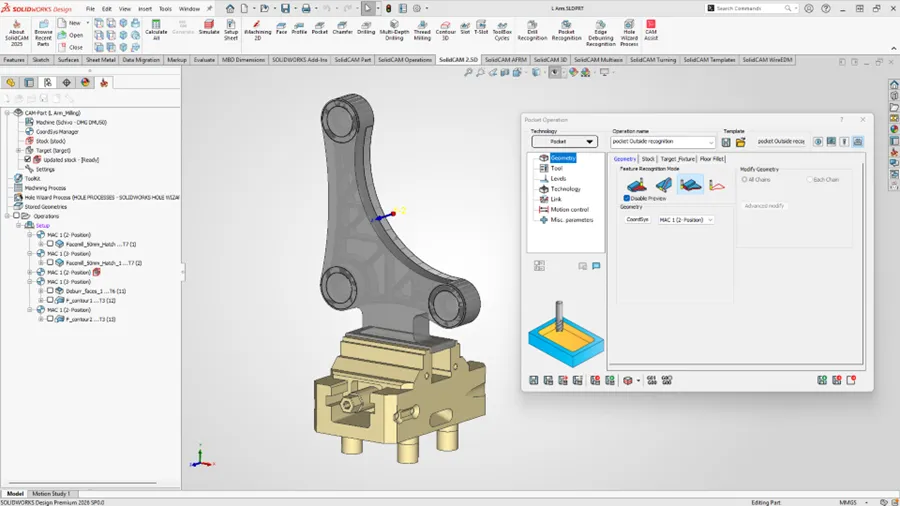 Bottom line: Full CAD integration is a productivity multiplier because it reduces translation, rework, and revision risk—three of the most common hidden costs in CNC programming.
Check out our video here to see how design changes get captured easily with SOLIDWORKS and SolidCAM:
Categorised as: Manufacturing | Software | SolidCAM
Get a SOLIDWORKS Quote
Interested in SOLIDWORKS? Contact us for questions, trials, or demos by clicking the button below or call 01926 333777. Our experts will help you find the perfect solution.

Related Posts

How to Find Reaction Forces in SOLIDWORKS Simulation
SOLIDWORKS helps us to find resultant forces through simulation studies. These virtual tests reduce the need for physical prototypes and give us an accurate answer.

Setting number of decimal places in a table on a drawing
When creating an equation in a drawing general table, is it possible to define the…

SOLIDWORKS Smart Fasteners
SOLIDWORKS Smart Fasteners is a really useful time saving tool, allowing you to automatically insert toolbox fasteners such as bolts and screws into an assembly providing there is a standard hole.

Why is my Flat Pattern not showing in SOLIDWORKS Drawings?
This may be linked to how the drawing is saved or it can be related to how sheet metal parts are displayed in drawings, read on to find out how to fix it.

SOLIDWORKS Tips: Are you Making this Common Mistake in Fatigue Analysis?
Simulation is a vital and complex engineering need. Fortunately, SOLIDWORKS makes it easy to test, correct mistakes and obtain accurate results.

SOLIDWORKS Visualize. Why go pro? – 6 Post Processing
In this blog we will be look at the post-processing options that can be found in SOLIDWORKS Visualize

SOLIDWORKS Visualize. Why go pro? – 7 Lighting
SOLIDWORKS Visualize uses a non-biased rendering engine, which allows for physically accurate lighting within a scene. It generates images with high amount of realism and correct set up can replicate photo studio lighting.

How to Get Your Serial Number for SOLIDWORKS Visualize Standard
Want to download Visualize to make photorealistic renders? Follow this guide for accessing your Visualize serial number that comes bundled in with SolidWorks Professional and Premium.

How to Recover SOLIDWORKS Files After a Crash
SOLIDWORKS has two different methods to help you recover from an unexpected crash or loss of data in the form of auto-recovery and back-up settings.

Redesigning Santa’s Sleigh in SOLIDWORKS
Every year Father Christmas has to fly in his sleigh to deliver presents to boys and girls all over the world in just one night. To put this into perspective, it takes a little under 24 hours to fly from London (UK) to Sydney (Australia) in a streamlined Boeing 747, whereas Father Christmas’ mode of transport is believed to be a rather non-aerodynamic sleigh.