











AI Capabilities that Work Inside Your 3D CAD Workflow
Command Predictor
Anticipates commands that are likely to be needed next, reducing trips through menus and command search.
Generative Drawings
Automatically generate structured drawing layouts, views and dimensions.
What's Wrong Analysis
Resolve modelling errors and complete your iteration faster with natural language feedback and root-cause analysis.
Assembly Structure Generator
Generate complete structures with organised top-level assemblies, subassemblies, and components.
Auto-Fastener Recognition
Automatically detects and optimises fasteners for easy assembly.
Repair Sketch Relations
Automatically identifies broken sketch relations or dimensions and suggests intended replacements.
What is AI in SOLIDWORKS?
Intelligent CAD Built for Real-World Engineering
AI in SOLIDWORKS isn't about generating stylised imagery; it’s about eliminating repetitive friction from your engineering workflow.
SOLIDWORKS AI integrates machine learning and predictive algorithms directly into the design canvas, giving engineers smart assistance where it matters most.
Predictive Workflows
Auto-completes repetitive assembly relationships, mate selections, and sketch relations based on design history.
Design Guidance
Optimises geometry for weight, strength, and manufacturability without leaving the native CAD interface.
Automated Data Management
Uses machine learning to tag, categorise, and organise CAD assets across the 3DEXPERIENCE platform automatically.
How SOLIDWORKS AI Differs from the Competition
SOLIDWORKS AI is built on an Industry World Model specifically designed for the rigorous demands of mechanical engineering and manufacturing.
Meet the SOLIDWORKS AI Virtual Companions

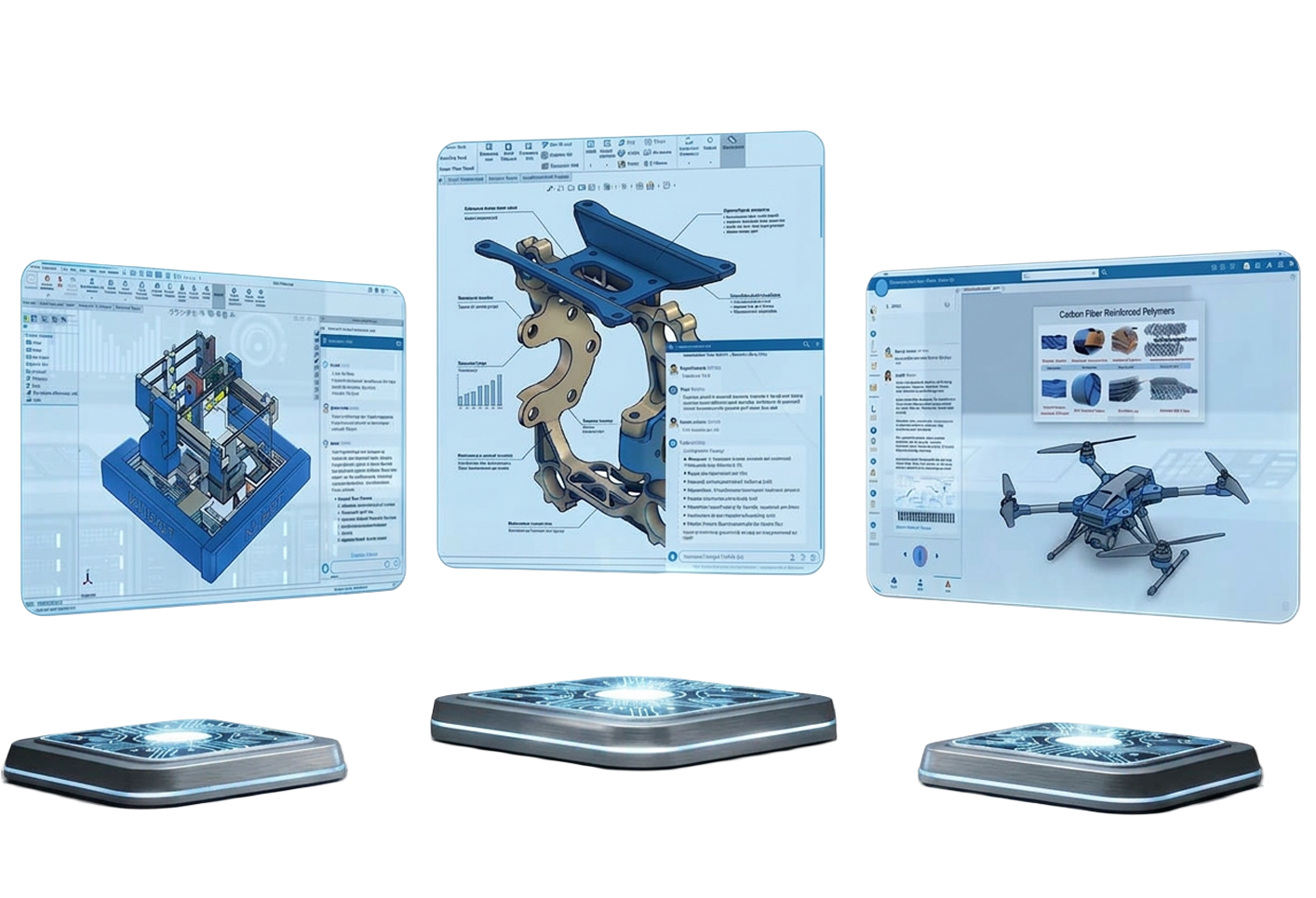
Design smarter with AURA. Built for SOLIDWORKS engineers, AURA provides immediate access to your organisation’s engineering knowledge while extending your reach to trusted information across the web.
Whether you're validating a design, exploring new concepts, or solving complex engineering challenges, AURA combines your company’s accumulated know-how with external insights to support faster, more informed product development.

Accelerate engineering excellence with LEO. Designed specifically for SOLIDWORKS users, LEO supports engineers in delivering robust, manufacturable, and high-performing products.
Whether you're building complex assemblies, preparing models for simulation, enriching imported geometry, or troubleshooting design issues, LEO leverages AI to automate repetitive tasks, validate design decisions, and streamline the path from concept to production.

Turn scientific insight into engineering advantage. MARIE empowers SOLIDWORKS engineers and researchers with advanced scientific research capabilities to support innovation, validation, and discovery.
Whether you're selecting materials, developing new products, investigating failure mechanisms, or exploring novel concepts, MARIE combines scientific expertise with AI-driven research to help you uncover insights, test hypotheses, and accelerate innovation.
Are You AI Ready?
4-Step AI Readiness Assessment
To initialise and maximise AI-driven CAD automation, your engineering ecosystem needs the right foundation.
1.
Cloud & Platform Integration
Are your design assets connected via 3DEXPERIENCE to leverage machine learning models?
2.
CAD Version Currency
Are your licences running modern versions (2024–2026) equipped with built-in AI helpers?
3.
Data Standardisation
Is your component library structured with consistent metadata for predictive algorithms?
4.
Skills & Training
Has your engineering team adopted automated parametric and model-based definition (MBD) practices?
AI Resources & Learning
Expand Your AI Knowledge Base
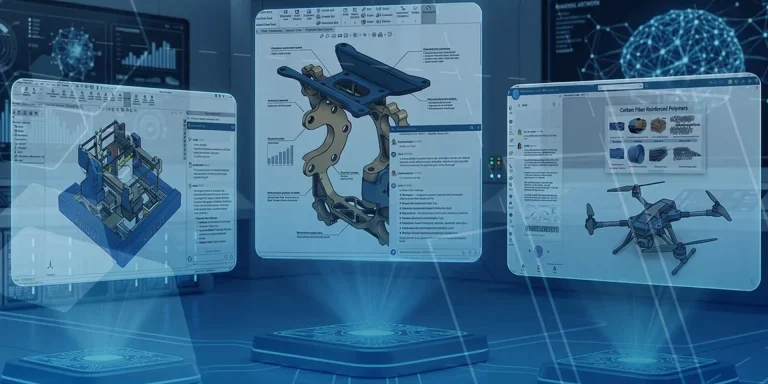
SOLIDWORKS AI Virtual Companions: Meet AURA, LEO and MARIE
Artificial intelligence is rapidly becoming a practical tool for engineers, helping teams work more efficiently,…

Understanding SOLIDWORKS AI Blue Tokens: A Practical Guide for Engineers
Artificial intelligence is rapidly becoming a valuable engineering tool, helping designers and engineers find information…
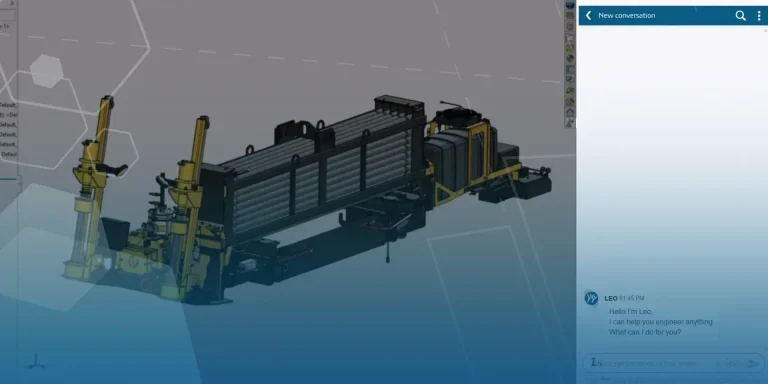
What’s New in the Functional Delivery 02 Update | SOLIDWORKS Design & 3DEXPERIENCE Platform
SOLIDWORKS 2026x FD02 continues the cycle of Functional Deliveries, introducing a new set of enhancements…

AI in SOLIDWORKS
Note: Some of the features and videos referenced in this article are currently released in…
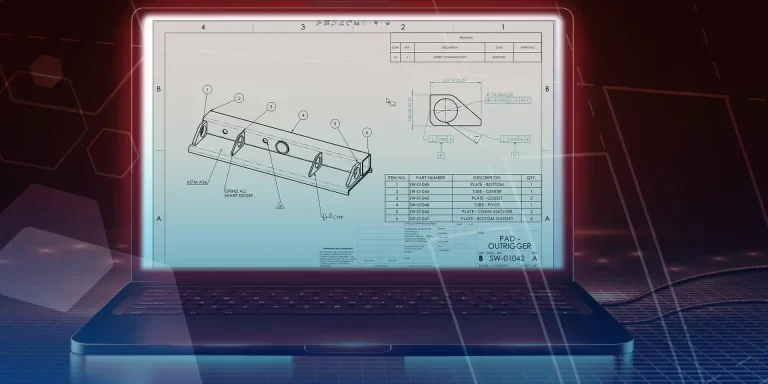
Assistive AI for Drawing Creation | What’s New in SOLIDWORKS Drawings & MBD 2026
SOLIDWORKS 2026 is the first release we’re seeing equipped with multiple AI tools as Dassault…
Continue Your AI Journey
Join upcoming SOLIDWORKS AI events to learn how engineers are using AI to accelerate design, automate workflows, and solve complex challenges faster.