











What Happened to the SOLIDWORKS Forums?

Written by: Prasad Bhonsule
Published: May 30, 2023
| View All Blogs
The fountain of knowledge that was the SOLIDWORKS Forum looks a little different these days.
The SOLIDWORKS Forum has been connected to the 3DEXPERIENCE platform.
You can access the SOLIDWORKS Forum User Community here.

How it used to be: the old SOLIDWORKS Forums.
As a resource, at its core nothing has changed.
When you search for answers to your SOLIDWORKS-related questions, you’ll still find a host of useful answers amongst a friendly and knowledgeable community of professionals, students, and makers.
All of the questions that have been raised over the years have been migrated to the SOLIDWORKS User Forum on the 3DEXPERIENCE platform.

When you Google your question, you may find yourself directed to the landing page in what appears to be the old SOLIDWORKS Forum. However, the links to view or reply to the post will take you straight to the thread within the 3DEXPERIENCE platform.
This platform is hosted by Dassault Systèmes, and is accessible via your 3DEXPERIENCE ID. You do not need to have purchased a license to access this part of the platform.
There you can engage with a wider network of experienced and studious SOLIDWORKS users to expand your knowledge and grow your connections as you develop your skills and navigate your career path.

CAN I ACCESS THE SOLIDWORKS USER FORUM WITHOUT AN ACCOUNT?
You will need to log into the 3DEXPERIENCE platform with your 3DEXPERIENCE ID to access the SOLIDWORKS User Forum community.
Don’t have one yet? A 3DEXPERIENCE ID is free to create and only takes a few moments to set up. Click here to create your free account.

Once you’re logged in, you’ll have access to the SOLIDWORKS User Forum community alongside a host of other vibrant and interesting communities.
Don’t forget to drag communities to your favourites for quick access.

Take the Next Steps…
Learn how to work with 3DSWYM and check out this blog post tutorial to run you through working with the 3DEXPERIENCE platform and getting the most from it.
Not only does the thread-based community approach allow you to easily find old discussions and track the decision-making process, but it can also help you to manage your CAD data effectively.
Watch this video find out why you should be using the 3DEXPERIENCE platform to manage your SOLIDWORKS and CAD data and take the next steps on your design journey.
If you have any further queries or need help getting started with the 3DEXPERIENCE platform, then visit experience.trimech.com and be sure to get in touch with our expert Technical Support team on 01926 333777 or via support@solidsolutions.co.uk.
Categorised as: 3DEXPERIENCE | SOLIDWORKS Simulation
Get a SOLIDWORKS Quote
Interested in SOLIDWORKS? Contact us for questions, trials, or demos by clicking the button below or call 01926 333777. Our experts will help you find the perfect solution.

Related Posts
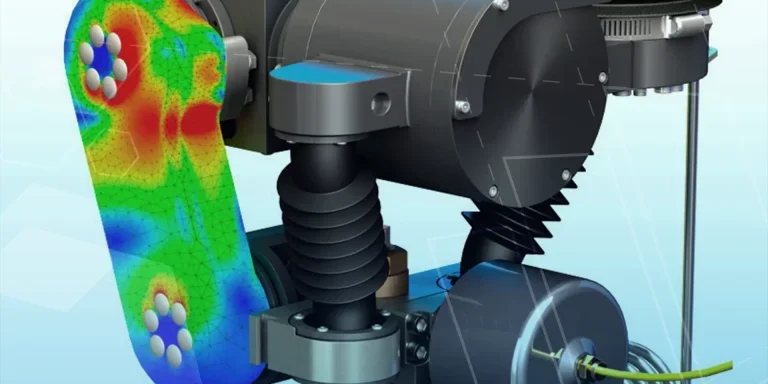
So how accurate is SOLIDWORKS Simulation?
How accurate is SOLIDWORKS Simulation? Elite Applications Engineer Chris Boyles investigates.

3DExperience – Overview and Gaining Access
3DEXPERIENCE allows you to bring together colleagues and invited suppliers into a single web based platform allowing ideas to be shared and decisions to be made. The platform is CAD intelligent so will allow storage and viewing of your 3D models, even to non-SOLIDWORKS users if they need to review designs. In this series of blog posts we break down the general structure of the platform as well as a more in depth look into the main applications you can use. Each blog post will contain a commentated video summarising all that has been discussed in text form.

3D Experience – Dashboard Creation
Without Dashboards your 3DEXPERIENCE platform will be pretty empty so we need to understand what can be done with them on a per user basis and also how they can be shared to the rest of the team. In simple terms the dashboard is the layout of the webpage, the more complicated description you find on the 3DEXPERIENCE “Getting Started” screen is that “a dashboard is a holistic view on any topic or activity, gathering content from various sources. It is made of tabs, each tab containing widgets”.

3D Experience – 3DDrive
3DDrive is the storage application that sits on the 3DEXPERIENCE platform. As a basic comparison it is similar to Dropbox, OneDrive and Google Drive, and in fact these three programs can also be intergrated into 3DEXPERIENCE. Each user you invite to join your platform will consume a license and be given 5GB of storage space within 3DDrive.
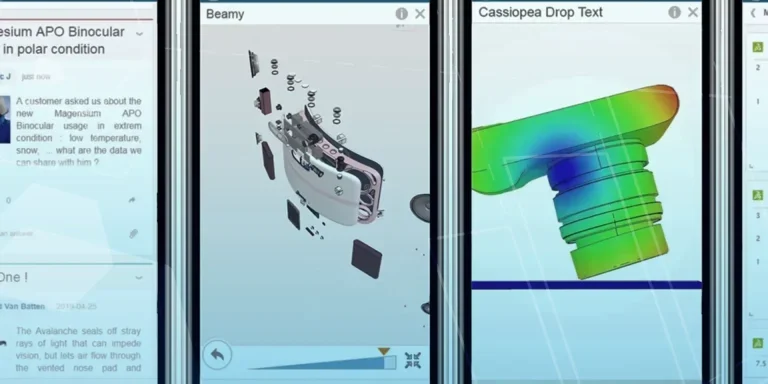
What is 3DSWYM? A 3DEXPERIENCE Platform Tutorial
3DSwym is the application at the heart of the 3DEXPERIENCE, allowing users to connect and collaborate across the platform.

Case Study: Morgan Motors Accelerate Their Business with 3DEXPERIENCE
Discover how our Business Transformation team has been supporting Morgan Motor Company as they continue to strive forward and invest in opportunities to protect and improve their profitability, growth, product line and customer experience.

Why Move from CATIA V5 to CATIA 3DEXPERIENCE?
Design on the go, work with team members around the world, engineer across systems and domains, and effortlessly keep all your data up to date when you switch to 3DEXPERIENCE CATIA
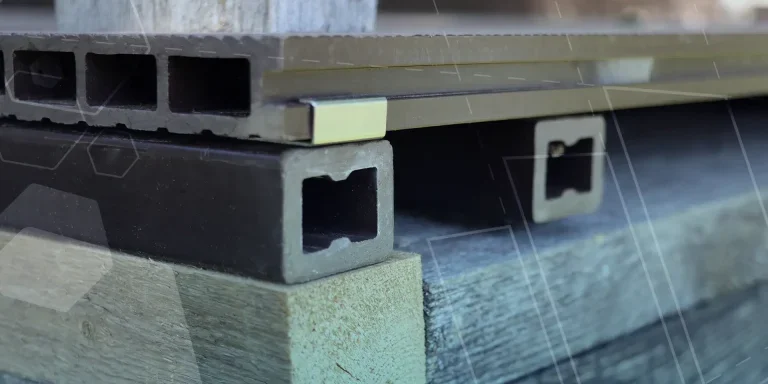
Top 4 Benefits of Composite Materials for Lightweight Engineering
One method design and engineering teams have employed to combat high costs and high carbon emissions is the use of composite materials in the development of parts.

Hydrogen-Powered Aircraft: What are the Challenges?
In aviation industry, we’re seeing the rise of eVOTL concepts which challenge the traditional ideas…
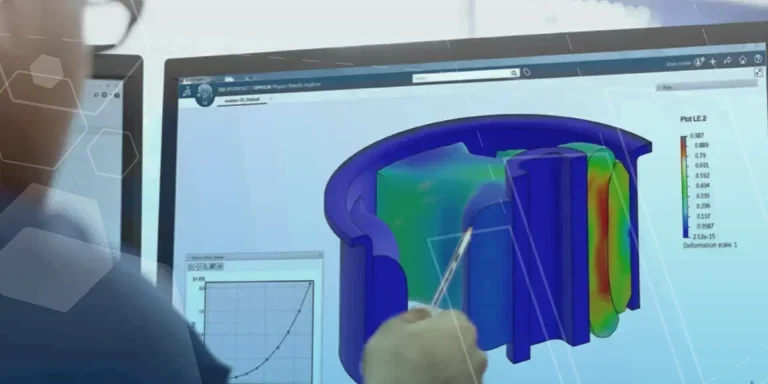
Top 3 Enhancements to 3DEXPERIENCE Platform 2023x FD01
The latest release of the 3DEXPERIENCE platform brings with it many enhancements designed to ease the day-day life of SOLIDWORKS users.