











Zero to G-Code: A Guide to Customising Your SolidCAM Post Processor
Written by: Tom Buxton
Published: May 20, 2026
| View All Blogs
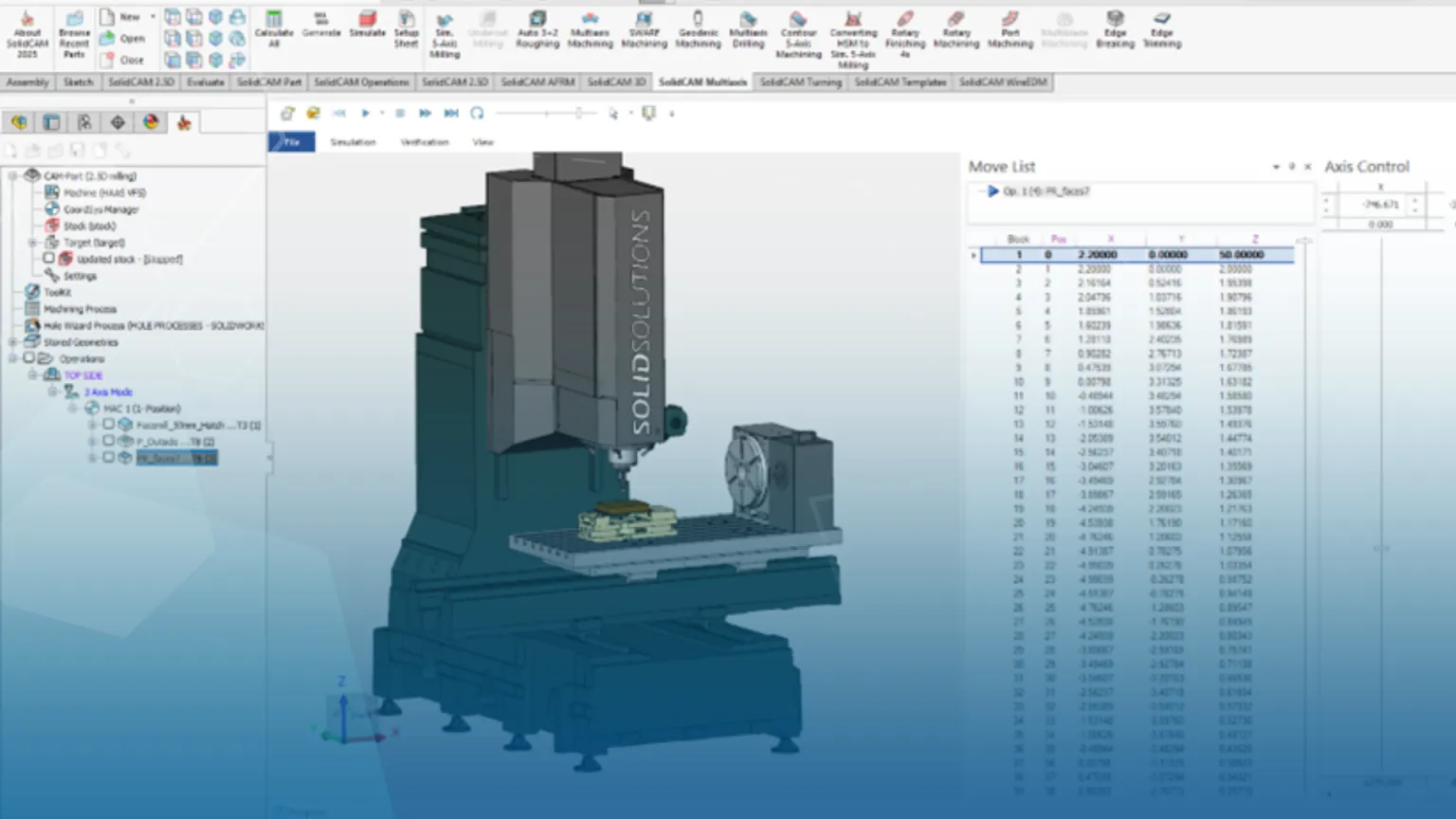
Even the best CAM strategy is only as effective as the G-code it produces. In this post, we explore how Solid Solutions’ in‑house SolidCAM post-processor specialists help manufacturers turn toolpaths into reliable, production‑ready code—tailored precisely to their machines, controllers, and way of working.
Why is a custom Post Processor needed?
When it comes to CNC machining, even the most advanced CAM strategy is only as good as the G-code it produces. That’s why post-processing is a critical part of any SolidCAM workflow—and it’s where Solid Solutions’ in-house SolidCAM post processor team adds real value.
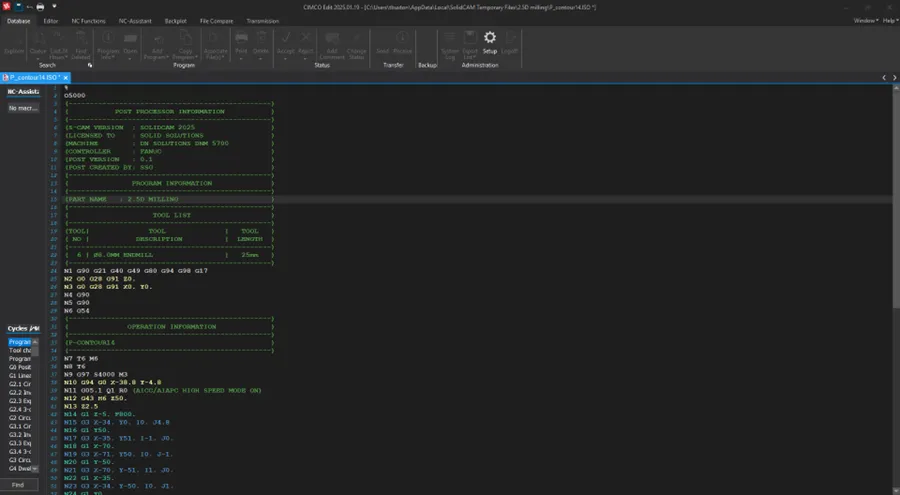
Solid Solutions has a dedicated team of specialists who focus on SolidCAM post-processor development. Their role is to bridge the gap between SolidCAM toolpaths and the exact requirements of your CNC machine, controller, and shop-floor processes. Rather than relying on generic or ‘close enough’ posts, they deliver post processors that are tailored precisely to how you machine.
From Simple Mills to the Most Complex Machines
Whether you’re programming a straightforward 3-axis vertical mill or a highly complex Swiss-type or multi-channel mill-turn machine, Solid Solutions’ post team has the experience to support it. They develop and maintain post processors for:
• 3-axis, 4-axis, and 5-axis milling machines
• Mill-turn centres with single or multiple spindles
• Swiss-type sliding head machines
• Multi-channel, multi-turret configurations with synchronised operations
This breadth of capability means your post-processor isn’t just outputting G-code—it’s optimising machine usage, reducing cycle times, and ensuring safe, predictable execution on the shop floor.
Built Around Your Way of Machining
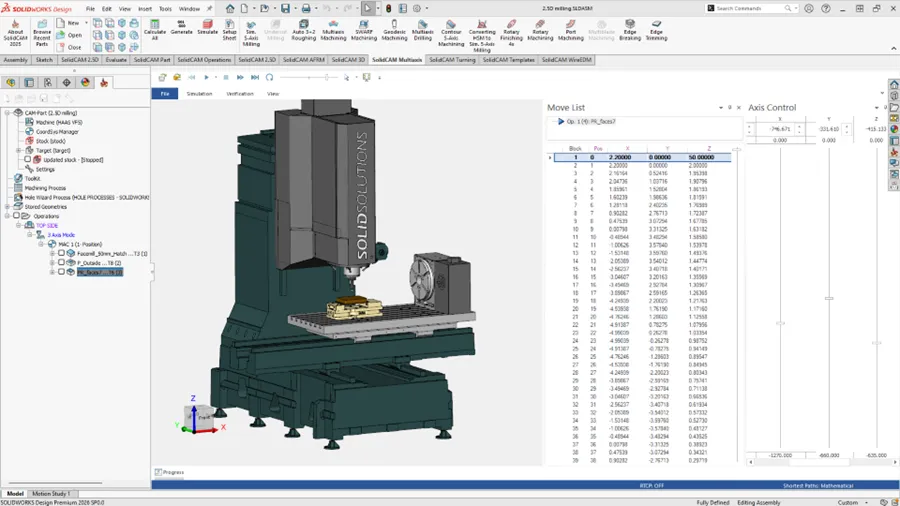
Every manufacturer machines differently. Tooling preferences, fixture layouts, work offsets, probing routines, and safe positioning standards all vary. Solid Solutions’ post processors are customised around your internal standards, producing G-code that your operators recognise and trust.
This approach helps to reduce hand-editing of programs at the machine, minimise prove-out time and risk of errors, improve consistency across jobs and programmers, and support advanced SolidCAM functions such as iMachining, multitasking, and machine simulation.
A Supported, Long-Term Solution
Custom post processors aren’t a one-off exercise. The Solid Solutions team works alongside customers as machines evolve, new strategies are introduced, or SolidCAM versions are updated. This ensures your post remains robust, supported, and aligned with future manufacturing requirements.
From zero to G-code, Solid Solutions’ in-house SolidCAM post processor expertise ensures that what you program is exactly what your machine runs—safely, efficiently, and with confidence.
Categorised as: Manufacturing | SOLIDWORKS CAM | Software | SolidCAM
Get a SOLIDWORKS Quote
Interested in SOLIDWORKS? Contact us for questions, trials, or demos by clicking the button below or call 01926 333777. Our experts will help you find the perfect solution.

Related Posts

How to Find Reaction Forces in SOLIDWORKS Simulation
SOLIDWORKS helps us to find resultant forces through simulation studies. These virtual tests reduce the need for physical prototypes and give us an accurate answer.

Setting number of decimal places in a table on a drawing
When creating an equation in a drawing general table, is it possible to define the…

SOLIDWORKS Smart Fasteners
SOLIDWORKS Smart Fasteners is a really useful time saving tool, allowing you to automatically insert toolbox fasteners such as bolts and screws into an assembly providing there is a standard hole.

Why is my Flat Pattern not showing in SOLIDWORKS Drawings?
This may be linked to how the drawing is saved or it can be related to how sheet metal parts are displayed in drawings, read on to find out how to fix it.

SOLIDWORKS Tips: Are you Making this Common Mistake in Fatigue Analysis?
Simulation is a vital and complex engineering need. Fortunately, SOLIDWORKS makes it easy to test, correct mistakes and obtain accurate results.

SOLIDWORKS Visualize. Why go pro? – 6 Post Processing
In this blog we will be look at the post-processing options that can be found in SOLIDWORKS Visualize

SOLIDWORKS Visualize. Why go pro? – 7 Lighting
SOLIDWORKS Visualize uses a non-biased rendering engine, which allows for physically accurate lighting within a scene. It generates images with high amount of realism and correct set up can replicate photo studio lighting.

How to Get Your Serial Number for SOLIDWORKS Visualize Standard
Want to download Visualize to make photorealistic renders? Follow this guide for accessing your Visualize serial number that comes bundled in with SolidWorks Professional and Premium.

How to Recover SOLIDWORKS Files After a Crash
SOLIDWORKS has two different methods to help you recover from an unexpected crash or loss of data in the form of auto-recovery and back-up settings.

Redesigning Santa’s Sleigh in SOLIDWORKS
Every year Father Christmas has to fly in his sleigh to deliver presents to boys and girls all over the world in just one night. To put this into perspective, it takes a little under 24 hours to fly from London (UK) to Sydney (Australia) in a streamlined Boeing 747, whereas Father Christmas’ mode of transport is believed to be a rather non-aerodynamic sleigh.