











Driving Accuracy and Efficiency with DriveWorks and SAP
Written by: Talulah Pani
Published: Apr 15, 2026
| Last Updated: April 20, 2026
| View All Blogs
Lawrence David is a UK-based manufacturer of custom trailers and vehicle bodies, building highly tailored solutions to meet specific customer requirements. With flexibility at the core of their offering, the business needed a way to maintain speed and accuracy as complexity increased — without adding pressure to engineering teams.
By implementing DriveWorks alongside SOLIDWORKS and preparing for integration with SAP, Lawrence David is transforming its design, engineering, and production processes.
The Challenge
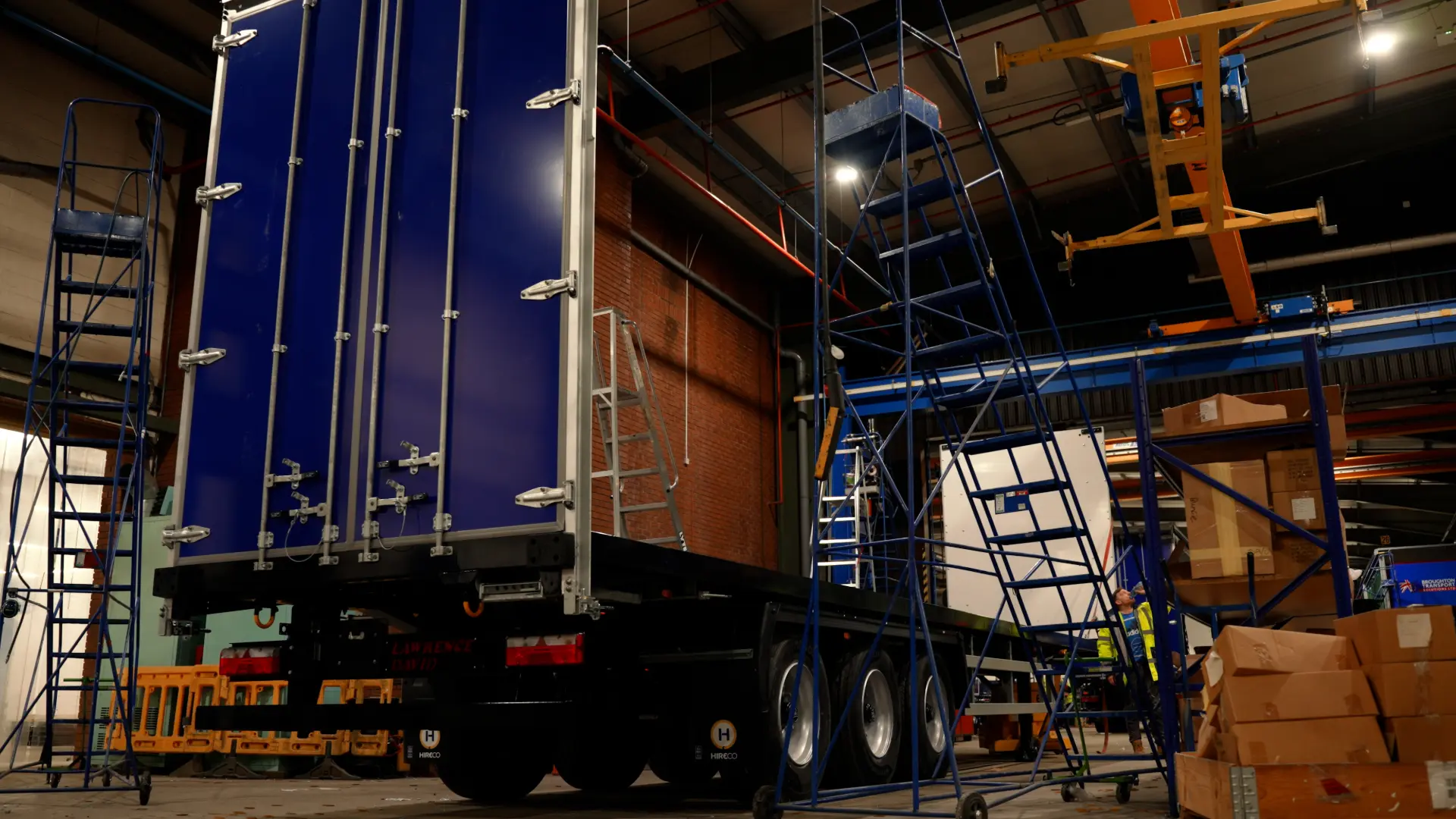
Lawrence David’s strength lies in its ability to build bespoke vehicles. But that flexibility comes with complexity.
Each job is different, and accuracy is critical. Without reliable models and clear documentation, even small misalignments can lead to delays on the shop floor.
Historically, the business relied on a legacy system dating back to the 1970s. While effective in its time, it required manual updates and offered limited visibility for production teams. Shop floor operatives often worked from basic drawings that represented stages of a build, rather than a complete, accurate view of the final product.
This created several challenges:
- Limited visual guidance for manufacturing teams
- Manual processes increasing the risk of errors
- Difficulty validating designs before production
- A system dependent on a single specialist nearing retirement
At the same time, the business was preparing to move to a new ERP system. Their existing “flat” bill of materials structure was not compatible with the multi-level approach required, creating a clear need for change.
The Solution
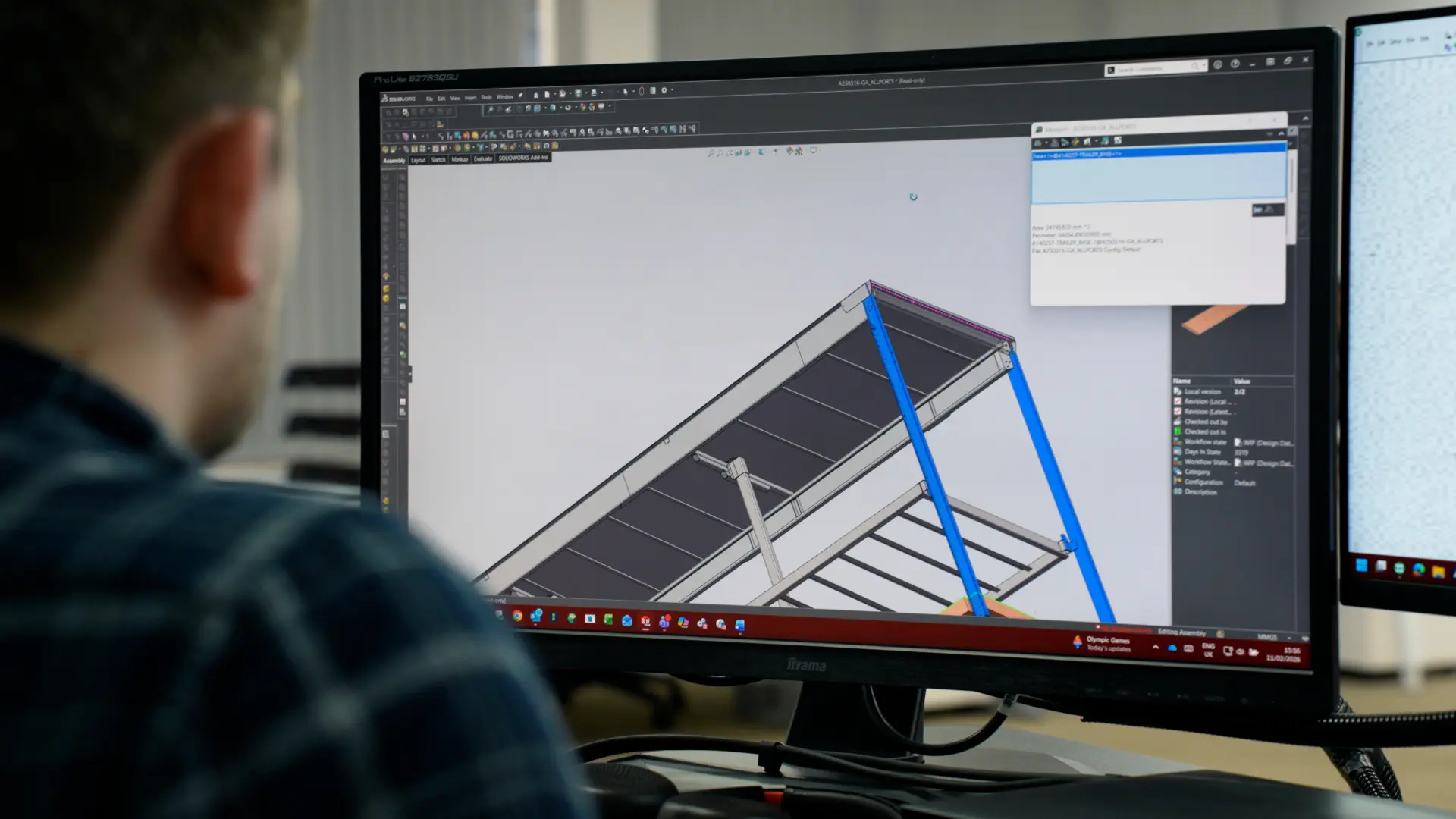
To address these challenges, Lawrence David implemented DriveWorks to automate and standardise its design processes, fully integrated with SOLIDWORKS and aligned with future ERP requirements.
DriveWorks enables the team to create configurable, rules‑based models that can be adapted to meet specific customer needs — while maintaining accuracy and consistency.
Instead of relying on manual updates and fragmented documentation, the business can now:
- Generate accurate, job‑specific drawings for every project
- Validate designs using simulation and modelling before production
- Create structured, multi‑level bills of materials aligned with ERP needs
- Maintain flexibility while introducing standardisation
Crucially, DriveWorks mirrors elements of their existing rule‑based logic, making it easier to transition from legacy systems while improving capability over time.
The implementation also provided an opportunity to review and refine over 30 years of organically developed design processes. By capturing this knowledge in a structured, rules‑driven environment, the team can now test, validate, and evolve their workflows more effectively.
Implementation Approach
Initially, Lawrence David planned to use consultancy support for both development and design work. However, due to the specialist nature of their products, they shifted to a more collaborative model.
Through regular sessions with a DriveWorks consultant, the team built internal capability while receiving guidance on best practice. This approach ensured that the resulting system was both technically robust and practically usable on the shop floor.
While the implementation required a significant investment of time, the team recognised this as a necessary step to unlock long‑term efficiency gains.
The Results
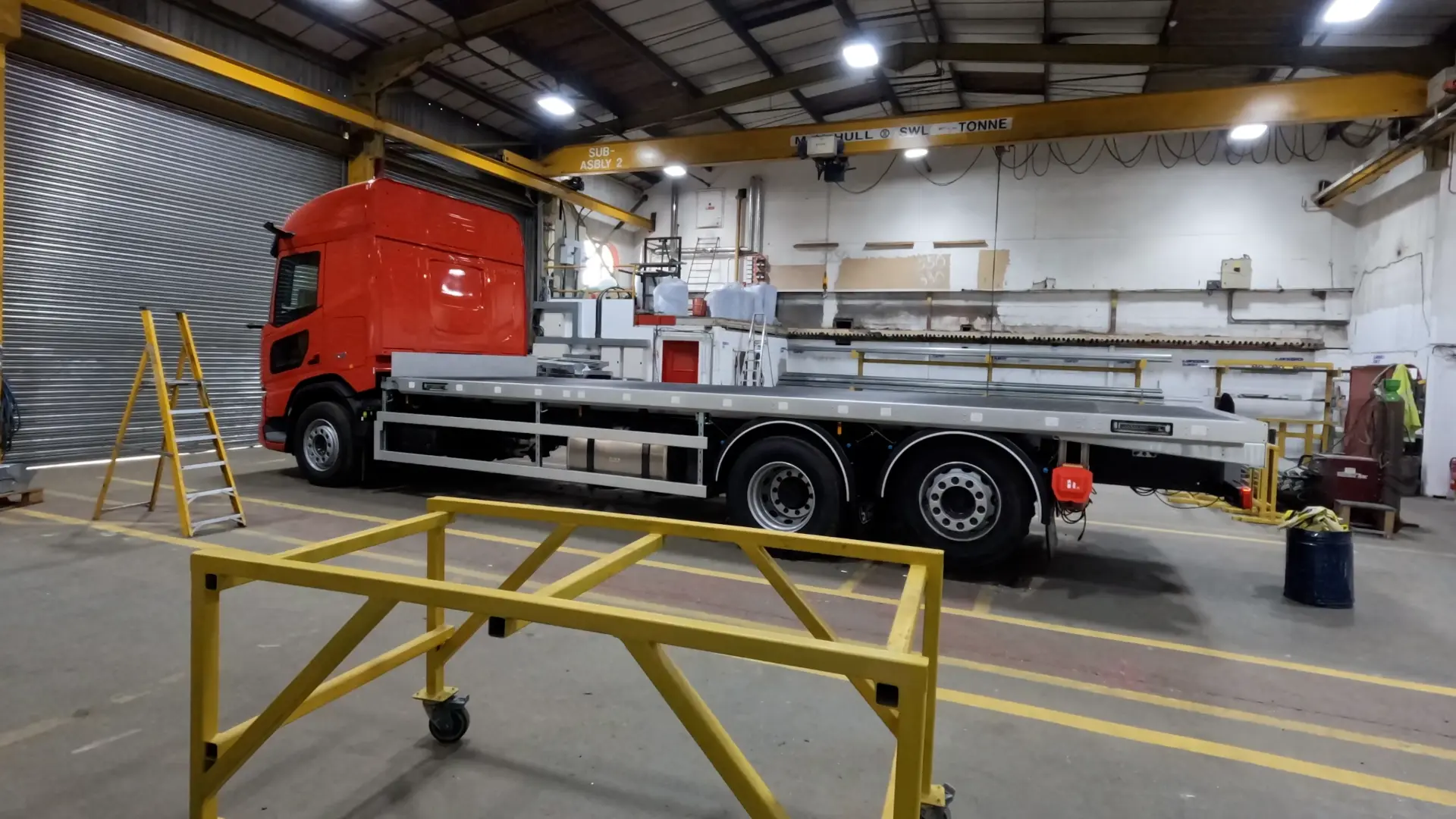
Although the project is ongoing, Lawrence David is already seeing clear benefits:
Improved accuracy and visibility
Engineers and shop floor teams now have access to clear, detailed models and drawings, reducing ambiguity and improving build quality.
Faster turnaround times
Standard jobs, which previously took several days, are expected to be reduced to as little as one day by automating internal processes and reducing delays between departments.
Greater efficiency across teams
By streamlining workflows and reducing manual intervention, teams can handle multiple jobs in parallel without increasing workload.
Enhanced training and knowledge sharing
DriveWorks models provide a valuable training tool for both new starters and experienced engineers, helping to build understanding and retain knowledge across the team.
Stronger sales support
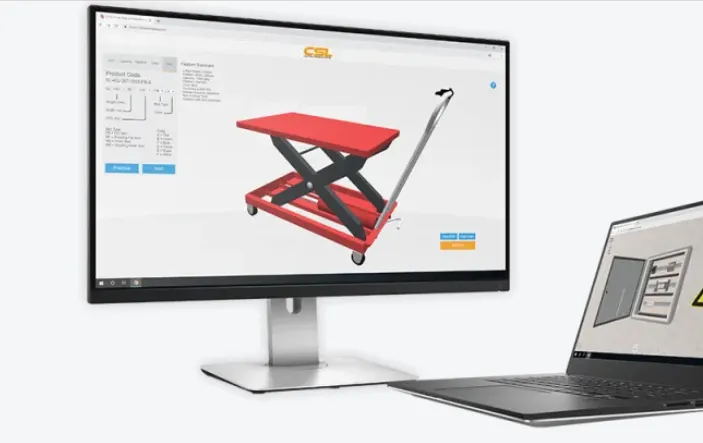
By building a tailored CRM‑style interface within DriveWorks, sales teams can present customers with visual models and examples, reducing misunderstandings and improving quote conversion rates.
SAP ERP readiness
With structured, multi‑level bills of materials, the business is now aligned with the requirements of its new ERP system, enabling smoother integration and better data flow.
Looking Ahead
For Lawrence David, DriveWorks is more than a design automation tool — it’s a foundation for long‑term transformation.
By connecting design, engineering, sales, and production through a single, configurable system, the business is creating a more efficient, scalable operation.
The focus now is on continuing to refine workflows, expand automation, and ensure adoption across all departments.
Advice to Others
“Start with a clear plan, secure buy‑in across the organisation, and commit the time needed to see results.
The investment may be significant upfront — but the long‑term gains in efficiency, accuracy, and scalability make it worthwhile.”
Categorised as: Customer Stories | DriveWorks | SOLIDWORKS Design
Start your automation journey now!
Ready to find the perfect DriveWorks package for your business?
Related Posts

How to Find Reaction Forces in SOLIDWORKS Simulation
SOLIDWORKS helps us to find resultant forces through simulation studies. These virtual tests reduce the need for physical prototypes and give us an accurate answer.

Setting number of decimal places in a table on a drawing
When creating an equation in a drawing general table, is it possible to define the…

SOLIDWORKS Smart Fasteners
SOLIDWORKS Smart Fasteners is a really useful time saving tool, allowing you to automatically insert toolbox fasteners such as bolts and screws into an assembly providing there is a standard hole.

Why is my Flat Pattern not showing in SOLIDWORKS Drawings?
This may be linked to how the drawing is saved or it can be related to how sheet metal parts are displayed in drawings, read on to find out how to fix it.

SOLIDWORKS Tips: Are you Making this Common Mistake in Fatigue Analysis?
Simulation is a vital and complex engineering need. Fortunately, SOLIDWORKS makes it easy to test, correct mistakes and obtain accurate results.

How to Recover SOLIDWORKS Files After a Crash
SOLIDWORKS has two different methods to help you recover from an unexpected crash or loss of data in the form of auto-recovery and back-up settings.

Redesigning Santa’s Sleigh in SOLIDWORKS
Every year Father Christmas has to fly in his sleigh to deliver presents to boys and girls all over the world in just one night. To put this into perspective, it takes a little under 24 hours to fly from London (UK) to Sydney (Australia) in a streamlined Boeing 747, whereas Father Christmas’ mode of transport is believed to be a rather non-aerodynamic sleigh.

SOLIDWORKS Grid Systems – hidden away, but very useful!
Rory Niles provides an insight into the uses for Grid Systems within SOLIDWORKS 2018

Furniture Design Made Easy with SOLIDWORKS
Calling all furniture and interior designers: the days of creating square cabinets are over. What if we told you there’s a much easier way to bring your products to life?
Here’s 10 reasons why we feel SOLIDWORKS is better than any other software, especially if you’re designing furniture:
Making 3D Textures from Images on SOLIDWORKS
Turn images into 3D geometry with brand new SOLIDWORKS 3D Textures Feature