











Get a Free SOLIDWORKS Demo: See the Software in Action!
Written by: Terry O'Reilly
Published: Jan 16, 2025
| View All Blogs
Is your design process holding you back? Discover how SOLIDWORKS 3D CAD can transform your workflow with our risk-free trials. Experience SOLIDWORKS functionality and tools through practical scenarios. Solve your design challenges with exclusive content and expert support.
Explore the core features and assess the value of SOLIDWORKS before committing to buy. With desktop and online options, it’s easy to discover the software’s potential in a way that suits you.
Why choose SOLIDWORKS 3D CAD?
Professionals around the world rely on SOLIDWORKS for exceptional results. The software has evolved through decades of user-driven enhancements to focus on usability.
SOLIDWORKS combines powerful capabilities with an intuitive, customisable interface to maximise productivity.
Key Features and Benefits
- Cutting-edge 3D modelling that evolves through user feedback and regular performance upgrades.
- Create parts, assemblies, and robust models with ease.
- Cloud-based file management ensures secure storage and real-time feedback for enhanced collaboration.
- Built-in simulation, rendering, and CAM tools support a complete product development workflow.
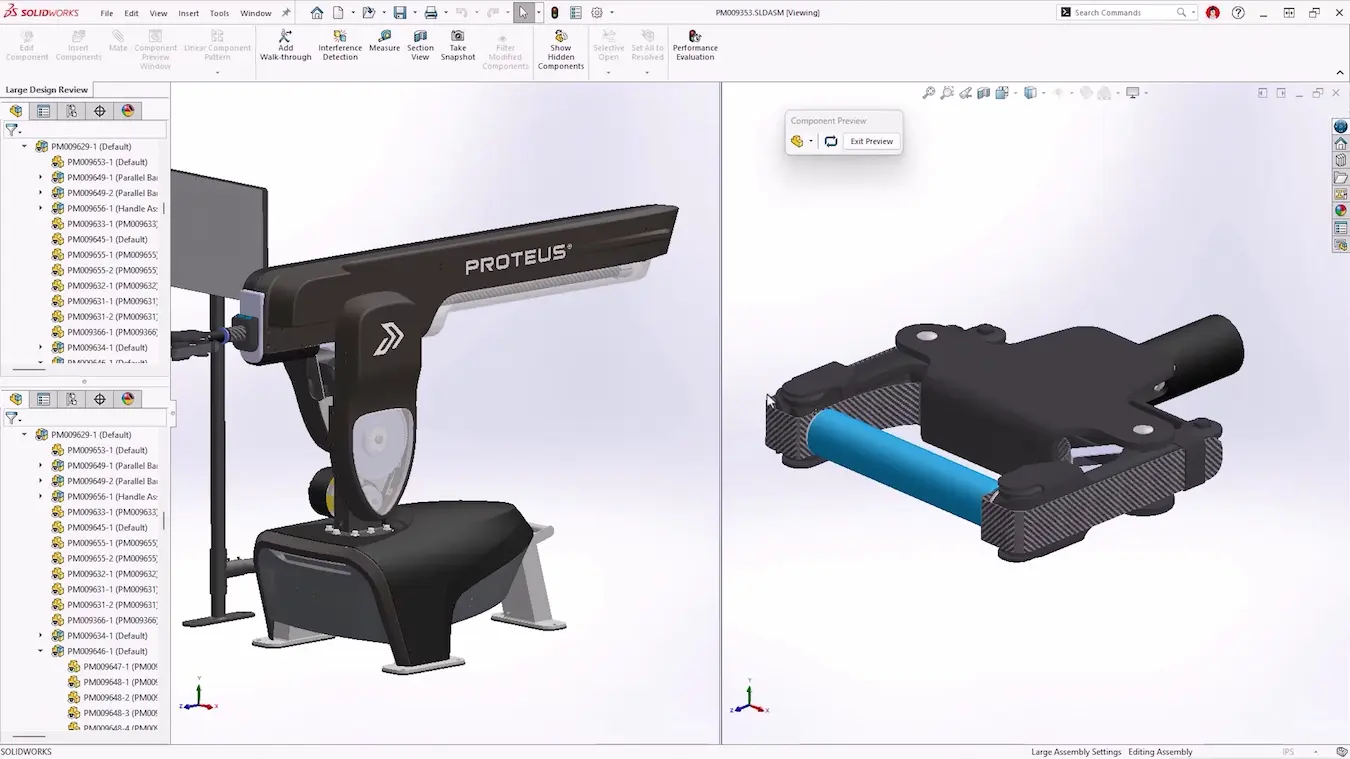
Create and interrogate large assemblies with ease!
SOLIDWORKS empowers you to explore innovative design solutions. Use it to create complex assemblies, review designs, and manage workflows. Bring your ideas to market faster than ever.
What’s Included in a SOLIDWORKS Free Trial?
Solid Solutions offers you two ways to test out the software and learn how SOLIDWORKS can enhance your design workflow. Choose between a FREE 7-day online trial or an extended desktop trial of SOLIDWORKS.
Compare their features below and request a trial to unlock your trial, access exclusive tutorials and start using SOLIDWORKS today!
- First-hand Exploration
The 30-Day Desktop Trial lets you install SOLIDWORKS on your hardware for a full evaluation. You’ll have offline access to all features and tools for a month.
Design a prototype of your latest innovation using advanced tools or use our sample file sets to simulate real-world challenges. - Ideal for Professional Users
Perfect for designers, engineers, and power users in restricted environments.
- Instant Access
The 7-Day Online Trial gives you instant access to SOLIDWORKS via your browser. There is no need to download or install anything. Instead, discover the software’s powerful features within minutes of signing up. - Quick Evaluations
The online trial is ideal for remote users. If you need a fast, easy way to test SOLIDWORKS, you can explore the software’s cloud-based tools without the need for a long setup.
Both trials include:
- Access to sample data, files, videos, and walkthroughs to guide your experience.
- Free technical support during the trial to help you get the most out of SOLIDWORKS.
- Exclusive savings on our SOLIDWORKS Training Passports to continue learning after your trial ends.
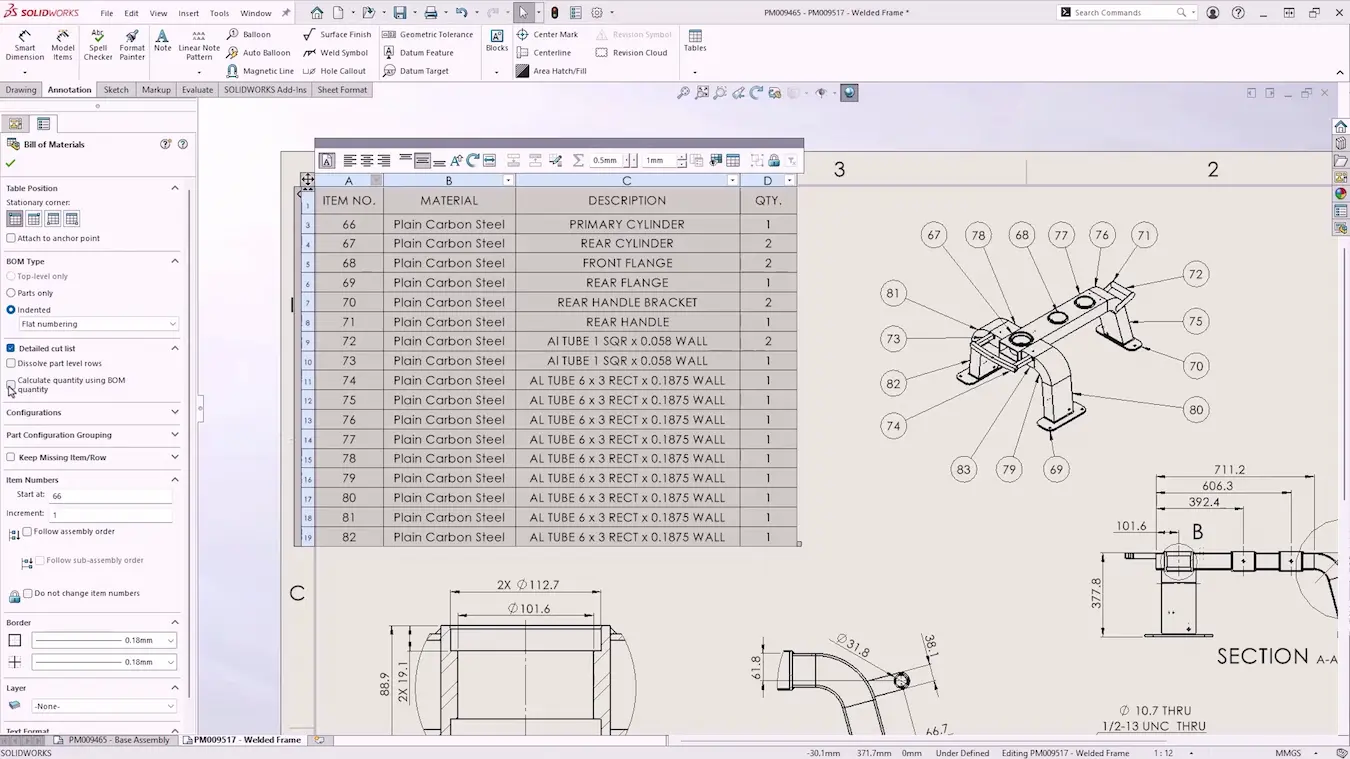
Document detailed designs for manufacture quickly and export them to a variety of secure file formats with SOLIDWORKS.
Ready to dive into SOLIDWORKS? Start your free trial now and experience cutting-edge design.
Get a Trial
Why Choose Solid Solutions?
As a SOLIDWORKS trial user, you don’t just get to try the software, but the full experience of partnering with Solid Solutions and the wider TriMech Group.
Experienced CAD users, designers, and manufacturers are just some of the thousands of people we’ve supported and trained across the Engineering and Product Design industries.
You can also access exclusive tutorials to help you make the most of your SOLIDWORKS trial.
Our team has been set up to encourage your growth and we believe the best way to kickstart your success with the software is through a structured onboarding process that we’ll tailor to your specific needs.
Exclusive Success Packages
Even after your trial has ended, every SOLIDWORKS purchase comes with a comprehensive Success Package that goes beyond regular SOLIDWORKS support.
As part of this package, we assign a dedicated engineer to your team to help to develop your skills and optimise your setup, ensuring that you that you get up and running smoothly so you can make a fast return on your investment.
We also offer an Enhanced Success Package, featuring comprehensive services for implementation and continuous improvement planning, tailored to drive your business success.
Compare and learn more about our SOLIDWORKS Success packages here.
Access Expert SOLIDWORKS Support
Our experienced Technical Support team are available to call upon throughout your trial. They can assist with design queries, feature explanations, and any technical issues.
No problem is too small, no question too silly and, with their support, you can thoroughly test SOLIDWORKS for your design challenges with confidence.
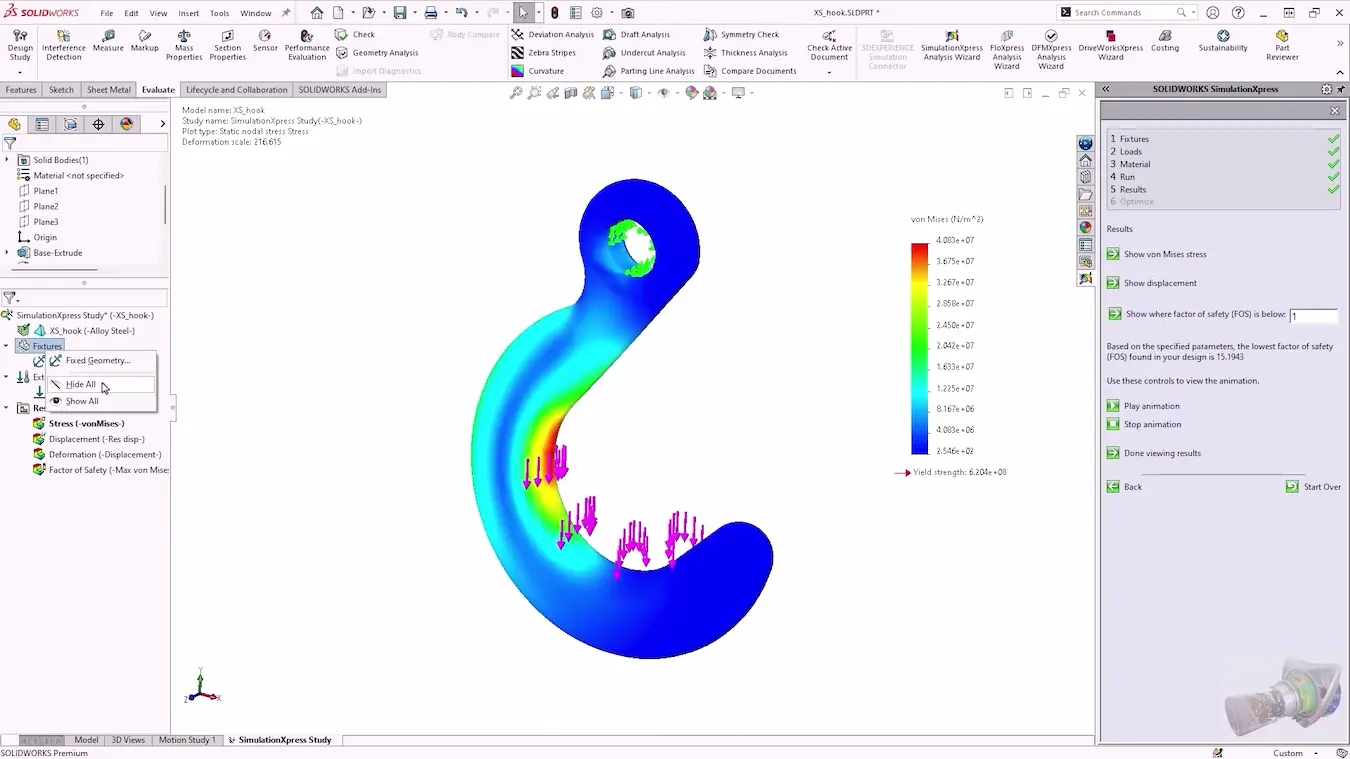
Free online and desktop trials are also available for powerful rendering and design optimisation tools!
Delivering great service to our customers is our highest priority, and we’re proud to have earned the trust of our user base through a proven and reliable support mechanism.
Every day we have a team of our SOLIDWORKS support engineers manning our front-line support desk to ensure your support call gets answered without delay.
Join thousands of professionals and start your free SOLIDWORKS trial now to revolutionise your design processes and gain a competitive edge in your industry.
Categorised as: SOLIDWORKS Design | Services
Start Your Free SOLIDWORKS Trial
Get a FREE trial of 3D CAD SOLIDWORKS to experience the capabilities of SOLIDWORKS Premium and SOLIDWORKS Visualize.

Related Posts

How to Find Reaction Forces in SOLIDWORKS Simulation
SOLIDWORKS helps us to find resultant forces through simulation studies. These virtual tests reduce the need for physical prototypes and give us an accurate answer.

Setting number of decimal places in a table on a drawing
When creating an equation in a drawing general table, is it possible to define the…

SOLIDWORKS Smart Fasteners
SOLIDWORKS Smart Fasteners is a really useful time saving tool, allowing you to automatically insert toolbox fasteners such as bolts and screws into an assembly providing there is a standard hole.

Why is my Flat Pattern not showing in SOLIDWORKS Drawings?
This may be linked to how the drawing is saved or it can be related to how sheet metal parts are displayed in drawings, read on to find out how to fix it.

SOLIDWORKS Tips: Are you Making this Common Mistake in Fatigue Analysis?
Simulation is a vital and complex engineering need. Fortunately, SOLIDWORKS makes it easy to test, correct mistakes and obtain accurate results.

How to Recover SOLIDWORKS Files After a Crash
SOLIDWORKS has two different methods to help you recover from an unexpected crash or loss of data in the form of auto-recovery and back-up settings.

Redesigning Santa’s Sleigh in SOLIDWORKS
Every year Father Christmas has to fly in his sleigh to deliver presents to boys and girls all over the world in just one night. To put this into perspective, it takes a little under 24 hours to fly from London (UK) to Sydney (Australia) in a streamlined Boeing 747, whereas Father Christmas’ mode of transport is believed to be a rather non-aerodynamic sleigh.
SOLIDWORKS Grid Systems – hidden away, but very useful!
Rory Niles provides an insight into the uses for Grid Systems within SOLIDWORKS 2018

Furniture Design Made Easy with SOLIDWORKS
Calling all furniture and interior designers: the days of creating square cabinets are over. What if we told you there’s a much easier way to bring your products to life?
Here’s 10 reasons why we feel SOLIDWORKS is better than any other software, especially if you’re designing furniture:
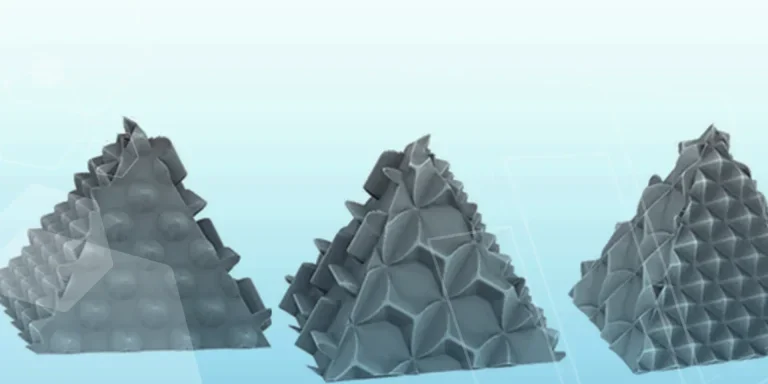
Making 3D Textures from Images on SOLIDWORKS
Turn images into 3D geometry with brand new SOLIDWORKS 3D Textures Feature