











How do I Implement Design Automation in my Business?

Written by: Terry O'Reilly
Published: Jul 7, 2023
| View All Blogs
Implementing design automation within a manufacturing business has become increasingly crucial for improving efficiency, accelerating time-to-market, and reducing errors.
By automating the design process, businesses can streamline workflows, boost productivity, and ensure consistency in product development.
Here are some essential tips for successfully implementing design automation to streamline design processes within your manufacturing business:
1. EVALUATE WORKFLOW AND IDENTIFY OPPORTUNITIES
Start by thoroughly assessing your existing design workflow and pinpoint areas that can benefit from automation.
Look out for repetitive tasks, manual data entry, and time-consuming processes that can be automated to save time and minimise human error.
2. CHOOSE THE RIGHT SOFTWARE
Your design automation software or platform that aligns needs to align with your specific business needs.
For SOLIDWORKS users, DriveWorks is the recommended choice as a certified Gold Partner product which is fully integrated within SOLIDWORKS CAD environment.
With features like rule-based design, parametric modelling, and seamless integration with existing CAD systems, DriveWorks ensures a smooth transition into automating your processes.
3. ESTABLISH DESIGN RULES AND STANDARDS
Develop a set of standardised design rules and guidelines to govern the automation process.
This ensures consistency and enables the automation software to make intelligent decisions based on predefined parameters.
4. INVOLVE DESIGNERS AND ENGINEERS
Collaborate closely with your design and engineering teams throughout the automation implementation process. Seek their input and feedback to ensure that the automation system meets their requirements and enhances their productivity.
Be sure to consult all stakeholders during the planning of the implementation for the smoothest experience and reduce any downtime.
5. INVEST IN TRAINING AND SUPPORT
Provide comprehensive training to your staff on how to effectively utilise the design automation tools. Offer ongoing support and resources to address any questions or challenges they may encounter during the transition.
At Solid Solutions, our experienced trainers upskill thousands of customers every year, and our expert consultants can help you map out your implementation and provide an advisory role throughout.
Design automation implementations are not something you can cut corners with.
We recommend speaking with our team to learn what consultancy services are on offer to help you navigate your implementation and beyond to support you throughout your design journey.
6. START WITH SMALL-SCALE PROJECTS
Don’t go for the overly-ambitious projects straight away!
Begin by automating smaller, less complex design tasks to gain experience and build confidence in the automation process.
Gradually expand automation to more critical or intricate design processes as you and your team get more familiar with the tools and processes.
7. MONITOR AND OPTIMISE
Continuously monitor the performance and effectiveness of your design automation system.
Analyse data, gather feedback from users, and make necessary adjustments to further optimise the automation workflow.
Don’t forget that we can help you analyse your processes and suggest solutions that meet your unique requirement.
8. FOSTER A CULTURE OF CONTINUOUS IMPROVEMENT
Encourage a culture of continuous improvement within your organisation. Regularly evaluate the automation processes, seek feedback from users, and explore opportunities to enhance efficiency and functionality.
By implementing design automation within your manufacturing business, you can unlock significant benefits such as reduced design cycle times, improved accuracy, and increased productivity.
With careful planning, collaboration, and ongoing optimisation, design automation can become a powerful tool for streamlining operations and driving success in the competitive manufacturing industry.
Take the Next Steps…
Explore the complete SOLIDWORKS portfolio and discover the advanced CAD capabilities that streamline workflows and shorten design times.
As part of the TriMech Group, we support designers, engineers, and businesses across the world as they develop innovative solutions to today’s challenges. From our CPD-accredited SOLIDWORKS training courses, to simulation, manufacturing, data management and product lifecycle solutions, our team is equipped to support you as you navigate your design journey.
With a SOLIDWORKS subscription you gain access to our expert SOLIDWORKS Technical Support team.
So if you find your workflow disrupted, or just have a question about SOLIDWORKS, then give us a call on 01926 333 777 or drop an email to support@solidsolutions.co.uk and one of our certified SOLIDWORKS Engineers will be in contact.
Categorised as: Automation
Get Expert SOLIDWORKS Training
Get hands-on SOLIDWORKS training in-person or online, led by certified experts with real industry experience. With venues across the UK & Ireland, it’s easy to start learning today.
Related Posts

MSC Nastran: Automating Post-Processing to Save Time and Avoid Errors.
Are you a lazy engineer? This hack will save time with post-processing data…

Automation of SWOOD Nesting
Automate SWOOD Nesting to boost efficiency, cut waste, and streamline CNC workflows, saving time and costs while scaling production with precision.
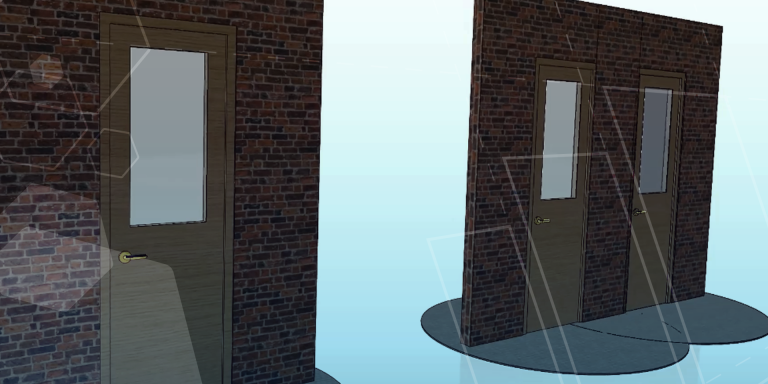
What Is Design Automation and Product Configuration?
In modern manufacturing, customers expect faster quotes, shorter lead times, and more customised product options…

AI in SOLIDWORKS
Note: Some of the features and videos referenced in this article are currently released in…

Top 5 SOLIDQ Features You Should Be Using for SOLIDWORKS Batch Processing
SOLIDQ is the ultimate batch processing tool and is designed to save time by customising,…
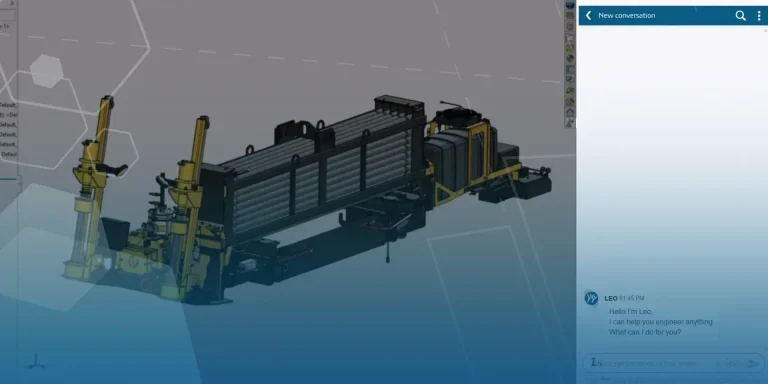
What’s New in the Functional Delivery 02 Update | SOLIDWORKS Design & 3DEXPERIENCE Platform
SOLIDWORKS 2026x FD02 continues the cycle of Functional Deliveries, introducing a new set of enhancements…

Understanding SOLIDWORKS AI Blue Tokens: A Practical Guide for Engineers
Artificial intelligence is rapidly becoming a valuable engineering tool, helping designers and engineers find information…
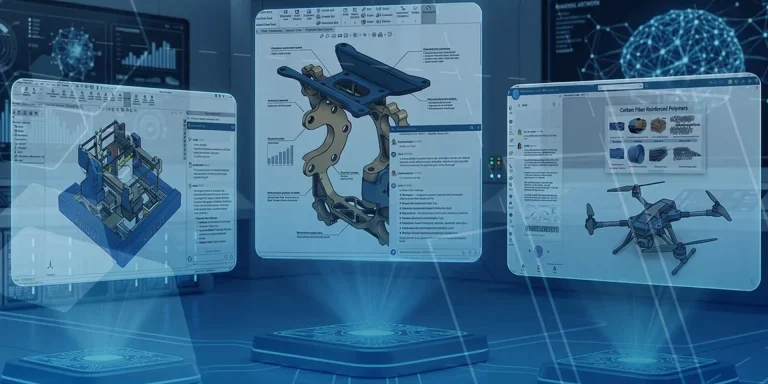
SOLIDWORKS AI Virtual Companions: Meet AURA, LEO and MARIE
Artificial intelligence is rapidly becoming a practical tool for engineers, helping teams work more efficiently,…