











Rendering with SOLIDWORKS: Illuminate Your Designs with SOLIDWORKS Visualize

Written by: Richard Earley
Published: Sep 13, 2023
| View All Blogs
The illusion of realism is shattered by poor lighting.
If there’s one thing to focus on when creating product renders with SOLIDWORKS Visualize, it’s getting your lighting right.
The Crucial Role of Lighting
Lighting sets the tone and mood of a render. It can evoke emotions, create atmosphere, and guide the viewer’s focus. Properly implemented lighting ensures that your design communicates your intended message effectively.
Look at photos of real objects and observe how subtle lighting nuances can leave a lasting impression, either for the right or wrong reasons. Without realistic lighting, your products can look flat, lifeless, and out of place.
Realistic lighting plays a pivotal role in making your designs look like they exist in the physical world. To achieve photorealism in your visuals, aim to imitate a real lighting setup and pay close attention to shadows and reflections.
Why Does Photorealism Matter?
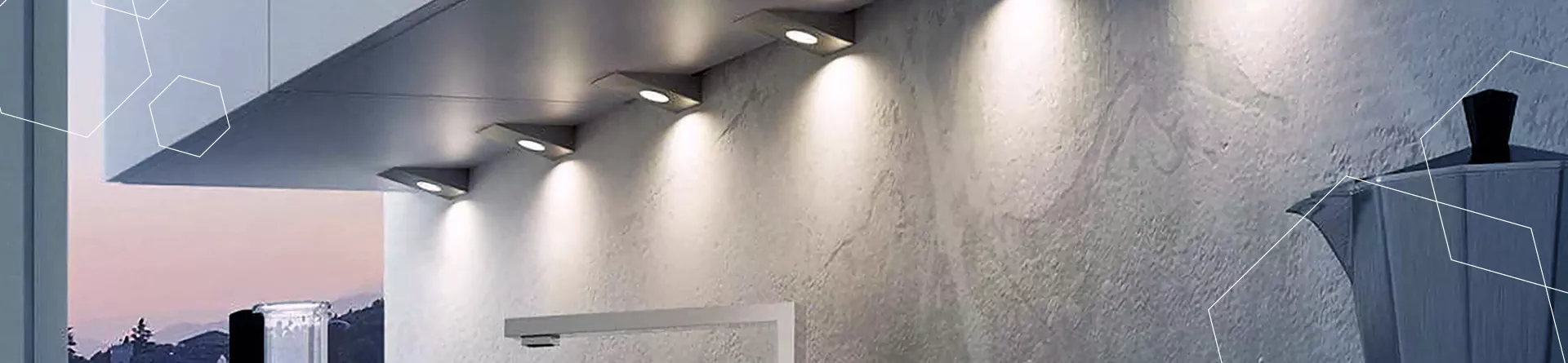
Photorealistic visuals bridge the gap between abstract concepts and tangible understanding to create a clear path of communication.
In design and engineering, that clear communication is key to reduce the risk of misunderstandings with colleagues, clients, and stakeholders.
Visualising your designs in a realistic manner allows you to validate them more effectively.
By simulating how a product will appear and function in the real world, you can identify potential issues early in the design process, saving both time and resources.
Beyond the design phase, photorealistic visuals play a pivotal role in marketing and sales efforts. They help potential customers visualise how a product will benefit them, and get a feel for their customer experience.
Engaging, realistic visuals capture attention and leave a lasting impression.
5 Ways to Add Realism with SOLIDWORKS Visualize

To create realism in your renders, you need a straightforward tool: SOLIDWORKS Visualize.
This powerful rendering software allows you to work in tandem with SOLIDWORKS to achieve high quality renders in a relatively short amount of time.
While every version of SOLIDWORKS Visualize offers the opportunity for realism through environments and emissive appearances, SOLIDWORKS Visualize Professional and Visualize Connected offer advanced lighting techniques to help you generate authentic renders even more easily.
Here are 5 ways you can enhance your renders:
EMISSIVE APPEARANCES
Emissive appearances allow you to add lights directly to geometry. They emit light evenly, providing straightforward brightness control.
With just a few clicks, you can recreate complex lighting conditions, making your visuals photorealistic.
SPOTLIGHTS AND DIRECTIONAL LIGHTS
SOLIDWORKS Visualize Pro provides the capability for adding configurable lights.
Intuitive controls make it easy to replicate various lighting setups, including spotlights and directional lights. You can adjust parameters like brightness and colour temperature, and animate positional and lighting properties to tailor the lighting to your specific needs.
This feature is incredibly useful for simulating intricate photography studio lighting setups and creating a story within your shot.
IES PROFILES
IES profiles are data files from light manufacturers containing precise light distribution maps. This data ensures that your digital twin accurately represents real-world lighting conditions.
You can download these profiles from manufacturers and simply drag and drop them onto your models for instant realism.
So, whether you’re aiming for the perfect downlights in a kitchen or streetlamp illumination, SOLIDWORKS Visualize Pro has you covered.
GOD RAYS
Volumetric lighting, often referred to as “God rays”, adds depth and realism to your visuals.
Unlike your keyboard, SOLIDWORKS Visualize doesn’t contain dust particles, but you can recreate this effect by adding transparent subsurface appearances with scattering elements.
Combined with camera filters like bloom, you can produce striking visual effects that captivate your audience.
SUNLIGHT SIMULATION
SOLIDWORKS Visualize is a powerful tool for industries like Architecture, Engineering, and Construction (AEC) as it allows you to recreate sunlight conditions accurately.
By inputting location, date, and time parameters, you can transport your design anywhere in the world, saving time and resources compared to traditional methods.
You can even animate sun studies, so you can watch the sun rise over your business.
So Why Choose SOLIDWORKS Visualize?

SOLIDWORKS Visualize equips you with professional-grade tools that are designed to enhance your visualisation capabilities.
Whether you’re an engineer, product designer, or architect, SOLIDWORKS Visualize offers the precise controls you need to create photorealistic visuals that communicate your designs effectively.
With its user-friendly interface, advanced lighting options and intuitive controls, you can spend less time wrestling with software and more time perfecting your designs for ultimate persuasion.
Empower your marketing and sales teams with photorealistic visuals to get your products in front of customers before you have any physical prototypes to show them.
Explore 3D renders, walkthroughs, and visualize your products in VR for the ultimate ‘WOW’ factor.
Ultimately, SOLIDWORKS Visualize’s ability to recreate real-world lighting conditions and environments saves you time and money, and brings the world to your designs.
Take the Next Steps…

Don’t settle for static representations when you can breathe life into your designs with SOLIDWORKS Visualize.
Illuminate your designs, captivate your audience, and elevate your visual communication with this game-changing software. Make the switch today and experience the power of photorealistic visualization at your fingertips.
Reach out to us at Solid Solutions to embark on this illuminating journey.
To learn more about SOLIDWORKS Visualize and how you can create stunning realistic product renders, why not book on to one of our CPD-accredited training courses?
Whether you’re a beginner or already intimately familiar with CAD, our friendly and expert trainers are ready to help you get the most out of SOLIDWORKS and SOLIDWORKS Visualize, either online or in a classroom local to you.
Categorised as: Visualisation
Get a SOLIDWORKS Quote
Interested in SOLIDWORKS? Contact us for questions, trials, or demos by clicking the button below or call 01926 333777. Our experts will help you find the perfect solution.

Related Posts

SOLIDWORKS Visualize. Why go pro? – 6 Post Processing
In this blog we will be look at the post-processing options that can be found in SOLIDWORKS Visualize

SOLIDWORKS Visualize. Why go pro? – 7 Lighting
SOLIDWORKS Visualize uses a non-biased rendering engine, which allows for physically accurate lighting within a scene. It generates images with high amount of realism and correct set up can replicate photo studio lighting.

How to Get Your Serial Number for SOLIDWORKS Visualize Standard
Want to download Visualize to make photorealistic renders? Follow this guide for accessing your Visualize serial number that comes bundled in with SolidWorks Professional and Premium.
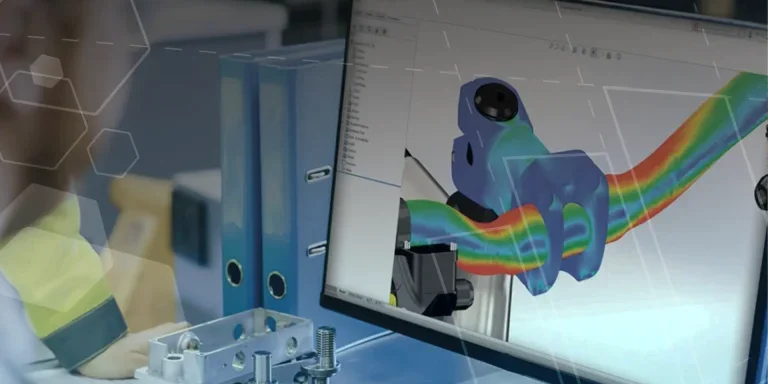
Creating Interactive Animations with SOLIDWORKS Visualize
Interactive Images are a great export option within Visualize Professional, allowing you to view the model in a series of 360 orbital spins within a web browser.
However, what happens if I want to use this interactive method to demonstrate a mechanism or animation instead?
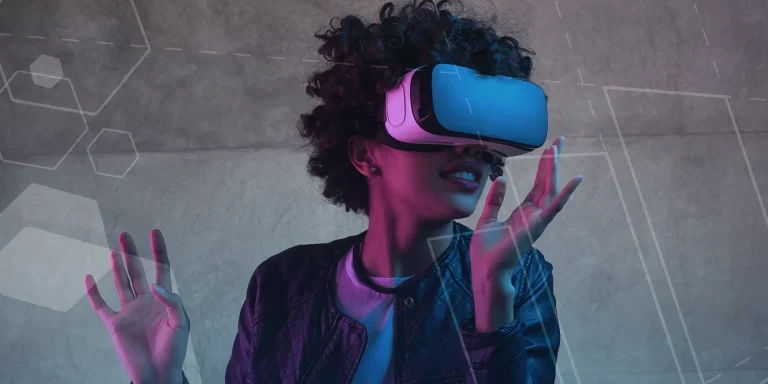
How to Create 360VR Video using SOLIDWORKS Visualize
Virtual Reality(VR) videos provide one of the most immersive methods of viewing a design concept and can be used to bring your product showcases to the next level. Recently VR has become a valuable tool for many companies when it comes to design reviews and interactive product training. Check out this short blog to learn how to export 360VR videos using SOLIDWORKS Visualize.
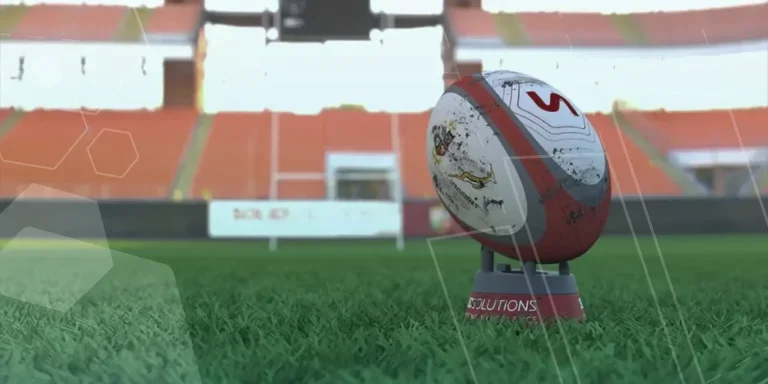
Creating a Kicking Tee for the Rugby Lions Series – Modelling Walkthrough
As the Rugby Lions Series continues Solid Solutions and MECAD are continuing to compete off the pitch using SOLIDWORKS. Our second challenge was to create a Kicking Tee, a small yet key piece of equipment that is used almost every game. Various designs exist but we decided to model an adjustable kicking tee. Read on for some SOLIDWORKS tips and an overview of our modelling process.
How to Create Animations in SOLIDWORKS
3D animations are a great way to display your designs, no matter what stage of the design process you are at and can provide companies of almost any industry with huge leverage in improving their operational efficiency. Animated marketing videos are a fantastic way to communicate a message that may be difficult or costly to explain other than by using conceptual animations. They are very flexible with the only limitation being your imagination.
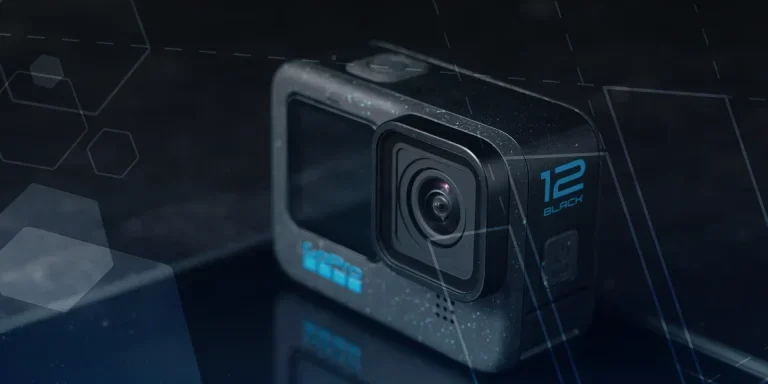
Below is an example of a marketing video of an GoPro gimbal.
SOLIDWORKS Visualize Import Modes – Updated for 2022
If you have been using SOLIDWORKS Visualize 2022 you may have noticed some subtle changes on the import geometry tab from previous versions. These changes weren’t listed in the What’s New documentation and were introduced a little under the radar. In this blog we’ll explain what has changed and how it can save you time.

How to Create Realistic Lighting in SOLIDWORKS Visualize
SOLIDWORKS Visualize is equipped with some simple tools to help you get realistic lighting for your product renders.

SOLIDWORKS Visualize: Rendering with Gravity
SOLIDWORKS Visualize allows you to recreate the imperfections of photography by creating random, organic arrangements of components with gravity.