What's New in SOLIDWORKS 2026

Explore the latest innovations in SOLIDWORKS 2026 with this exclusive breakdown of our live webinar.

From design enhancements to smarter collaboration tools, each section highlights key updates across seven core areas, giving you on-demand access to the insights that matter most to your workflow.

2026 Enhancements

What's New in SOLIDWORKS Design?

Parts & Features

Whether you're designing complex assemblies, collaborating across teams, or detailing production-ready drawings, SOLIDWORKS 2026 offers something for every engineer and designer!

Assemblies
Performance & Productive
Drawings
Electrical Routing

Across the SOLIDWORKS Portfolio

SOLIDWORKS Simulation 2026
SOLIDWORKS Visualize 2026
SOLIDWORKS Plastics 2026
SOLIDWORKS Manage 2026
SOLIDWORKS Cloud Services 2026
SOLIDWORKS Electrical 2026
DraftSight 2026

How to access SOLIDWORKS 2026?

SOLIDWORKS subscription customers are always entitled to the latest version of SOLIDWORKS, along with technical support and many other benefits. Click the link below for the latest downloads.
solidworks 2026 rendering no shadow
tmgrp_mrktg_whats-new-in-solidworks-2026_webinar-thumbnail(squoosh)
Deep Dive Webinar

Want the full details?

Even late risers can catch up on our deep dive webinar! If you missed the deadline to register for the event, then please reach out to us via marketing@solidsolutions.co.uk to access the full recordings and sign up to our newsletter.

You'll gain access to the full recordings including our live Q&A sessions with our product experts alongside demonstrations of the latest enhancements.

Our team is only a phone call away to answer any questions you may have.

Frequently Asked Questions

How much does it cost to upgrade to a new version of SOLIDWORKS?

The cost to upgrade SOLIDWORKS to the latest version is included in the subscription cost for the support of the software.

If subscription has lapsed, please contact your regional sales manager for the best option to proceed. If you do not know who your regional sales manager is, please use the enquiry form.

Where can I download the latest version of SOLIDWORKS?

To ensure you have the latest version of SOLIDWORKS installed, you can accesses the SOLIDWORKS Customer Portal and download the latest major version and subsequent service packs.

How can I request new functionality for SOLIDWORKS?

SOLIDWORKS new functionality is driven by the users of the software. To have your input you can submit an enhancement request on the SOLIDWORKS Customer Portal. It is best to search to see if the enhancement request already exists and if so vote for this enhancement as it adds weighting to the ticket.

Go to SOLIDWORKS Customer Portal -> My Support section -> Enhancement Requests

Can I get a summary of just the new features that are relevant to my team?

Our CAD Management services has a team development section, that is designed to upskill your team ensuring they have the knowledge and skills required to stay at their best. Here we offer a What’s New presentation with a certified application engineer who will deliver bespoke content relevant to your industry.

What are the main technical considerations when updating to a new version?

Here are a few key points.

  • Hardware – Check your computer meets the system requirements.
  • Standardisation – Ensure the whole company is installing the same version and all customised materials are in unique file structure outside the default SOLIDWORKS installation locations.
  • Back up – SOLIDWORKS files are not backwards compatible, so newer files cannot be edited in previous major versions.
  • Download – Have the download/source files downloaded before starting, this will minimise down time. You can perform a full download so the media can be shared regardless of package and add-ins.
  • Standalone – If moving machine, ensure you deactivate the licenses before installing on a new system.
  • SolidNetwork License Manager – Both the individual machine and the license manager on the server need upgrading. Upgrade server first to minimise downtime.
  • SOLIDWORKS PDM – If SOLIDWORKS PDM is being used this needs to be upgraded first. We recommend contacting our support team for assistance.
  • Graphic driver – Once installed it is important to match your graphics driver to the new version of the software for better performance. Check graphics card driver
  • Ask – If you are not sure about any part of the process please Contact Us and we can assist.

Can't find the answer you were looking for?
Contact us on 01926 333777 or via the button below.

Related Content

What’s New in SOLIDWORKS 2025

Explore what’s new in SOLIDWORKS 2025 and see how advanced automation, improved UI, DraftSight 2025 and cloud-connected workflows can boost your productivity and design accuracy.
What’s New SOLIDWORKS 2024

Find out what’s new in SOLIDWORKS 2024 including a new automatic repair command, sheet metal tools, and a much-awaited new saving ability. The enhancements to help you model, visualise, and validate more easily with new cloud-based tools to aid collaboration and boost your productivity.
What’s New SOLIDWORKS 2023

SOLIDWORKS 2023 introduces refinements to popular features such as patterning and the ‘Move/Copy Body’ command, making everyday tasks more efficient. Combined with numerous behind-the-scenes performance and stability enhancements, this release offers practical improvements for users across a wide range of workflows.
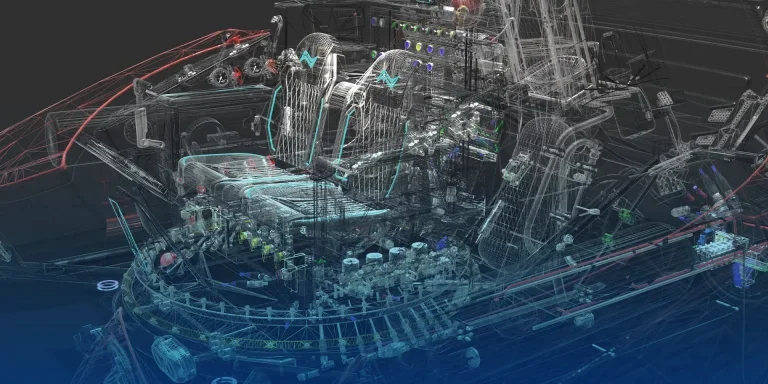
What’s New SOLIDWORKS 2022

Supercharge your teams productivity with brand new enhancements coming in SOLIDWORKS 2022. Expect to see improved drawing capabilities, enhanced 3D texture support, a more flexible ‘Pack & Go’ feature,  upgrades to part modeling and more.
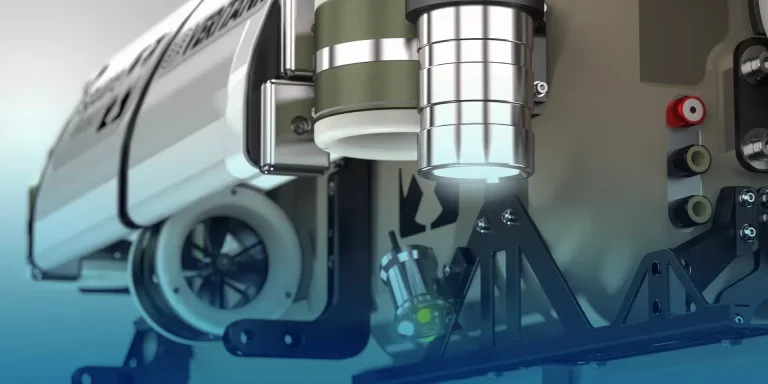
What’s New in SOLIDWORKS 2021

SOLIDWORKS 2021 helps boost engineering productivity with new features like edge flanges on curved sheet metal and mesh diagnostics in Simulation, while GPU-accelerated graphics and streamlined assembly tools improve performance and workflow efficiency.