











How Does SWOOD Design Improve the SOLIDWORKS Workflow?

Written by: Adam Humphries
Published: Nov 14, 2025
| View All Blogs
Designers and woodworkers can improve SOLIDWORKS modelling workflows with SWOOD Design.
SWOOD Design builds on the 3D CAD capabilities of SOLIDWORKS Design to streamline woodworking modelling techniques using additional, dedicated tools and simple drag-and-drop interaction. Read on to explore the core offerings of the design module of this powerful woodworking software solution.
This manufacturing software solution is fully-integrated within SOLIDWORKS so you can design wood products quickly and easily.
What is SWOOD?
SWOOD is a modular software solution tailor-made for woodworking professionals. It complements your skills, speeds up production, and gives you the tools to compete in a fast-paced, quality-driven market.
Simplifying Panel Design with SWOOD
SWOOD Design projects utilise ‘panels’ – these are SOLIDWORKS components with unique custom properties associated, allowing the software to easily read information such as length width and thickness automatically.
While SOLIDWORKS provides the operating power, SWOOD Design brings a new toolset and workflow along with a customisable material and laminate database that accurately reflects real-world boards.
As projects grow, and teams generate new panels, carcasses, and connectors, these libraries can expand to minimise rework and enhance productivity through re-use.
Alongside material application, SWOOD Design also provides the user with the added benefits of being able to specify stock extensions, specify grain direction, and apply further processes such as edge banding, without leaving the familiar SOLIDWORKS interface.
Why not try SWOOD for free and see how it can transform the way you approach design? Get a Trial
Assemble Efficiently with the Connector Library and SWOOD Boxes
SWOOD Design offers libraries of pre-built features and models that help streamline your workflow by minimizing the need for repetitive modelling in each project.
Standard & Customisable Connectors
The pre-configured connectors library utilises quick drag-and-drop application to speed up fixture designs.
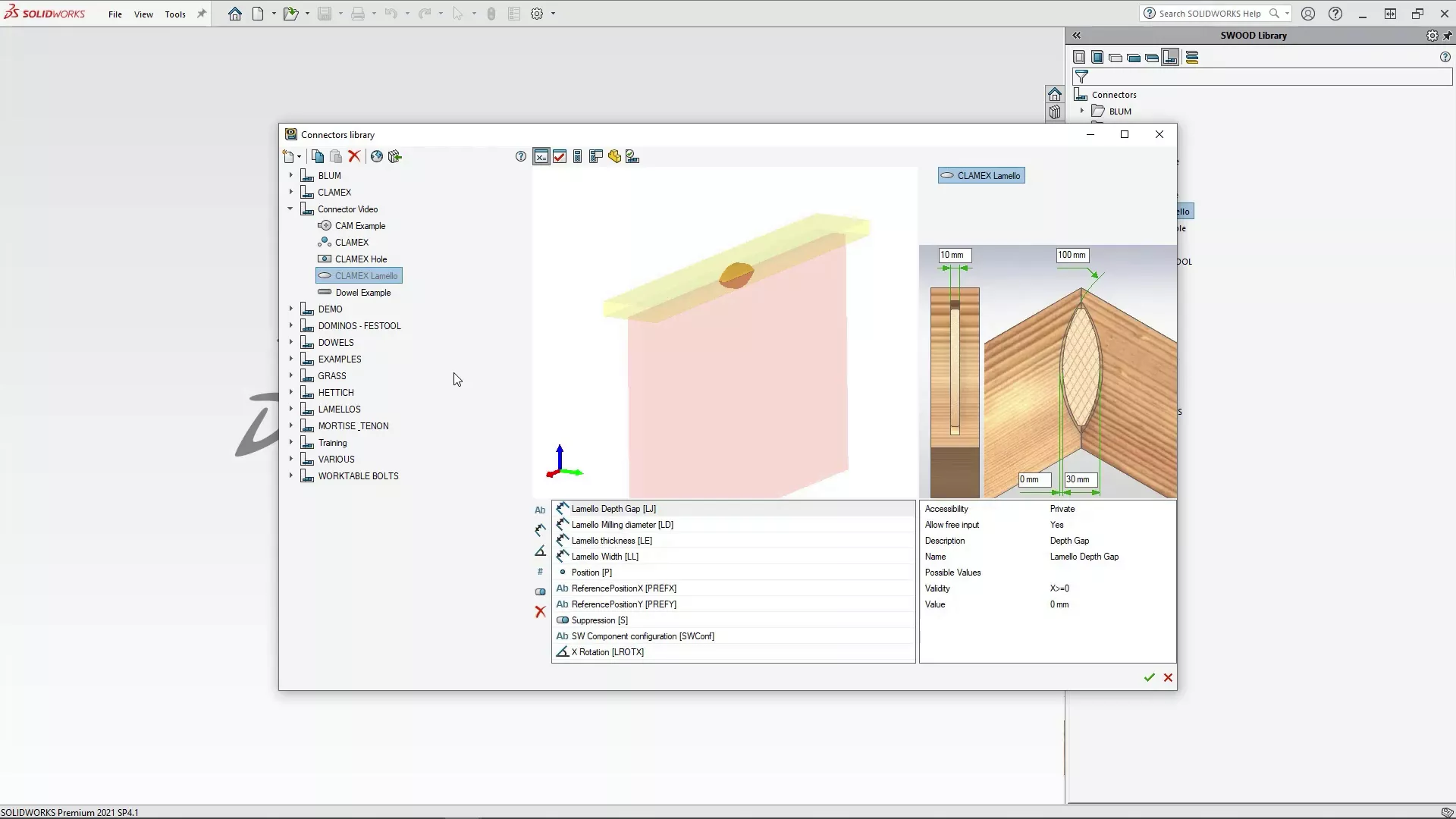
A library of standard connectors comes with SWOOD Design that new, customised connectors can be added to. The connectors library accounts for standard connectors such as cams and dowels whilst offering the flexibility of modifying and creating custom connectors entirely from scratch, using any CAD model.
Encourage Design Re-Use with SWOOD Boxes
SWOOD Boxes are ideal for frequently used complex geometries.
These versatile subassemblies are easily inserted into models and are often used to represent assemblies of shelving, drawers, and hardware, encouraging re-use.
Rapid Room Fitting with SWOOD Layouts
Layouts for entire rooms can be quickly developed with SWOOD Design.
By harnessing the power of SOLIDWORKS assemblies and simple sketches, SWOOD enables complete rooms to be fitted easily for rapid visualisation and review.
Add and modify units easily through a simplified interface, and any changes made in the top level automatically populate throughout the entire model – so modifications only need to be actioned once.
Maximise Reporting Efficiency with SWOOD Reports
Getting the correct data to the shop floor doesn’t have to be difficult. SWOOD Design can generate panel and stock lists rapidly for automatic export of data to common report formats.
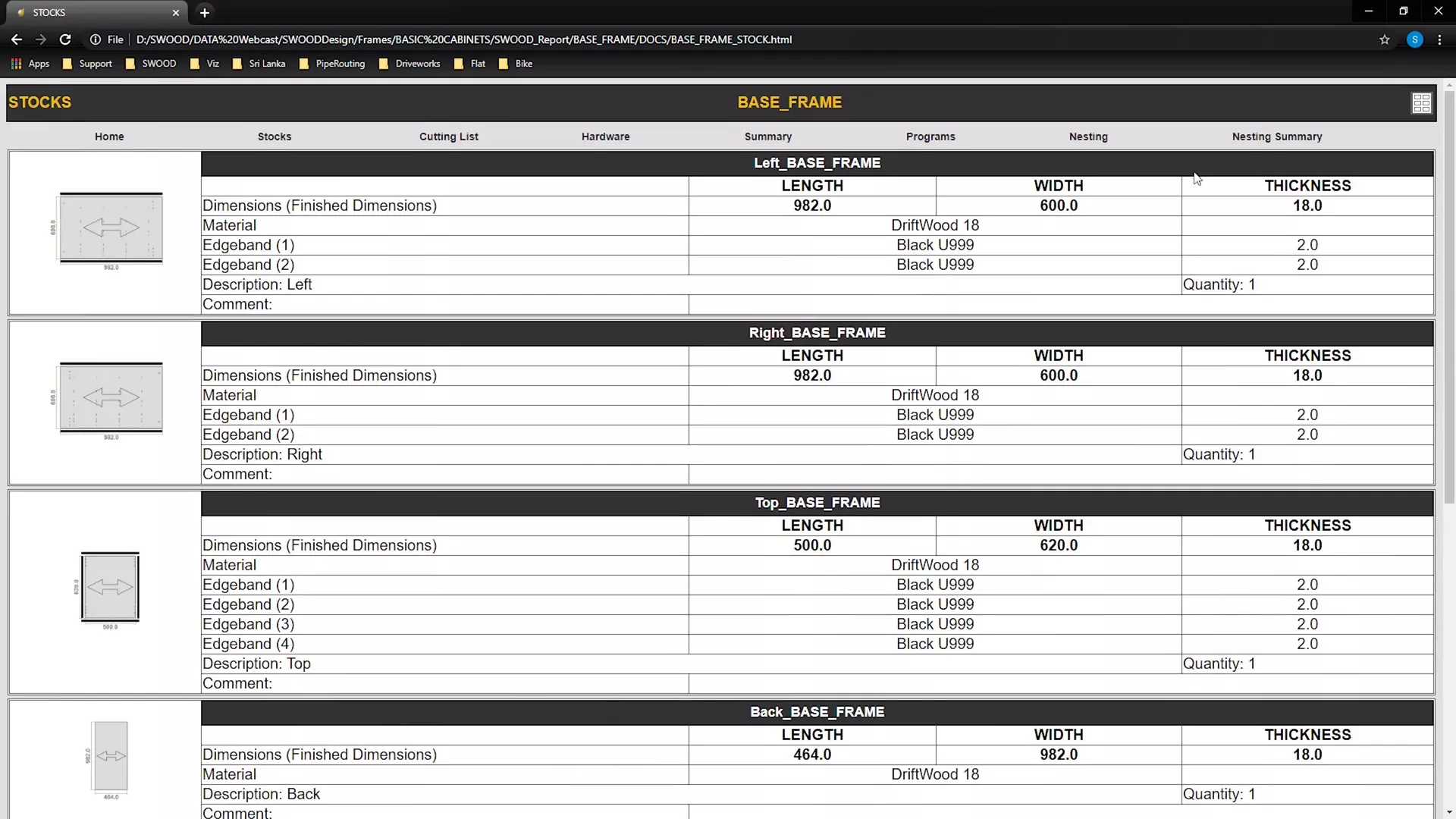
The report interface can be made fully customisable allowing cut lists and labels tailored to suit your workflow.
With SWOOD Design, the accurate documentation, reporting, and labelling of manufactured parts is made simple and efficient, so designers can focus on designing, instead of chasing down spreadsheets and missing PDFs…
Summary
SWOOD Design is a powerful tool for teams designing furniture and frame-based products, aiding the creation of fully-configurable file sets and layouts quickly and efficiently.
Want to learn more about SWOOD and how it can benefit your business?
Book a demonstration and we can help you to discover how to streamline your design process by expanding the functionality of SOLIDWORKS.
Start Designing with SWOOD
Through our in-depth training courses you will quickly be able to adopt the most efficient workflows and best practises to ensure you maximise the benefits SWOOD can bring to your Business and your Design and Manufacturing processes.
Related Posts
Series 1 Land Rover Pedal Car – Made Easy with Solidworks!
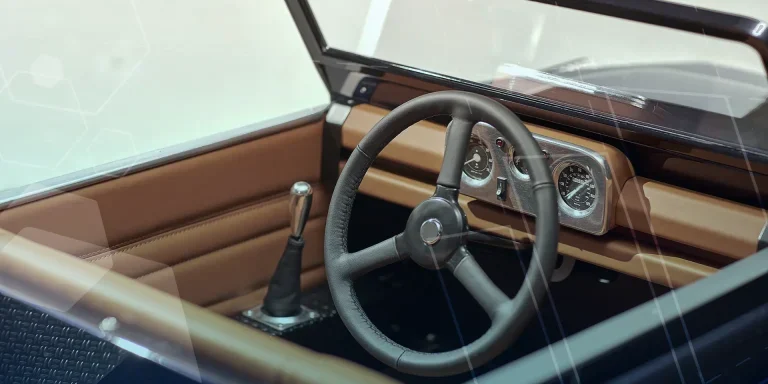
The Series1 began production in 1948 designed to help get Britain farming after the war effort. It grew extremely popular and today enthusiasts are prepared to throw their life savings at restoring originals from that period.

Redesigning Santa’s Sleigh in SOLIDWORKS
Every year Father Christmas has to fly in his sleigh to deliver presents to boys and girls all over the world in just one night. To put this into perspective, it takes a little under 24 hours to fly from London (UK) to Sydney (Australia) in a streamlined Boeing 747, whereas Father Christmas’ mode of transport is believed to be a rather non-aerodynamic sleigh.

SOLIDWORKS Grid Systems – hidden away, but very useful!
Rory Niles provides an insight into the uses for Grid Systems within SOLIDWORKS 2018

Furniture Design Made Easy with SOLIDWORKS
Calling all furniture and interior designers: the days of creating square cabinets are over. What if we told you there’s a much easier way to bring your products to life?
Here’s 10 reasons why we feel SOLIDWORKS is better than any other software, especially if you’re designing furniture:
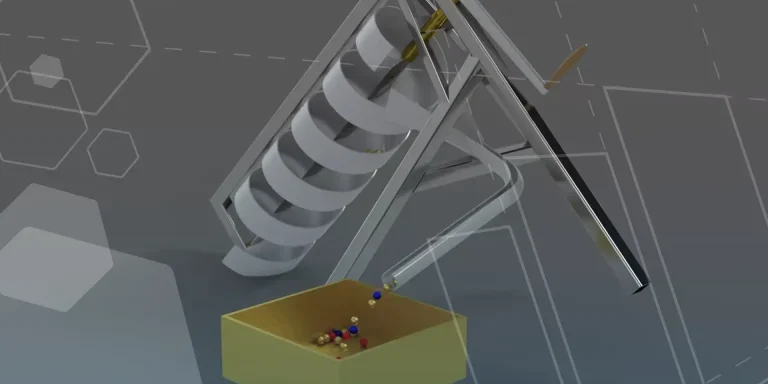
Modelling an Archimedes’ Screw with SOLIDWORKS
Archimedean screws are often referred to as “water screws” since they are commonly used to transport water between different heights. We often see some of our customers do screw feeders and we thought it may be beneficial to create a blog documenting an effective modelling workflow to create your very own Archimedean screw.

How to come up with ideas for your design or engineering project – some helpful tips
We know coming up with an interesting and creative design or engineering project can be…

Design considerations when 3D printing
3D printing is a colloquial term used to generalise a family of additive manufacturing processes. At the consumer level the most common 3D printing process is Fused Deposition Modelling (FDM) – a technique whereby thermoplastics are extruded through a nozzle, and a part is built up layer by layer. FDM is very popular with hobbyists due to the relatively low cost of the printer, alongside the wide range of properties and appearances thermoplastics present. The conveniency to turn a custom CAD model into a product in a short space of time is a superb way to make life easier.
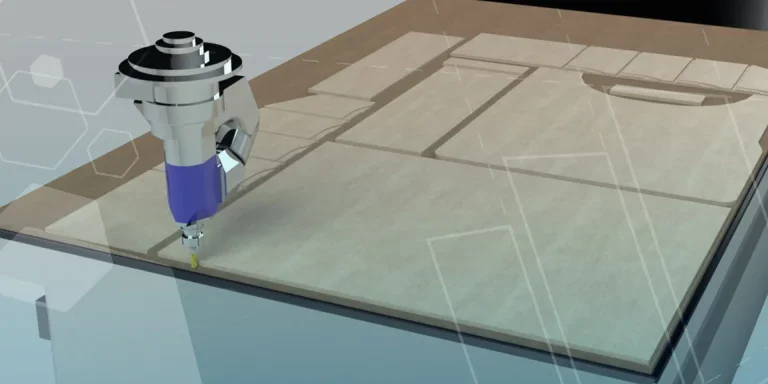
Why should I be nesting parts?
Firstly we should define what is nesting? Nesting is like putting the pieces of a jigsaw together, it is the process of creating an optimal layout of your flat parts so that you get the most out of your material. Typically this process would be used in the sheet metal, fabric, plastic and wood/joinery markets. Nesting can also be used to align parts with a specific grain such as brushed metal products, patterned materials or wood grain.
Laser Cut with SOLIDWORKS 2022
Create your own laser cut Christmas decorations with SOLIDWORKS 2022. We had a go ourselves and look how they turned out!
SWOOD Licensing Explained
Learn the differences between SWOOD licensing. Understand how online licences connect to Eficad’s server for flexibility, while network licences allow shared access across multiple users. Discover which option suits your workflow.