











How to come up with ideas for your design or engineering project – some helpful tips

Written by: Solid Solutions Marketing
Published: Mar 2, 2020
| View All Blogs
We know coming up with an interesting and creative design or engineering project can be a difficult and daunting task. In this short blog post, we will show you an ideation process that can help you be more creative!
Define the design problem
Firstly, take a step back and make sure you have a clear understanding of the problem. You need to be able to empathise with whatever target user you choose. It’s important to put yourself in their shoes and understand what their day-to-day looks like. When you do this, you can then begin to identify what problems they may face, and therefore, better understand the design problem.

Using an Empathy Map
One way to summarise what the user may experience, is to create an Empathy Map. This is a table divided into quadrants, with each section labelled based on what the user may think and feel, see, hear, say and do. This can then be referred back to, keeping the project focused around the user and their issue being solved.
Writing a Problem Statement
Using your Empathy Map, create a short Problem Statement of the exact issue you’re trying to solve, clearly establishing a brief.
A good Problem Statement should include:
- What the existing problem is
- The negatives of the current problem
- Why the problem matters
- How the problem affects the target user
Ideation
The ideation stage is all about taking what you have produced so far and creating possible solutions. Using your problem statement as a guide, you will come up with a wide variety of ideas before finding the best possible solution for the user.
Brainstorming
Write your problem statement in the middle of the page and start recording ideas for possible solutions. Remember, when brainstorming always go for quantity. Don’t be afraid to write down outlandish and bizarre ideas, as the goal of this brainstorming session is to generate as many ideas as possible to choose from.
Doing this effectively can result in a huge amount of different solutions, so remember to set a time limit for this activity, making sure you remain focused on the task.

Selecting ideas
There’s a variety of different methods for filtering out bad ideas, but we will be going over the Four Categories method. As the name suggests, you sort your ideas into 4 categories; Most rational, Most delightful (to your user), Darling (most innovative) and Long shot (most unrealistic).
Using the ideas you generated on your mind map, begin sorting them into each category (you can place an idea in more than one section). Using this, you can clearly see which ideas are innovative, but still realistic enough to fit your brief.
Take away
Selecting a project can seem daunting, but pick something that you find interesting and innovative, whilst still being realistic and able to fulfil the brief.
Categorised as: Design | Manufacturing | Tutorials
Need SOLIDWORKS for Education?
The SOLIDWORKS Student Access Initiative offers a range of solutions to SOLIDWORKS Education Edition customers, providing easy options to get SOLIDWORKS into student’s hands.
Related Posts
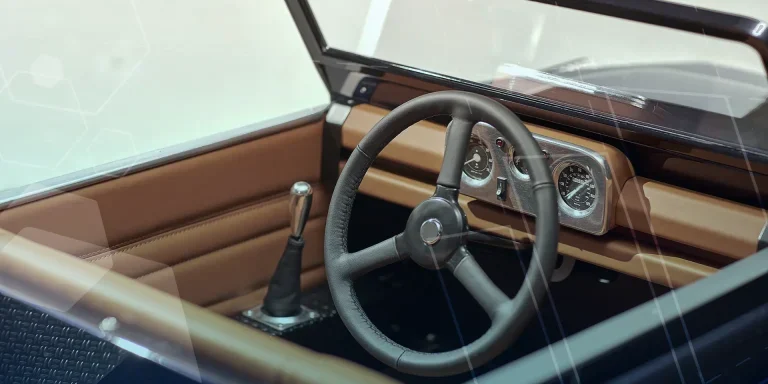
Series 1 Land Rover Pedal Car – Made Easy with Solidworks!
The Series1 began production in 1948 designed to help get Britain farming after the war effort. It grew extremely popular and today enthusiasts are prepared to throw their life savings at restoring originals from that period.

Redesigning Santa’s Sleigh in SOLIDWORKS
Every year Father Christmas has to fly in his sleigh to deliver presents to boys and girls all over the world in just one night. To put this into perspective, it takes a little under 24 hours to fly from London (UK) to Sydney (Australia) in a streamlined Boeing 747, whereas Father Christmas’ mode of transport is believed to be a rather non-aerodynamic sleigh.
SOLIDWORKS Grid Systems – hidden away, but very useful!
Rory Niles provides an insight into the uses for Grid Systems within SOLIDWORKS 2018

Furniture Design Made Easy with SOLIDWORKS
Calling all furniture and interior designers: the days of creating square cabinets are over. What if we told you there’s a much easier way to bring your products to life?
Here’s 10 reasons why we feel SOLIDWORKS is better than any other software, especially if you’re designing furniture:
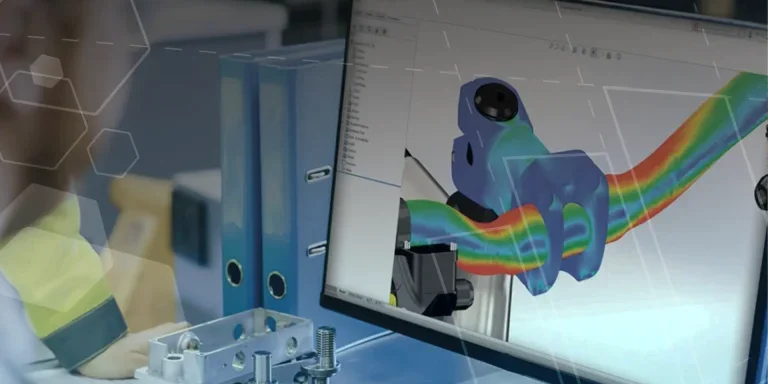
Creating Interactive Animations with SOLIDWORKS Visualize
Interactive Images are a great export option within Visualize Professional, allowing you to view the model in a series of 360 orbital spins within a web browser.
However, what happens if I want to use this interactive method to demonstrate a mechanism or animation instead?
How to Find & Activate SOLIDWORKS Xpress Products
Find & activate SOLIDWORKS Xpress products in five simple steps. Xpress tools come with every seat of SOLIDWORKS and unlock additional functionality.

How to Create 360VR Video using SOLIDWORKS Visualize
Virtual Reality(VR) videos provide one of the most immersive methods of viewing a design concept and can be used to bring your product showcases to the next level. Recently VR has become a valuable tool for many companies when it comes to design reviews and interactive product training. Check out this short blog to learn how to export 360VR videos using SOLIDWORKS Visualize.
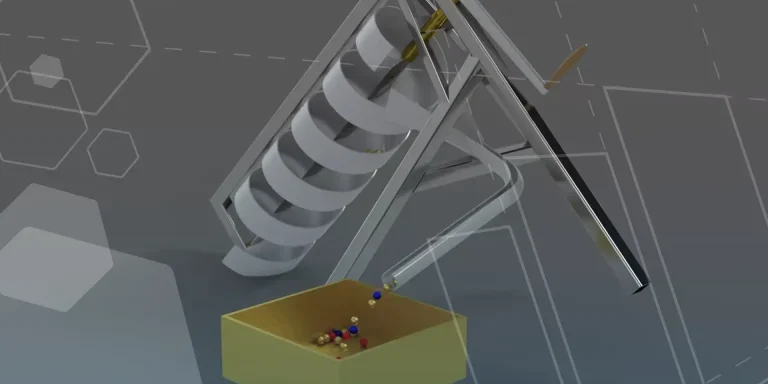
Modelling an Archimedes’ Screw with SOLIDWORKS
Archimedean screws are often referred to as “water screws” since they are commonly used to transport water between different heights. We often see some of our customers do screw feeders and we thought it may be beneficial to create a blog documenting an effective modelling workflow to create your very own Archimedean screw.
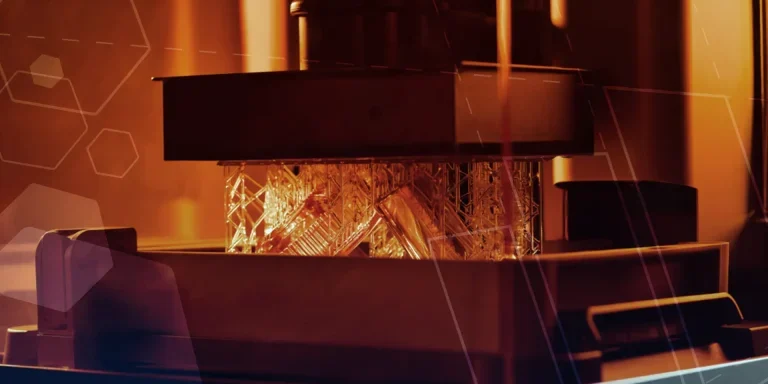
Design considerations when 3D printing
3D printing is a colloquial term used to generalise a family of additive manufacturing processes. At the consumer level the most common 3D printing process is Fused Deposition Modelling (FDM) – a technique whereby thermoplastics are extruded through a nozzle, and a part is built up layer by layer. FDM is very popular with hobbyists due to the relatively low cost of the printer, alongside the wide range of properties and appearances thermoplastics present. The conveniency to turn a custom CAD model into a product in a short space of time is a superb way to make life easier.
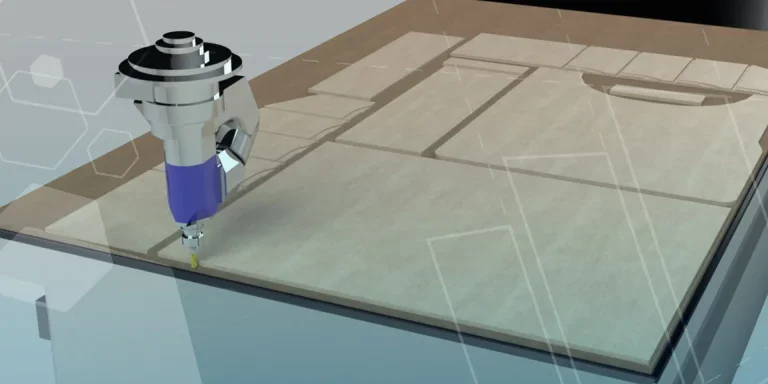
Why should I be nesting parts?
Firstly we should define what is nesting? Nesting is like putting the pieces of a jigsaw together, it is the process of creating an optimal layout of your flat parts so that you get the most out of your material. Typically this process would be used in the sheet metal, fabric, plastic and wood/joinery markets. Nesting can also be used to align parts with a specific grain such as brushed metal products, patterned materials or wood grain.