











Abaqus Simulation Technology Arrives for SOLIDWORKS Users
Written by: Tom McHale
Published: Nov 17, 2020
| View All Blogs
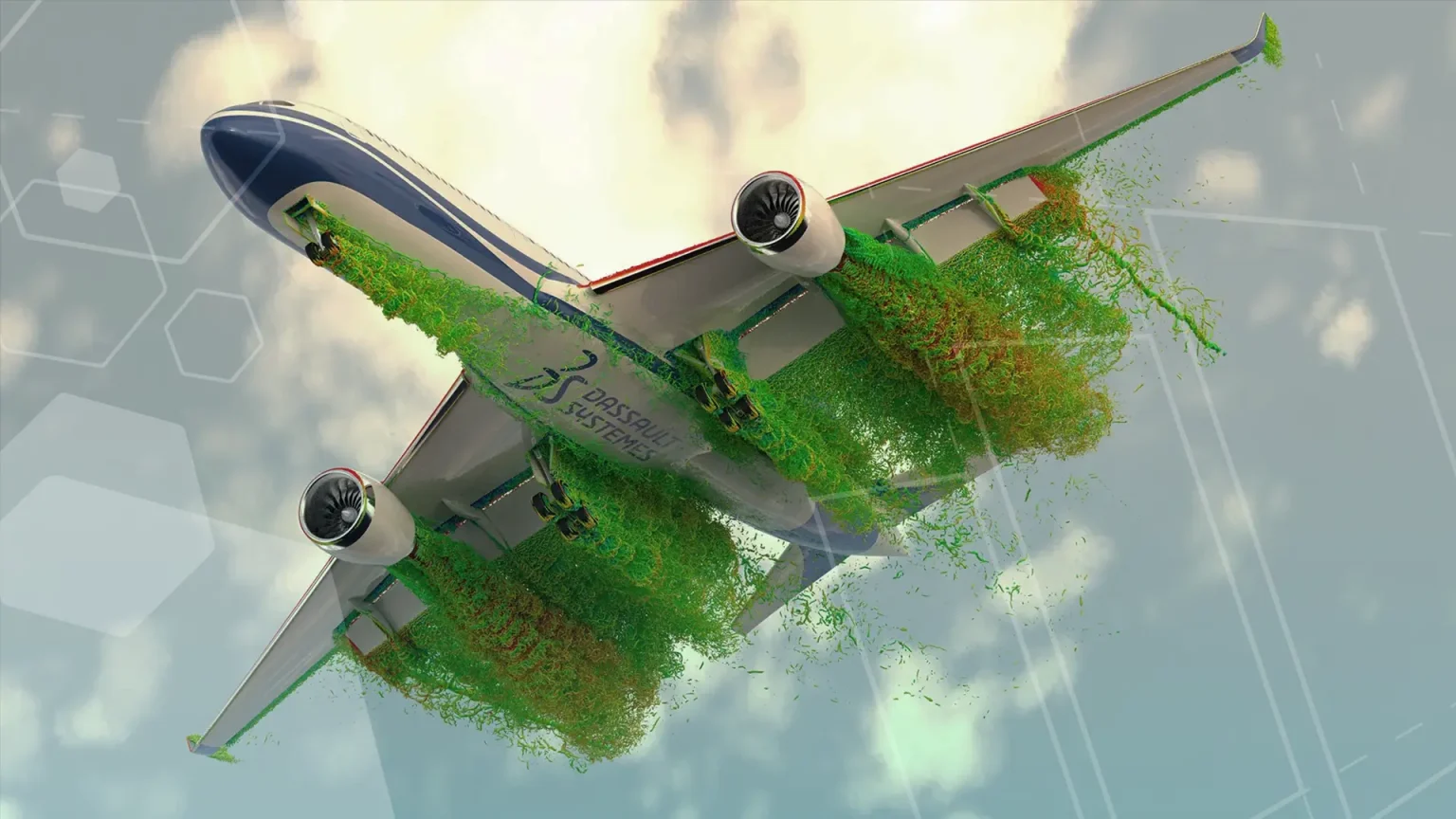
Experience Abaqus simulation technology inside SOLIDWORKS. Join the Solid Solutions team as we interrogate this new product release, SIMULIA, showing its ability to solve complex Abaqus Simulation studies.
Watch Abaqus Simulation Technology Arrives for SOLIDWORKS Users, first broadcast on the 26th November 2020. Our panel of simulation experts introduce SIMULIA, the Abaqus technology behind it and how it is integrated into SOLIDWORKS using a real world example.
SIMULIA is positioned to disrupt the landscape of complex simulation studies, performing wide-ranging FEA studies with astonishing speed. Putting the power of Dassault Systemes’ Abaqus technology into the hands of any CAD designer or engineer with the ability to perform studies locally or opt for a ‘cloud compute’, reducing the onus on physical hardware. The SIMULIA product release really opens up advanced simulation and virtual product testing to the professional CAD engineering community. The attention of the world this year has focused on the fight against the global COVID-19 pandemic and in this fight the product design and manufacturing industry has really shone out and highlighted the importance of speed in the race to get a product to market.
Watch Abaqus Simulation Technology Arrives for SOLIDWORKS Users
Previously, design and manufacturing companies may have either outsourced this part of the product development to external companies or, had to invest in expensive solutions such as Ansys, Altair or other specialist simulation software. High-Performance Computing (HPC) simulations don’t come better than ones utilising the Abaqus ‘engine’. This is a hugely powerful tool for the pre-processing, solving and post-processing of complex FEA studies using Abaqus technology. SOLIDWORKS users can benefit from a live connection to SIMULIA, automatically updating to model and revision changes, and can even transfer existing SOLIDWORKS simulation studies to SIMULIA for more detailed analysis.
Watch the full 20 minute webinar from Solid Solutions by following the watch link above.
Categorised as: Simulation
Get a SOLIDWORKS Quote
Interested in SOLIDWORKS? Contact us for questions, trials, or demos by clicking the button below or call 01926 333777. Our experts will help you find the perfect solution.

Related Posts
How to Find Reaction Forces in SOLIDWORKS Simulation
SOLIDWORKS helps us to find resultant forces through simulation studies. These virtual tests reduce the need for physical prototypes and give us an accurate answer.

SOLIDWORKS Tips: Are you Making this Common Mistake in Fatigue Analysis?
Simulation is a vital and complex engineering need. Fortunately, SOLIDWORKS makes it easy to test, correct mistakes and obtain accurate results.

Redesigning Santa’s Sleigh in SOLIDWORKS
Every year Father Christmas has to fly in his sleigh to deliver presents to boys and girls all over the world in just one night. To put this into perspective, it takes a little under 24 hours to fly from London (UK) to Sydney (Australia) in a streamlined Boeing 747, whereas Father Christmas’ mode of transport is believed to be a rather non-aerodynamic sleigh.

Radiation in Flow Simulation – Part 1 : Reflection
Technical Manager Andy Fulcher explores ‘Radiation in Flow Simulation, Part 1 : Reflection’
Radiation in Flow Simulation – Part 2 : Refraction
Technical Manager Andy Fulcher explores ‘Radiation in Flow Simulation, Part 2 : Refraction’
The Coanda Effect in Flow Simulation
Can you take advantage of the Coanda Effect & can SOLIDWORKS Flow simulate it? Applications Engineer Romel Cumare investigates in his latest blog post.
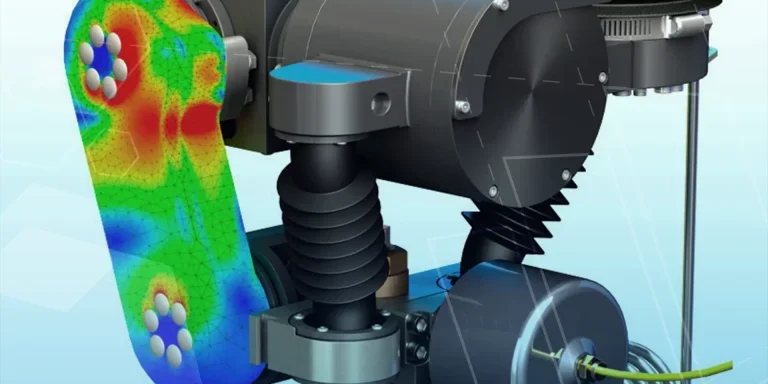
So how accurate is SOLIDWORKS Simulation?
How accurate is SOLIDWORKS Simulation? Elite Applications Engineer Chris Boyles investigates.
Set Your Fluids Free with SOLIDWORKS Flow Simulation
A look at the new Free Surface feature coming in SOLIDWORKS Flow Simulation 2018.
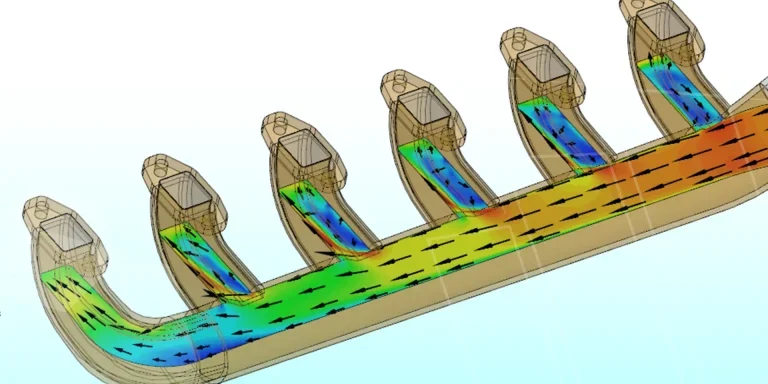
Finding a Good Mesh Fast in SOLIDWORKS Flow Simulation
‘How do I know when to stop my calculation?’ and ‘How do I know my mesh is good enough?’ are questions often asked when running SOLIDWORKS Flow Simulation studies.
The answer is to ensure the solution reached is both fully converged AND mesh independent. In practice this can take a bit of trial and error as well as some experience in the process. However, SOLIDWORKS Flow can help us do both of these at once! Here’s how…

Free Surface Evaluation & Validation – SOLIDWORKS Flow Simulation
In 2018 SOLIDWORKS introduced a new capability to their Flow software. This is called ‘Free Surface’ and opens up many more applications for users who need to simulate fluid behaviour where a gas and a liquid (or two immiscible liquids) share the same region of space without an intervening solid