











How to Choose the Right CAM Software for Shop Floors & Manufacturing

Written by: Tom Buxton
Published: Jun 18, 2025
| View All Blogs
Efficiency, precision and usability are the three most important factors when choosing what CAM software to install.
Whether you’re a small machine shop or a global production facility, your CAM solution directly impacts your productivity as manufacturers look to streamline workflows, reduce errors, and increase profitability.
But with so many options on the market, how do you choose the right CAM software for your business’s needs? Let’s break it down.
What is CAM Software?
CAM (Computer Aided Machining) software helps manufacturers control machine tools and related machinery in the production of components.
CAM takes 3D CAD geometry (created in programs like SOLIDWORKS) and virtual stock material to generate toolpaths and apply tooling processes of real machines to.
CAM users work with virtual replicas of physical tooling to remove the stock and produce a finished part accurate to the CAD model.
From this part, the CAM system generate the instructions (G-code) for your specific machines to run the toolpaths – these can then be interrogated before stock is even mounted through real-time, visual simulations.
Commonly, CAM systems are used to program routers, milling machines, lathes and Mill-turn machines, but can also be used for robots, laser cutters, and waterjets.
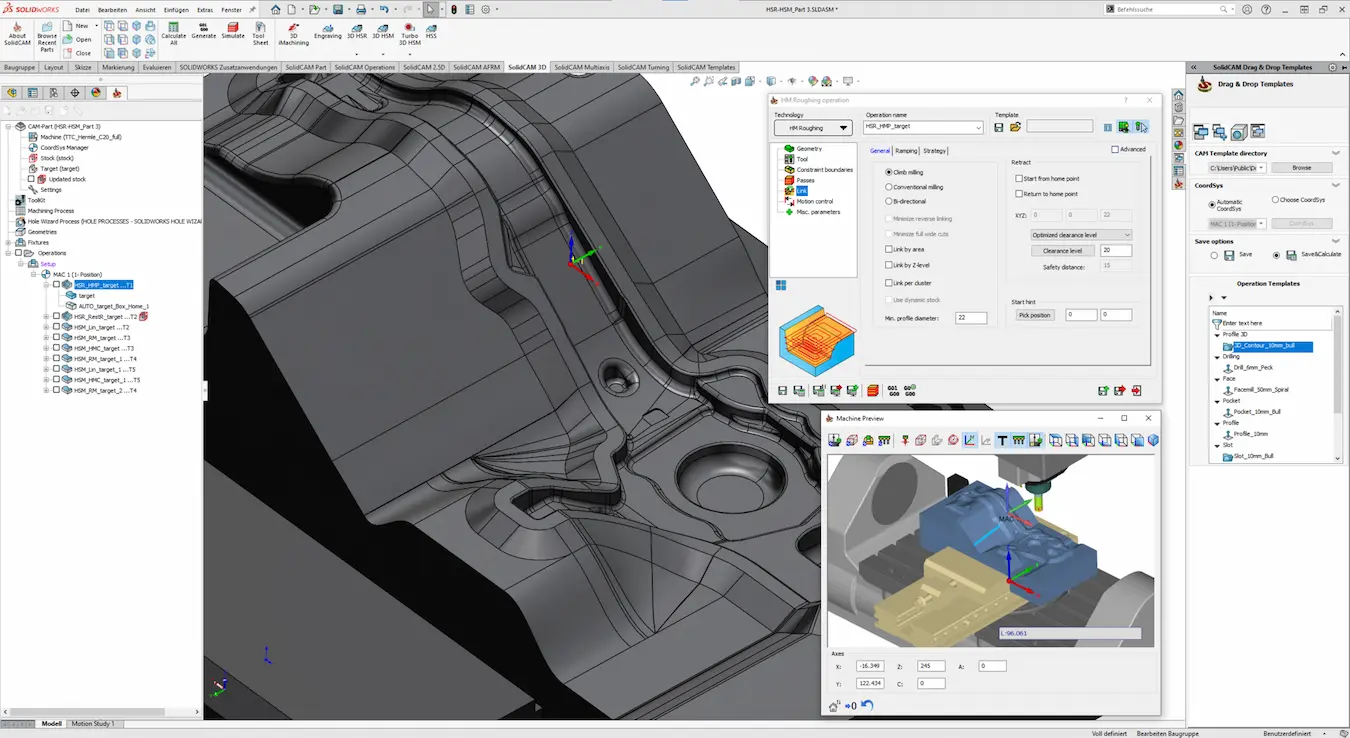
Key Features of Effective CAM Software
Depending on the intended machine being programmed, CAM software packages provide a range of capabilities, bringing a range of strengths and core features to the table.
It’s a huge commitment to purchase any CAM package, so to help you in your decision, we’ve picked out some of the key features of effective CAM software you should look out for:
- CAD File Opening: Versatile CAM software can open various CAD file formats. Ideally these will be able to open without translation, so you reduce the risk of inaccurate geometry.
- Clear User Interface: The software needs to be easy to use and navigate. This saves both time and frustration, as all the tools you’ll need are easily accessible.
- Data Management Support: Keeping data secure and organised is integral to smooth shop floor communication. Look out for CAM software that can integrate or comes with built-in data management capabilities for PDM or PLM.
- Reusable Features: Toolpaths that can be generated once and then reused or reconfigured are simple to apply and work with to reduce repetitive working.
- Multi-Discipline Machines: Some CAM software is intended only for specific machines.
Look out for versatile programs that offer a wide variety of toolpath technologies and machine kinematics to support your entire shop floor. - Custom Post-Processors: Customisation gives you the freedom to develop unique strategies that are specific for your machine tools and workflow.
- G-Code Simulation: Visualising toolpaths is an essential feature to increasing efficiency and reduce wastage. Ensure you choose CAM software that enables the verification of G-Code through error prediction and provision of real-time simulations.
- Experienced Support: Local and easily-reachable customer support is vital. And not just for the days you’re in a rush! Ensure that everyday tasks are running smoothly and face challenges with the help of an experienced Technical Support team by your side.
These features can impact everything from part quality to cycle times and tooling costs, which means choosing the most comprehensive package for your business is of vital importance.
Direct CAD Integration
When machining the ability to make a sketch, simplify geometry or even add additional content like fixtures help you program quicker, make more accurate parts and better represent the machining environment.
It is key that your CAM system has direct CAD integration so you can do this as easily as possible.
For parts that require operations on both ends, SolidCAM enables smooth transfers between the main and sub-spindle. This minimises manual setups which speeds up part handling, minimises misalignment and keeps the machine cutting as much as possible.
Streamline your production process with SOLIDWORKS manufacturing software designed for efficiency.
Usability and Support
Advanced functionality is crucial but, since you could be using the software every single day, it is equally important to consider easy it is to use.
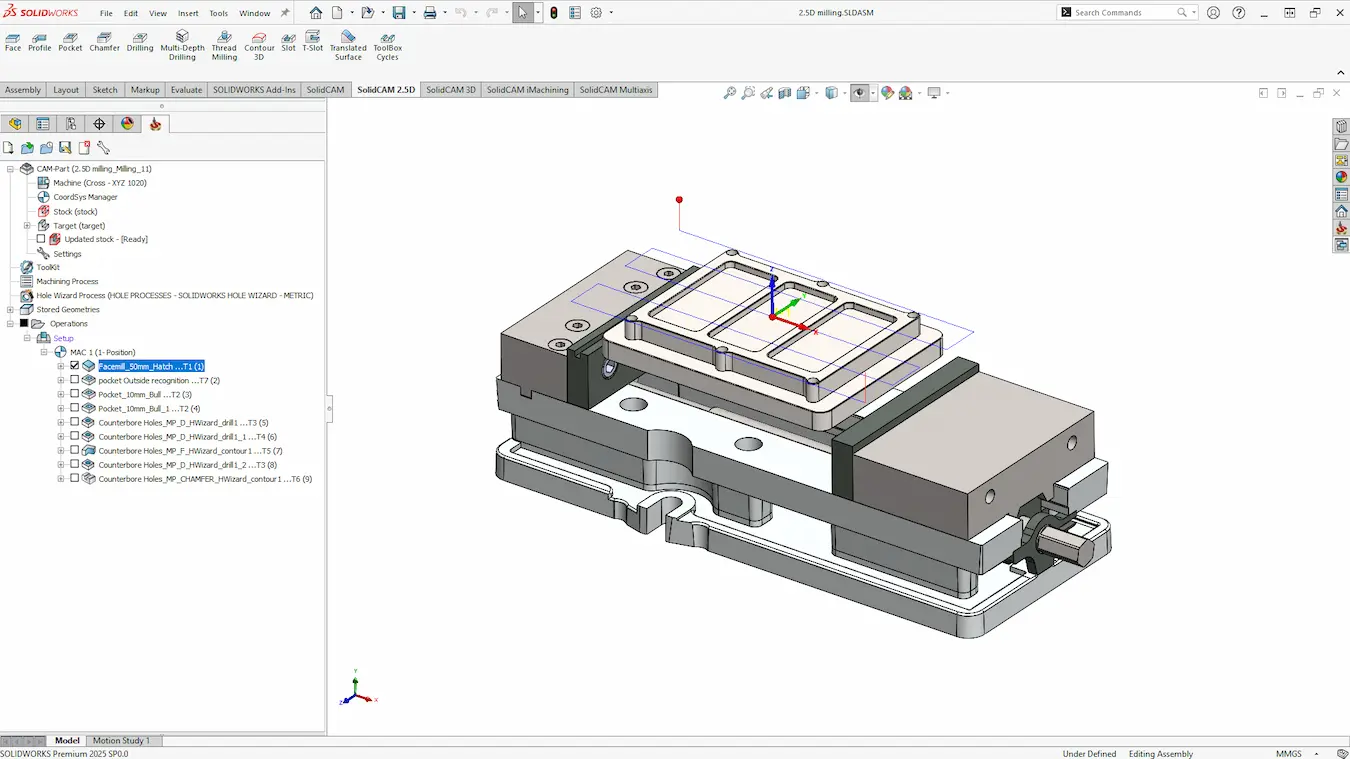
SolidCAM provides a clear interface that is easy-to-learn for accurate toolpath generation.
When evaluating software, consider how steep the learning curve is, whether there are built-in tutorials or onboarding tools, and what kind of technical support is available.
A strong user community, forum, and Technical Support team can also make a big difference.
Budget Considerations: How Much Does CAM Cost?
The cost of CAM software can vary significantly based on functionality, version tiers or additional modules, required seat quantity, and the level of support and training included.
When purchasing CAM software, it’s important not to focus solely on the upfront cost of the package, as the long-term return on investment will need consideration as well:
- How much time can you save?
- Can we reduce scrap and material cost?
- When will the efficiency gains be paid off?
These are all key questions to ask, as the improved output can make larger upfront costs far more cost-effective in the long run.
Tips for Choosing the Right CAM Software
Keep in mind the features and budget factors we’ve talked about so far. In addition to these, we have a few tips that will help make your decision and purchase journey a lot smoother:
- Define Requirements: Make a list of your needs and wants, being sure to include the types of parts you need to make, what machines and tooling you use, and the type of CAD files you work with.
- Direct CAD Integration: Look out for CAM software that provides simple CAD tools to allow modifications to be made for machining, like adding planes, simplifying geometry, and fixtures for collision avoidance.
- Consider Data Management: Avoid machining the wrong revision of a part by considering solutions that integrate with PDM systems to secure your data and allow only the latest revision to be accessed by the correct team or individual.
- Get a Demonstration: We highly recommend looking into solutions that offer in-person or live, virtual demonstrations of the software. Demos not only ensure the software can do what you need it to, but let you get a feel for the solutions provider you’ll be working closely with and their commitment to your business.
- Training & Tutorials: Can you and your team be trained on the software? Professional training courses offer you and your team the chance to become proficient in the software without the need for long-term trial & error.
Master SolidCAM with expert-led courses across the UK & Ireland to boost your skills and confidence.
- Evaluate Support: Established resellers often provide experienced support teams and are well-positioned to assist with the specific needs of your business. Don’t just take their claims at face-value; instead, call up the support lines to get a feel for how they value you and will help your business.
- Plan for the Future: Experienced solutions providers will help you to consider the long-term impacts of your options. Consider how your business may scale and grow, and discuss your concerns and hopes with your dedicated consultant before purchasing any software.
Get Help with Choosing CAM Software
Choosing the right CAM software is an investment that affects every part of your manufacturing process, from conceptual designs to delivery logistics.
It’s a significant investment, so it is worth taking your time to assess your specific requirements, explore packages and features, and consider their long-term usability and support.
With the right tool in place, you’ll not only improve production efficiency but also gain a competitive edge in your industry.
SOLIDWORKS and SolidCAM provide a CAM system with direct CAD integration, secure data management capabilities and can scale with your machining needs now and into the future.
Backed by our industry-leading Technical Support and Training teams across the United Kingdom and Ireland, the support of Solid Solutions will ensure you get the most out of your chosen system.
Discover the modular manufacturing solution designed for SOLIDWORKS that scales as you grow.
SolidCAM combines powerful toolpath control with seamless SOLIDWORKS integration, helping you to program smarter, machine faster, and speed up production.
Categorised as: Manufacturing | SolidCAM
Get Expert SOLIDWORKS Training
Get hands-on SOLIDWORKS training in-person or online, led by certified experts with real industry experience. With venues across the UK & Ireland, it’s easy to start learning today.
Related Posts

How to come up with ideas for your design or engineering project – some helpful tips
We know coming up with an interesting and creative design or engineering project can be…

Design considerations when 3D printing
3D printing is a colloquial term used to generalise a family of additive manufacturing processes. At the consumer level the most common 3D printing process is Fused Deposition Modelling (FDM) – a technique whereby thermoplastics are extruded through a nozzle, and a part is built up layer by layer. FDM is very popular with hobbyists due to the relatively low cost of the printer, alongside the wide range of properties and appearances thermoplastics present. The conveniency to turn a custom CAD model into a product in a short space of time is a superb way to make life easier.
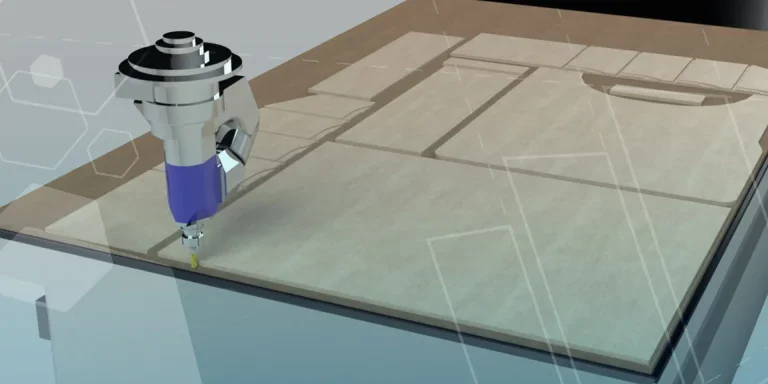
Why should I be nesting parts?
Firstly we should define what is nesting? Nesting is like putting the pieces of a jigsaw together, it is the process of creating an optimal layout of your flat parts so that you get the most out of your material. Typically this process would be used in the sheet metal, fabric, plastic and wood/joinery markets. Nesting can also be used to align parts with a specific grain such as brushed metal products, patterned materials or wood grain.
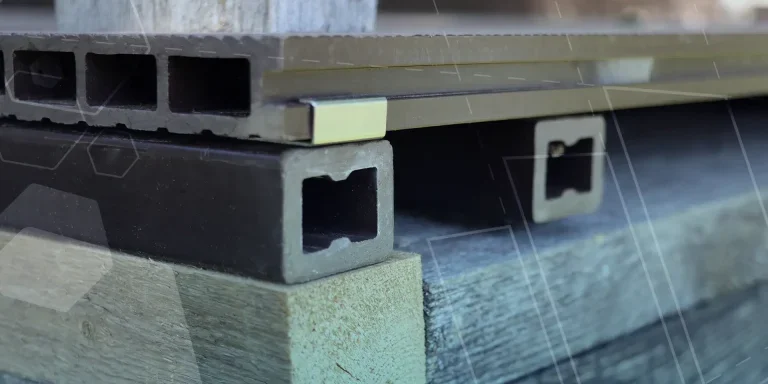
Top 4 Benefits of Composite Materials for Lightweight Engineering
One method design and engineering teams have employed to combat high costs and high carbon emissions is the use of composite materials in the development of parts.
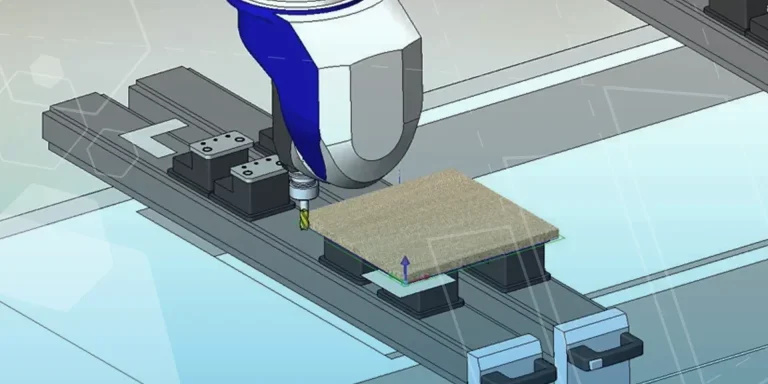
SWOOD Licensing Explained
Learn the differences between SWOOD licensing. Understand how online licences connect to Eficad’s server for flexibility, while network licences allow shared access across multiple users. Discover which option suits your workflow.
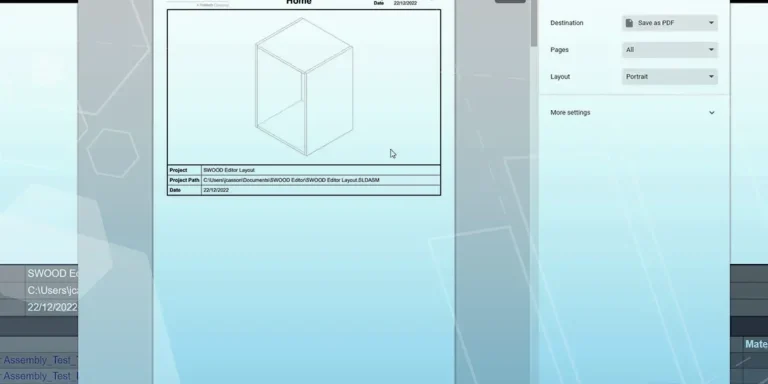
How to Install and Use SWOOD Editor
Customisable SWOOD reports provide a comprehensive set of documentation for production including cutting lists, hardware lists, labels, and material summaries.
FEA Simulation: How to Reduce Simulation Time of Automotive Wheel Models
Modelling things like wheels can be a lengthy process in simulation time due to the…

Manufacturing: How to Create Templates in SolidCAM
Using SolidCAM templates reduces repetitive tasks and boosts your productivity. Read on to find out how to create them.

Manufacturing Showcase 2023 Wrapped
From concept to creation and beyond! Here’s what you missed at the Manufacturing Showcase 2023 event in September.
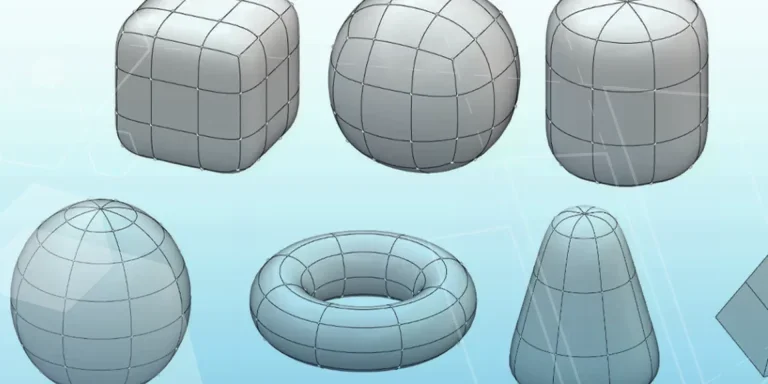
What is Subdivision Modelling? Get started with 3D Sculptor
Learn how to create new components, add primitives, and manipulate basic forms with 3D Sculptor.