











Maximise your CNC Productivity with SolidCAM’s iMachining
Written by: Tom Buxton
Published: Apr 10, 2025
| View All Blogs
CNC Productivity can be easily disrupted by broken tools or excessive cycle times, driving up costs and waste.
SolidCAM’s iMachining introduces intelligent toolpath strategies to dramatically improve performance across the board, reducing cycle times by more than 70% and extending tool lifespans.
In this article, we’ll introduce you to the core features of iMachining and discuss the main benefits that make it indispensable for high-volume production environments and learn how to enhance your machining process.
What is iMachining?
iMachining is an innovative toolpath within the SolidCAM software that redefines what you should expect from a roughing toolpath.
iMachining reduces cycle times and ensures longer tool life with overall better machining performance by optimising toolpaths and cutting conditions in real time.
SolidCAM iMachining can prolong tool lifespans and enhance shop floor efficiency!
Further optimisation can be gained through minimising retracts, step up rest roughing and assigning secondary tools to get into tight areas.
The result is a better performing machine tool, which means minimized downtime, faster cycle times and more profitability.
With the boost to production efficiency it has allowed users to hold back on additional machine tool purchases due to the time they have gained back, altogether, thanks to the productivity gains iMachining delivers.
iMachining is also catered to both 2D and 3D machining needs which enables you to maximise your efficiency.
How Does iMachining Enhance Tool Life?
Optimal Tool Engagement
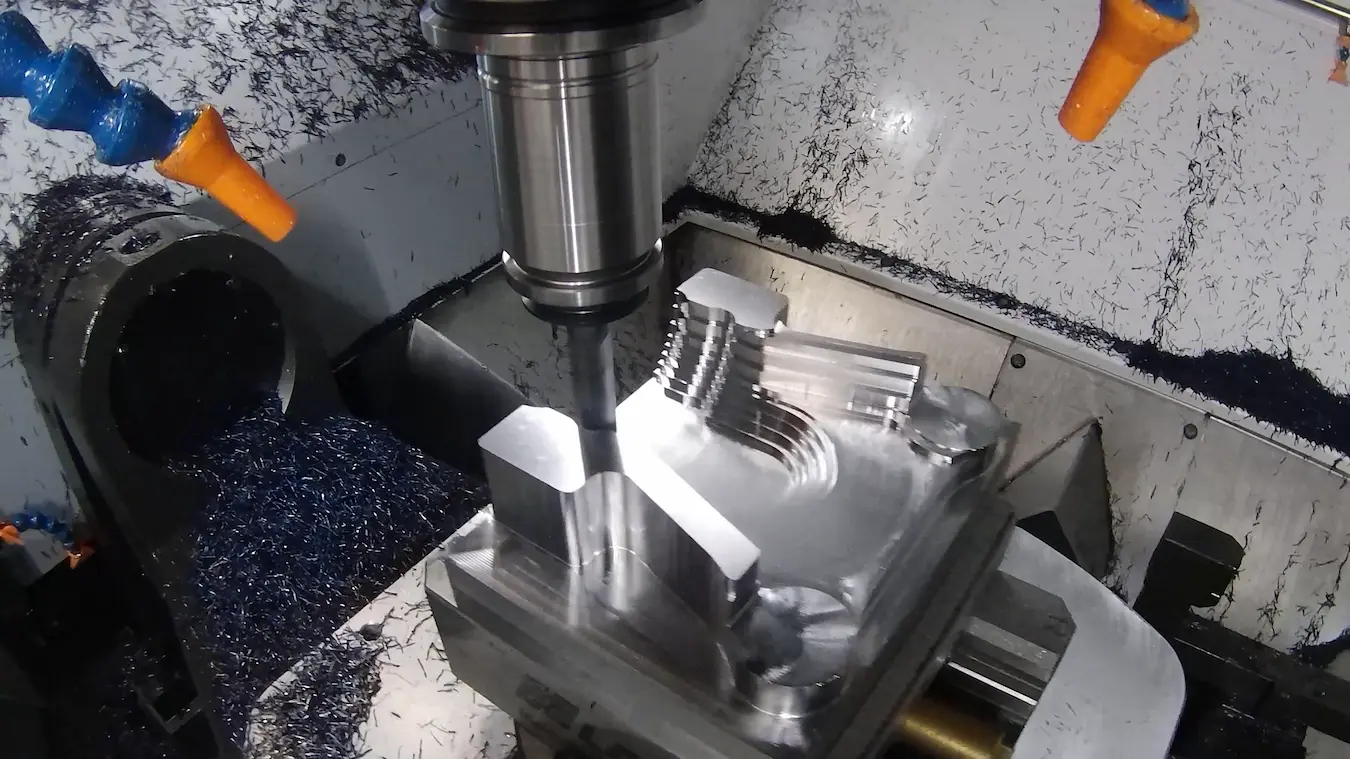
iMachining stands out by using a morphed spiral strategy this maximises cutting time regardless of a components shape.
Add to this with the use of a variable cutting angle iMachining can further minimise fresh air cutting. Further flexibility is added with intelligent moat channels added in complex areas.
Adaptive Cutting Conditions
Since iMachining is constantly varying the angle of cut and we want to see a near-constant chip thickness and tool-load, a balance must be made.
With iMachining, this is done automatically with the feed and speed changing dynamically as the cutter angle changes ensuring this balance is hit.
iMachining Technology Wizard
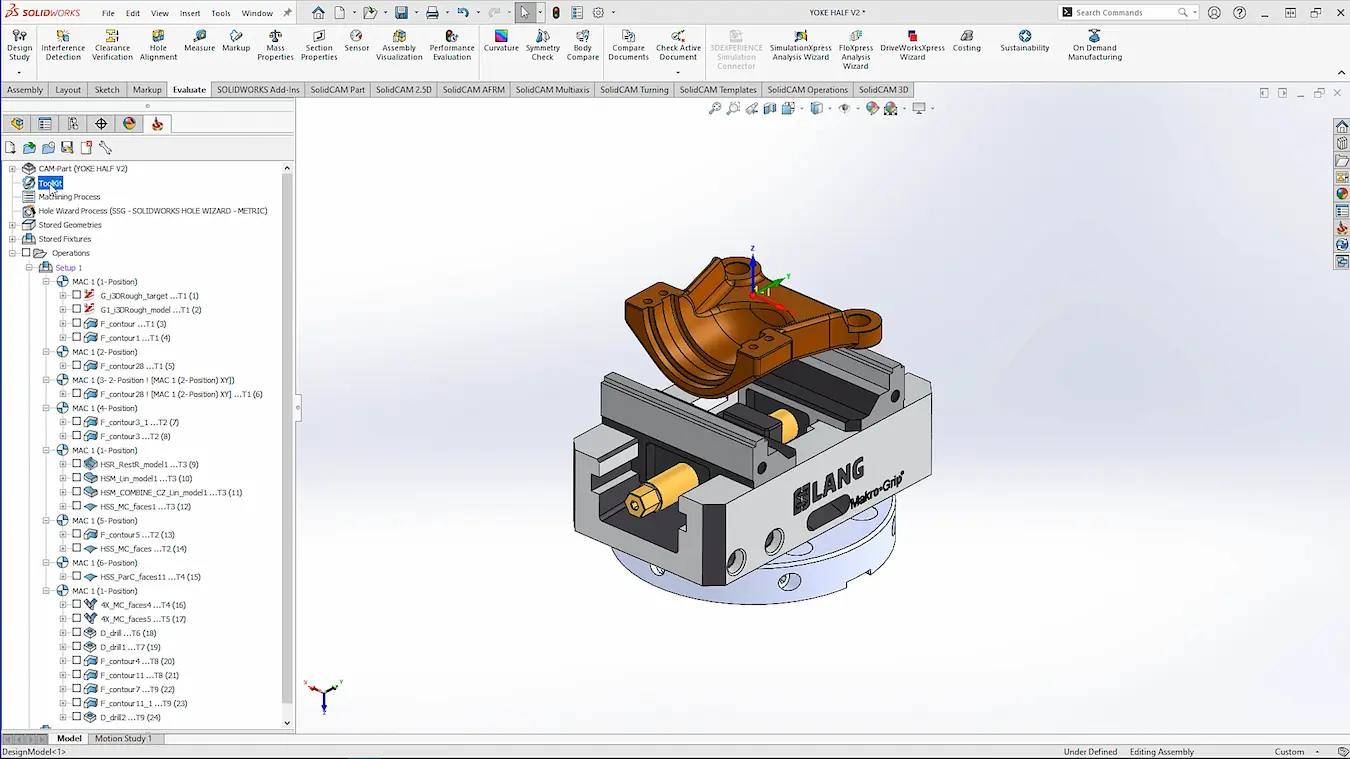
To ensure that any user can get to grip with this amazing technology as quickly as possible, iMachining has a simple and quick wizard to automate the process.
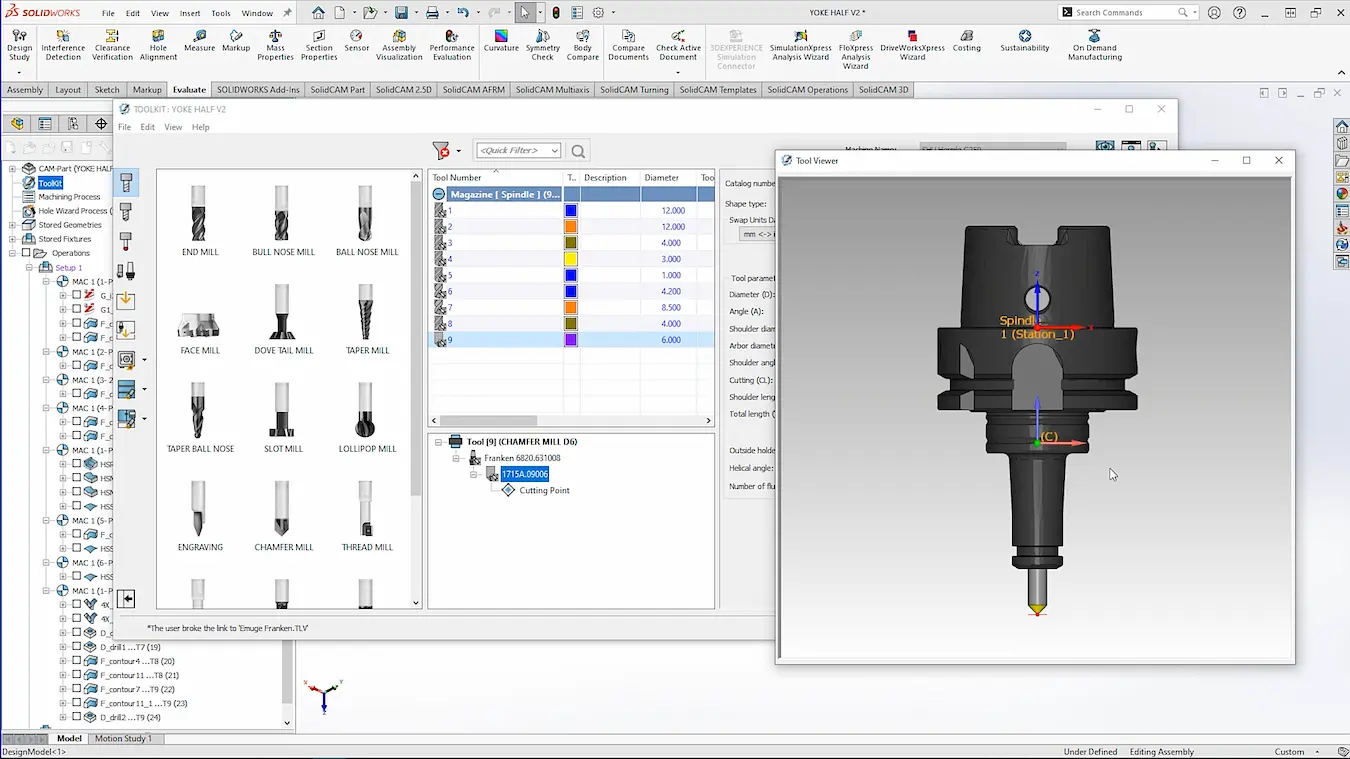
Simply pick your tool and SolidCAM decides the best depth of cut, considering the number of contact points between cutter and part at any given time.
After this, a slider is tuned to how fast you want to cut with most applications work at the highest level of 8.
The Benefits of Using iMachining for Tool Life Optimisation
Increased Machining Efficiency
iMachining boosts productivity through intelligently optimised toolpaths and adaptive cutting conditions.
It enables faster material removal without compromising accuracy or surface quality, making it indispensable for high-volume production environments.
Extended Tool Life Across All Materials
SolidCAM iMachining is equipped with cutting strategies to prevent unnecessary wear to ensures tools last longer, no matter the application. It is this versatility makes it a powerful solution for shops handling diverse machining requirements.
From tough alloys like titanium, to softer metals such as aluminium, iMachining adapts intelligently to a wide range of materials.
By optimising cut length, cutter angle, feed rate and spindle speed, a near-constant tool load can be achieved ensuring your machine is operating at peak efficiency.
Types of iMachining
There are two types of iMachining to consider:
- iMachining 2D: iMachining for 2D introduces the technology to simple 2.5D geometry, allowing you to machine pockets as fast as possible, while it also allows for positioning in 5-axis.This is essential for all milling machines to keep up your competitiveness on any job.
- iMachining 3D: For more complex geometries, iMachining 3D is the perfect partner.Capable of quickly roughing complex 3D shapes to an optimised cutting depth and then stepping up to achieve the correct scallop height, you can be confident in achieving the quality results you need with iMachining.Much like in 2D, this can work positionally in 5-axis, ensuring even the most complex parts have a high level of optimisation.
Slash Cycle Times with Patented Technology
It’s a bold claim, but we’re confident that SolidCAM’s iMachining brings cutting-edge technology to your machine shop today.
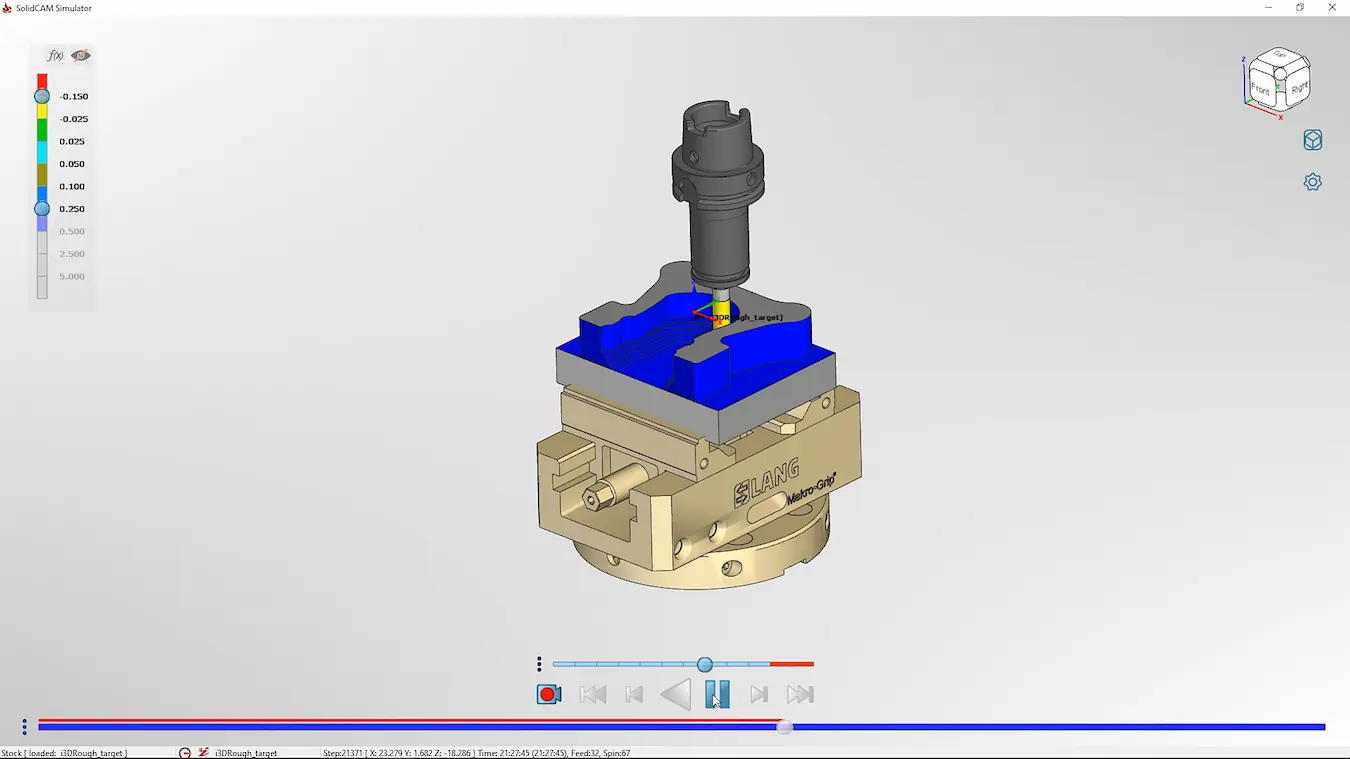
Cycle times can be slashed with iMachining as there’s no costly development or lengthy training needed to ramp up production efficiency.
It’s easy to start using SolidCAM iMachining today, so you can benefit from the continuous development and investment in this patented technology.
To learn more about the full range of benefits and how iMachining can work for your CNC productivity operation, be sure to get in touch with our team and start making efficiency gains today.
Take the Next Steps
Master SolidCAM with expert-led courses that help you boost your skills and confidence. You can attend online or in a classroom near you!
Categorised as: Manufacturing | SolidCAM
Get Expert SOLIDWORKS Training
Get hands-on SOLIDWORKS training in-person or online, led by certified experts with real industry experience. With venues across the UK & Ireland, it’s easy to start learning today.
Related Posts

How to come up with ideas for your design or engineering project – some helpful tips
We know coming up with an interesting and creative design or engineering project can be…
Design considerations when 3D printing
3D printing is a colloquial term used to generalise a family of additive manufacturing processes. At the consumer level the most common 3D printing process is Fused Deposition Modelling (FDM) – a technique whereby thermoplastics are extruded through a nozzle, and a part is built up layer by layer. FDM is very popular with hobbyists due to the relatively low cost of the printer, alongside the wide range of properties and appearances thermoplastics present. The conveniency to turn a custom CAD model into a product in a short space of time is a superb way to make life easier.
Why should I be nesting parts?
Firstly we should define what is nesting? Nesting is like putting the pieces of a jigsaw together, it is the process of creating an optimal layout of your flat parts so that you get the most out of your material. Typically this process would be used in the sheet metal, fabric, plastic and wood/joinery markets. Nesting can also be used to align parts with a specific grain such as brushed metal products, patterned materials or wood grain.
Top 4 Benefits of Composite Materials for Lightweight Engineering
One method design and engineering teams have employed to combat high costs and high carbon emissions is the use of composite materials in the development of parts.
SWOOD Licensing Explained
Learn the differences between SWOOD licensing. Understand how online licences connect to Eficad’s server for flexibility, while network licences allow shared access across multiple users. Discover which option suits your workflow.
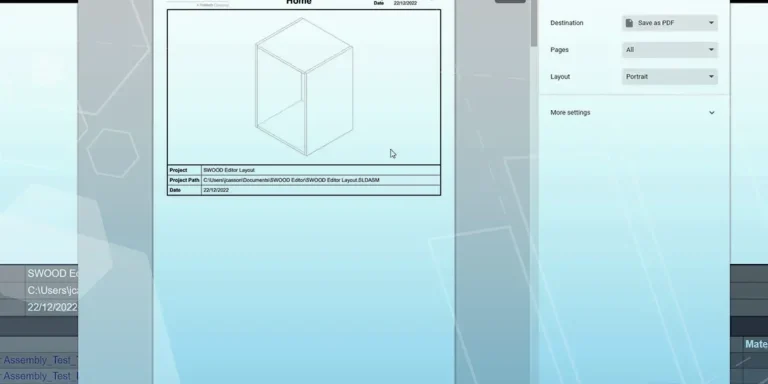
How to Install and Use SWOOD Editor
Customisable SWOOD reports provide a comprehensive set of documentation for production including cutting lists, hardware lists, labels, and material summaries.
FEA Simulation: How to Reduce Simulation Time of Automotive Wheel Models
Modelling things like wheels can be a lengthy process in simulation time due to the…
Manufacturing: How to Create Templates in SolidCAM
Using SolidCAM templates reduces repetitive tasks and boosts your productivity. Read on to find out how to create them.

Manufacturing Showcase 2023 Wrapped
From concept to creation and beyond! Here’s what you missed at the Manufacturing Showcase 2023 event in September.
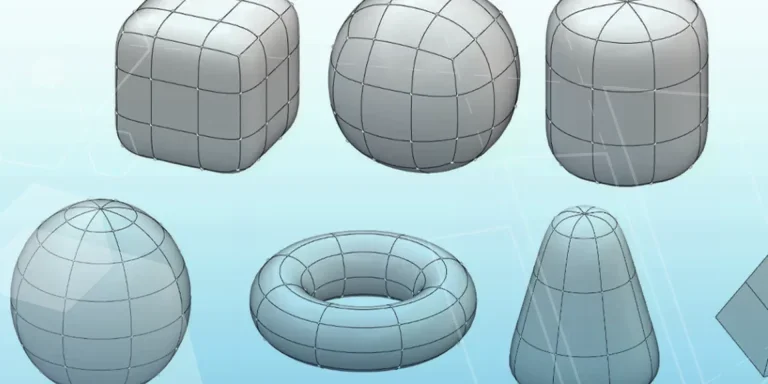
What is Subdivision Modelling? Get started with 3D Sculptor
Learn how to create new components, add primitives, and manipulate basic forms with 3D Sculptor.