











Fatigue Analysis: A Virtual Durability Process with the MSC One Portfolio

Written by: Tom McHale
Published: Nov 23, 2023
| View All Blogs
There’s nothing particularly new about fatigue analysis calculations. If your loads are simple, such as fixed amplitude bending, then the calculation is very simple to do, and any post-processor will allow you to generate a plot of damage.
If your loads are more complex and transient, then the calculation needs a bit more effort.
VIRTUAL DURABILITY PROCESS
- Using MSC Adams in Fatigue Analysis
- Combine MSC Adams with MSC Nastran
- Assess Durability with CAEFatigue
In essence, we need to look at a stress time history for each node/element scanning through to work out the mean and amplitude of each reversal, calculate the damage and sum it with Miner’s rule to predict the total damage from that sequence.
The stress time history is most often generated in one of two ways – combining load histories with static stresses from a unit load in the FEA, or applying load time histories to the FEA in a transient dynamic analysis.
Both of these can be a lengthy process due to the volumes of data involved. Fortunately, MSC.One offers an alternative route.
This, again, is nothing new and has been used in some Automakers for many years, but it is not well known and offers huge time savings over the traditional routes and improves the quality of the result over the static combination approach by capturing excitation of components.
The process involves a combination of three products from the MSC.One portfolio: MSC Adams, MSC Nastran and CAEFatigue.
We can illustrate the process through an example.
USING MSC ADAMS IN FATIGUE ANALYSIS
MSC Adams is a motion dynamics simulation application. It comes originally from the Auto industry but is widely used in many other industries where mechanism and system dynamic performance is important.
This example is built around an ATV model. MSC Adams would be used from the very beginning of the design process to define and optimise the position of key hard points, examine the range of motion and potential for clashes and derive forces that can be used to size components.
In its basic form, all of these components are treated rigidly with the only compliance coming from spring/damper representations of joints and the suspension.
This model could give us the force history for each component at each interface which could then be used with an FEA model to compute the fatigue life. However, in MSC Adams, we can go one better than that.
The Adams Flex module allows us to replace the rigid representation of a component with a flexible member. These flexible members are derived from an FEA model using a Craig-Bampton reduction, essentially a form of superelement.
Let’s say we’re going to replace the lower control arm with a flexible member. We need an FEA model of it, but as we already have the CAD a simple tetrahedral mesh, using MPC entities to connect to the joint interface points, is a simple thing to create.
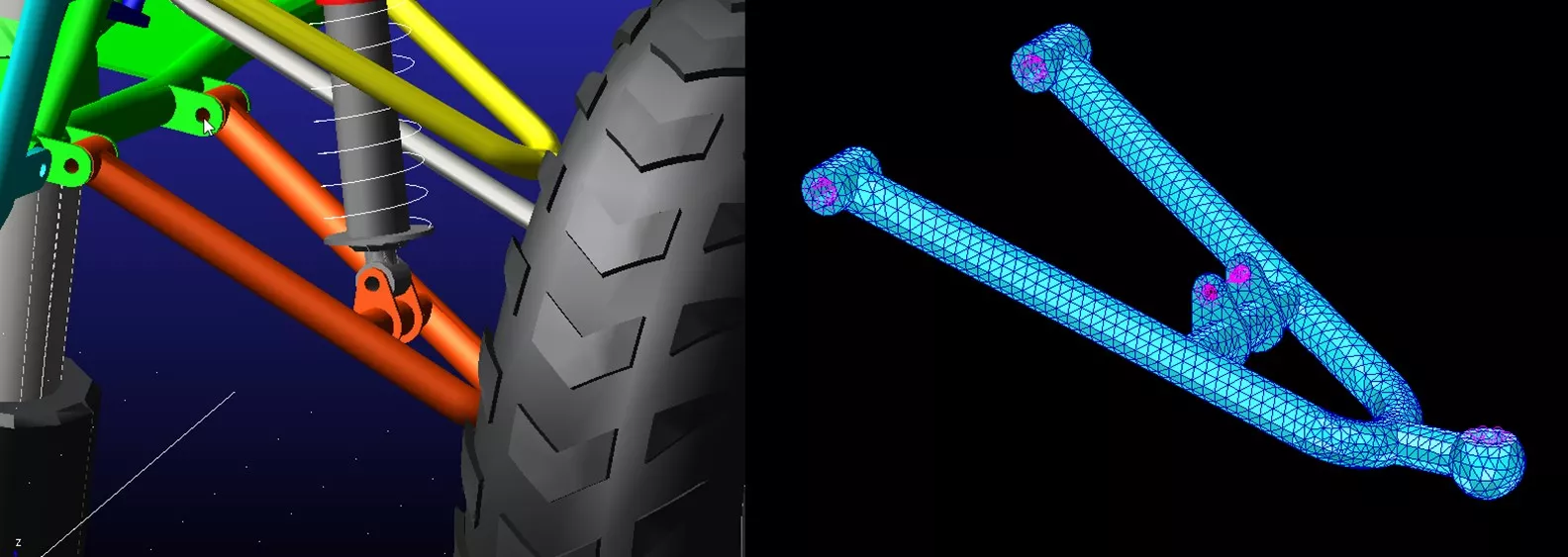
This FEA model has about 60k nodal degrees of freedom (DOF). The Craig-Bampton approach represents the component through it’s normal modes and constraint modes which reduces the model down to tens of DOF.
Any deformed shape of the component can be represented by a sum of these modes, the proportion of each called the modal participation factor.
COMBINING MSC ADAMS WITH MSC NASTRAN
We can run this FEA model through an MSC Nastran normal modes analysis, identifying our interface points, and requesting a C-B reduction (called a Modal Neutral File) and a result file of the modal stresses.
Nastran will solve for the natural frequencies and the constraint modes, placing the output in both files.
What is a constraint mode? Basically this is a static shape resulting from a unit displacement of one of the interface nodal DOFs while all the others are held fixed.
This model produces 40 modes, 16 from the natural frequency solution and 24 from the constraint modes (4 interface points with 6 DOF each). This means that during the transient solution in Adams there will be 40 DOF representing the flexible component rather than 60k were we to try this in a transient dynamic FEA solution, hugely reducing the run time.
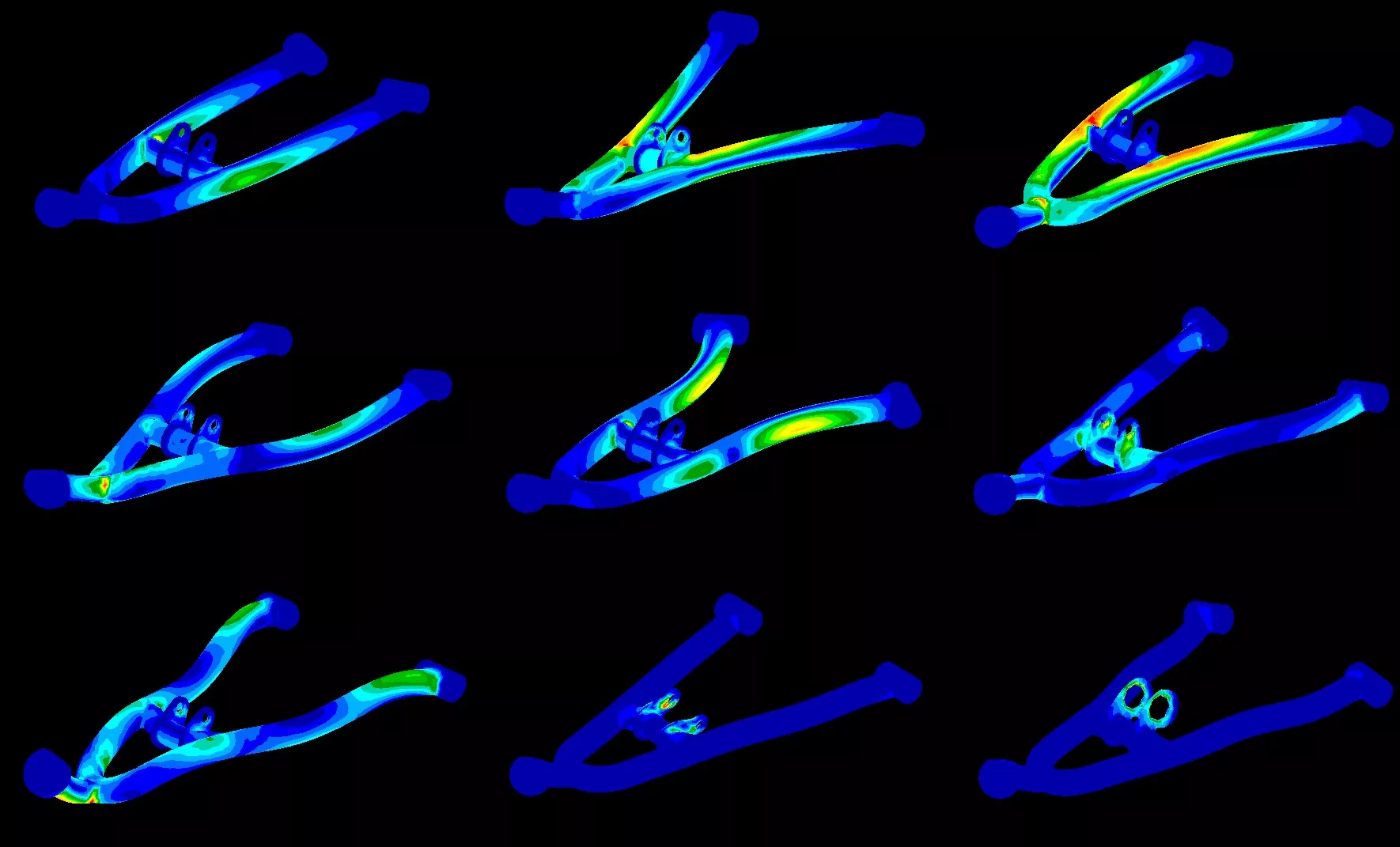
A selection of the mode shapes with modal stresses is shown above.
Swapping the rigid body for a flexible representation takes a handful of mouse clicks. With the flexible body in place we can re-run the Adams simulation, visualising the Von Mises stress on the lower control arm due to the loads.
Within Adams we can visualise stress and even extract ‘hotspots’ which show the location of the peak stresses and what time they occur, but predicting the life of the component under this loading history requires a Fatigue solution.
ASSESSING DURABILITY WITH CAE FATIGUE
As mentioned before, most fatigue solutions require either stress history or force histories.
The integration between MSC Adams and CAEFatigue, however, works on the basis of modal participation factor histories. This has huge impact on the volume of data being handled.
Instead of the full stress tensor for each of 60k nodes at each of 6000 timesteps of output we are transferring the modal participation factors of 40 nodes at each of 6000 timesteps, a reduction of 99.9+ percent.
CAEFatigue uses a simple workflow driven interface that allows us to combine these participation factor histories with the modal stress results from Nastran to calculate the stress histories and hence the damage and life values for the component.
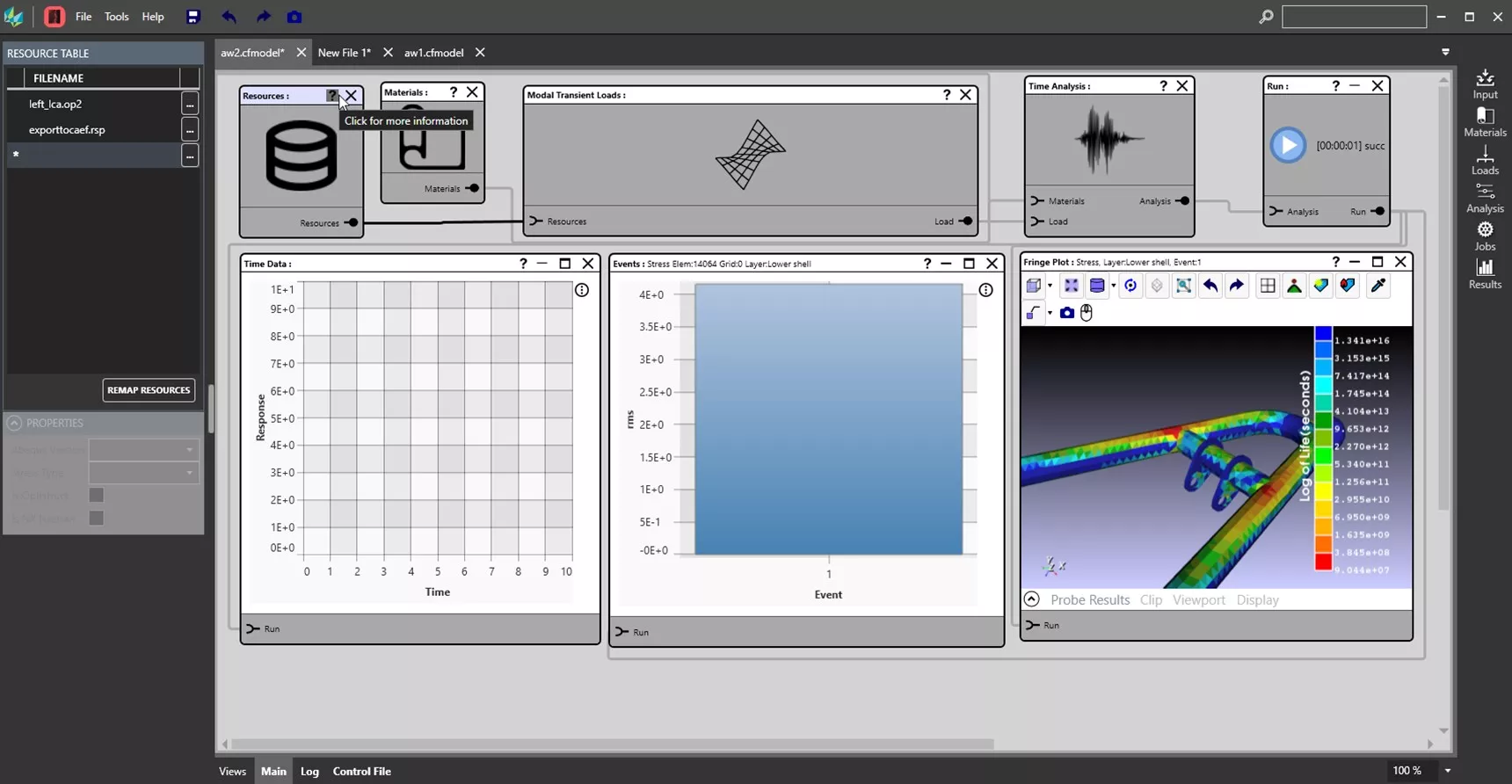
This is a very efficient process and the runtimes for the three stages are not long.
The Adams model with the flexible component takes a little under 2 minutes to solve. The Nastran run to create the MNF file and the modal stress results is about 6 seconds and the CAEFatigue solution time is under 2 seconds.
Obviously there’s time involved in setting up these models, but if your simulation processes are based around Adams and Nastran the core models will exist already and so the setup time for each of the three steps is a no more than 10 minutes or so each.
Categorised as: Simulation
Get Expert SOLIDWORKS Training
Get hands-on SOLIDWORKS training in-person or online, led by certified experts with real industry experience. With venues across the UK & Ireland, it’s easy to start learning today.
Related Posts

How to Find Reaction Forces in SOLIDWORKS Simulation
SOLIDWORKS helps us to find resultant forces through simulation studies. These virtual tests reduce the need for physical prototypes and give us an accurate answer.

SOLIDWORKS Tips: Are you Making this Common Mistake in Fatigue Analysis?
Simulation is a vital and complex engineering need. Fortunately, SOLIDWORKS makes it easy to test, correct mistakes and obtain accurate results.

Redesigning Santa’s Sleigh in SOLIDWORKS
Every year Father Christmas has to fly in his sleigh to deliver presents to boys and girls all over the world in just one night. To put this into perspective, it takes a little under 24 hours to fly from London (UK) to Sydney (Australia) in a streamlined Boeing 747, whereas Father Christmas’ mode of transport is believed to be a rather non-aerodynamic sleigh.

Radiation in Flow Simulation – Part 1 : Reflection
Technical Manager Andy Fulcher explores ‘Radiation in Flow Simulation, Part 1 : Reflection’
Radiation in Flow Simulation – Part 2 : Refraction
Technical Manager Andy Fulcher explores ‘Radiation in Flow Simulation, Part 2 : Refraction’
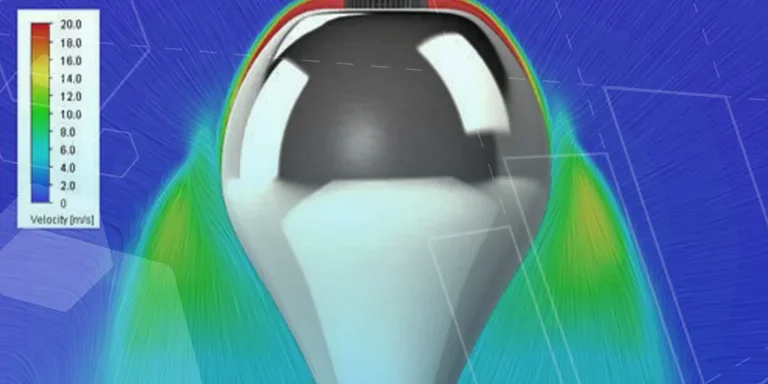
The Coanda Effect in Flow Simulation
Can you take advantage of the Coanda Effect & can SOLIDWORKS Flow simulate it? Applications Engineer Romel Cumare investigates in his latest blog post.
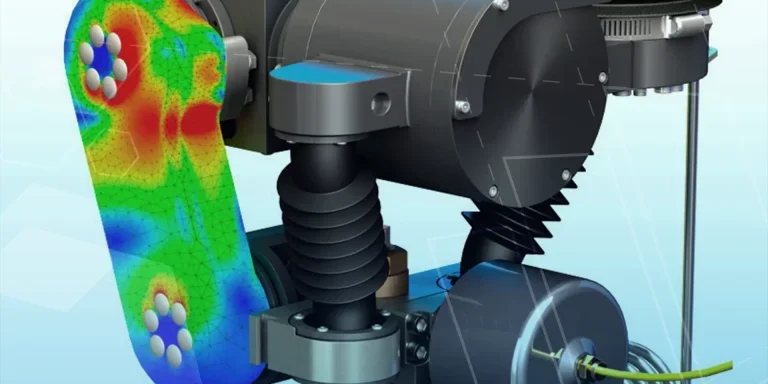
So how accurate is SOLIDWORKS Simulation?
How accurate is SOLIDWORKS Simulation? Elite Applications Engineer Chris Boyles investigates.

Set Your Fluids Free with SOLIDWORKS Flow Simulation
A look at the new Free Surface feature coming in SOLIDWORKS Flow Simulation 2018.
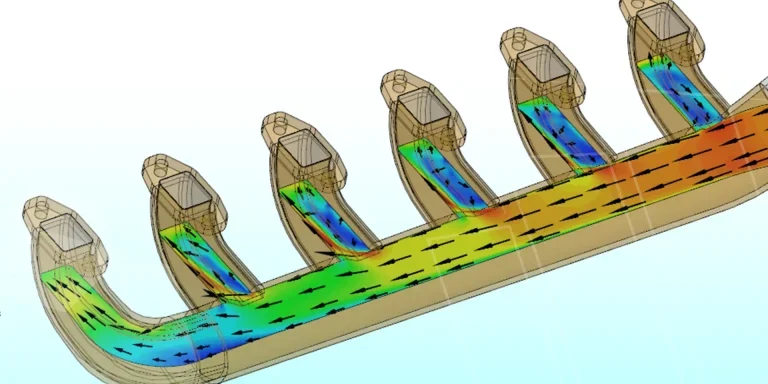
Finding a Good Mesh Fast in SOLIDWORKS Flow Simulation
‘How do I know when to stop my calculation?’ and ‘How do I know my mesh is good enough?’ are questions often asked when running SOLIDWORKS Flow Simulation studies.
The answer is to ensure the solution reached is both fully converged AND mesh independent. In practice this can take a bit of trial and error as well as some experience in the process. However, SOLIDWORKS Flow can help us do both of these at once! Here’s how…

Free Surface Evaluation & Validation – SOLIDWORKS Flow Simulation
In 2018 SOLIDWORKS introduced a new capability to their Flow software. This is called ‘Free Surface’ and opens up many more applications for users who need to simulate fluid behaviour where a gas and a liquid (or two immiscible liquids) share the same region of space without an intervening solid