











How Much Weight Does it Take to Break a Barbell? Testing to Destruction with SOLIDWORKS Simulation

Written by: Tom McHale
Published: Aug 14, 2024
| View All Blogs
Elite weightlifters dedicate years of their lives to be strong enough to compete at the highest competitive level.
So it’s the least we can do as designers and engineers to spend a few minutes to ensure their safety in their moment of triumph, by designing bars that are durable and safe for use in a competitive environment.
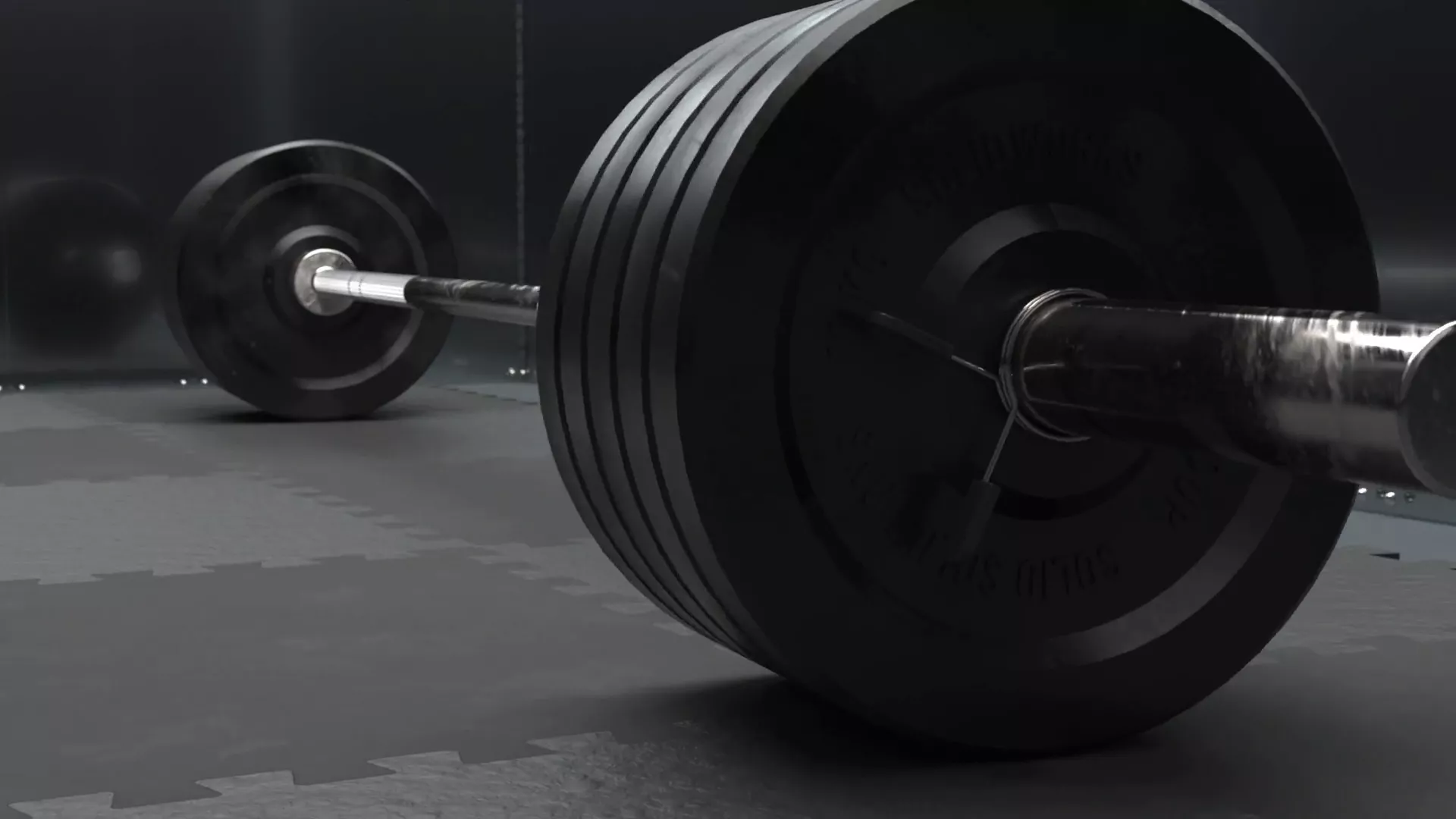
We designed our barbell in SOLIDWORKS, working to elite standards.
A typical elite weightlifting barbell can hold up to 700 lbs (317.5 kg) of weight, but how much will that make it bend? And how much load does it take to break a barbell?
To figure that out, we need to power up SOLIDWORKS Simulation.
MODELLING A BARBELL IN SOLIDWORKS
Barbells are a great model for beginner and intermediate SOLIDWORKS users to practise with.
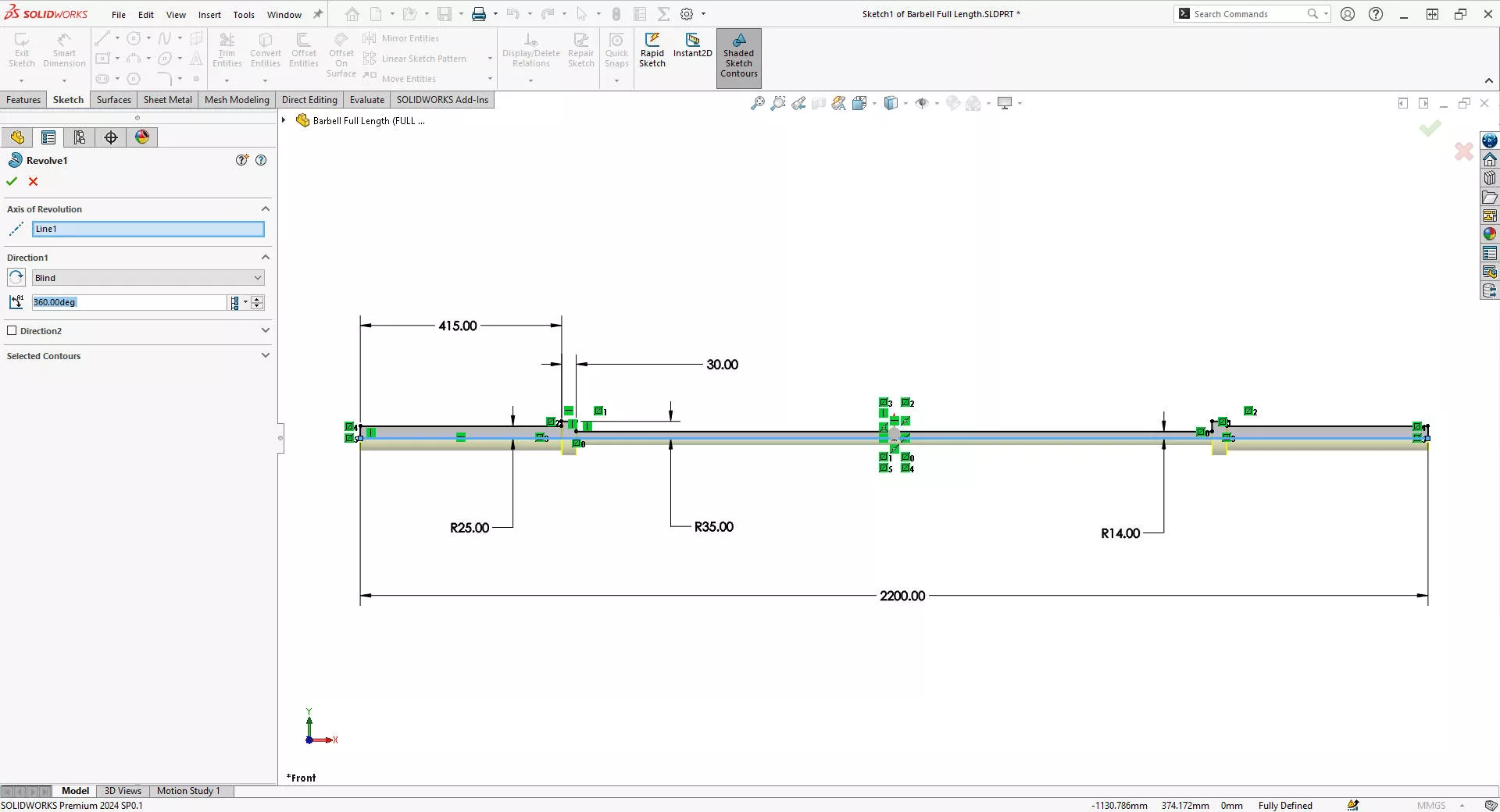
The main bar is created from a single sketch revolved around a centreline.
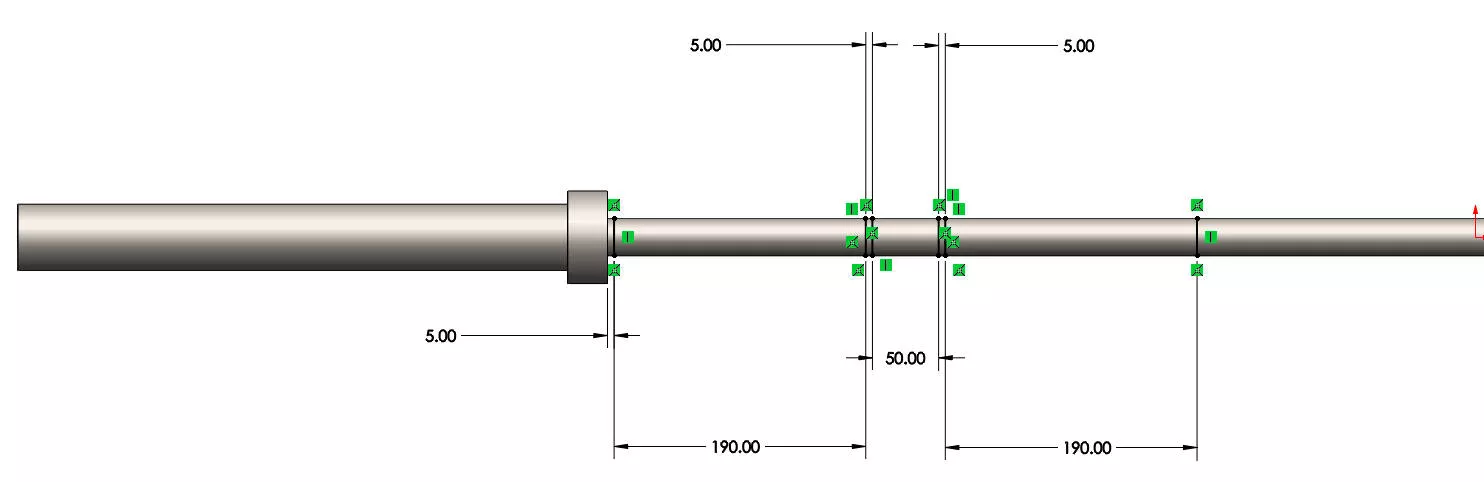
A second sketch is used to add the split line for the grip detail.
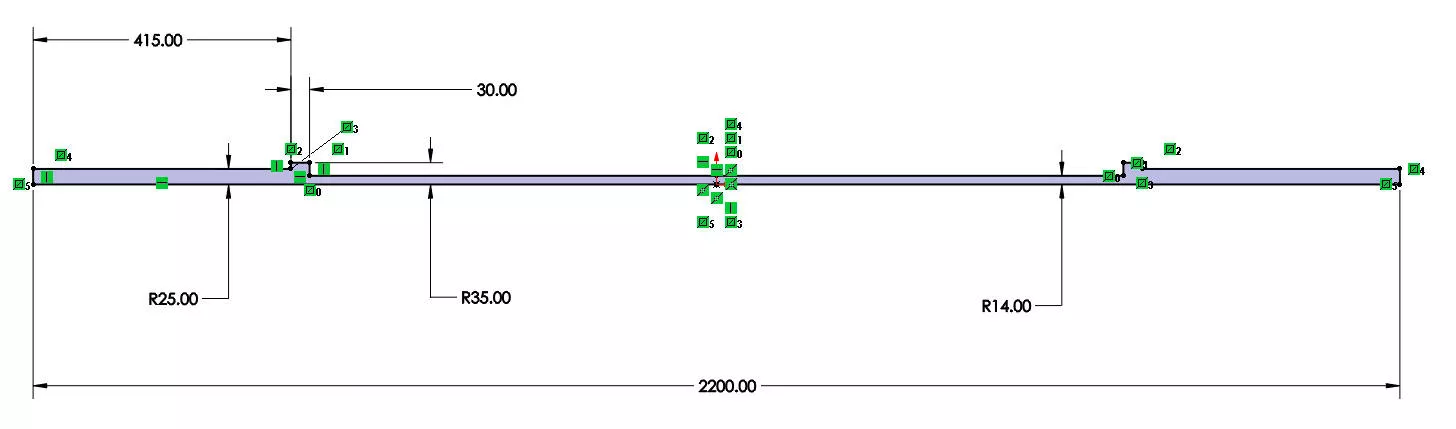
This single bar is actually all we need to model to find out the answers to our questions and run this simulation in SOLIDWORKS.
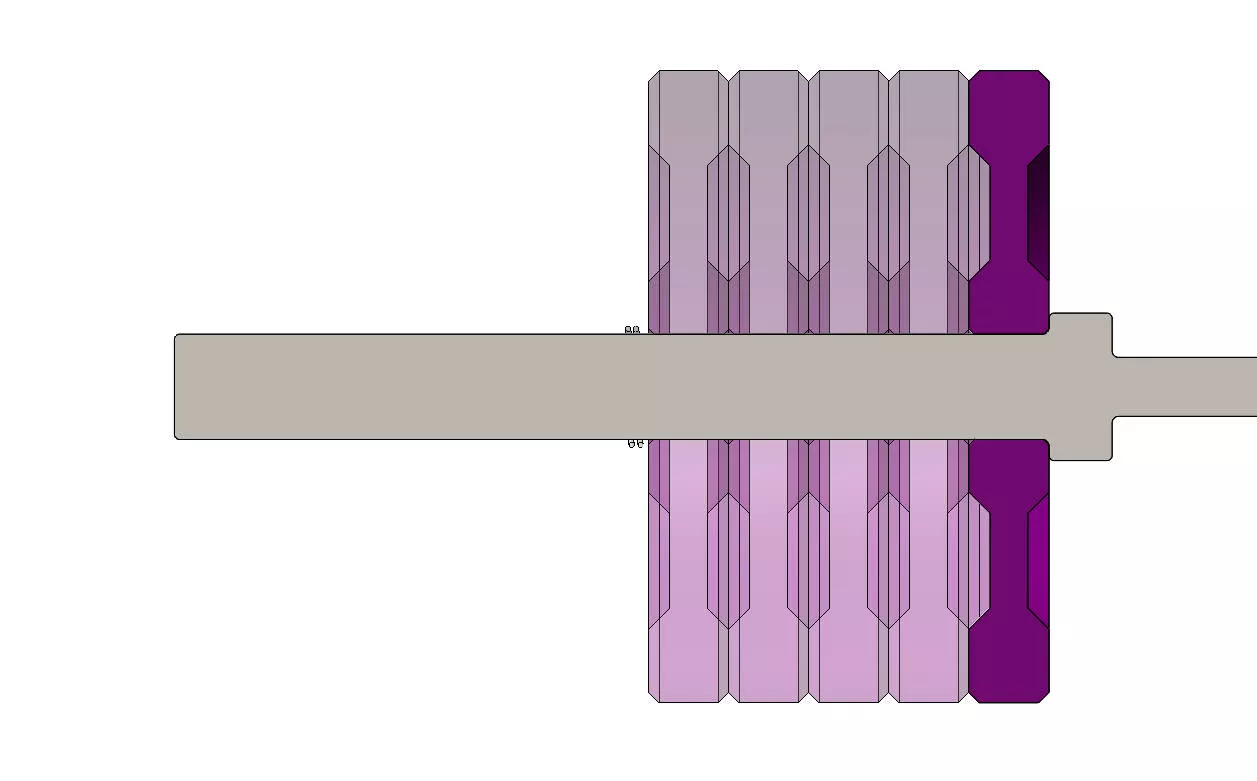
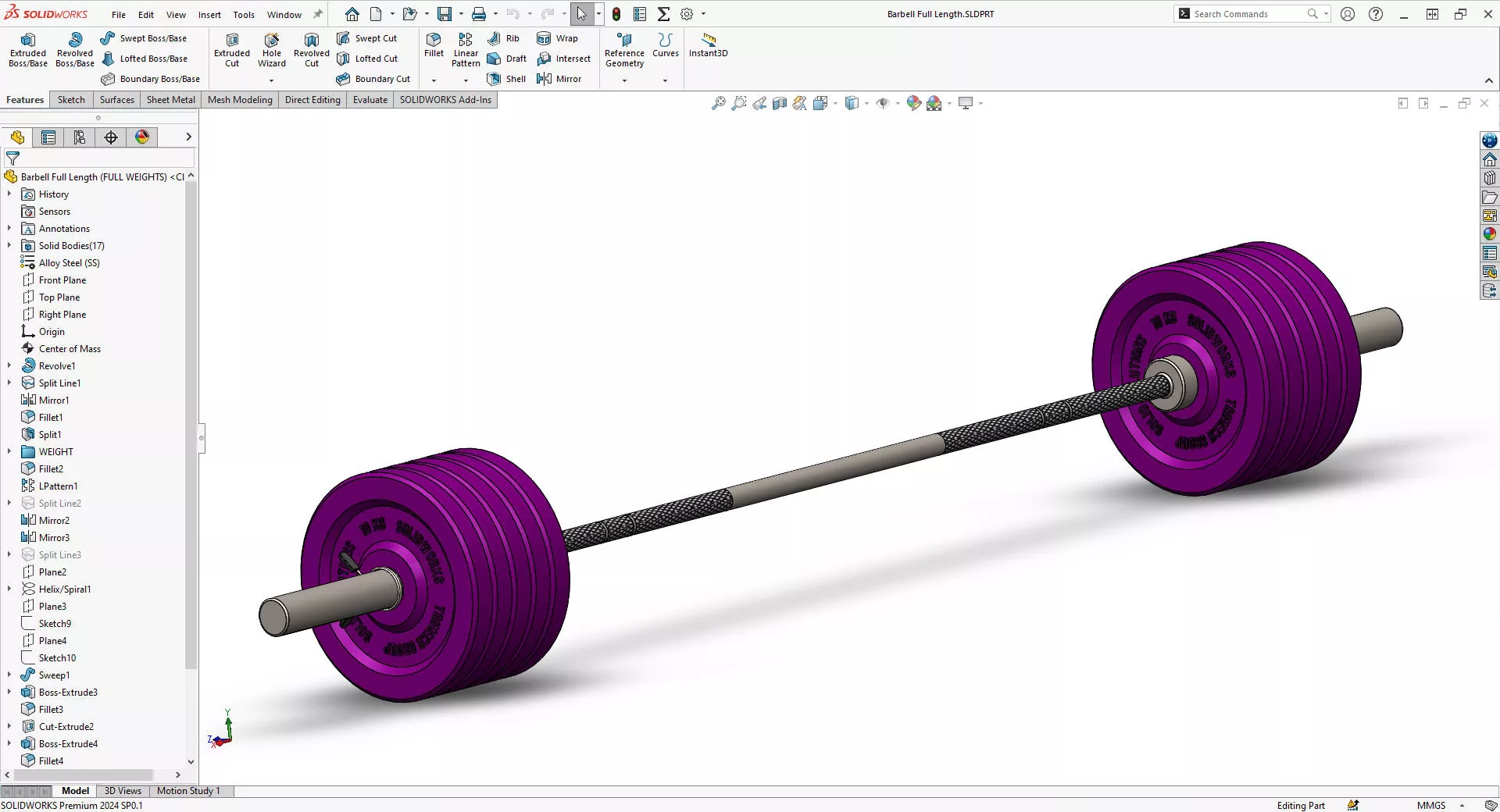
But if you want to add more detail and make it instantly recognisable, use multibody part modelling to add weights and collars to either end.
This gives us a complete cut list or bill of materials, and enhances the realism of our model so we can also practise producing realistic renders with SOLIDWORKS Visualize.
WHAT ARE BARBELLS MADE OF?
Whenever you’re modelling in SOLIDWORKS, it helps to know what material it is made from.
This is especially true if you want any form of accurate simulation in SOLIDWORKS.
A barbell has to hold a significant amount of varying weight, so they must be strong and durable, whilst also being flexible enough to withstand repetitive stress over long periods of time.
Typically, the bar of a barbell is made from steel that gets polished and knurled before being coated to protect from oxidation over time.
Our SOLIDWORKS model needs to reflect that, so we’ll add the Cast Carbon Steel material to our part from the FeatureManager tree.
HOW TO TEST DESIGNS IN SOLIDWORKS
SOLIDWORKS Premium and SOLIDWORKS Simulation are great tools for evaluating static loading scenarios.
The virtual testing environment provided lets engineers and designers quickly test, validate, and optimise the performance of designs under representative, real-world conditions.
By using finite element analysis (FEA), SOLIDWORKS Simulation can predict how products will behave under various loads, so we can ensure that they meet safety and performance standards before manufacturing.
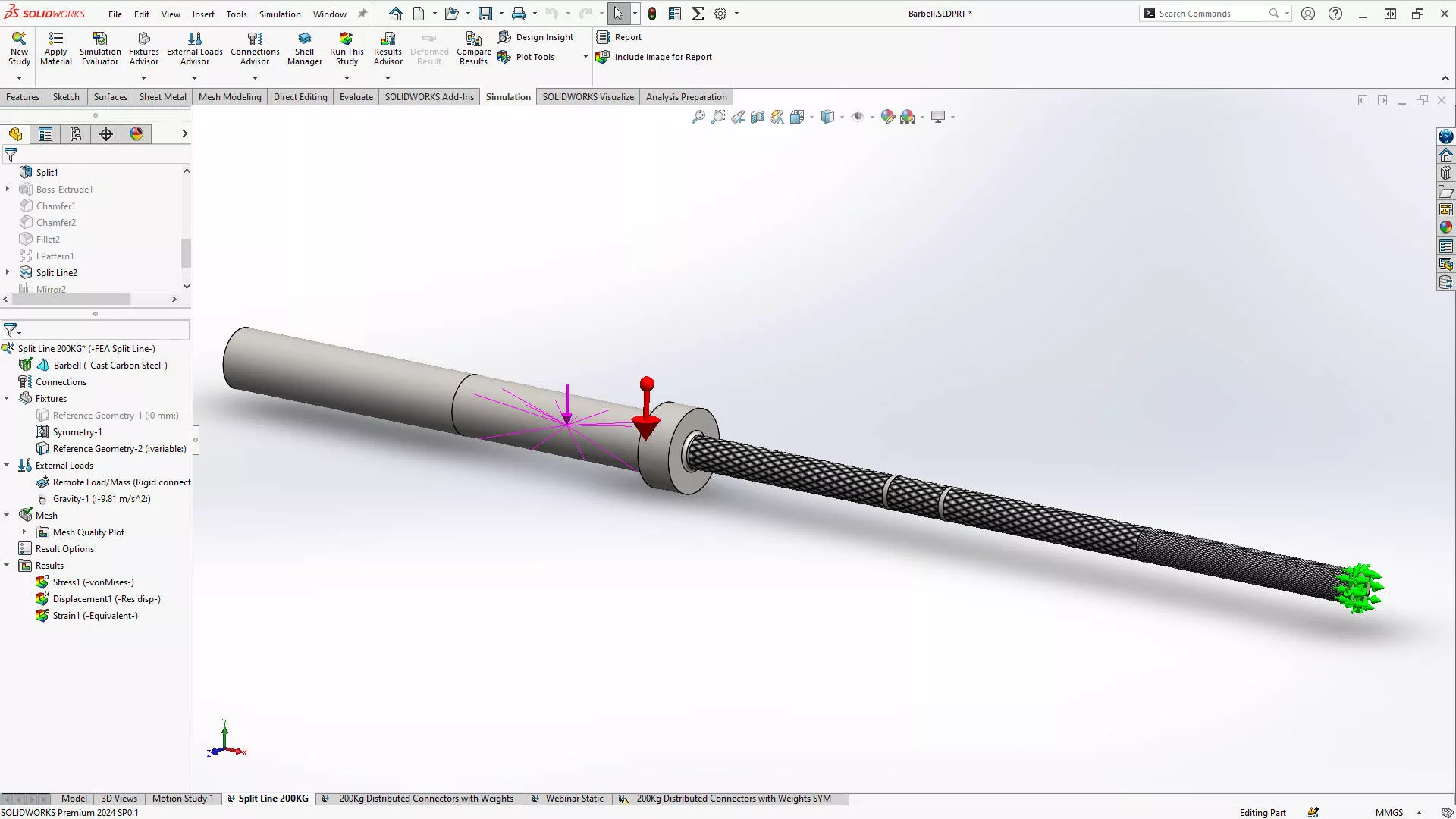
We set up this study to take a remote load equal to a hefty load of 200kg – that’s 100kg on either end.
We’ll make sure we follow the typical SOLIDWORKS Simulation workflow established on our training courses to give us an accurate result:
- Assign a Material: assign the appropriate material properties to the model. SOLIDWORKS comes with a vast library of materials by default. Remember to apply the material in the study too!
- Define Fixtures: select geometry to restrain and set degrees of freedom.
- Add Loads: define the loading conditions that the product will be subjected to. This includes the maximum weight it needs to hold and the dynamic loads from repetitive lifting.
- Create a Mesh: generate a mesh for the model. The mesh should be fine enough to capture the stress concentrations but optimised to reduce computational load.
- Run the Study: perform the simulation to analyse stress distribution, deformation, and safety factors.
Our fine mesh gives us the most accurate results, but it can take a little longer to run. We’ve asked SOLIDWORKS to give us displacement, strain, and stress plots for the loading scenario.
We’ll pay special attention to areas where stress concentrations are likely, such as the central part of the bar and the areas near the collars, with mesh refinement if needed.
INTERPRETING SIMULATION RESULTS
It’s important to remember that much like a calculator, SOLIDWORKS will only return the results of what the user inputted.
It is up to the user to interpret the results and determine the suitability of the design.
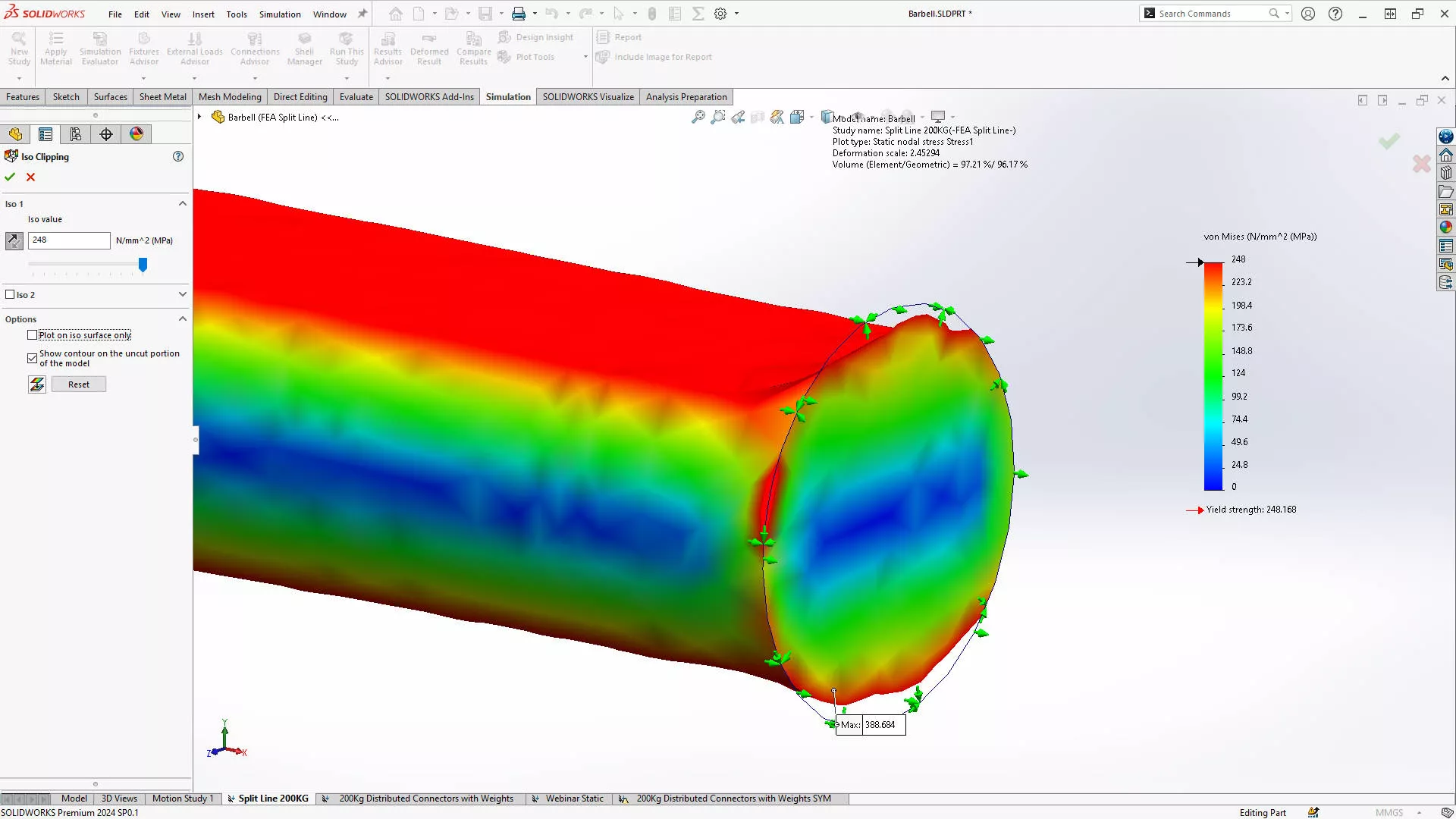
Charts can be modified in the options so that any area shown in red on a plot has yielded, meaning that the design is not suitable and must be re-evaluated.
Plots can be displayed by right-clicking on a result in the Simulation Feature Tree and selecting Show. The simulation results show the distribution of stress along the barbell and highlight critical points that may need reinforcement.

This ISO plot shows all the material that has yielded in a bar of cast carbon steel.
For instance, if the stress near the collars exceeds the material’s yield strength, the design may need to be adjusted, such as increasing the diameter of the bar or using a higher-strength material.
We can also view the displacement and see that this load will cause the bar to flex by 42 mm at its extremities.
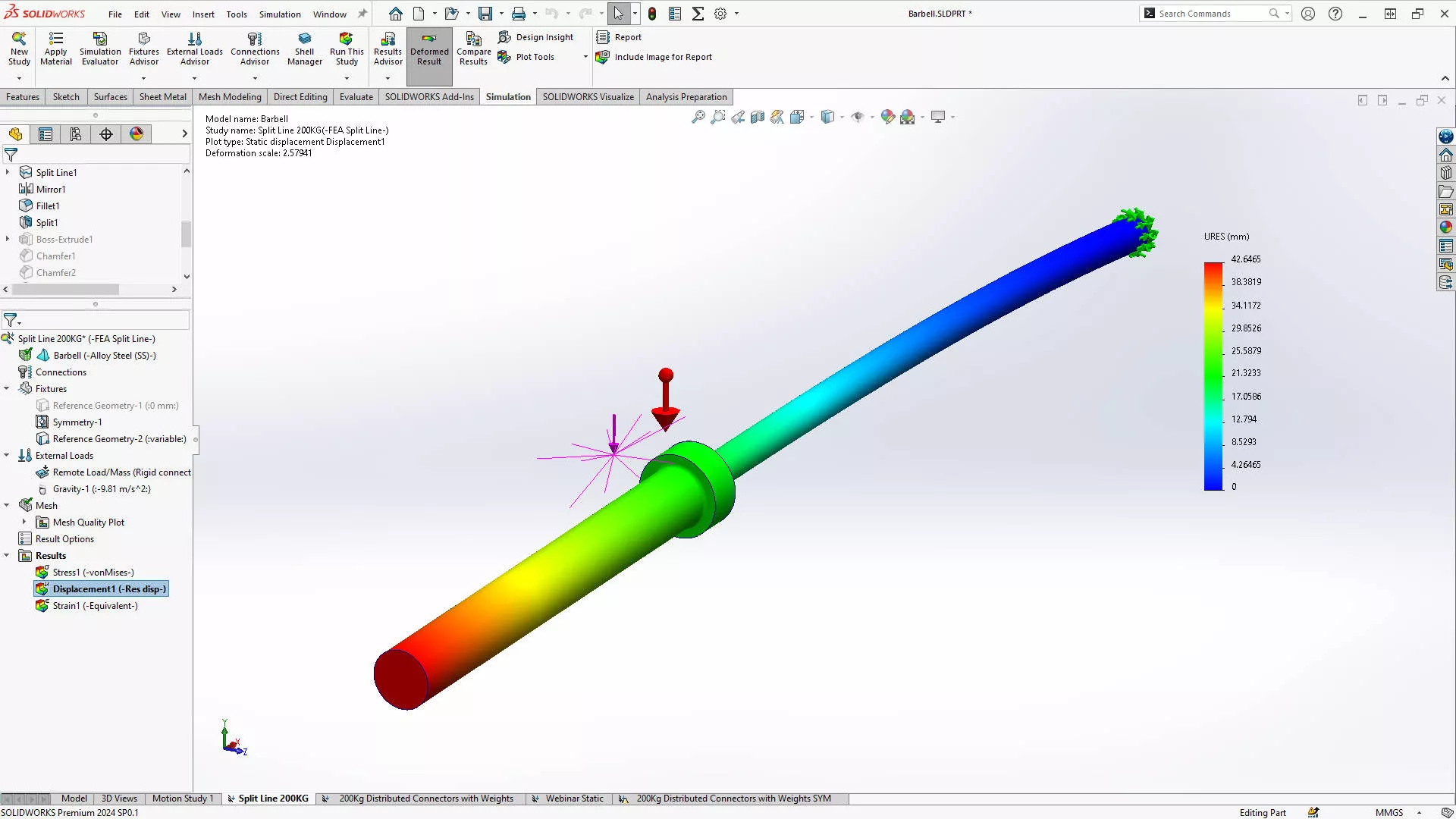
With SOLIDWORKS Simulation Professional, we can utilise design optimisation to change various dimensions and factors to settle on the best configuration for the scenario.
HOW MUCH WEIGHT IS TOO MUCH?
It greatly depends on what material a product is made from as to how much load will cause yielding.
The material yield strength and the diameter of the bar are two of the most significant factors in this scenario.
When made from cast carbon steel, 200 kg is too much for our bar, yielding at a measly 248 MPa.
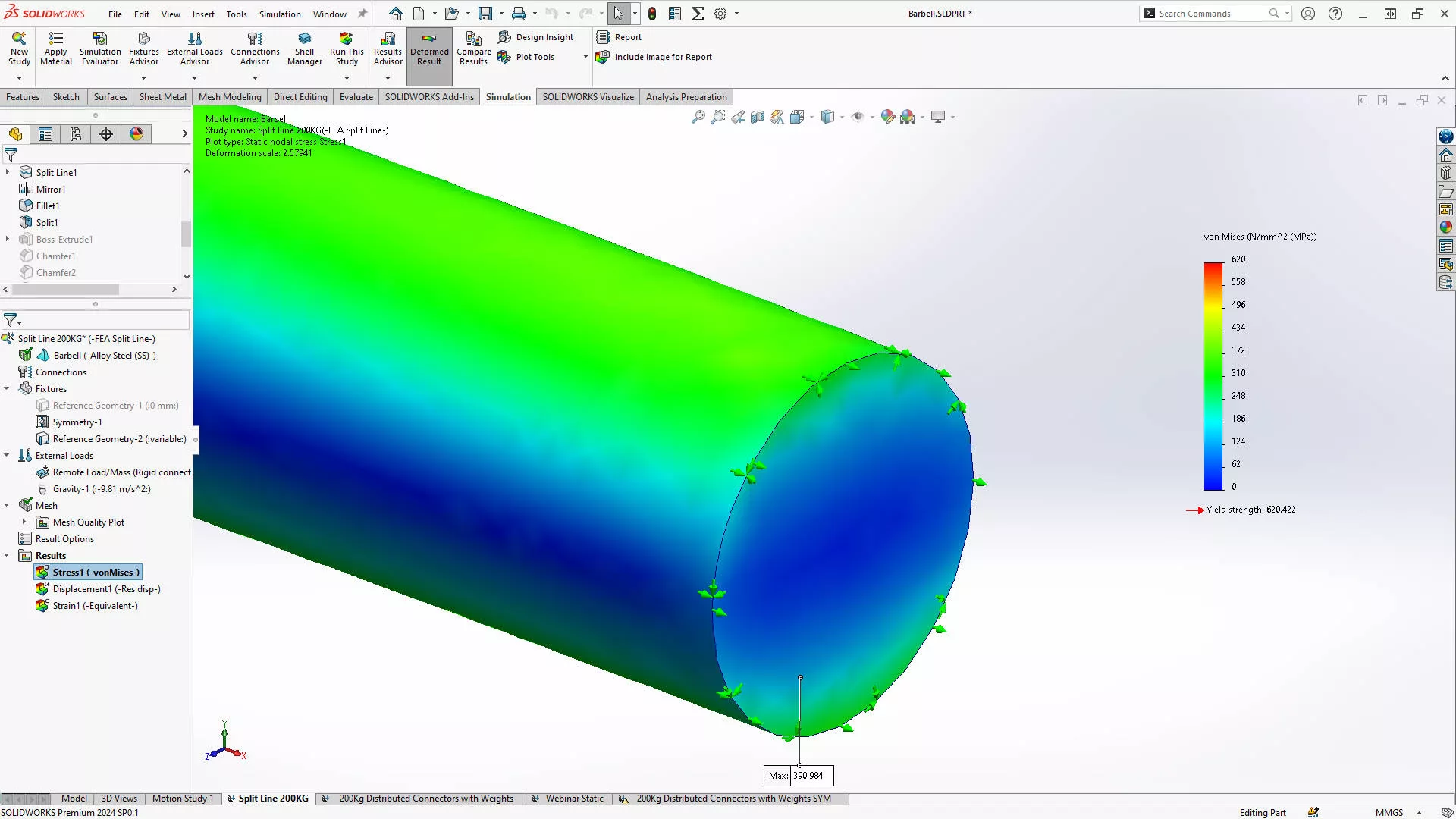
However, if we use alloy stainless steel, then our bar successfully holds 200 kg, and won’t yield until 620 MPa of stress is induced! This seems like a more suitable material choice.
CAN SOLIDWORKS DO STATIC SIMULATION?
By now, you can see that SOLIDWORKS is a clear and intuitive tool for solving FEA simulation problems.
Calculating static stresses is straightforward with SOLIDWORKS, and that means that you can enhance safety, reduce material and costs, while optimising designs for performance.
By simulating the maximum loads and stress points, we can ensure that designs are safe for use, preventing potential accidents and injuries.
Identifying design flaws and optimising the design before we manufacture it reduces the cost of prototyping and material waste, and by using SOLIDWORKS Simulation, we fine-tune the barbell’s design to ensure it complies with standards and functions correctly under the intended loads.
Whether you’re a manufacturer aiming to produce high-quality barbells or a fitness enthusiast curious about the safety of your equipment, understanding the capabilities and limitations of your gear through SOLIDWORKS Simulation is invaluable.
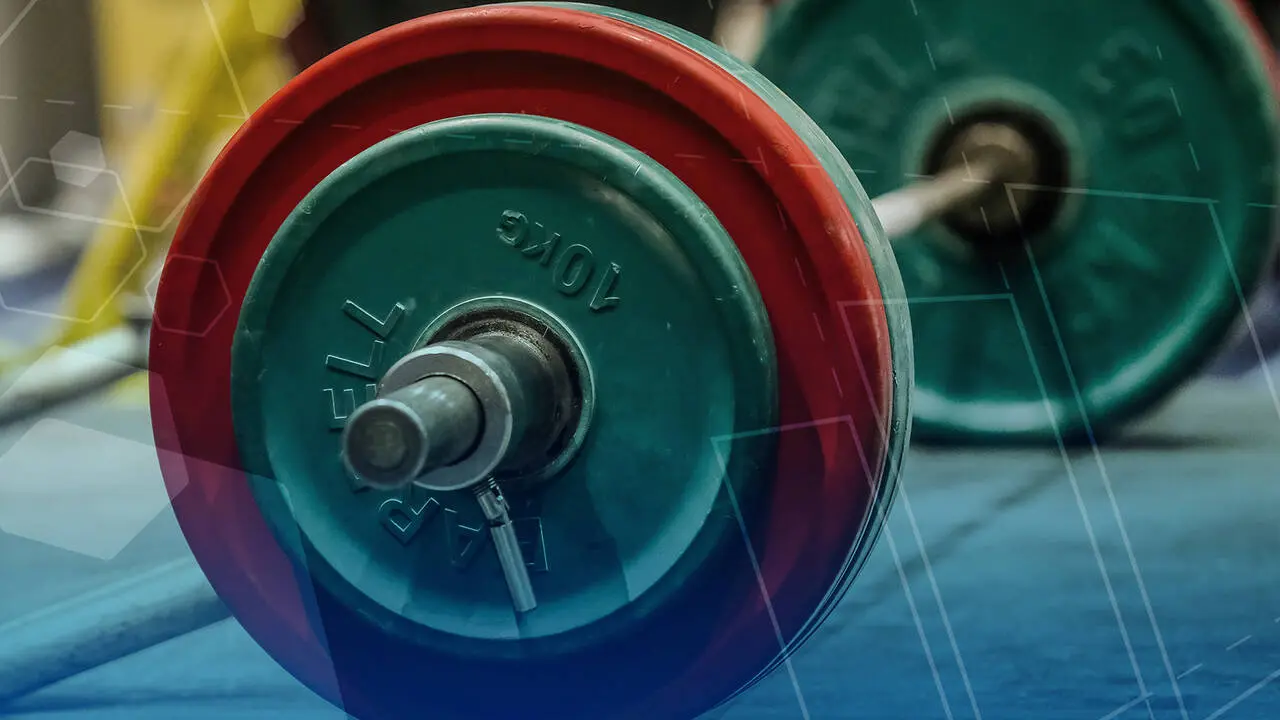
To learn how to set up your study in the same way, follow along with our webinar where we run you through several scenarios for calculating displacements and stresses.
Discover how easy it is to get results quickly with SOLIDWORKS Simulation or utilise our experienced Simulation consultants to get the job done for you.
Categorised as: SOLIDWORKS Simulation | Simulation
Get a SOLIDWORKS Quote
Interested in SOLIDWORKS? Contact us for questions, trials, or demos by clicking the button below or call 01926 333777. Our experts will help you find the perfect solution.

Related Posts

How to Find Reaction Forces in SOLIDWORKS Simulation
SOLIDWORKS helps us to find resultant forces through simulation studies. These virtual tests reduce the need for physical prototypes and give us an accurate answer.

SOLIDWORKS Tips: Are you Making this Common Mistake in Fatigue Analysis?
Simulation is a vital and complex engineering need. Fortunately, SOLIDWORKS makes it easy to test, correct mistakes and obtain accurate results.

Redesigning Santa’s Sleigh in SOLIDWORKS
Every year Father Christmas has to fly in his sleigh to deliver presents to boys and girls all over the world in just one night. To put this into perspective, it takes a little under 24 hours to fly from London (UK) to Sydney (Australia) in a streamlined Boeing 747, whereas Father Christmas’ mode of transport is believed to be a rather non-aerodynamic sleigh.

Radiation in Flow Simulation – Part 1 : Reflection
Technical Manager Andy Fulcher explores ‘Radiation in Flow Simulation, Part 1 : Reflection’
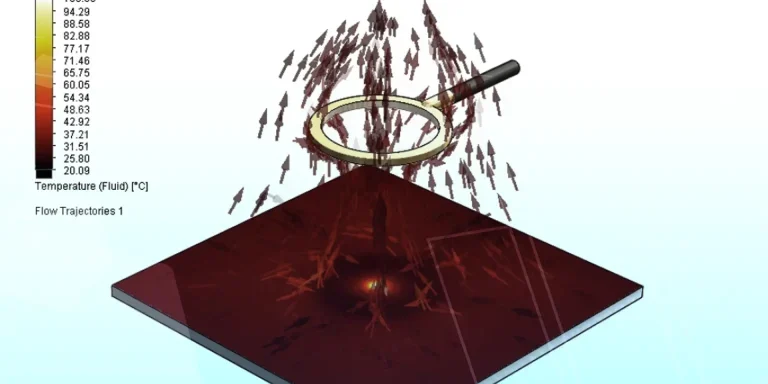
Radiation in Flow Simulation – Part 2 : Refraction
Technical Manager Andy Fulcher explores ‘Radiation in Flow Simulation, Part 2 : Refraction’
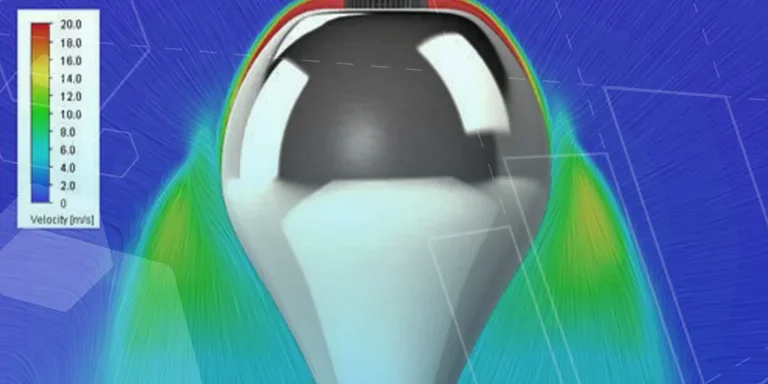
The Coanda Effect in Flow Simulation
Can you take advantage of the Coanda Effect & can SOLIDWORKS Flow simulate it? Applications Engineer Romel Cumare investigates in his latest blog post.
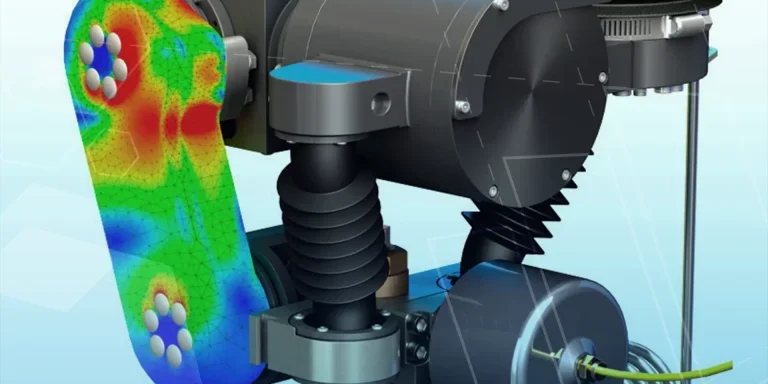
So how accurate is SOLIDWORKS Simulation?
How accurate is SOLIDWORKS Simulation? Elite Applications Engineer Chris Boyles investigates.
Set Your Fluids Free with SOLIDWORKS Flow Simulation
A look at the new Free Surface feature coming in SOLIDWORKS Flow Simulation 2018.
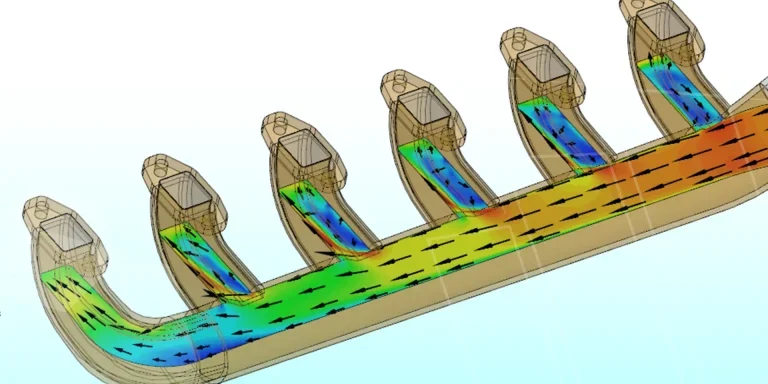
Finding a Good Mesh Fast in SOLIDWORKS Flow Simulation
‘How do I know when to stop my calculation?’ and ‘How do I know my mesh is good enough?’ are questions often asked when running SOLIDWORKS Flow Simulation studies.
The answer is to ensure the solution reached is both fully converged AND mesh independent. In practice this can take a bit of trial and error as well as some experience in the process. However, SOLIDWORKS Flow can help us do both of these at once! Here’s how…

Free Surface Evaluation & Validation – SOLIDWORKS Flow Simulation
In 2018 SOLIDWORKS introduced a new capability to their Flow software. This is called ‘Free Surface’ and opens up many more applications for users who need to simulate fluid behaviour where a gas and a liquid (or two immiscible liquids) share the same region of space without an intervening solid